Get 10% back in Relic Coins on every order
Adventure Boy Cheapskate DX cover

SteamGlobal· Key

Adventure Boy Cheapskate DX

€0.12

+€0.01 cashback eligibility in Relic Coins

Check before you play

Platform
Steam
Region
Global
Product type
Key
Developer
Paul Georghiou, Jeremy Swanson
Publisher
Paul Georghiou
Supplier release date
2018-12-08
Genres
Adventure

About this product

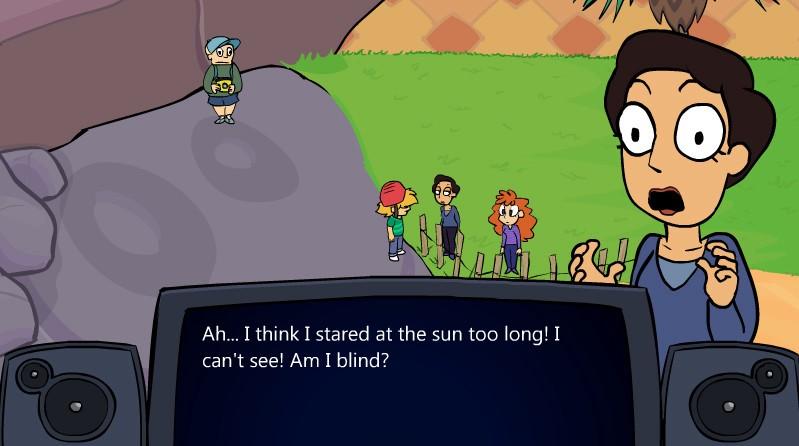
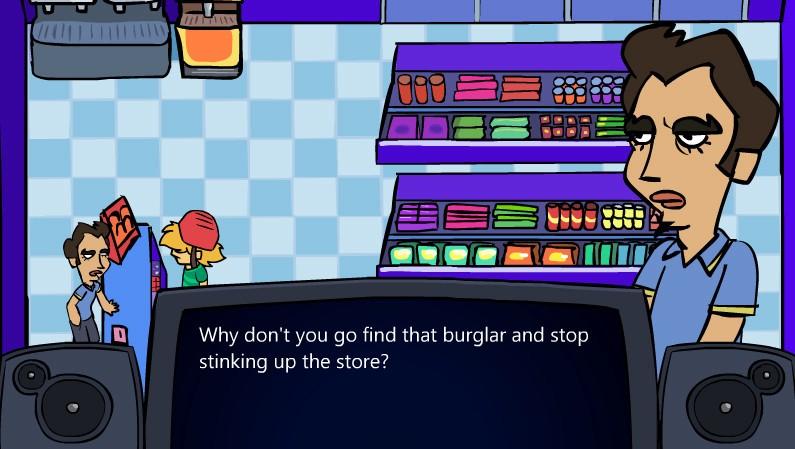
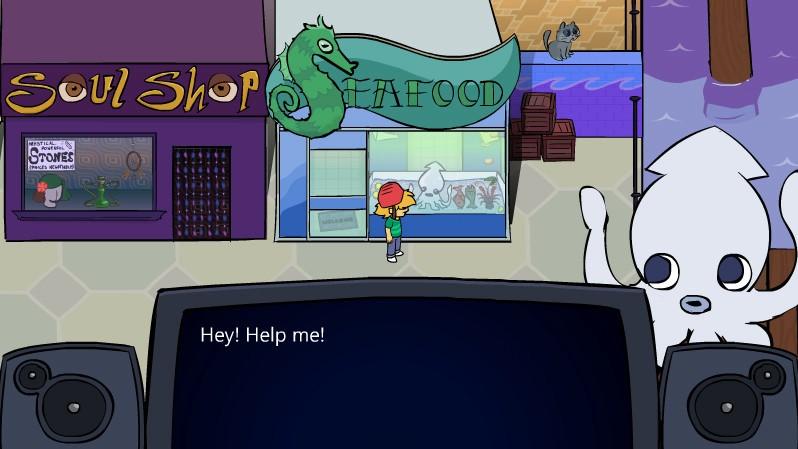
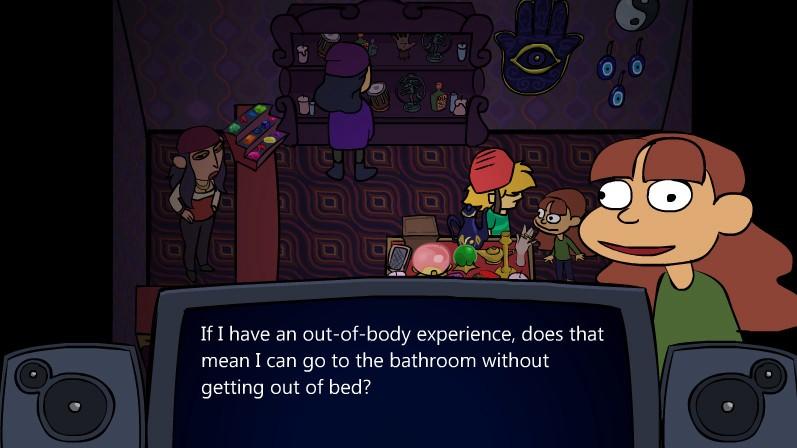
Explore the seaside town of Estivale, meet dozens of fleshed out characters and track down the cruel thief who stole your bike! This version includes tons of new puzzles and a new area, plus some general updates and a revised special game.Pure swap-quest adventuring, with puzzles, secrets, and hilarious dialogue. A huge cast of funny, weird and thoughtful characters await you, as you guide Benson, the wise-ass teen through a journey to reclaim his stolen bike.Adventure Boy Cheapskate started development in 2010, created by two high school friends. Designer Paul Georghiou is continuing the series with Adventure Boy 2, now in development. Adventure Boy Cheapskate DX was released to garner support for the upcoming sequel!Directional keys or WASD - moveShift - runZ + X - select itemSpace - talk, use itemP - pauseM - muteT - view Time

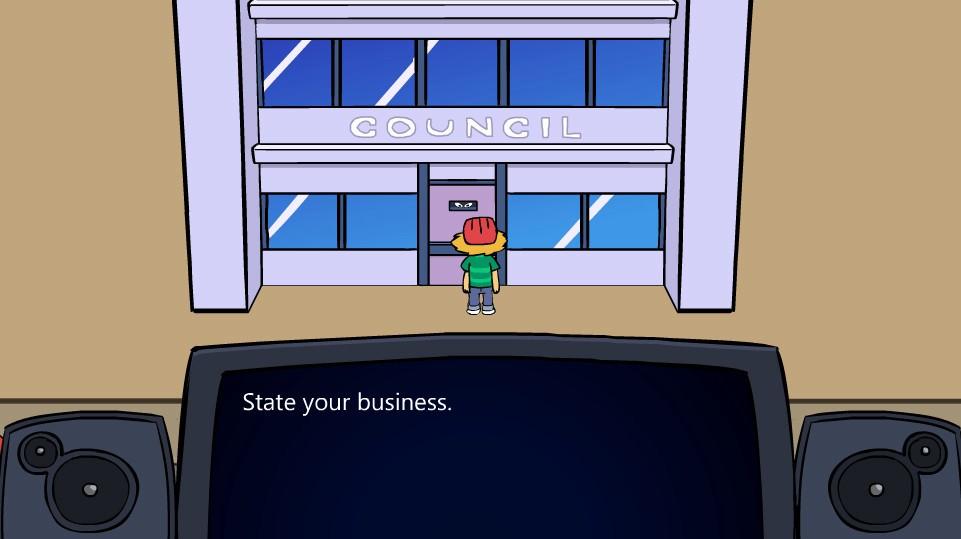
Adventure Boy Cheapskate DX screenshotAdventure Boy Cheapskate DX screenshotAdventure Boy Cheapskate DX screenshotAdventure Boy Cheapskate DX screenshotAdventure Boy Cheapskate DX screenshot

How to redeem

  1. 1Check your Steam account and the listed region before purchasing.
  2. 2Find your code and supplier activation instructions in your confirmed order.
  3. 3Open the redeem-code section on Steam, enter the code and follow the platform’s prompts.

Supplier instructions

Go to: http://store.steampowered.com/ and download STEAM client Click "Install Steam" (from the upper right corner) Install and start application, login with your Account name and Password (create one if you don't have). Please follow these instructions to activate a new retail purchase on Steam: Launch Steam and log into your Steam account. Click the Games Menu. Choose Activate a Product on Steam... Follow the onscreen instructions to complete the process. After successful code verification go to the "MY GAMES" tab and start downloading.

You might also like