
SteamGlobal· Key
Winter Resort Simulator Season 2
€21.00
+€2.10 cashback eligibility in Relic Coins
Check before you play
- Platform
- Steam
- Region
- Global
- Product type
- Key
- Supplier release date
- 2020-11-26
- Genres
- Simulation, Indie, Casual
SteamGlobal· Key
€21.00
+€2.10 cashback eligibility in Relic Coins
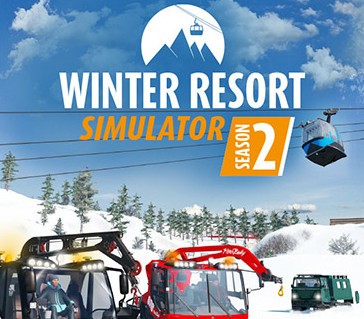
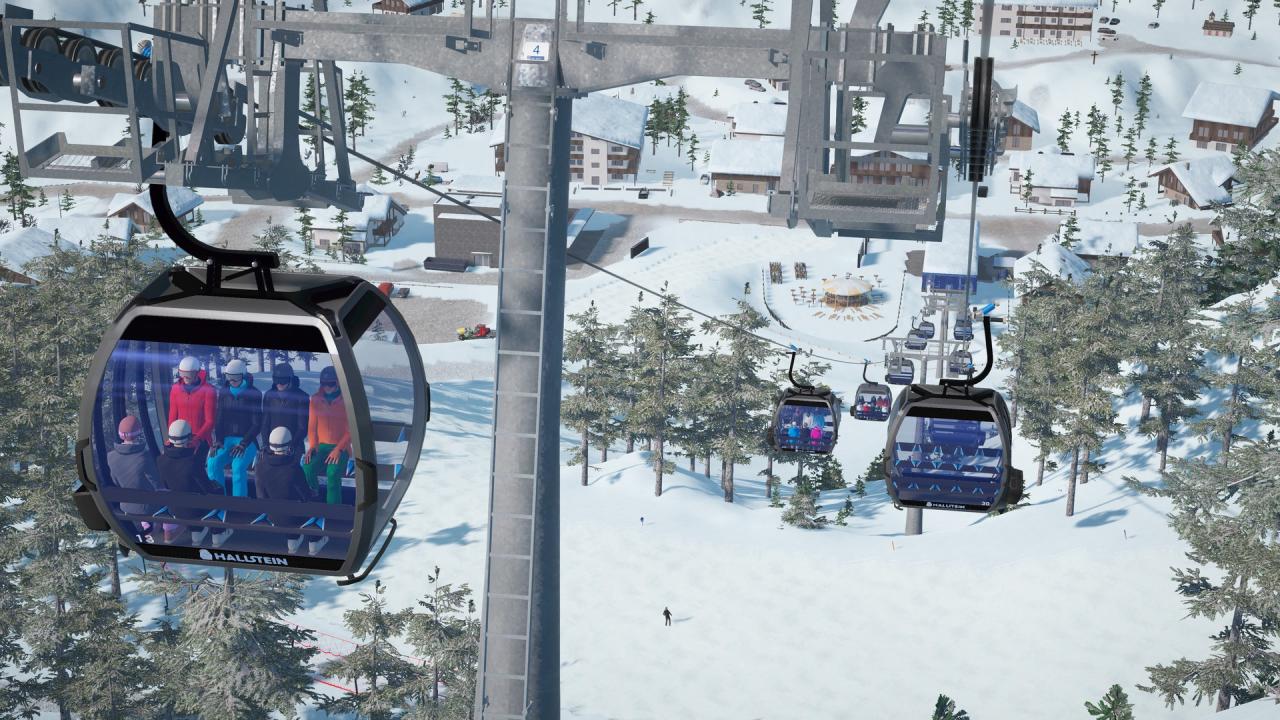
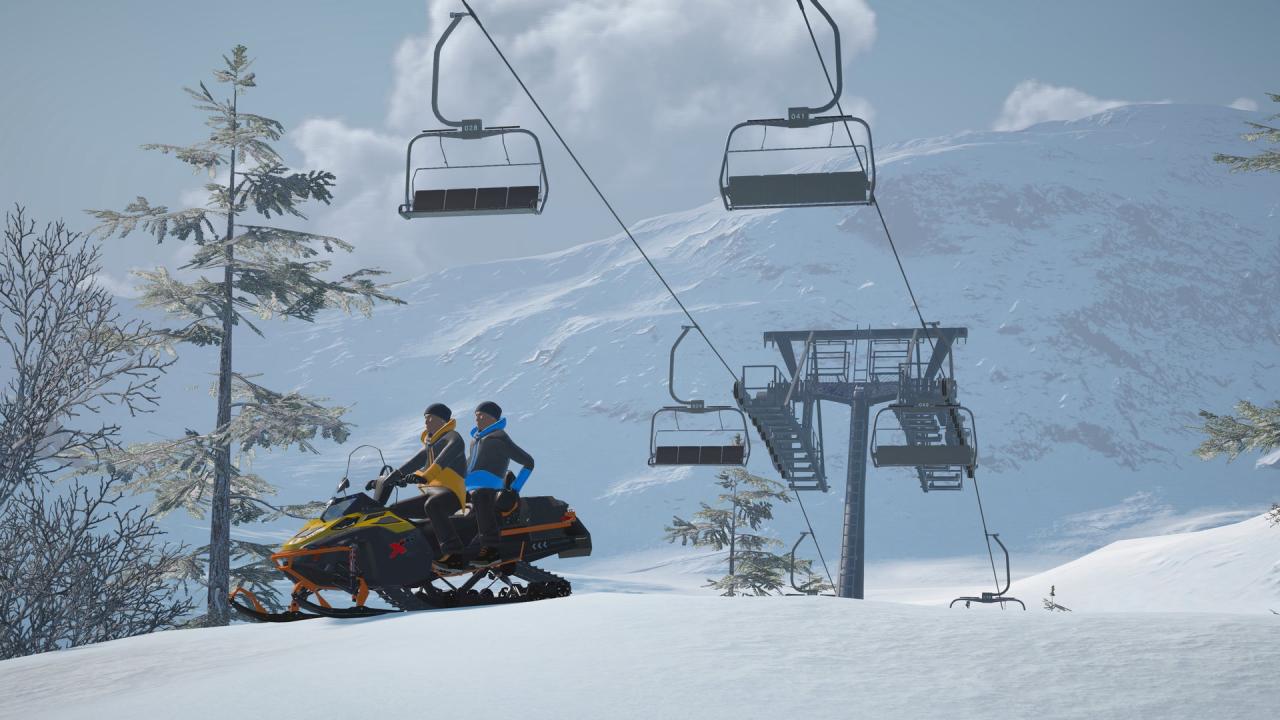
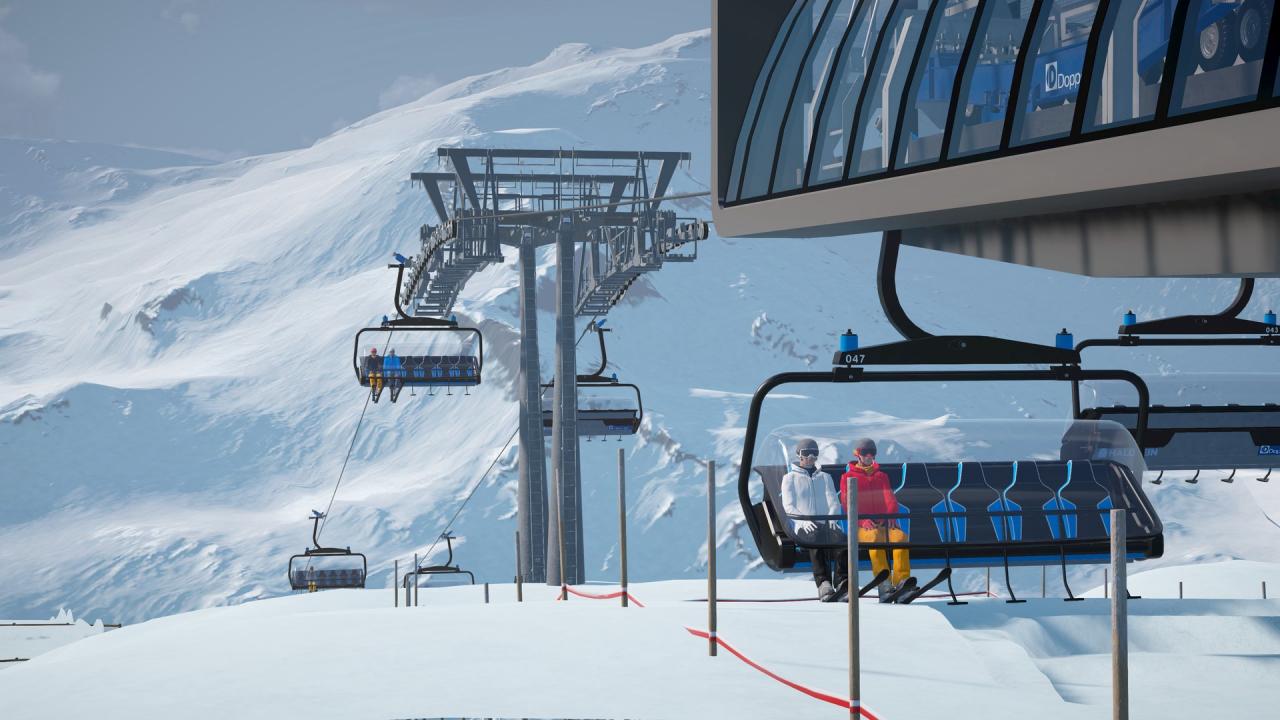
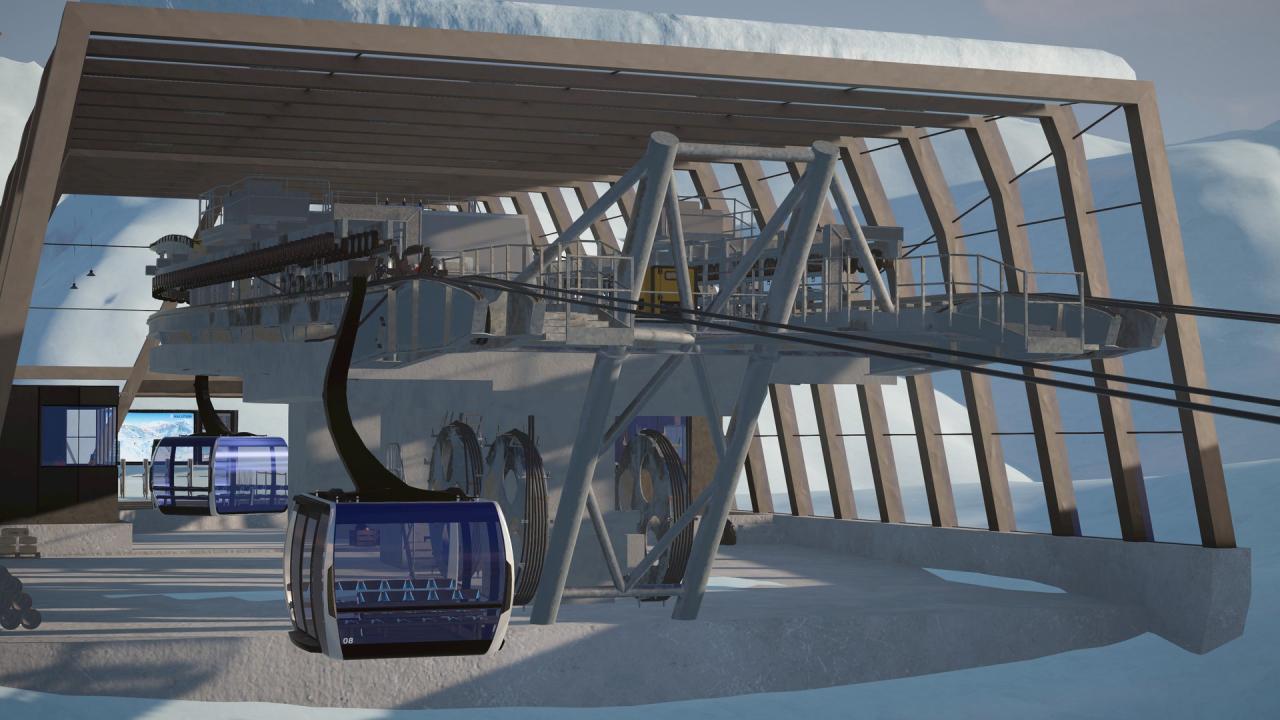
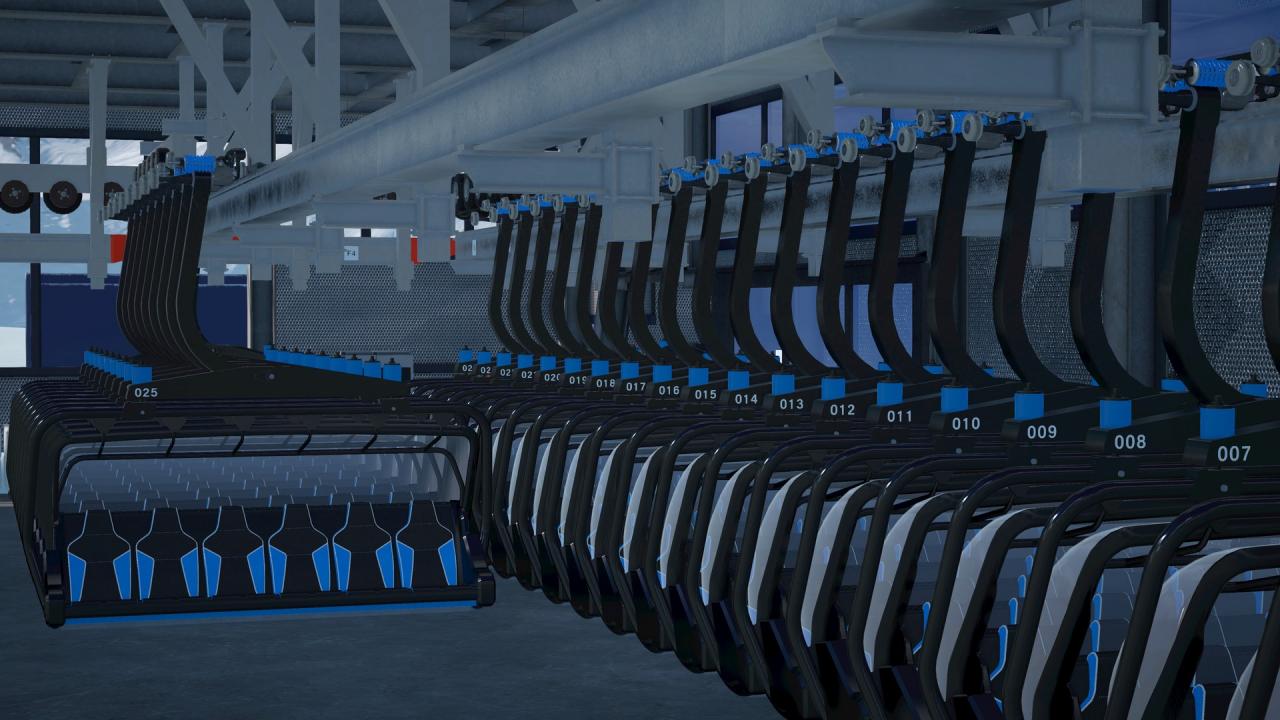
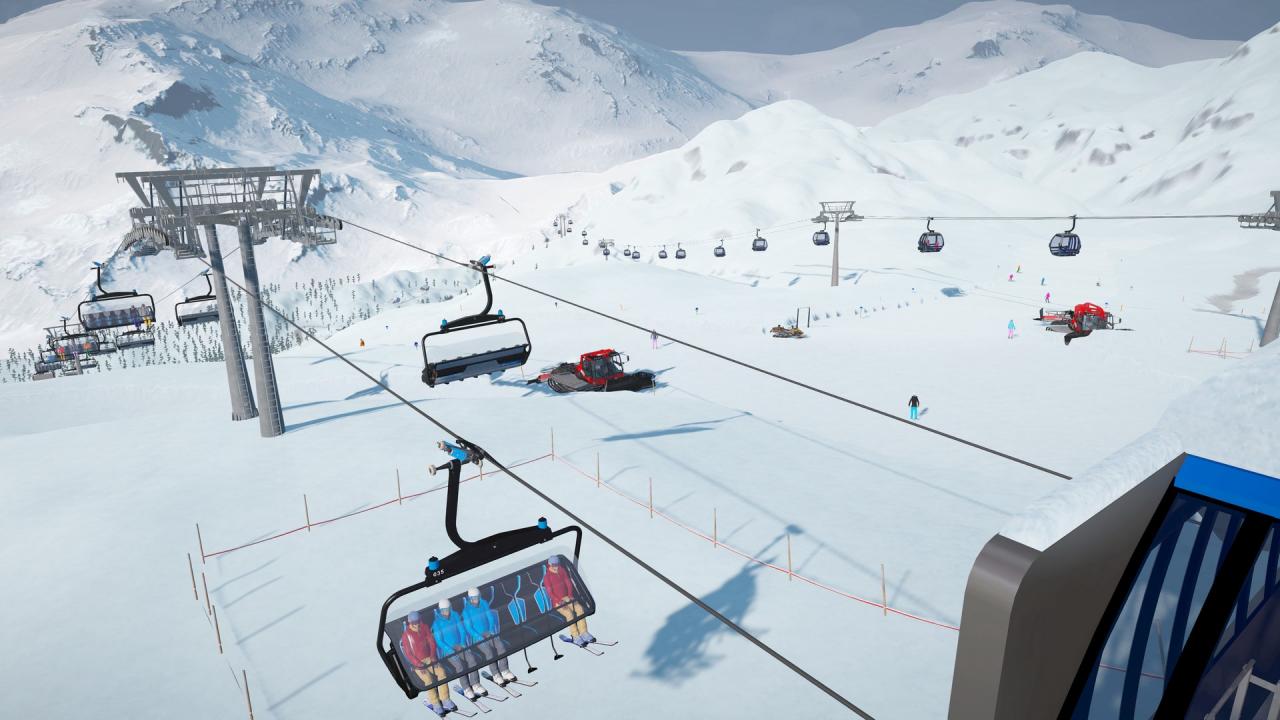
Winter Resort Simulator Season 2 is a realistic and authentic simulation of a ski resort with all its exciting technical facilities and vehicles. Experience the various everyday life of the ski resort manager! Prepare the steepest slopes with originally licensed snowcats and operate various types of ropeways. Earn money and invest in new facilities to make your own ski resort the very best! Invite your friends to your map and operate the resort together in the multiplayer. Customize your character and vehicles to fit them better in your overall ski resort theme! To top it all off, the overall performance of the game has been improved. The enhanced, more realistic snow system and improved vehicle controls make the game experience even more exciting than before. Multiplayer mode enjoy with friends and manage the daily challenges of the ski resort life! Improved snow system with high resolution and more realistic snow behaviour Increased overall performance Detailed ropeways and vehicles, officially licensed by real-world manufacturers Comprehensive Modding support Dynamic environment system with changing weather
Go to: http://store.steampowered.com/ and download STEAM client Click "Install Steam" (from the upper right corner) Install and start application, login with your Account name and Password (create one if you don't have). Please follow these instructions to activate a new retail purchase on Steam: Launch Steam and log into your Steam account. Click the Games Menu. Choose Activate a Product on Steam... Follow the onscreen instructions to complete the process. After successful code verification go to the "MY GAMES" tab and start downloading.