Get 10% back in Relic Coins on every order
Cities: Skylines - Sunset Harbor DLC cover

Steam Europe - All Countries· DLC

Cities: Skylines - Sunset Harbor DLC

€7.39

+€0.74 cashback eligibility in Relic Coins

Check before you play

Platform
Steam
Region
Europe - All Countries
Product type
DLC

Check the required base game and edition before purchasing this add-on.

Supplier release date
2020-03-26
Genres
Strategy, Simulation

About this product

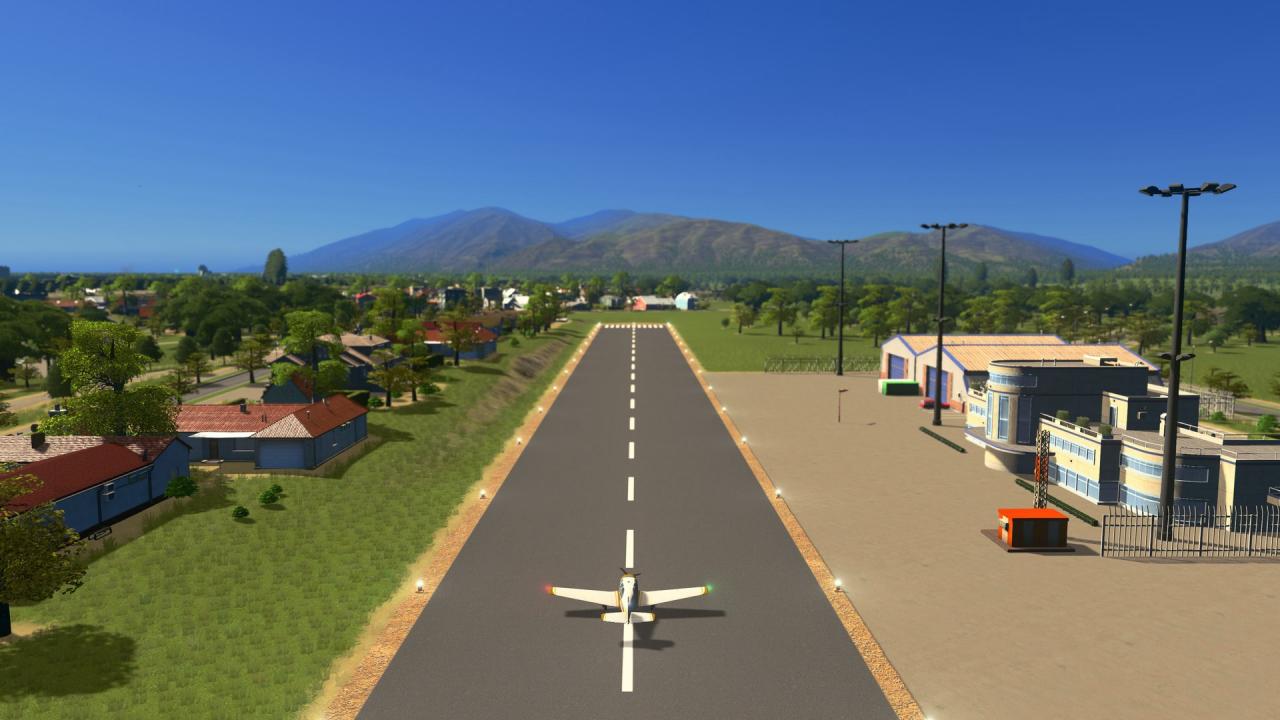
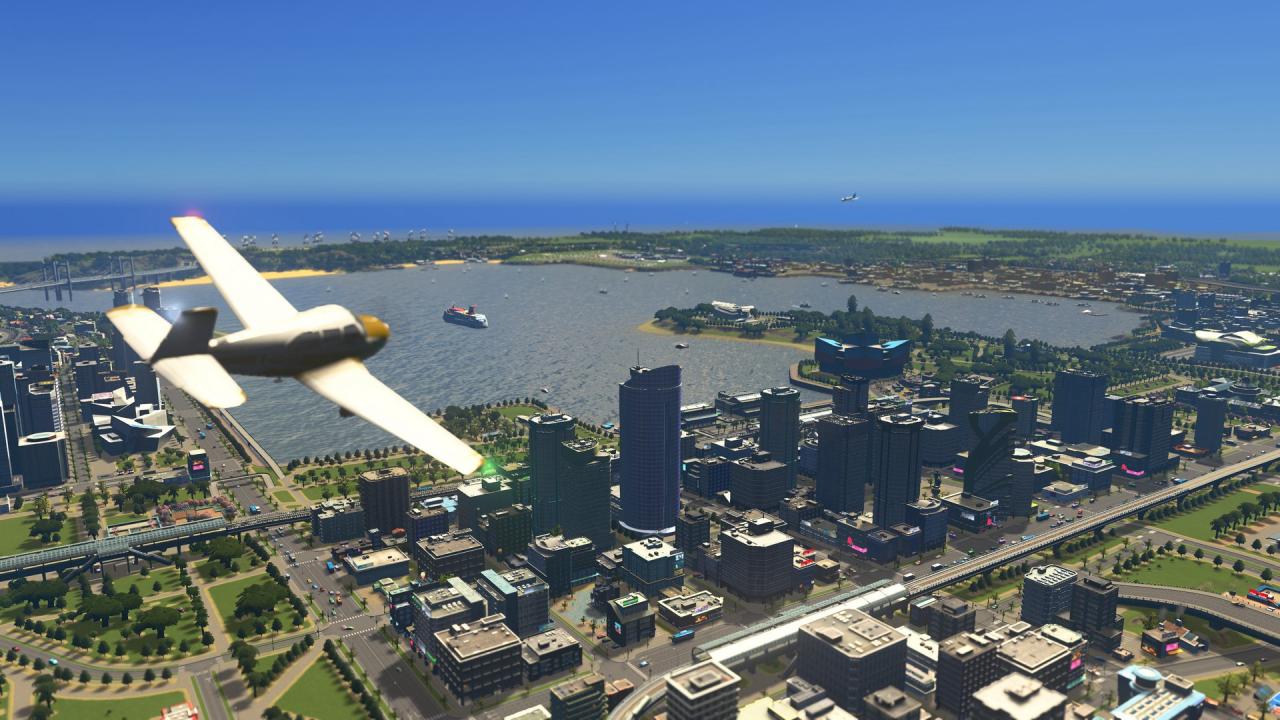
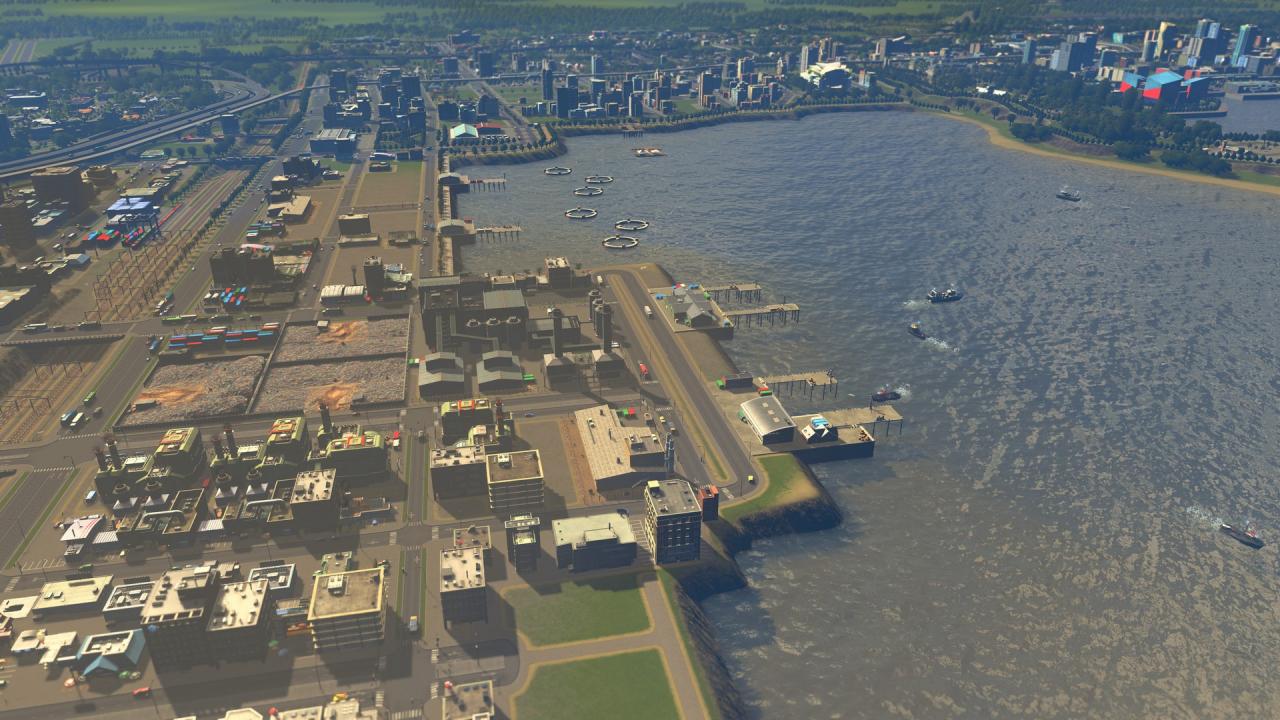
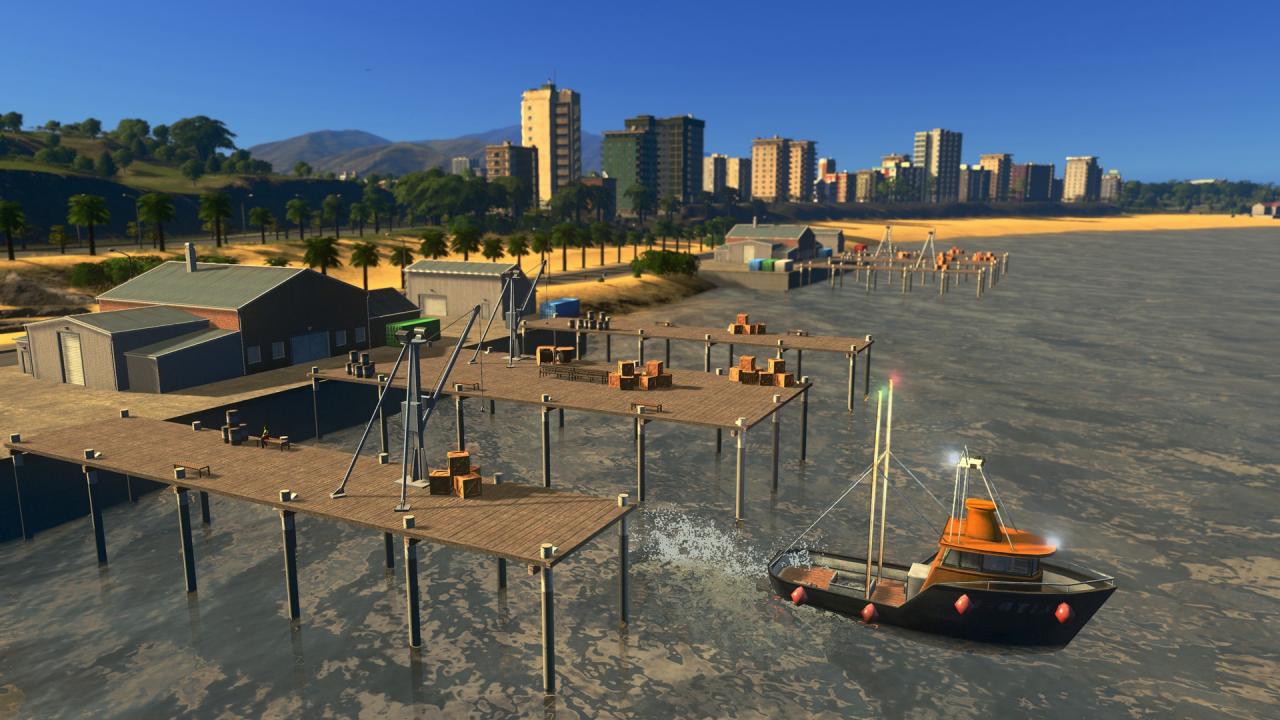
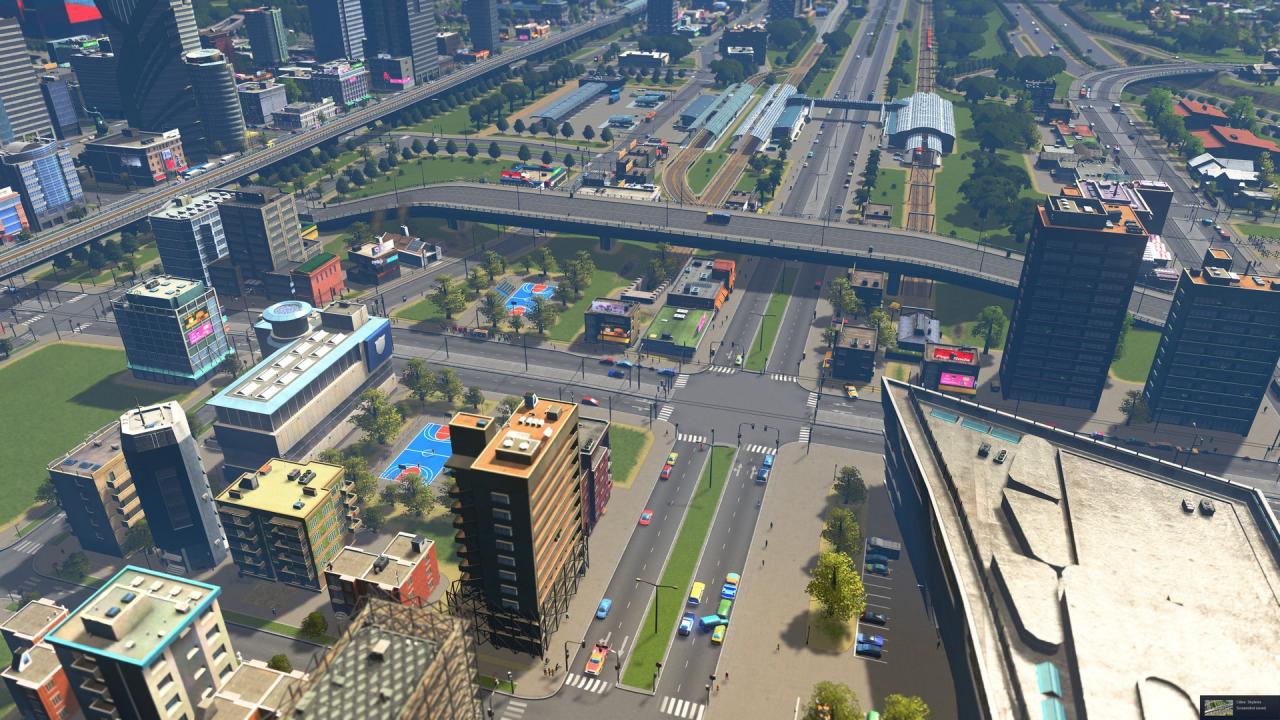
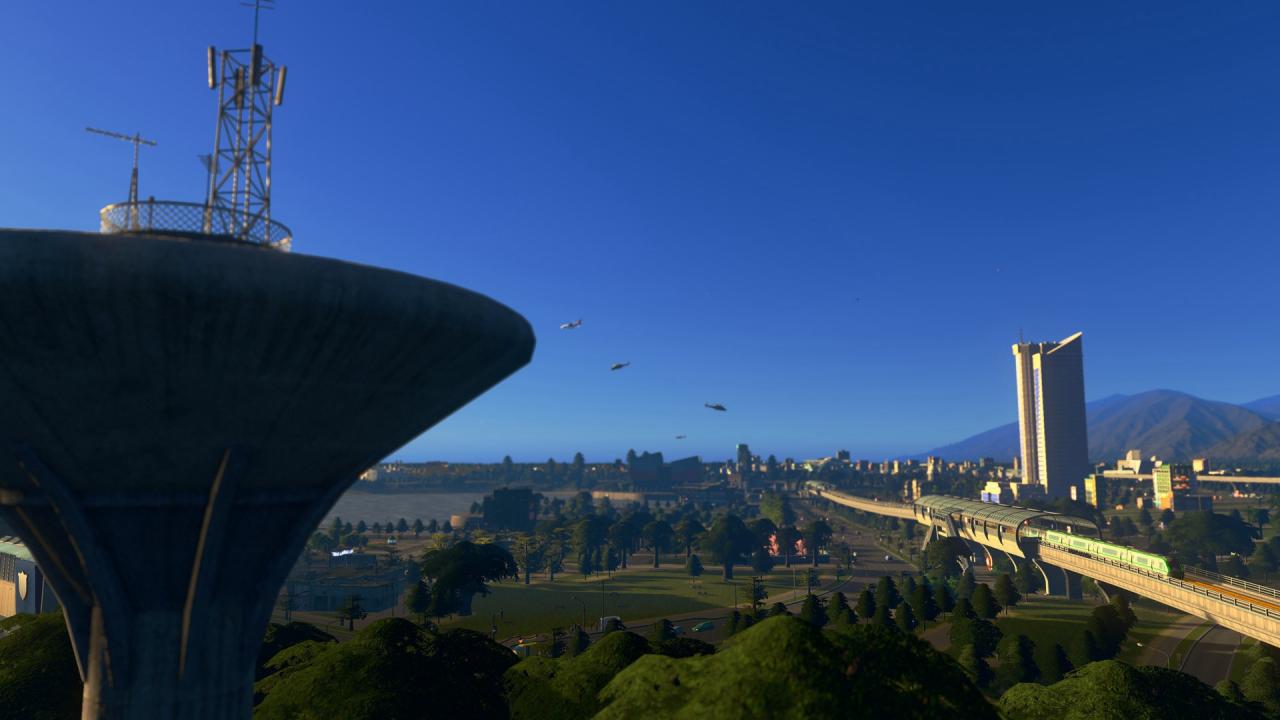
Ahoy! Cities: Skylines - Sunset Harbor introduces the fishing industry, new mass transit options, and important city services. Increase your city's entertainment with the Aviation Club and fly with passenger helicopters and private planes. Create cities across five new maps and build fishing infrastructure to develop your agricultural industry. Features Underwater FriendsExplore the new fishing industry with control over fishing boats at sea and fish farms, adding a new commercial element to your city. Water Water EverywhereUtilize Water Treatment Plants that process wastewater for additional uses. Find Your RouteExplore new bus systems, including the Intercity Bus Service for transit between cities. Fly In StyleThe Aviation Club building encourages small plane owners to take part in recreational flying. Five New MapsFind a spot for the perfect city to build! Sunset Harbor includes a variety of different maps featuring boreal, tropical and temperate locales.

Cities: Skylines - Sunset Harbor DLC screenshotCities: Skylines - Sunset Harbor DLC screenshotCities: Skylines - Sunset Harbor DLC screenshotCities: Skylines - Sunset Harbor DLC screenshotCities: Skylines - Sunset Harbor DLC screenshotCities: Skylines - Sunset Harbor DLC screenshot

How to redeem

  1. 1Check the required base game, platform and edition before purchasing.
  2. 2Find the code or supplier activation instructions in your confirmed order.
  3. 3Redeem on Steam using the supplied instructions, then install the add-on with the compatible base game.

Supplier instructions

Go to: http://store.steampowered.com/ and download STEAM client Click "Install Steam" (from the upper right corner) Install and start application, login with your Account name and Password (create one if you don't have). Please follow these instructions to activate a new retail purchase on Steam: Launch Steam and log into your Steam account. Click the Games Menu. Choose Activate a Product on Steam... Follow the onscreen instructions to complete the process. After successful code verification go to the "MY GAMES" tab and start downloading.

You might also like