
SteamGlobal· Key
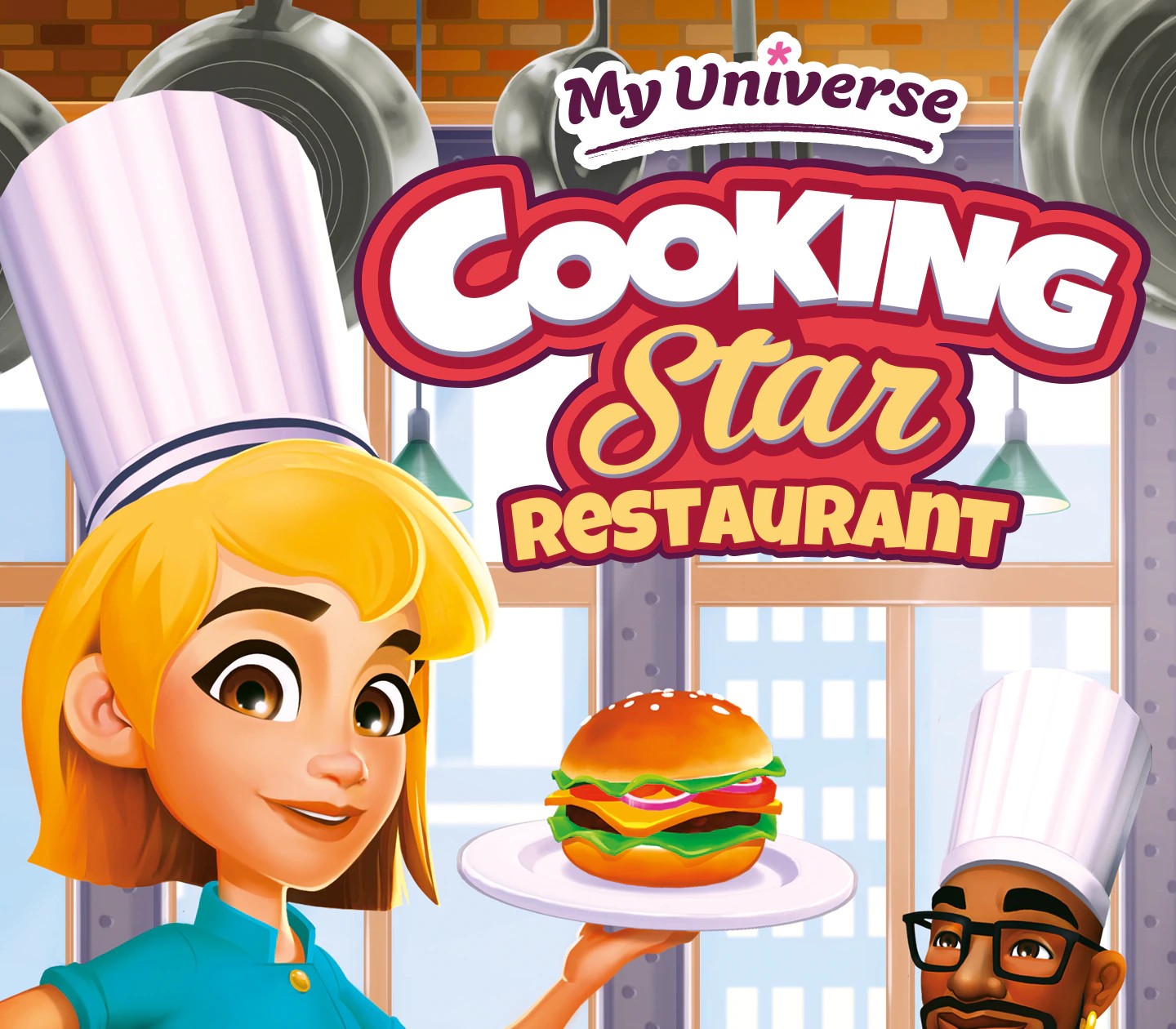
My Universe - Cooking Star Restaurant
€4.63
+€0.46 cashback eligibility in Relic Coins
Check before you play
- Platform
- Steam
- Region
- Global
- Product type
- Key
- Supplier release date
- 2020-11-10
- Genres
- Simulation, Indie
SteamGlobal· Key
€4.63
+€0.46 cashback eligibility in Relic Coins
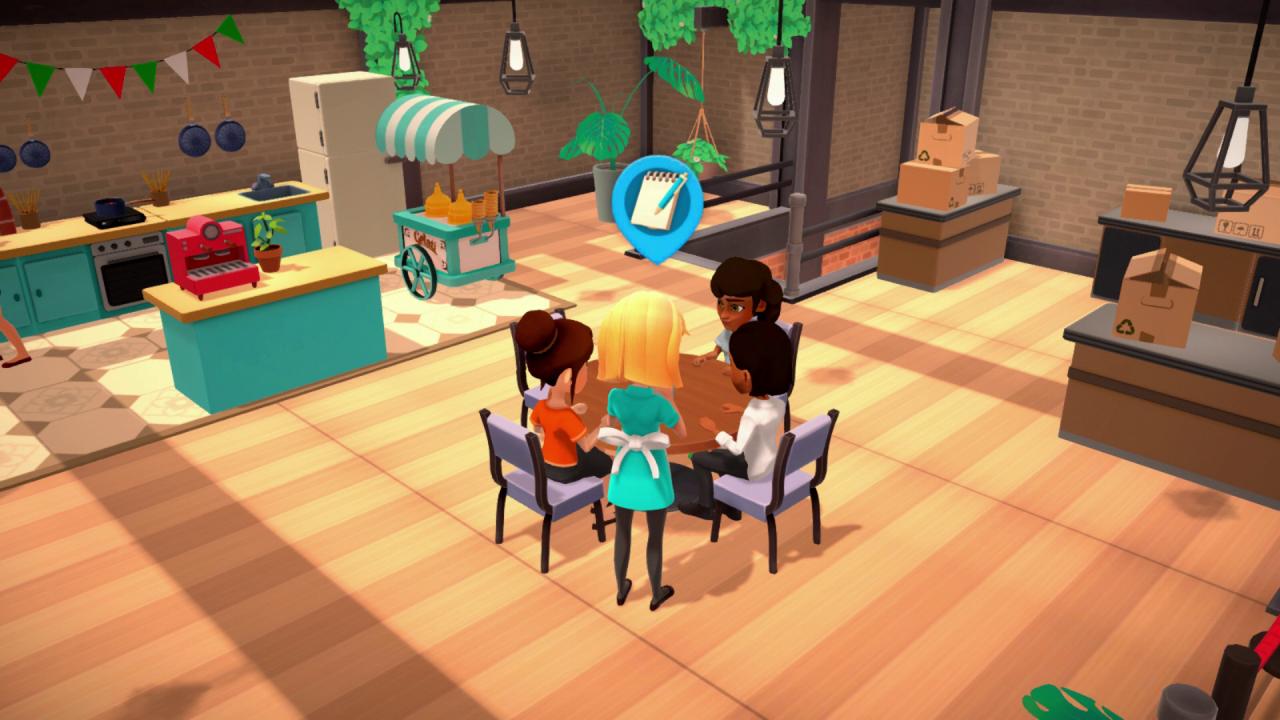
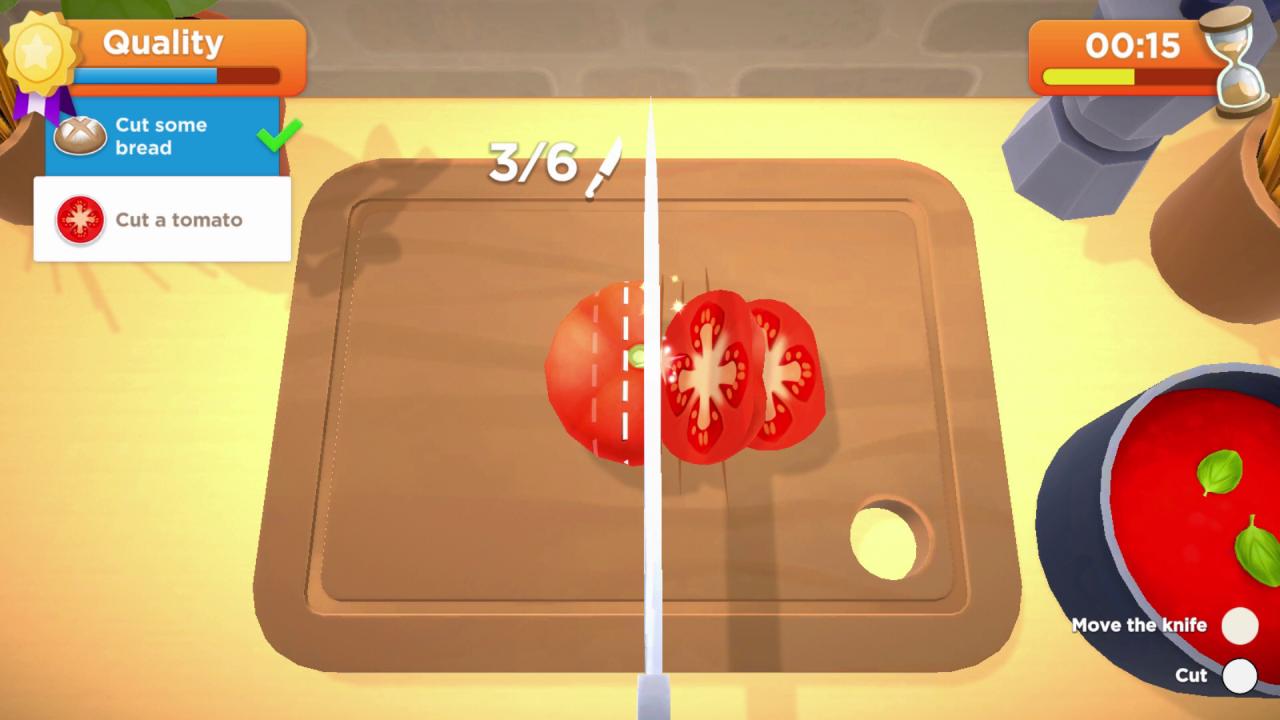
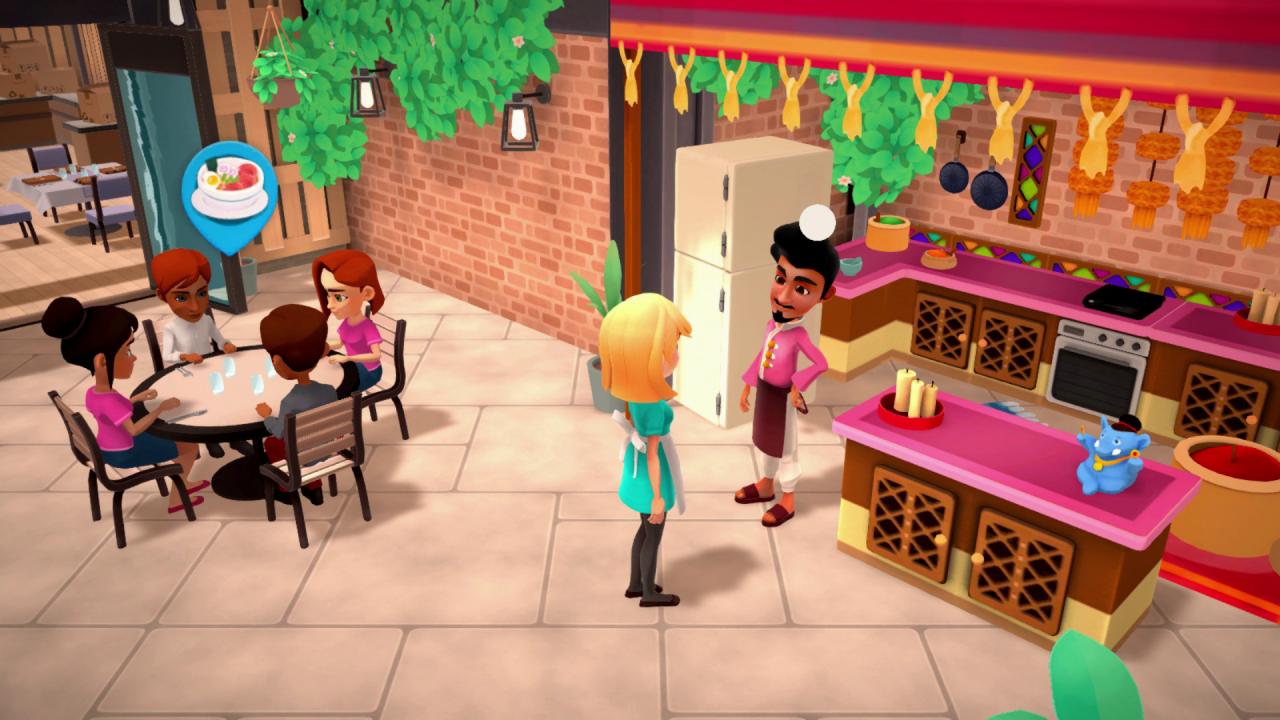
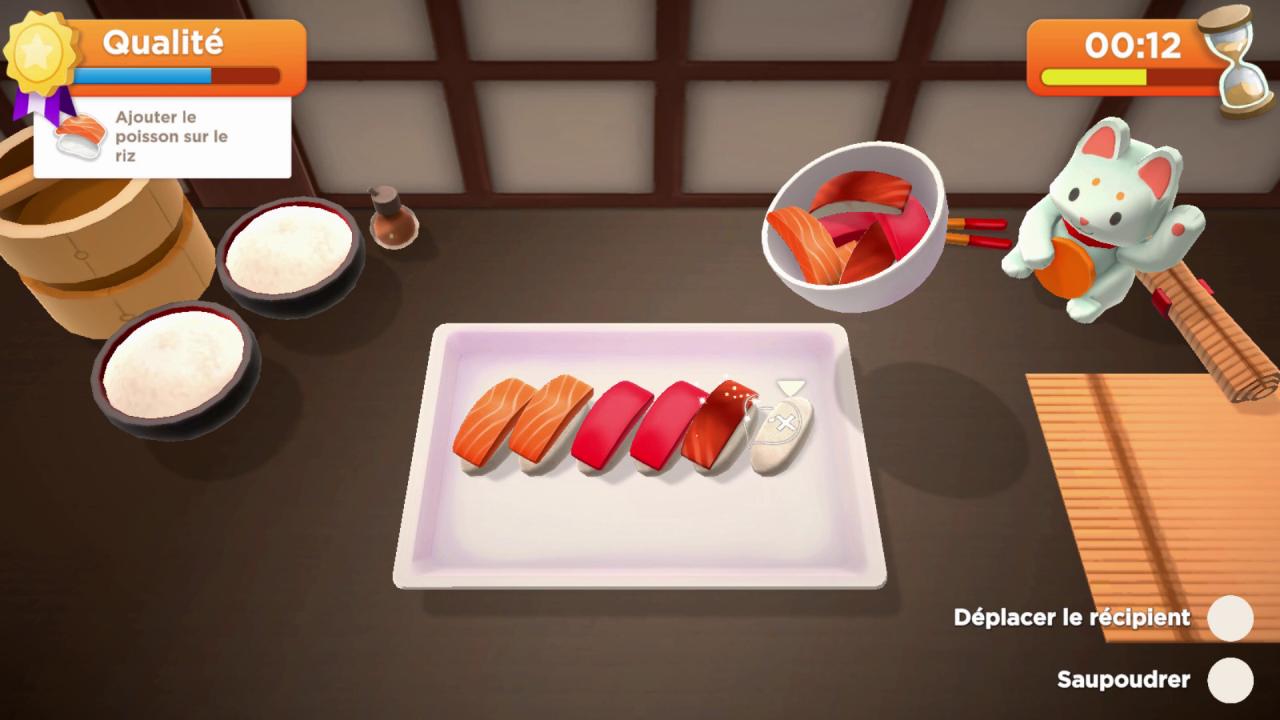
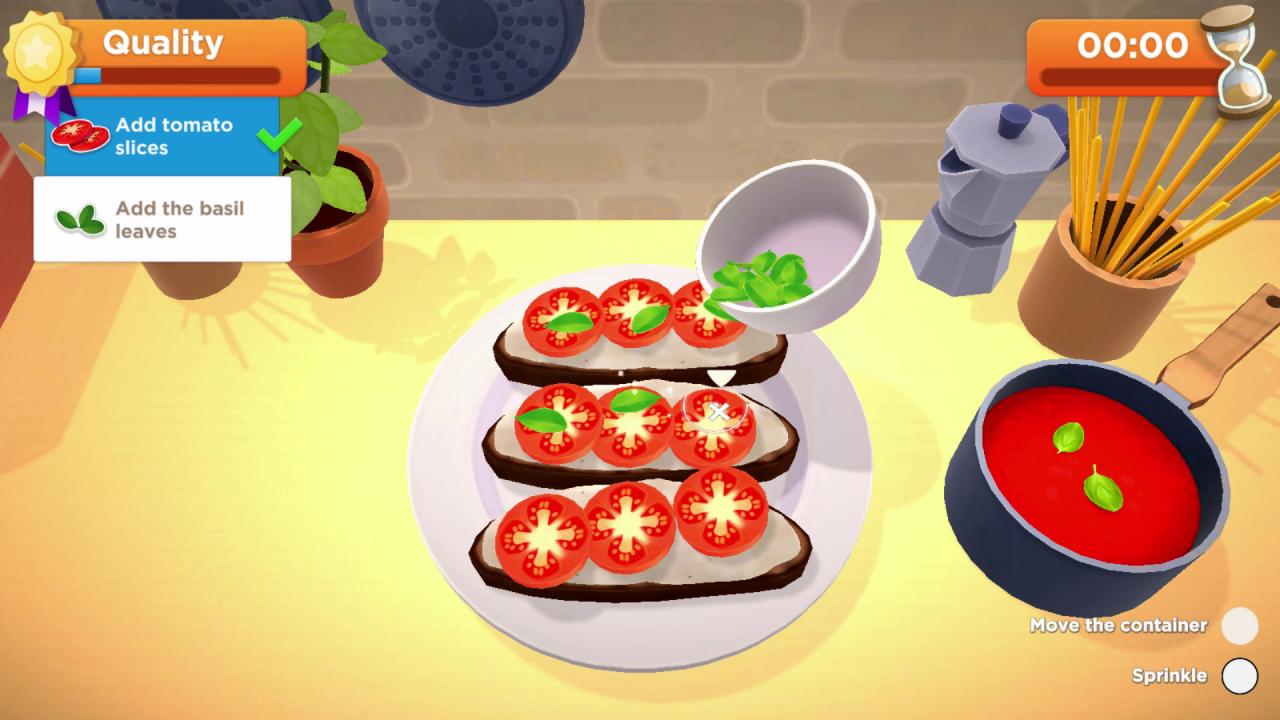
Open your dream restaurant!Enter the world of elite gastronomy and manage your own restaurant from A to Z: hospitality, cooking, waitering, you do it all! Learn from the best chefs in the world, prepare the most delicious meals to make your customers happy and become a true cooking star.Experience a complete culinary adventureTake care of your customers every step of the way: give them a warm welcome, take their orders and complete mini-games to prepare their favorite dishes. Every satisfied customer helps improving your reputation and giving you access to additionnal space for your restaurant and new cooking styles!Learn from the bestAs you make progress in your cooking journey, famous chefs from all over the world will join your restaurant to share their secrets: follow their advice and master dozens of tasty recipes inspired from French, American, Indian, Italian and Japanese specialties! Features Move freely around your restaurant and decide how to meet your customers’ expectations Customise your chef to match your style: boy or girl, hair and skin colour... Prepare dozens of delicious recipes all by yourself: peel, slice, stir… Every dish is homemade in your restaurant! Master 5 different cooking styles, 30 recipes and become the ultimate chef
Go to: http://store.steampowered.com/ and download STEAM client Click "Install Steam" (from the upper right corner) Install and start application, login with your Account name and Password (create one if you don't have). Please follow these instructions to activate a new retail purchase on Steam: Launch Steam and log into your Steam account. Click the Games Menu. Choose Activate a Product on Steam... Follow the onscreen instructions to complete the process. After successful code verification go to the "MY GAMES" tab and start downloading.