Get 10% back in Relic Coins on every order
Euro Truck Simulator 2 - Cabin Accessories DLC cover

Steam Europe - All Countries· DLC

Euro Truck Simulator 2 - Cabin Accessories DLC

€4.21

+€0.42 cashback eligibility in Relic Coins

Check before you play

Platform
Steam
Region
Europe - All Countries
Product type
DLC

Check the required base game and edition before purchasing this add-on.

Developer
SCS Software
Publisher
SCS Software
Supplier release date
2015-09-30
Genres
Simulation, Indie

About this product

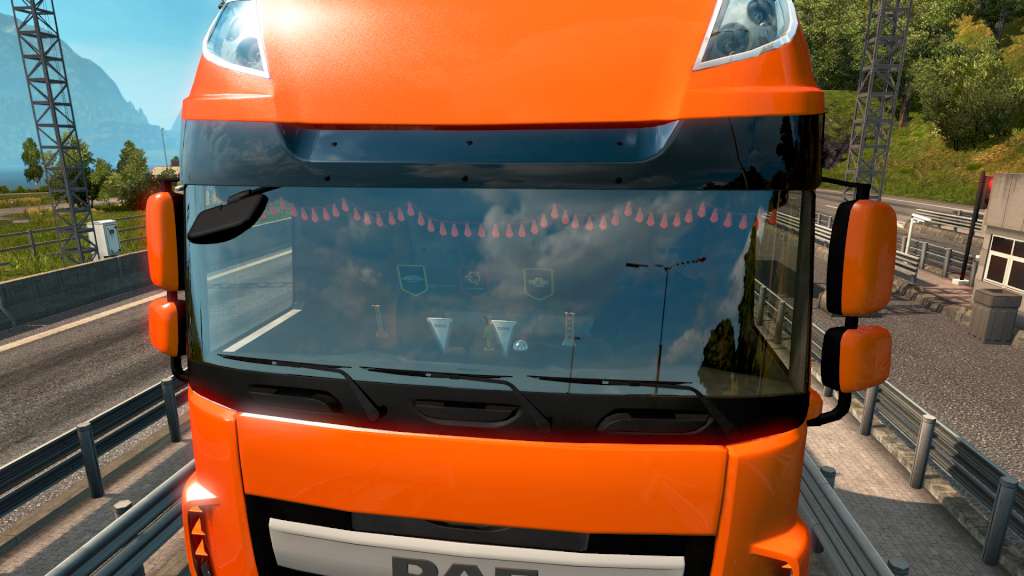
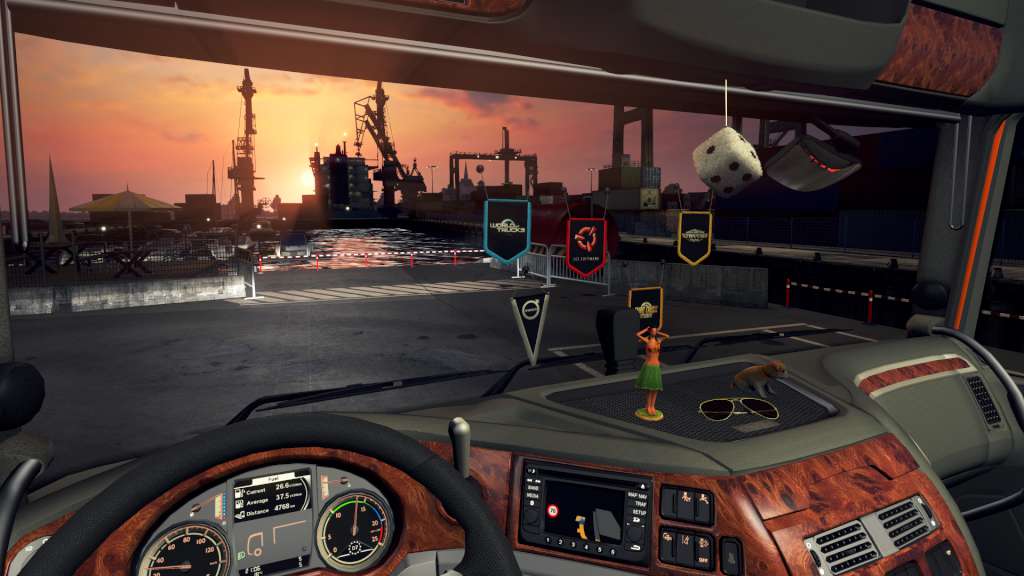
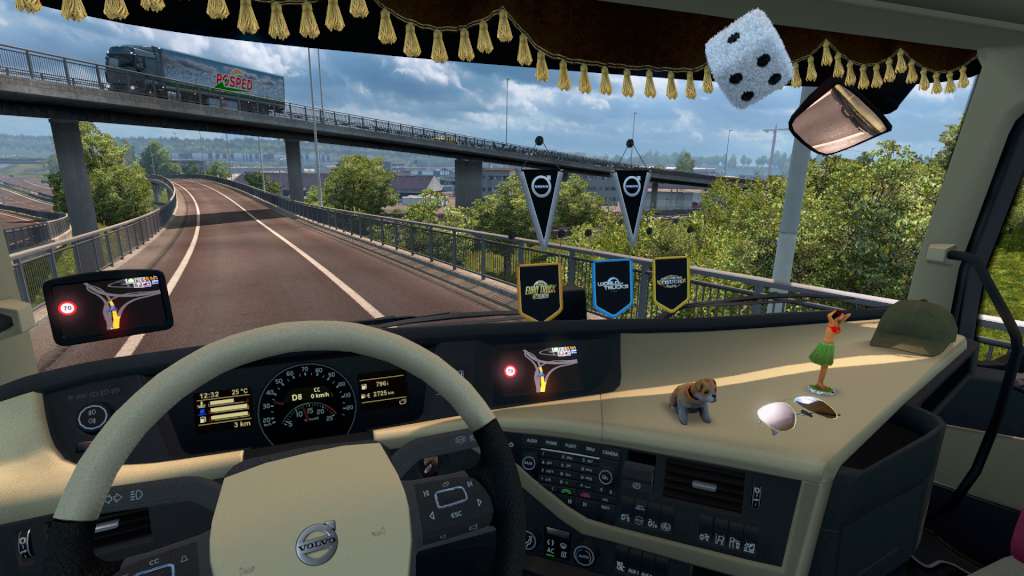
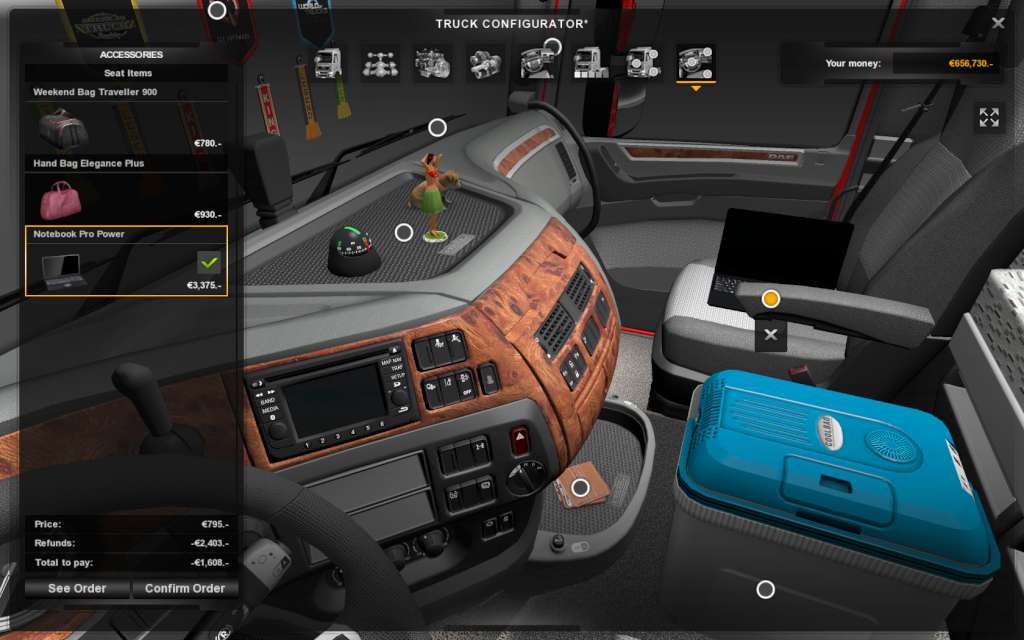
Decorate the interior of your truck cabin with practical as well as totally impractical accessories and toys! Includes a sat nav unit and a ball compass on the functional side, and a host of useless junk that that can help you turn your cabin into a comfortable den to spend your long days and nights in. Just remember not to overdo the decoration, obscuring your view may be frowned upon by the police in real life. A thick row of little flags or mini-scarfs dangling from suction cups on the windshield may be a part of trucker culture, but it is more appropriate for a tuning truck show rather than for everyday use on the highway.

Euro Truck Simulator 2 - Cabin Accessories DLC screenshotEuro Truck Simulator 2 - Cabin Accessories DLC screenshotEuro Truck Simulator 2 - Cabin Accessories DLC screenshotEuro Truck Simulator 2 - Cabin Accessories DLC screenshot

How to redeem

  1. 1Check the required base game, platform and edition before purchasing.
  2. 2Find the code or supplier activation instructions in your confirmed order.
  3. 3Redeem on Steam using the supplied instructions, then install the add-on with the compatible base game.

Supplier instructions

Go to: http://store.steampowered.com/ and download STEAM client Click "Install Steam" (from the upper right corner) Install and start application, login with your Account name and Password (create one if you don't have). Please follow these instructions to activate a new retail purchase on Steam: Launch Steam and log into your Steam account. Click the Games Menu. Choose Activate a Product on Steam... Follow the onscreen instructions to complete the process. After successful code verification go to the "MY GAMES" tab and start downloading.

You might also like