Get 10% back in Relic Coins on every order
DOOM Eternal - Year One Pass DLC cover

SteamGlobal· DLC

DOOM Eternal - Year One Pass DLC

€9.37

+€0.94 cashback eligibility in Relic Coins

Check before you play

Platform
Steam
Region
Global
Product type
DLC

Check the required base game and edition before purchasing this add-on.

Developer
id Software
Publisher
Bethesda Softworks
Supplier release date
2020-03-20
Genres
Action

About this product

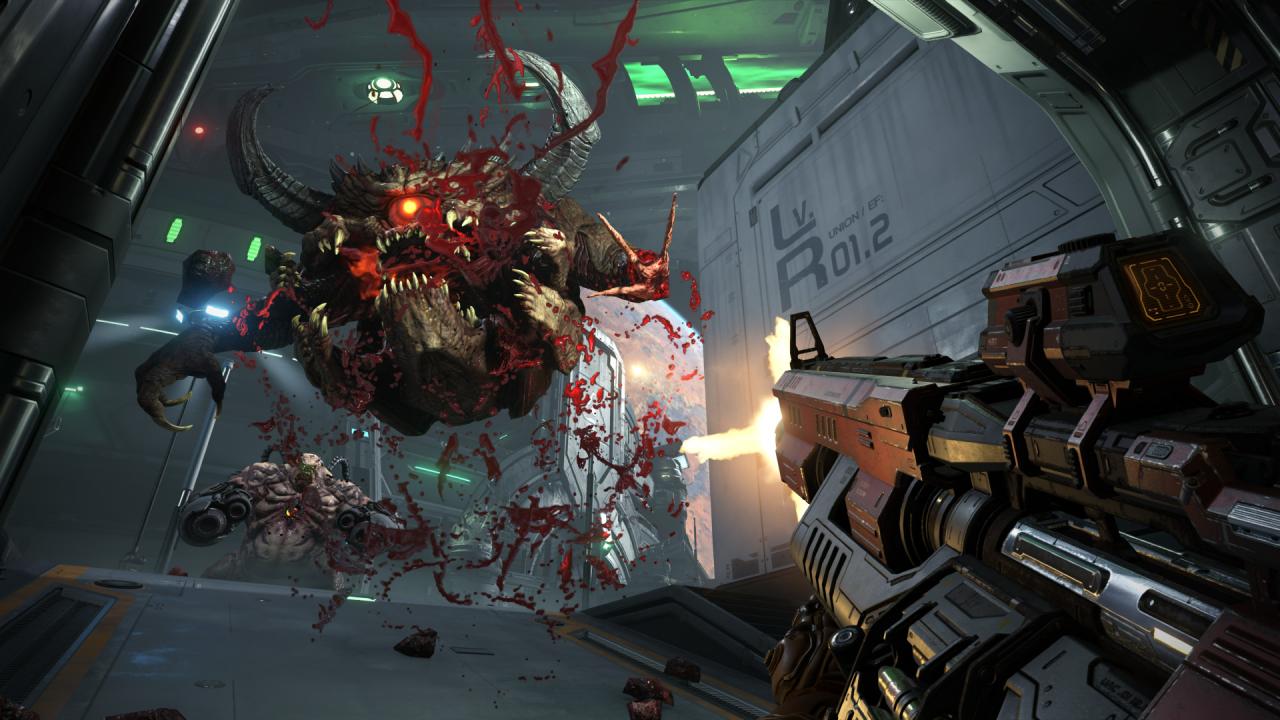
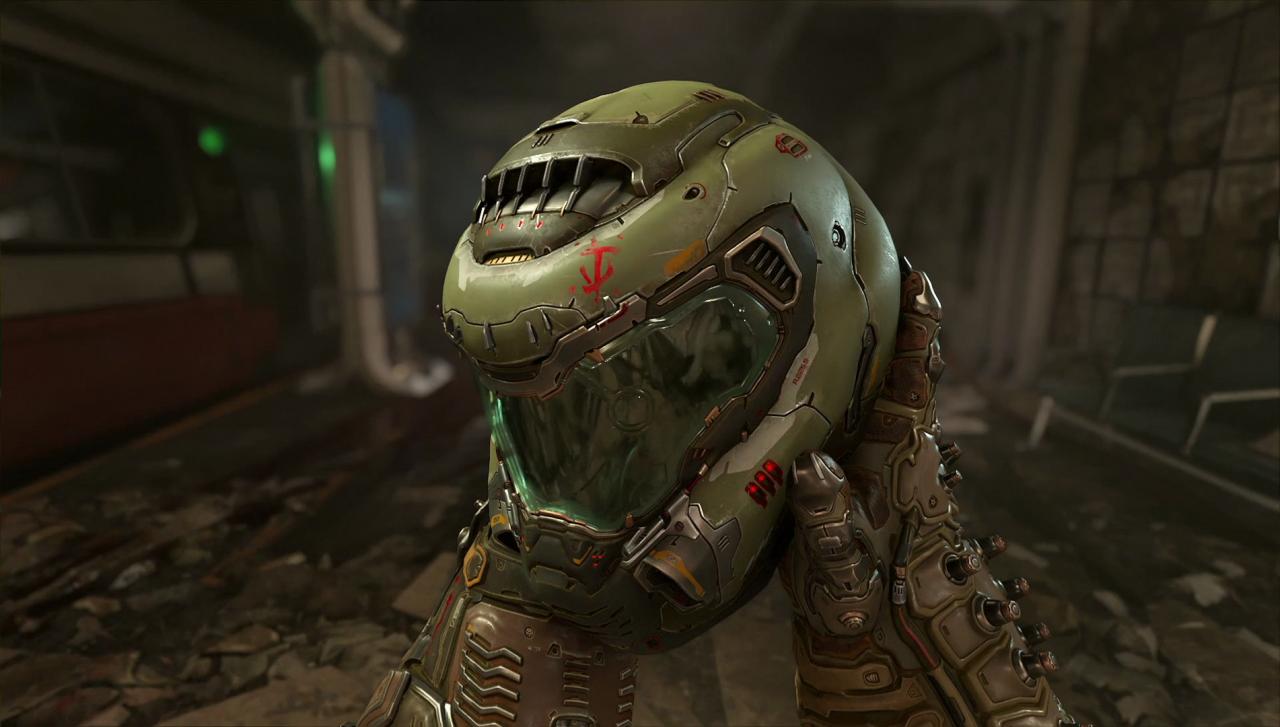
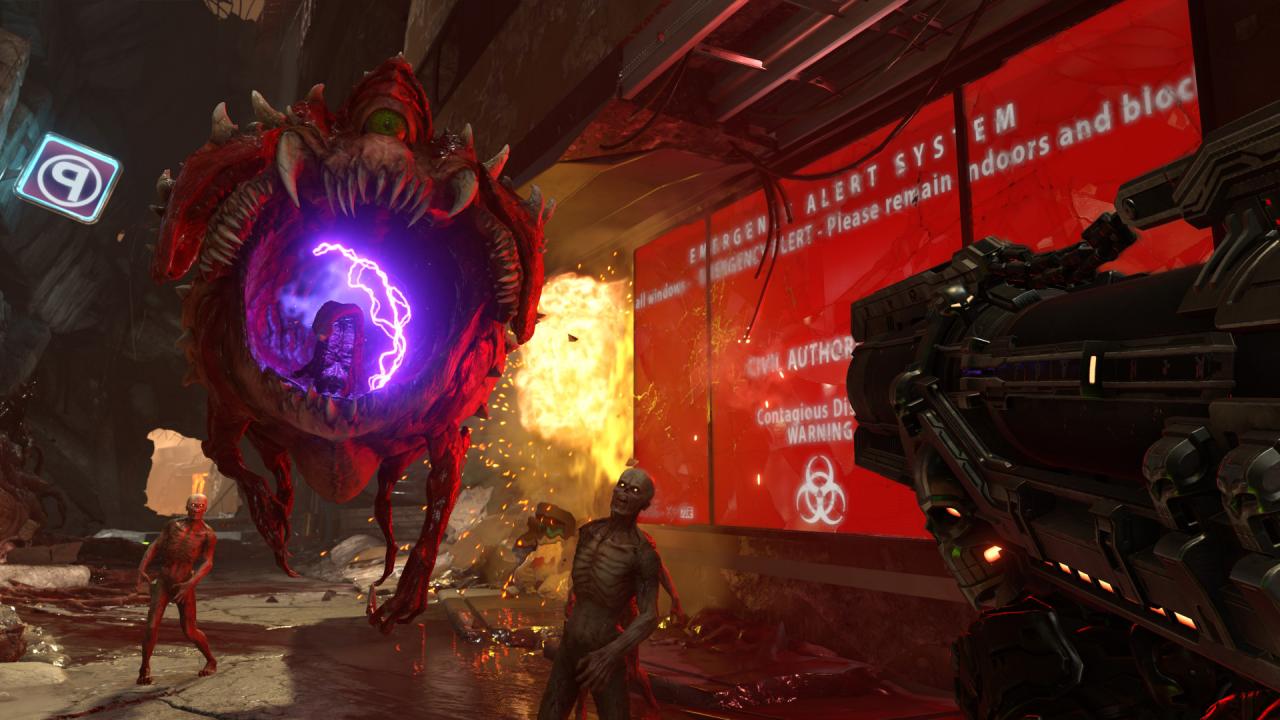
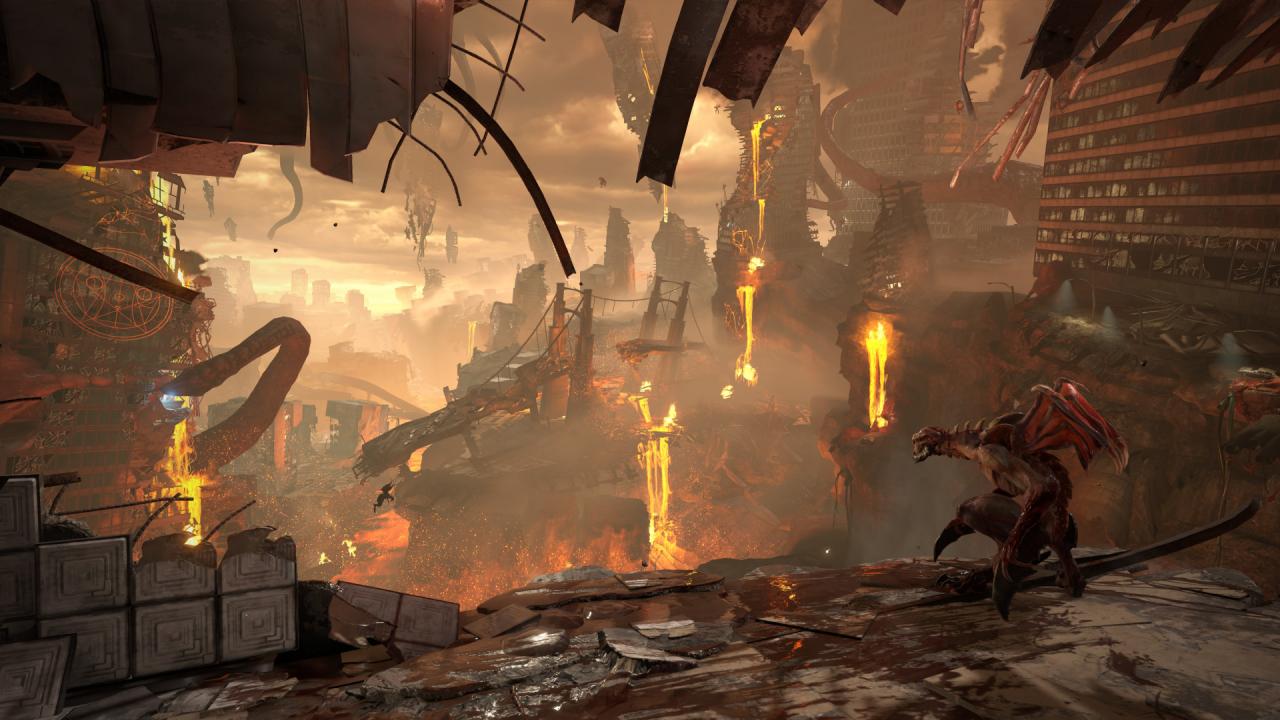
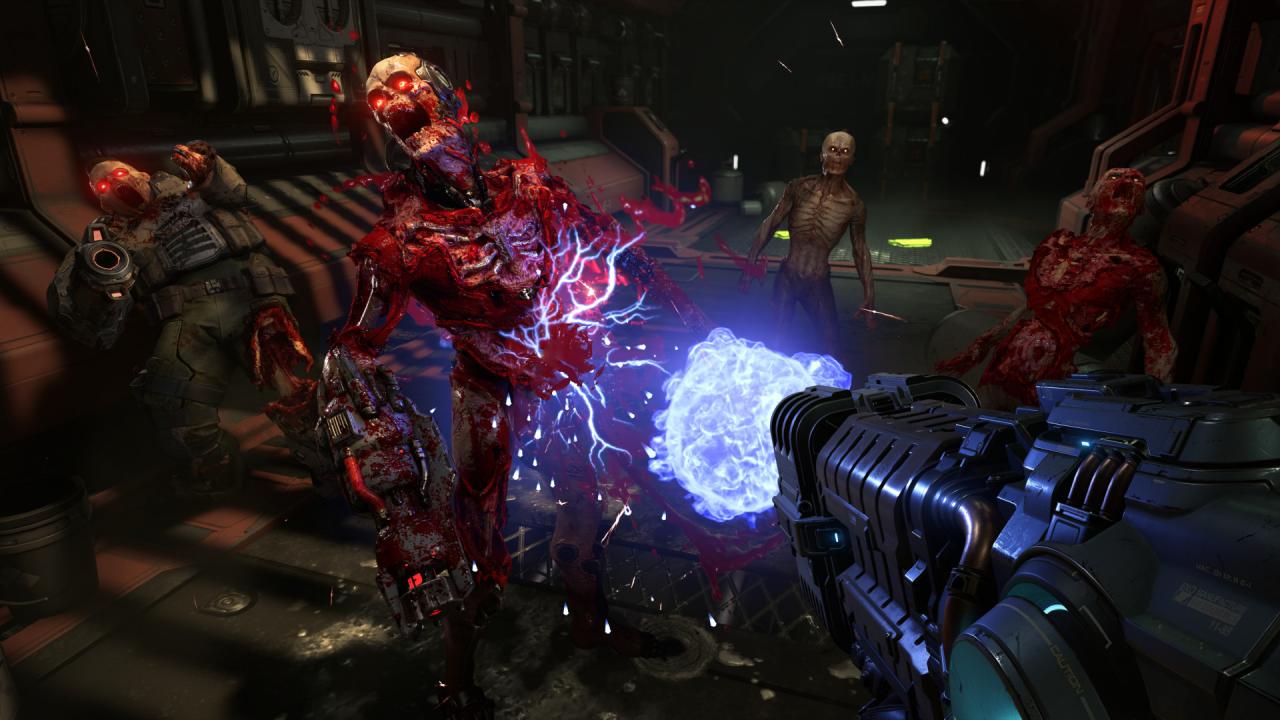
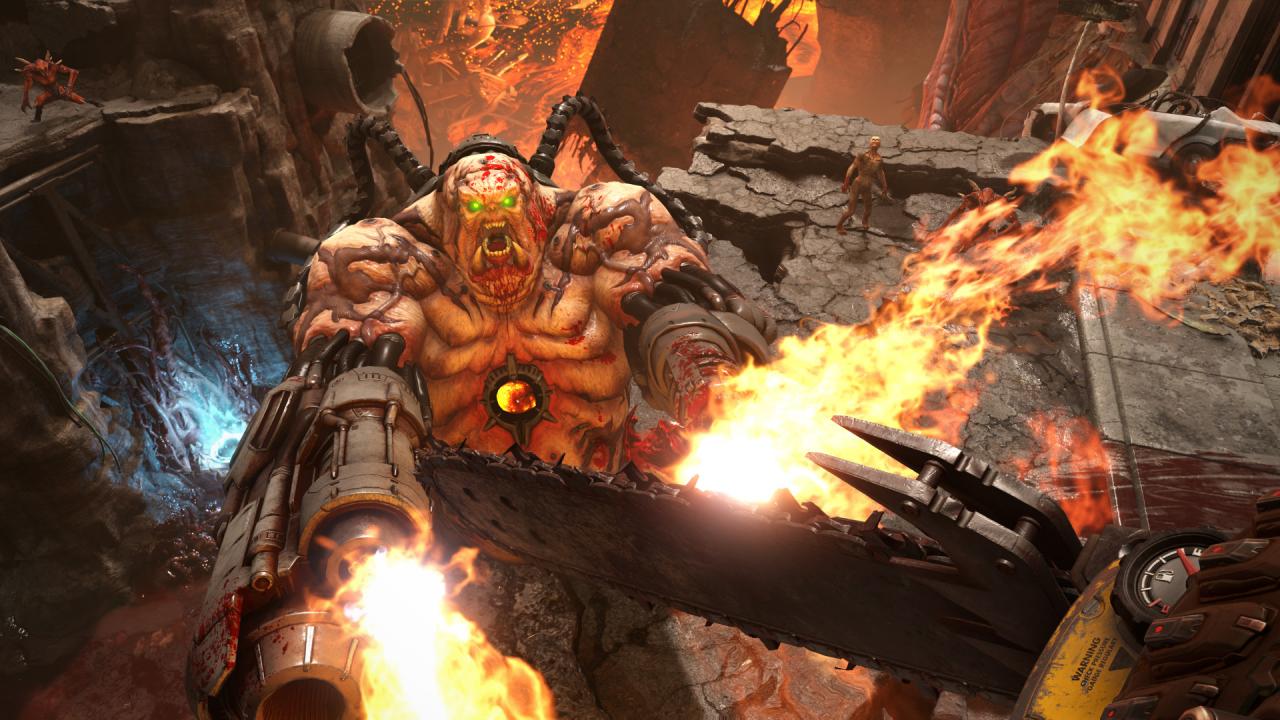
DOOM Eternal Year One Pass Access to two campaign add-ons to release within the first year of DOOM Eternal’s launch date. More information coming soon! Hell comes to Earth and you, the Doom Slayer, are the only one who can stop it. Jump into Doom Eternal, the most awaited shooter of the decade. It's bigger, more varied and even more dynamic than its 2016 predecessor. Let yourself be immersed by amazing visuals and hardcore metal music into the world of everlasting inferno. Features Combat PerfectionNow you are meaner, badder, faster, and much more powerful. Use your new dash ability, melee with a wrist blade, and burn enemies with your shoulder-mounted flamethrower. Tactical GoreGlory kill enemies for health, burn them to a crisp for additional armor, or chainsaw them for ammo. Think fast, and you'll never run out of juice. Battle of GiantsJump into 2 vs 1 online combat, where two demons face one Doom Slayer in a tight, focused and ultra-violent duel. There's no luck. There's only skill.

DOOM Eternal - Year One Pass DLC screenshotDOOM Eternal - Year One Pass DLC screenshotDOOM Eternal - Year One Pass DLC screenshotDOOM Eternal - Year One Pass DLC screenshotDOOM Eternal - Year One Pass DLC screenshotDOOM Eternal - Year One Pass DLC screenshot

How to redeem

  1. 1Check the required base game, platform and edition before purchasing.
  2. 2Find the code or supplier activation instructions in your confirmed order.
  3. 3Redeem on Steam using the supplied instructions, then install the add-on with the compatible base game.

Supplier instructions

Go to: http://store.steampowered.com/ and download STEAM client Click "Install Steam" (from the upper right corner) Install and start application, login with your Account name and Password (create one if you don't have). Please follow these instructions to activate a new retail purchase on Steam: Launch Steam and log into your Steam account. Click the Games Menu. Choose Activate a Product on Steam... Follow the onscreen instructions to complete the process. After successful code verification go to the "MY GAMES" tab and start downloading.

You might also like