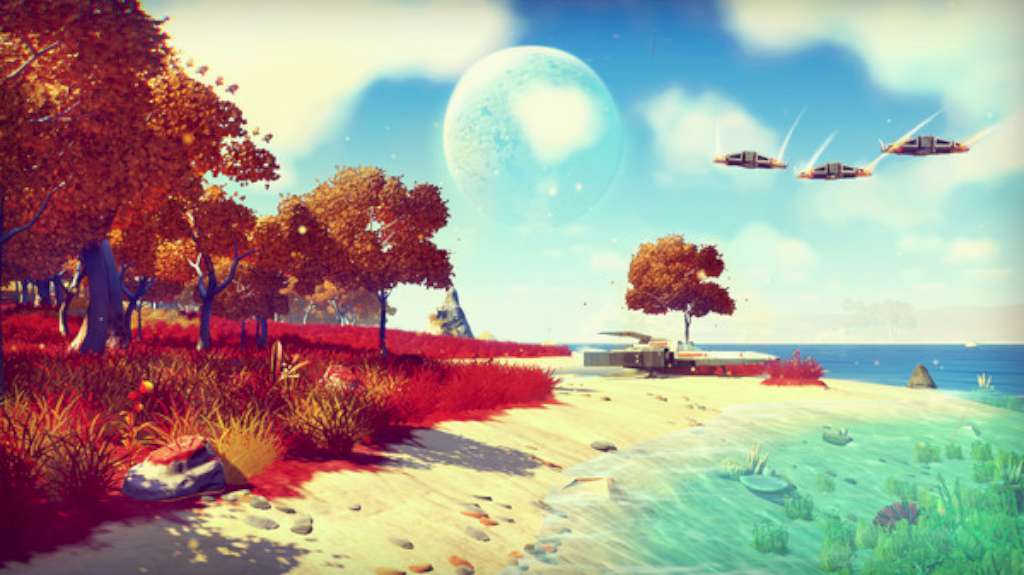
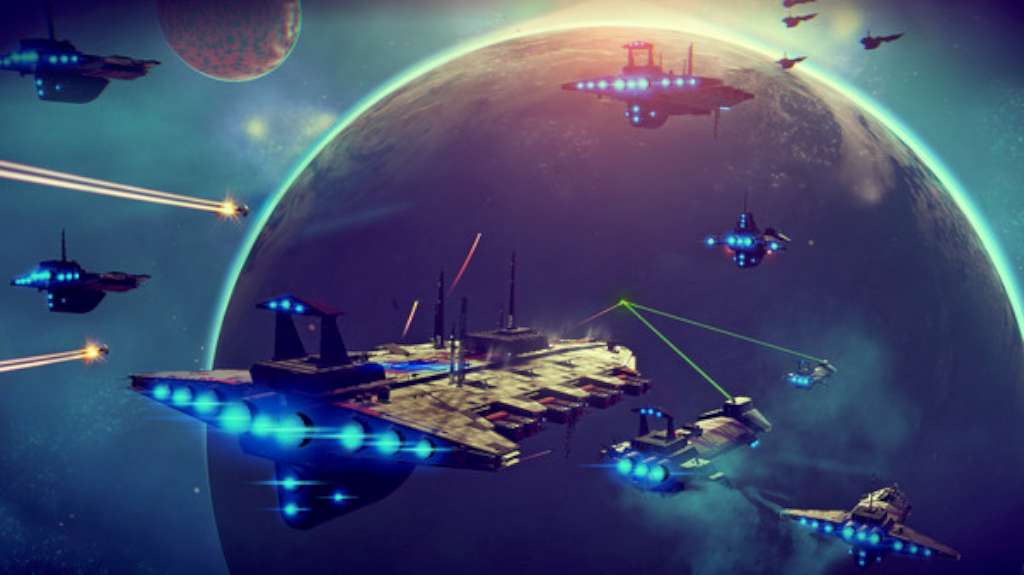
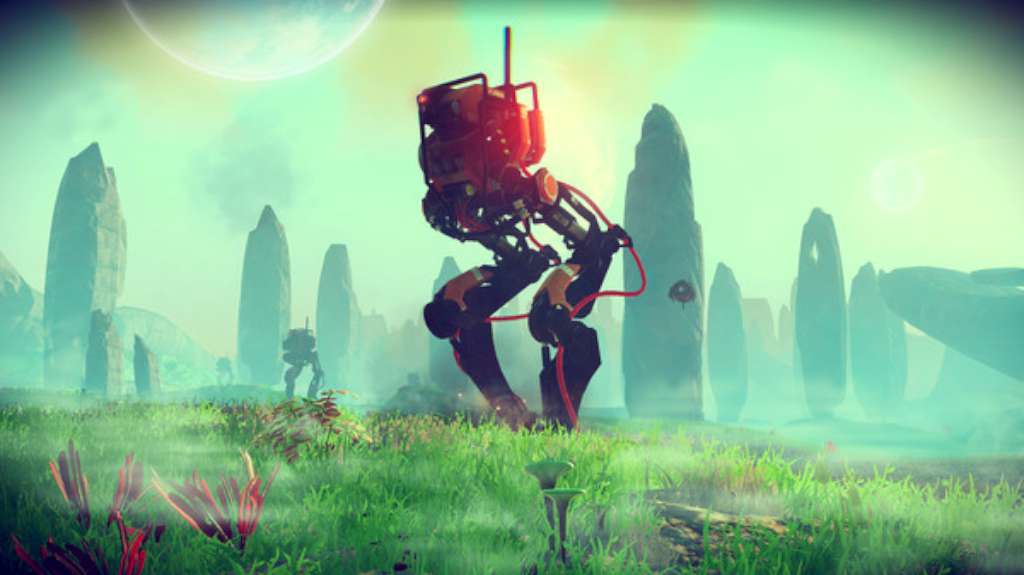
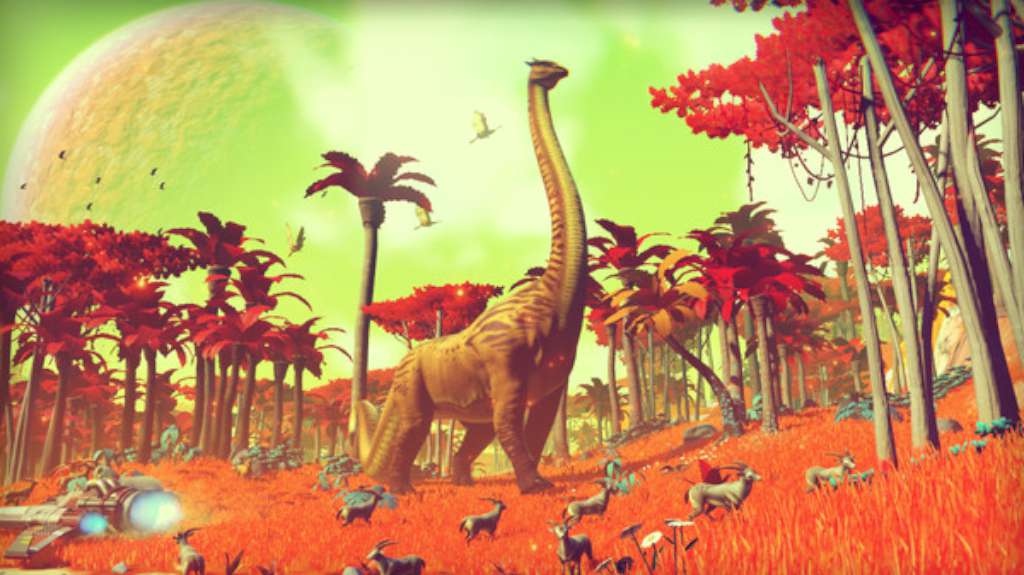
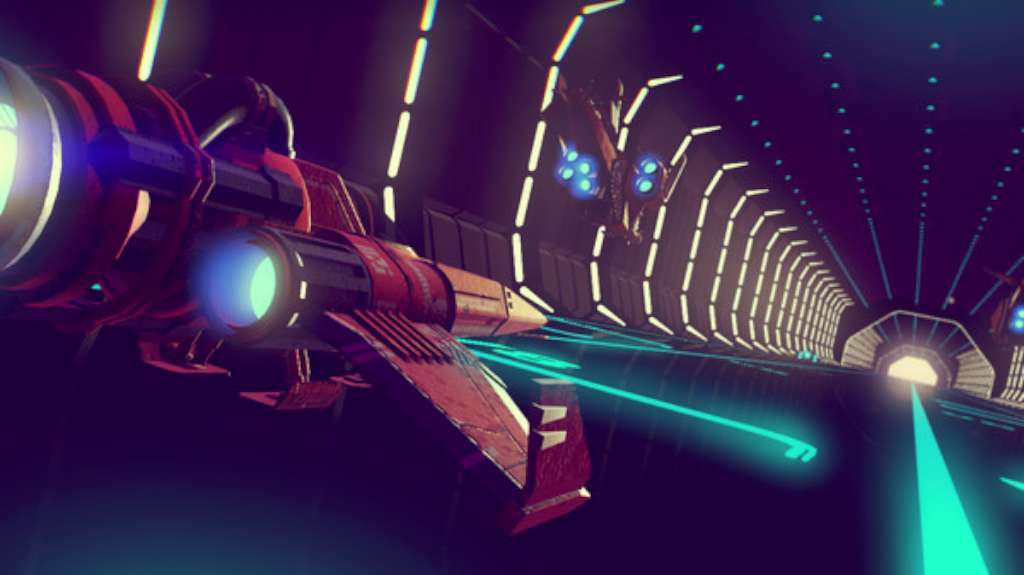
No Man’s Sky is shaping up to be one of the biggest indie releases of the year. The game, a first-person open-world survival game, is the first indie game to ever be presented at the centerpiece of the influential, E3 conference. No Man’s Sky will task players with exploring the universe which consists of over 18 quintillion planets! Each player will be able to decide his/her own fate by deciding where and how to travel, whether or not to engage in combat and what else to focus their gathered resources on. In No Man’s Sky, the sky seems to truly be the limit. Features OPEN WORLD - 18 quintillion is a number almost impossible to wrap your head around. That’s how many planets are available in No Man’s Sky, each unique in its own way. Explore as many planets as possible to gather resources to upgrade your spaceship on your journey throughout the universe. STORE INFORMATION IN THE ATLAS - Share your discoveries with other players by updating The Atlas, a special tool granted to each player of the game. When you find a new planet, share its coordinates in The Atlas and reap the benefits by being rewarded in-game currency. DON’T GET CAUGHT - Remember, you’re not in this universe alone. Others might try and fight you, and stealing might not pay off. Stealing a planet’s resources or harming life forms might attract the attention of Sentinels who are meant to protect these planets. Always keep a sharp eye out for any trouble heading your way!