Get 10% back in Relic Coins on every order
Ponpu cover

SteamGlobal· Key

Ponpu

€7.00

+€0.70 cashback eligibility in Relic Coins

Check before you play

Platform
Steam
Region
Global
Product type
Key
Developer
Purple Tree Studio
Publisher
Zordix Publishing
Supplier release date
2020-12-02
Genres
Action, Indie

About this product

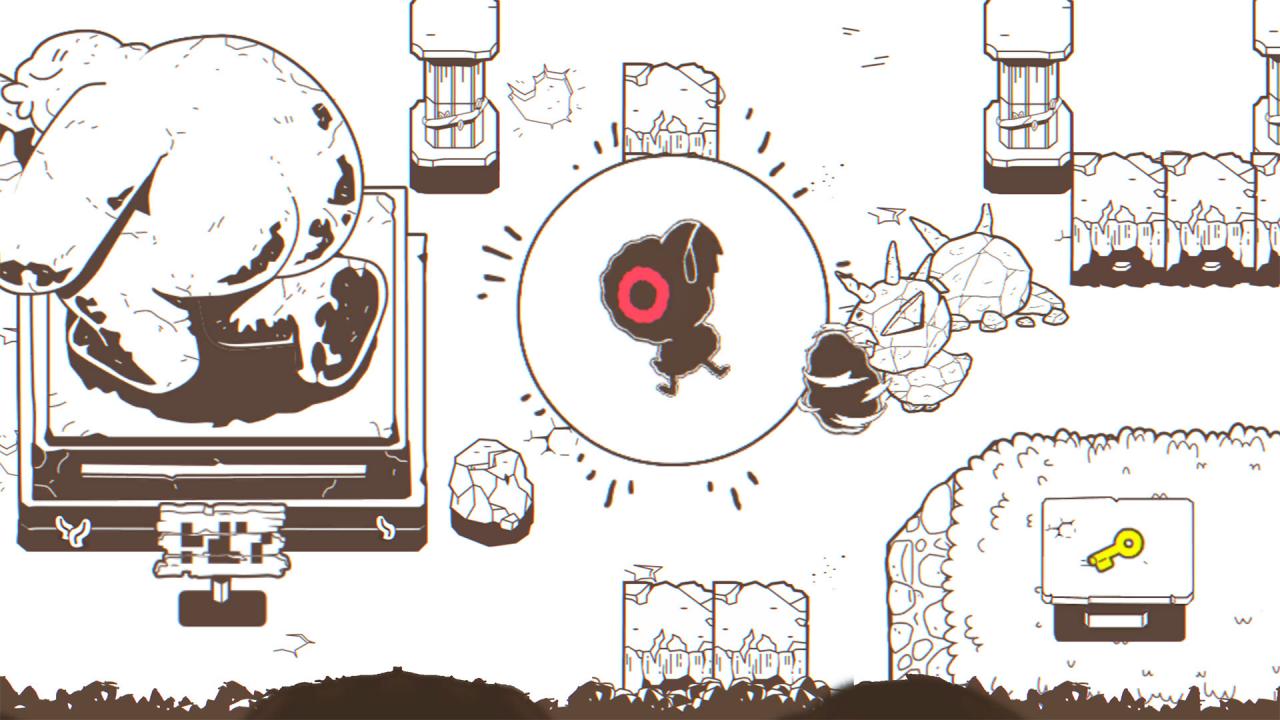
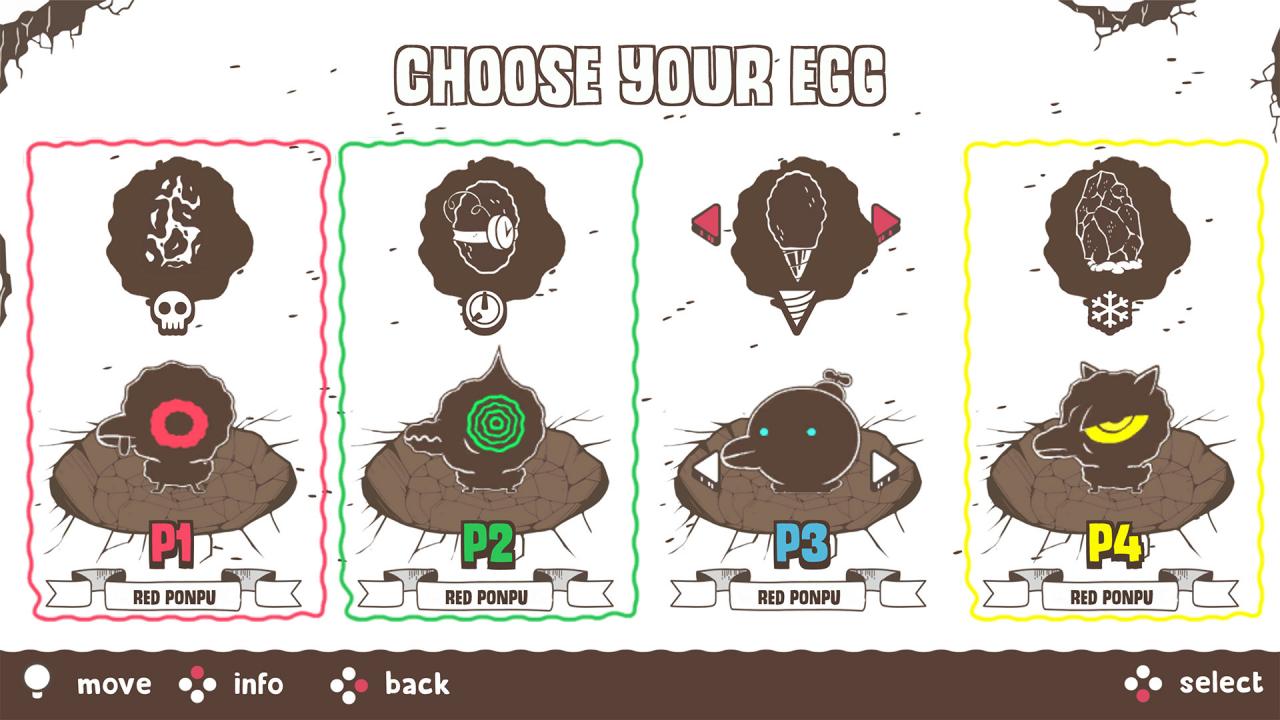
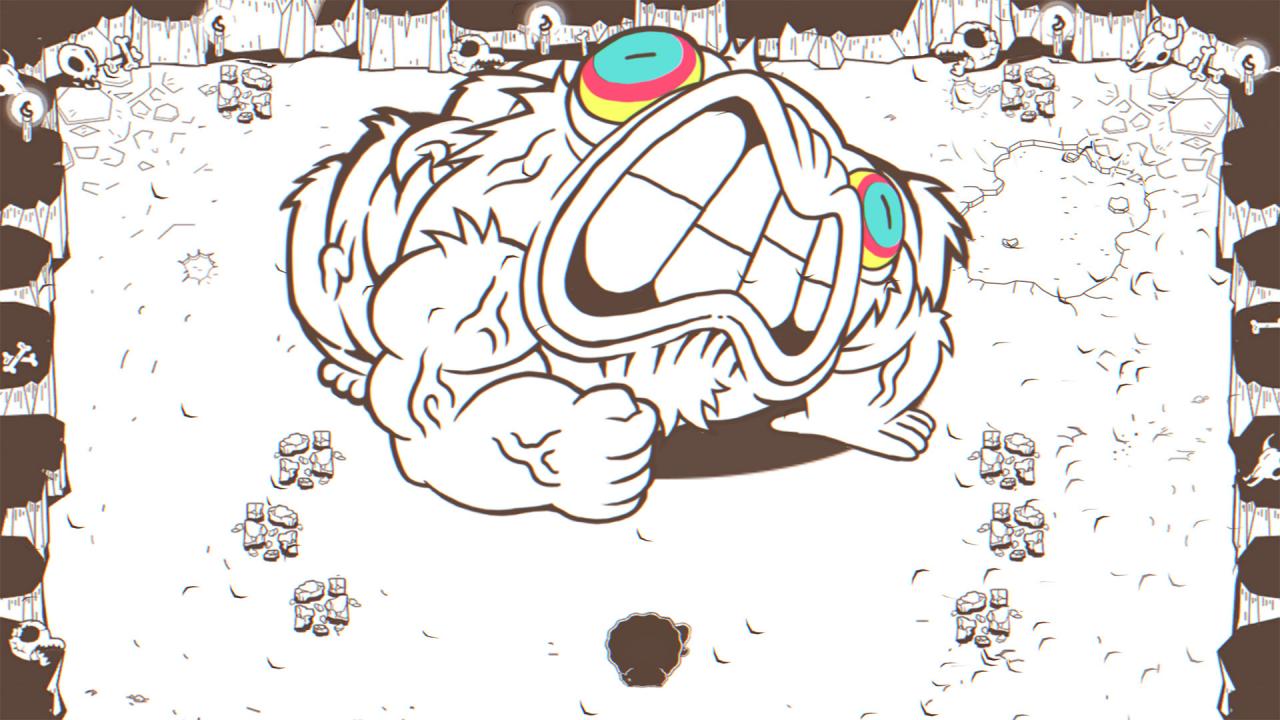
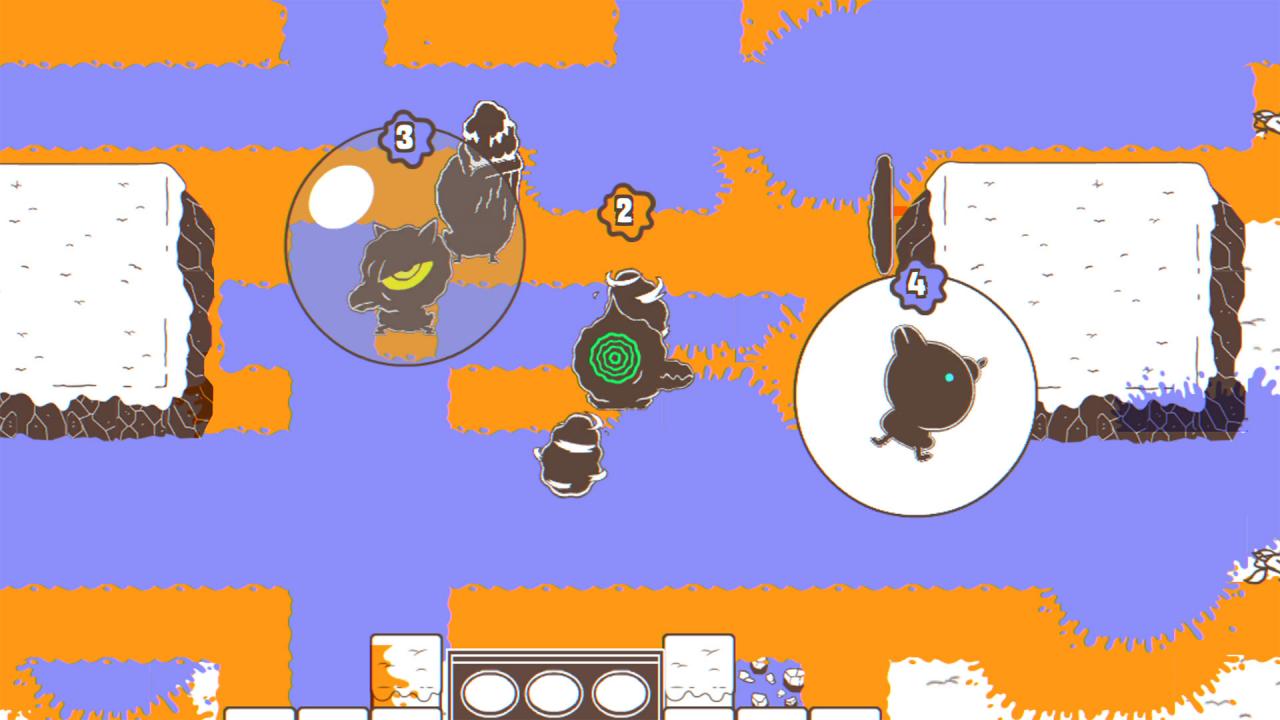
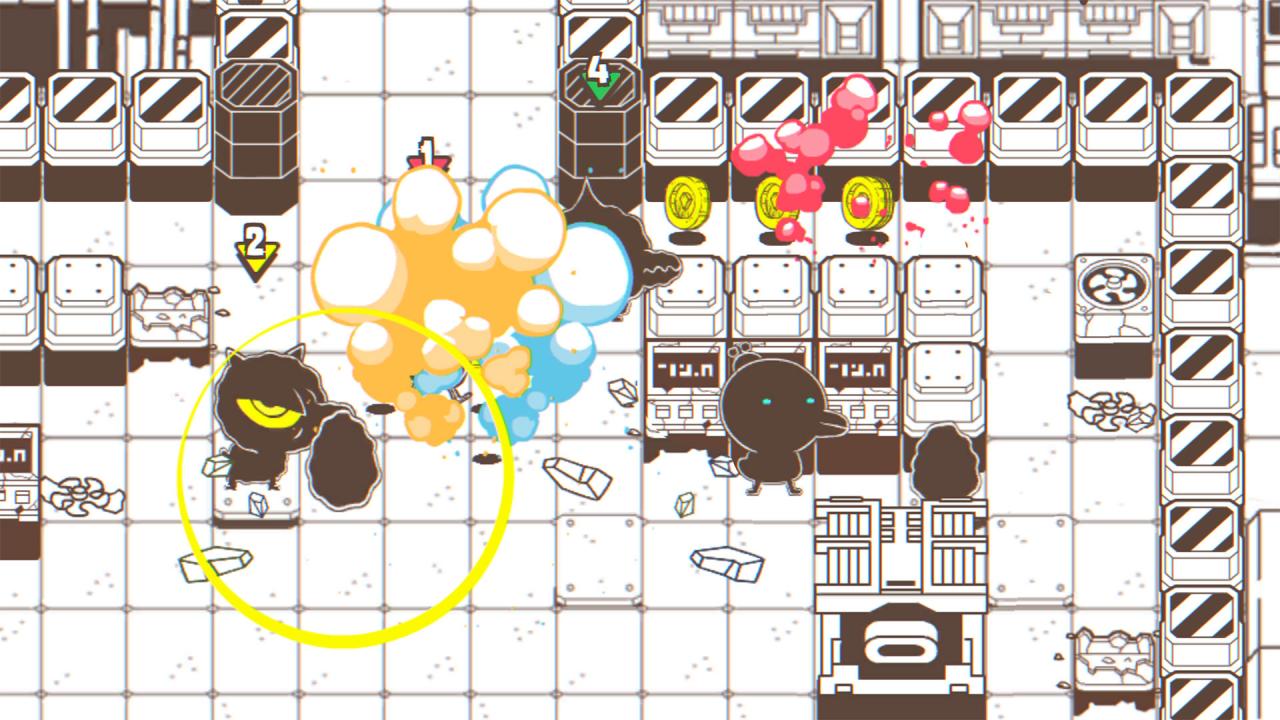
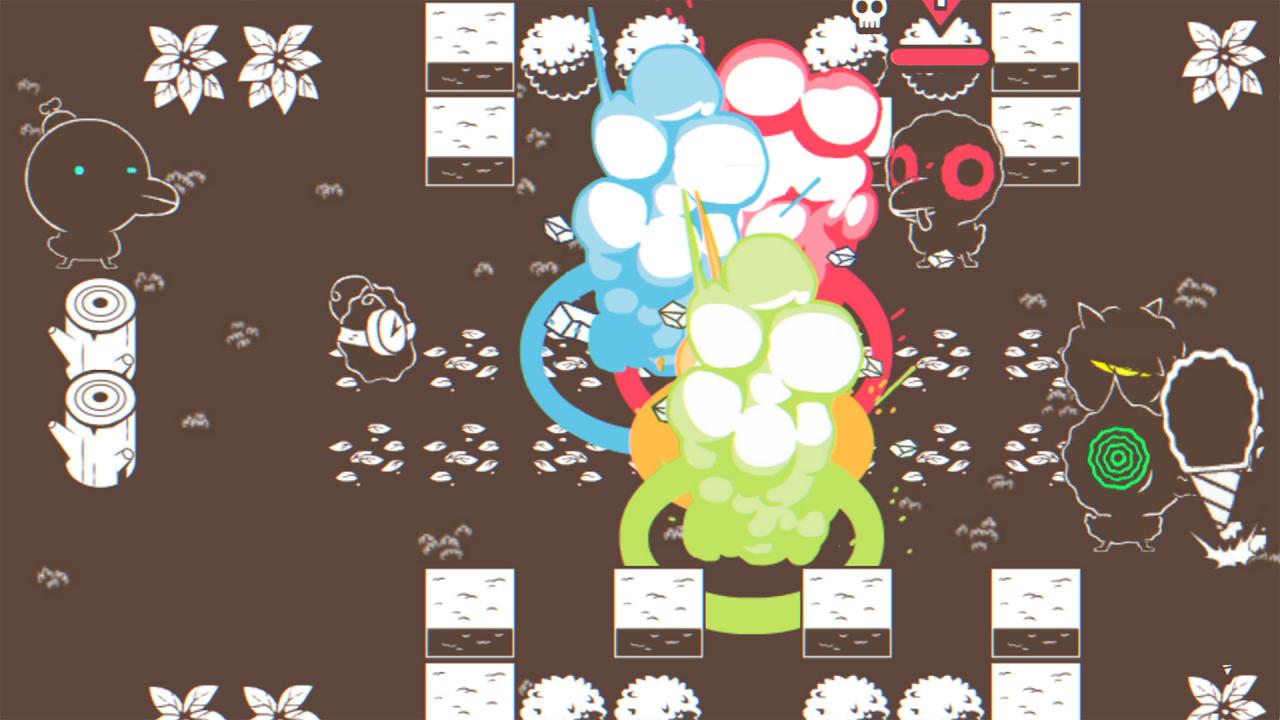
Inspired by the classic gameplay of Bomberman, Ponpu takes the concept in a new direction, adding new mechanics and features while packaging it in super-slick, hand-drawn graphics.Play through the epic single-player campaign where you’ll face off against some of the coolest boss fights you’ve ever seen, in a race to defeat the almighty Duck-God and to stop him from resetting the universe.Once you’ve honed your skills in the campaign, take the fight to your friends (or foes) in either local multiplayer or online. Ponpu features 3 game modes, all equally chaotic; coin chase, paint battle and good old fashioned deathmatch. Features A fresh take on a classic game concept An epic campaign with massive bosses Hectic 4-player multiplayer with three crazy game modes: Deathmatch – Last Ponpu standing wins! Coin steal – Hoard the most coins before the time is up. Dragon style! Paint battle – Paint the town red! (or you know… whichever color you prefer) The most epic egg-based arsenal ever witnessed!

Ponpu screenshotPonpu screenshotPonpu screenshotPonpu screenshotPonpu screenshotPonpu screenshot

How to redeem

  1. 1Check your Steam account and the listed region before purchasing.
  2. 2Find your code and supplier activation instructions in your confirmed order.
  3. 3Open the redeem-code section on Steam, enter the code and follow the platform’s prompts.

Supplier instructions

Go to: http://store.steampowered.com/ and download STEAM client Click "Install Steam" (from the upper right corner) Install and start application, login with your Account name and Password (create one if you don't have). Please follow these instructions to activate a new retail purchase on Steam: Launch Steam and log into your Steam account. Click the Games Menu. Choose Activate a Product on Steam... Follow the onscreen instructions to complete the process. After successful code verification go to the "MY GAMES" tab and start downloading.

You might also like