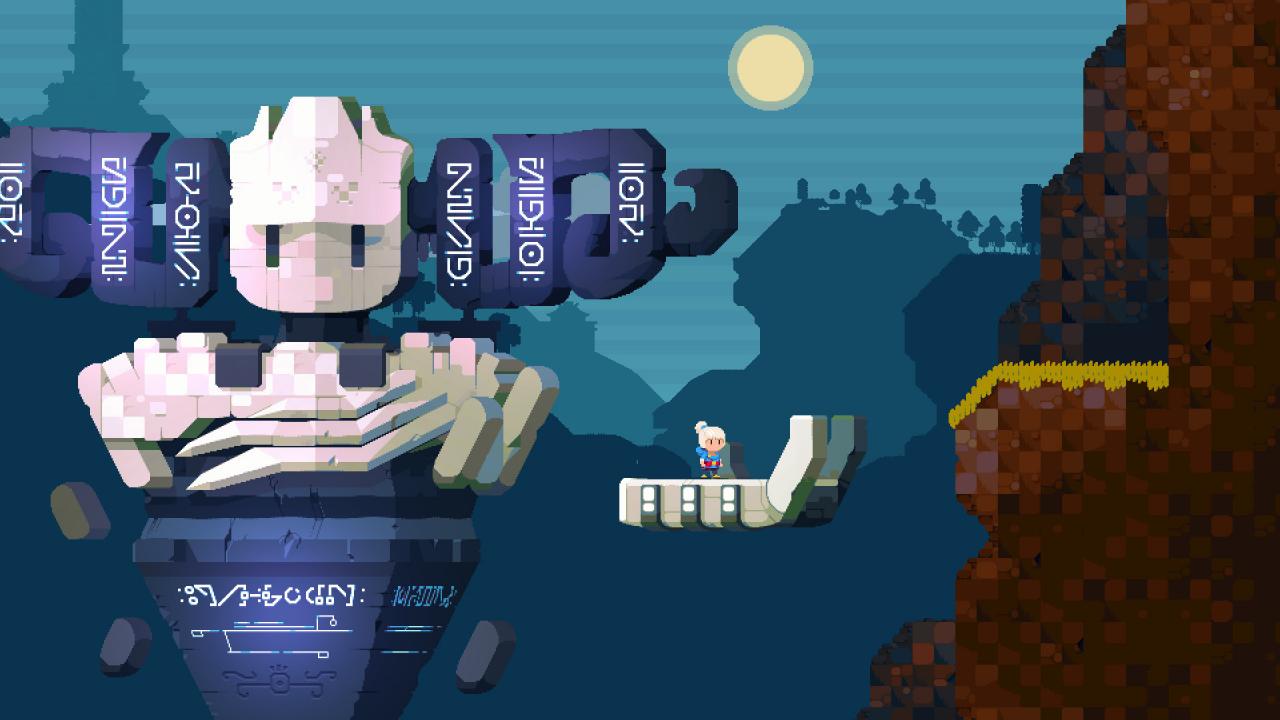
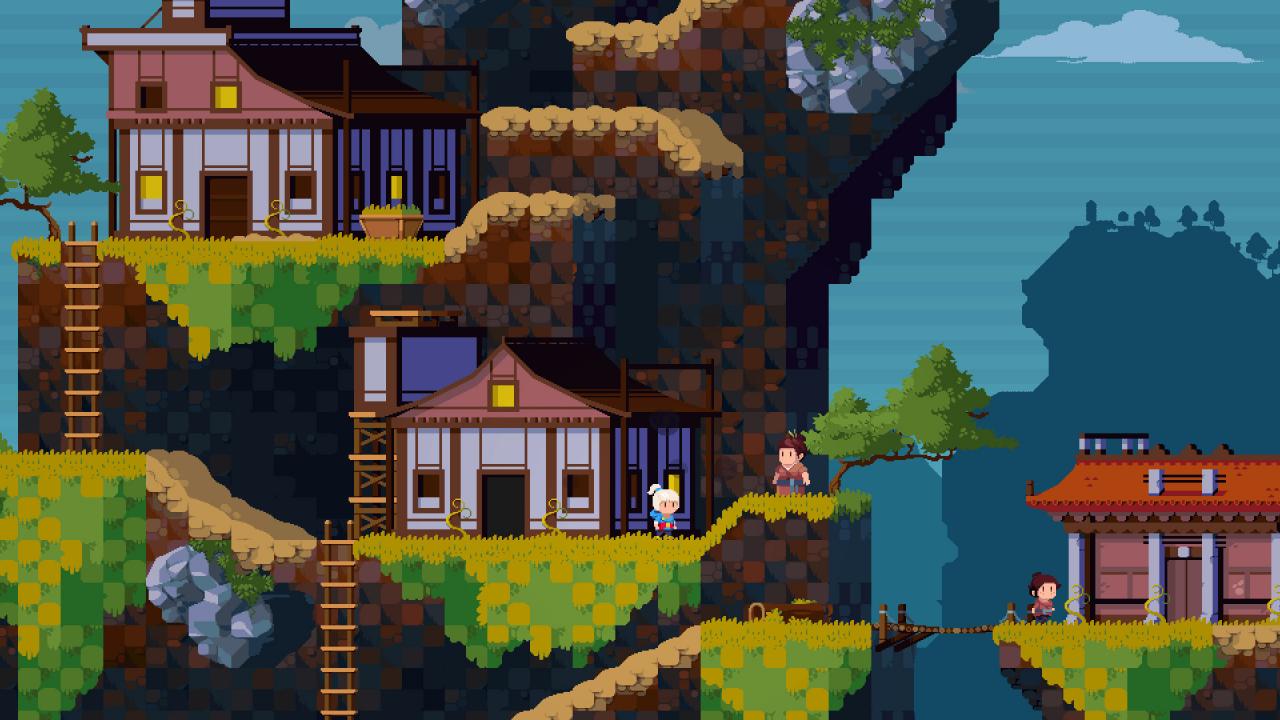
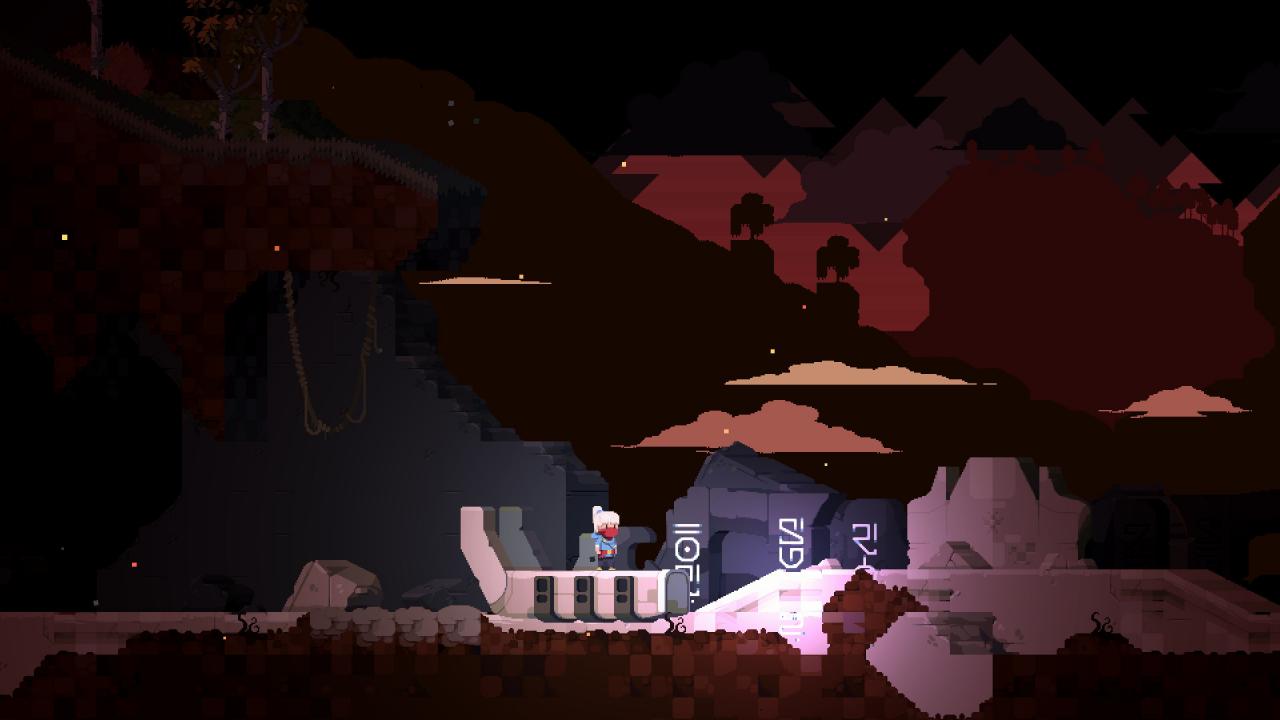
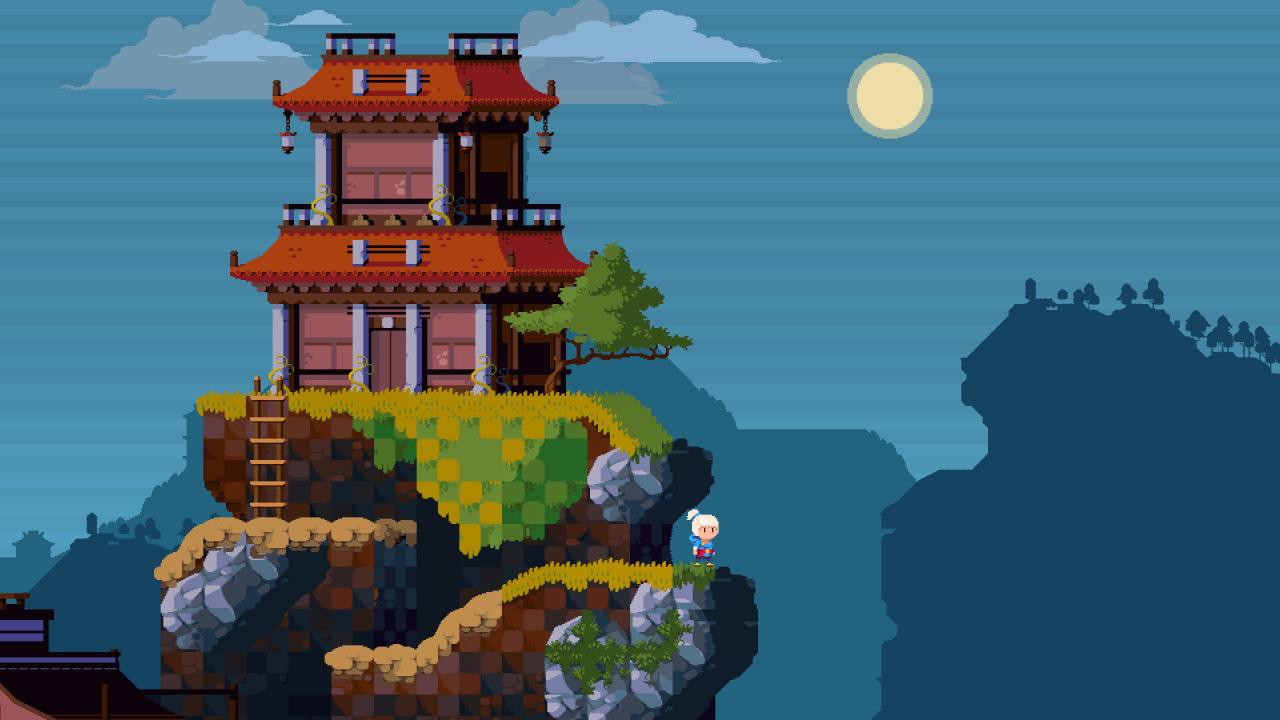
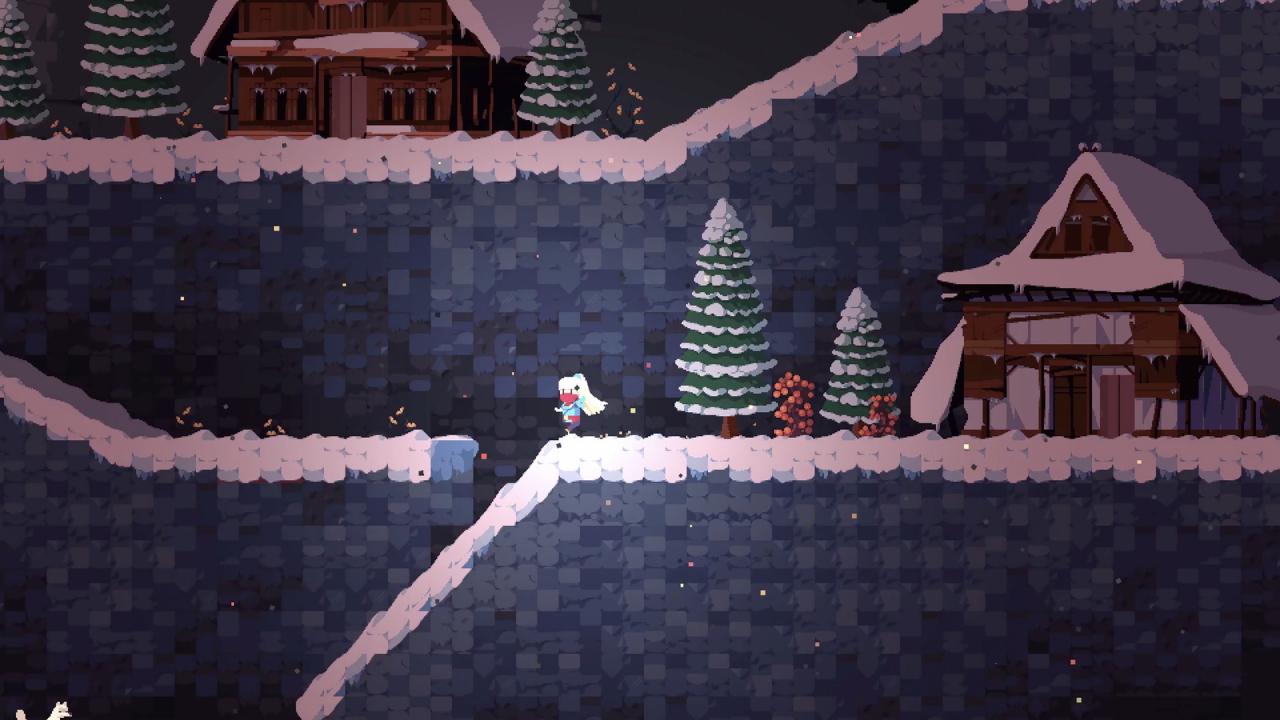
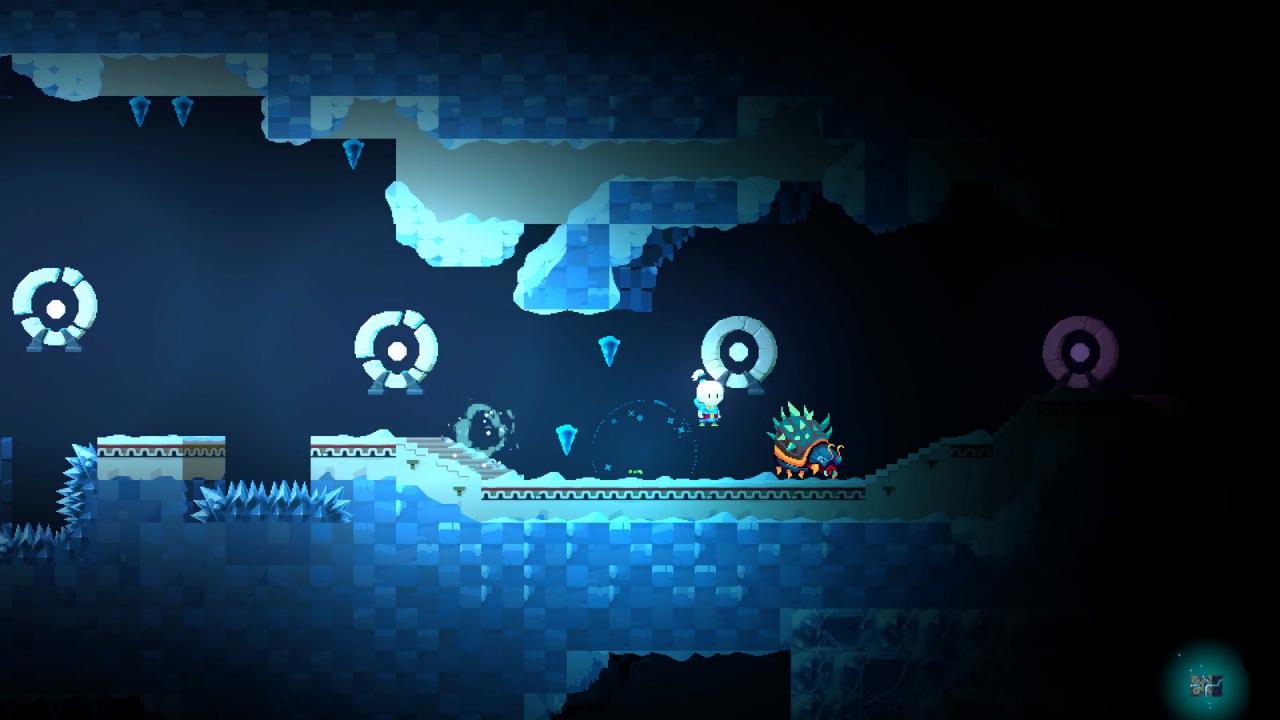
YesterMorrow is a single-player time travelling 2D platformer, mixing action sequences with puzzle elements, all wrapped up in an engaging story about our young hero, Yui, who must save her family and to change the fate of a world that has been plunged into endless night. This can only be done by journeying into the past and repairing the mysterious Clocktower controlling the cycle of time. Her world - destroyed. Her family - kidnapped. Join our heroine Yui in a desperate attempt to save everything she loved. Learn how to use Everlight, embark on a journey through four islands (Forest, Desert, Ice and Clockwork island) and use time travel to overcome obstacles and access hidden locations. Free your family from the clutches of Shadows! Find out what really happened to the Sun and whether it can be reversed. Features Learn how to wield Everlight, unlock six special abilities and use them to cleanse your world from Shadows. Explore a vast world of YesterMorrow spanning four different islands (Forest, Desert, Ice, Clockwork). Encounter dozens of creatures and defeat challenging bosses. Use the environment to your advantage and solve puzzles in different ways. Traverse the world in two different timelines. Enjoy the serene calmness of the past and battle your way through the corrupted world of the future. Discover the rich lore as you interact with the world and its inhabitants. And don’t forget to pet all animals! Locate hidden areas and collect power-ups and lore entries.