

SteamGlobal· Key
MCAS Simulation
€1.51
+€0.15 cashback eligibility in Relic Coins
Check before you play
- Platform
- Steam
- Region
- Global
- Product type
- Key
- Supplier release date
- 2020-12-07
- Genres
- Simulation, Indie
SteamGlobal· Key
€1.51
+€0.15 cashback eligibility in Relic Coins
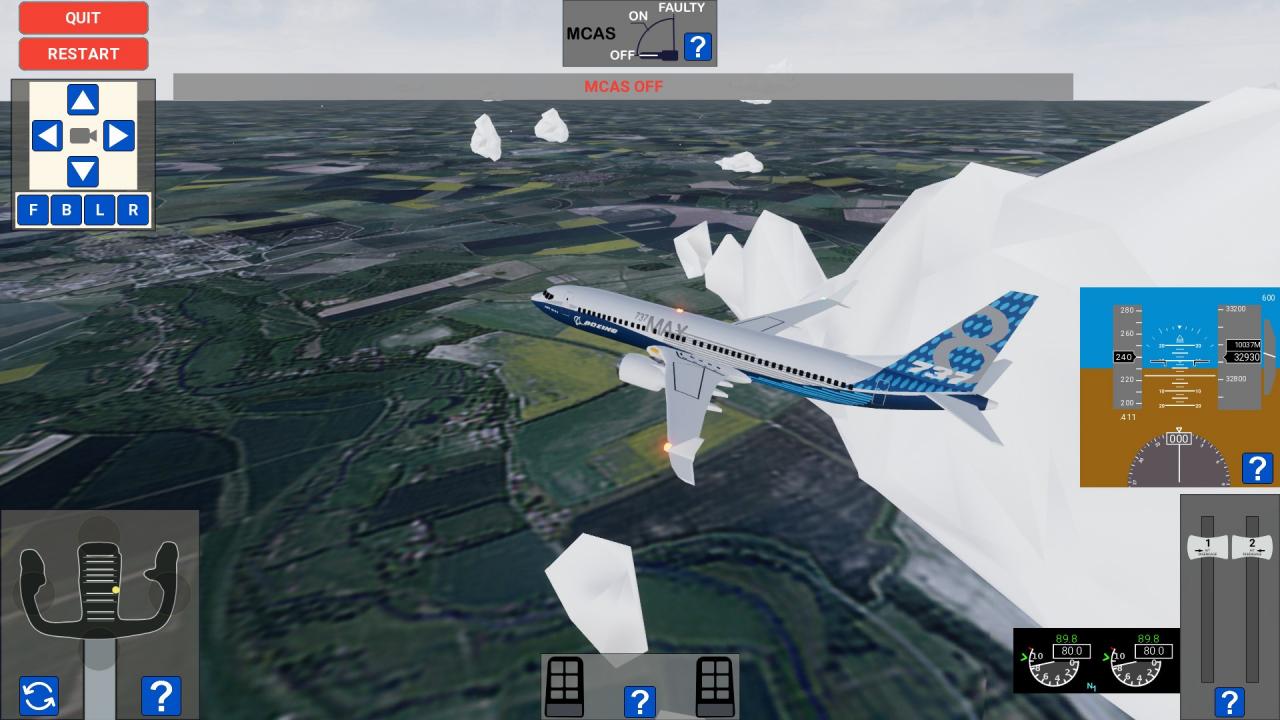
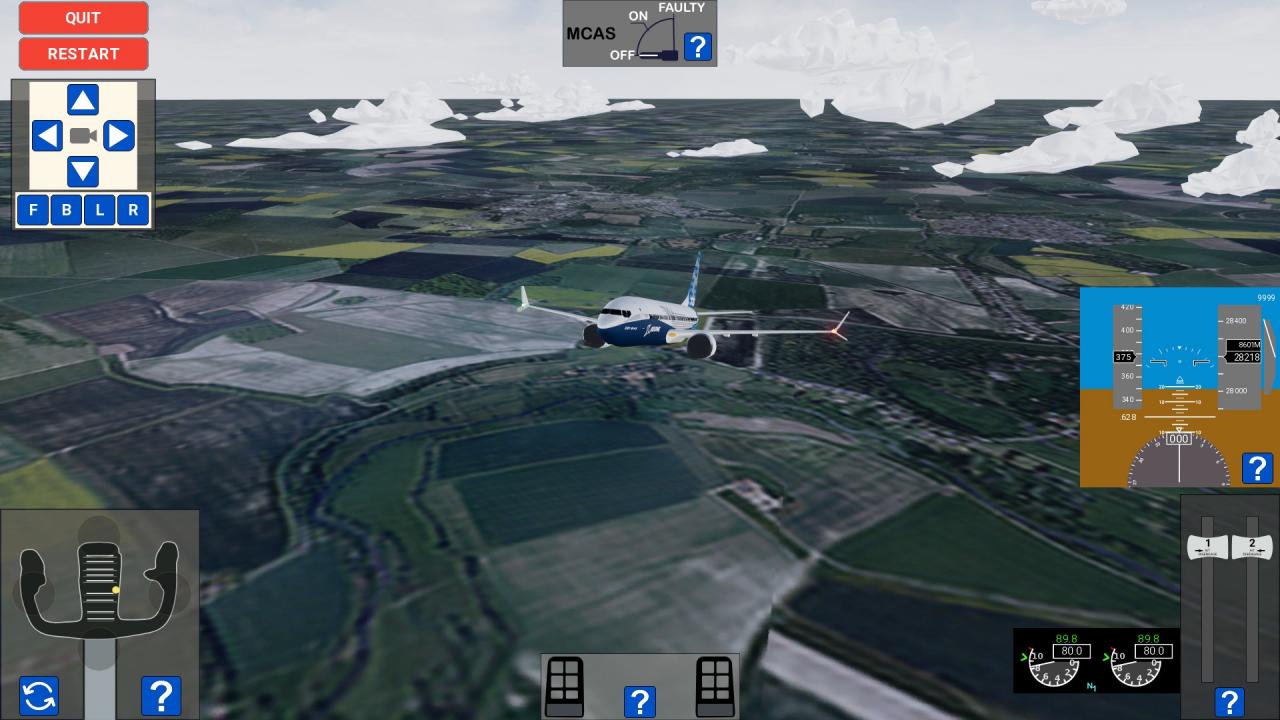
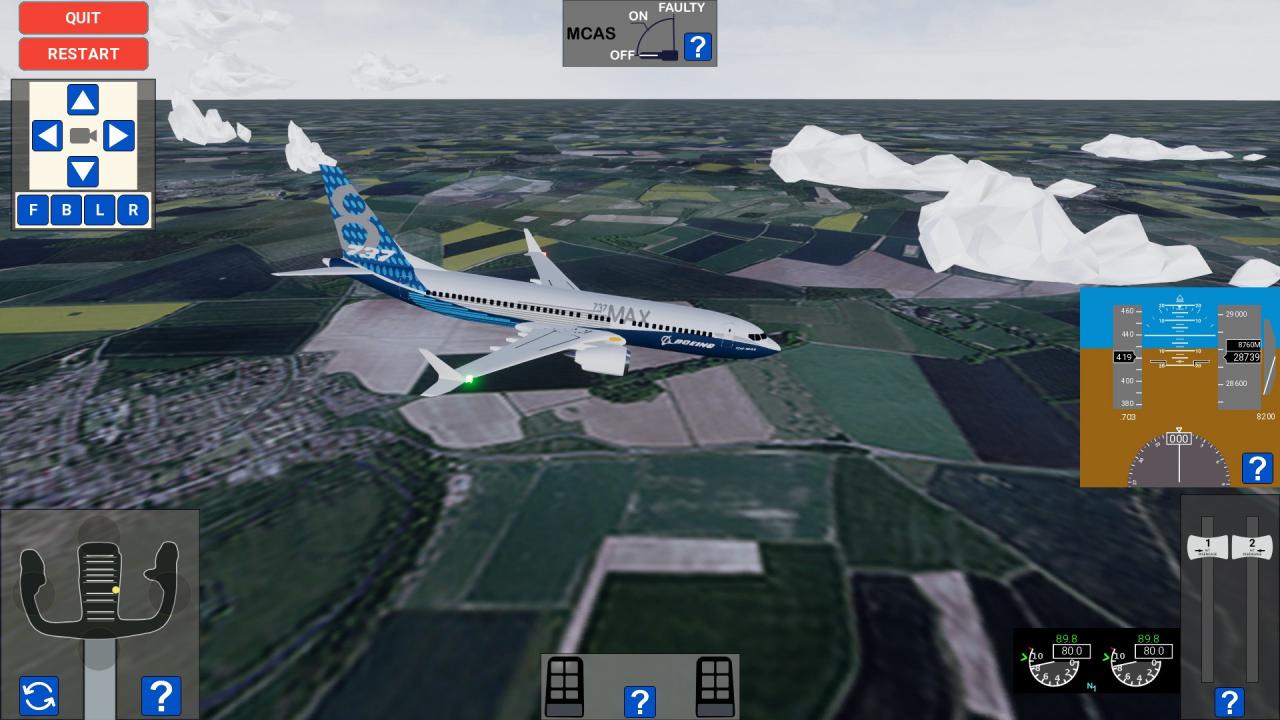
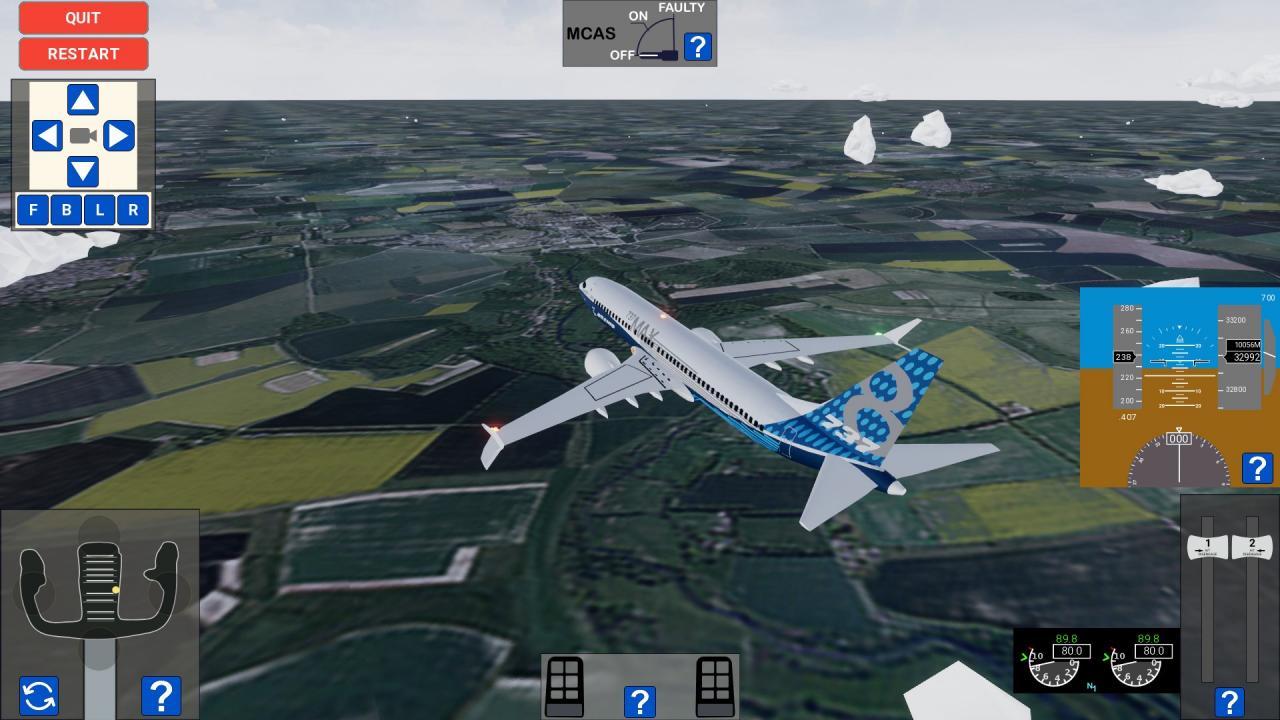
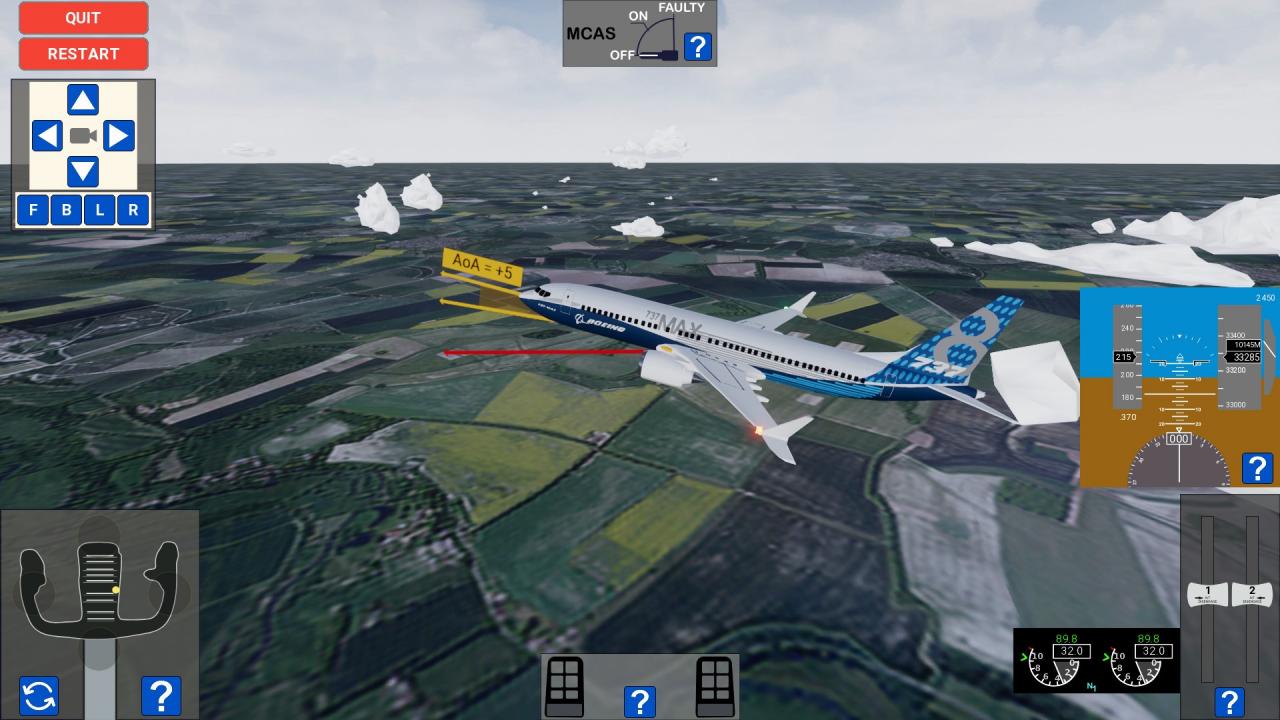
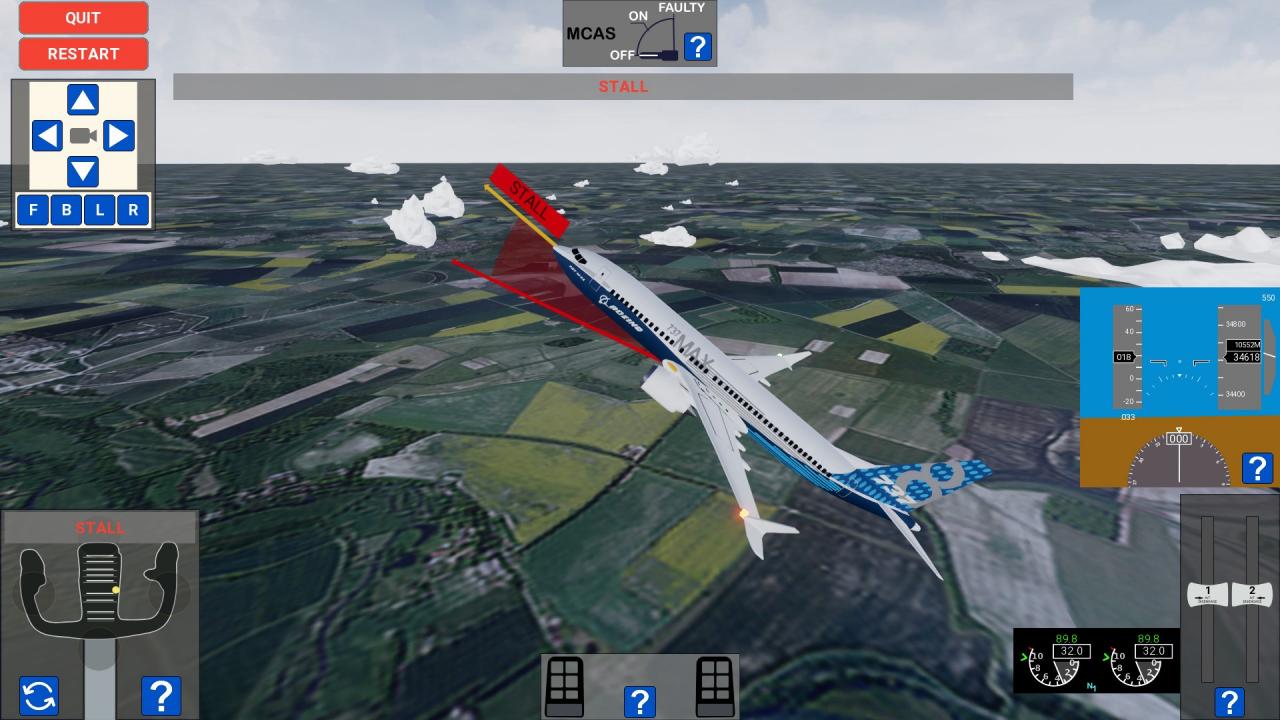
MCAS is an interactive news report in the form of a simulation that will give you a better understanding of how the MCAS works and how it led to Boeing 737 MAX crashes of Lion Air Flight 610 and Ethiopian Airlines Flight 302 that you probably heard or read in the news. This simulation is going to consist of 8 parts each part lasting about five to eight minutes. It is going to be structured in way that you can easily skip a part and come back to it later. Part 1 takes you to a virtual tour of the Boeing Renton Factory where the Boeing 737 MAX airliners are built. Part 2 takes you to a virtual engine test room and explains how modern aircraft engines work. Part 3 takes you to a virtual Wind Tunnel room and explains the role of the winglets on the aircraft. Part 4 will show you how the engines are attached to the airframe and how they modified the flight characteristics of the airplane. Part 5 will introduce the MCAS system in more details and explain how it was supposed to make the plane easier to fly. Part 6 and Part 7 will attempt to recreate flights Lion Air Flight 610 and Ethiopian Airlines Flight 302. Part 8 will take us back to the drawing board where we will study different proposals on how to improve the MCAS.
Go to: http://store.steampowered.com/ and download STEAM client Click "Install Steam" (from the upper right corner) Install and start application, login with your Account name and Password (create one if you don't have). Please follow these instructions to activate a new retail purchase on Steam: Launch Steam and log into your Steam account. Click the Games Menu. Choose Activate a Product on Steam... Follow the onscreen instructions to complete the process. After successful code verification go to the "MY GAMES" tab and start downloading.