Get 10% back in Relic Coins on every order
Age of Empires: Definitive Edition Windows cover

MS Store (PC) Europe - All Countries· Key

Age of Empires: Definitive Edition Windows

€14.70

+€1.47 cashback eligibility in Relic Coins

Check before you play

Platform
MS Store (PC)
Region
Europe - All Countries
Product type
Key
Developer
Microsoft Game Studios
Publisher
Microsoft Game Studios
Supplier release date
2018-02-20
Genres
Strategy

About this product

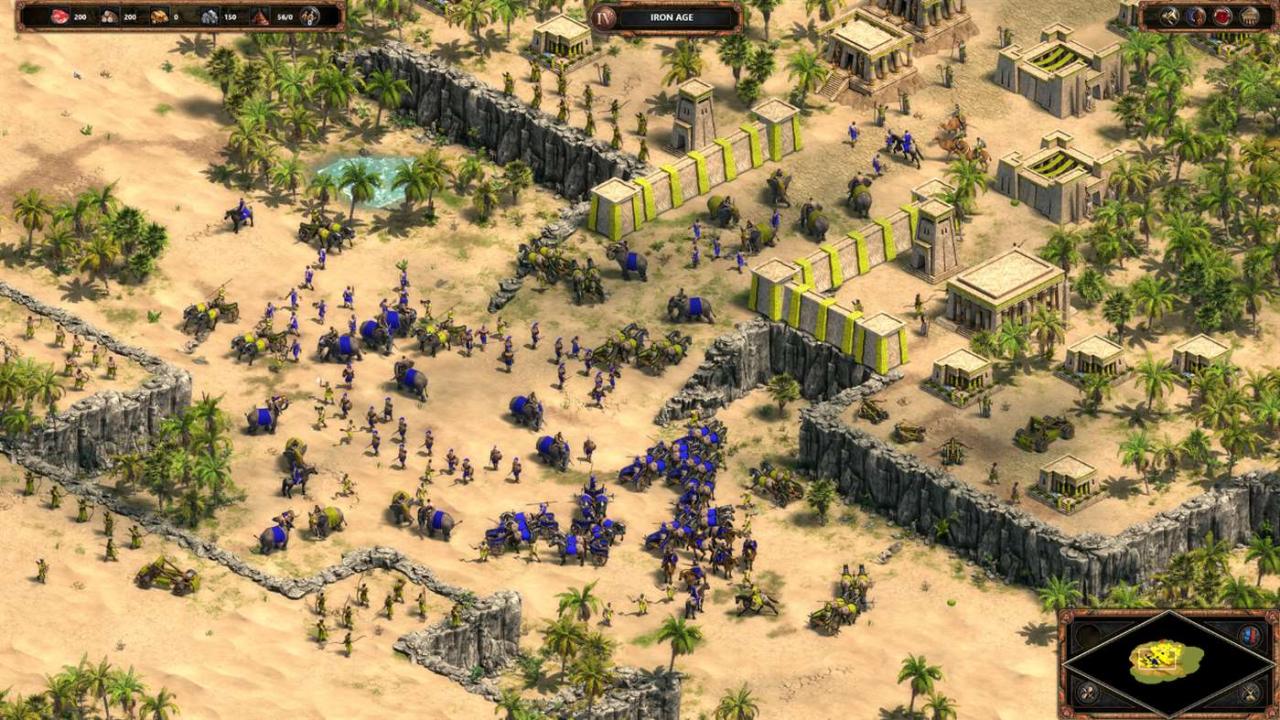
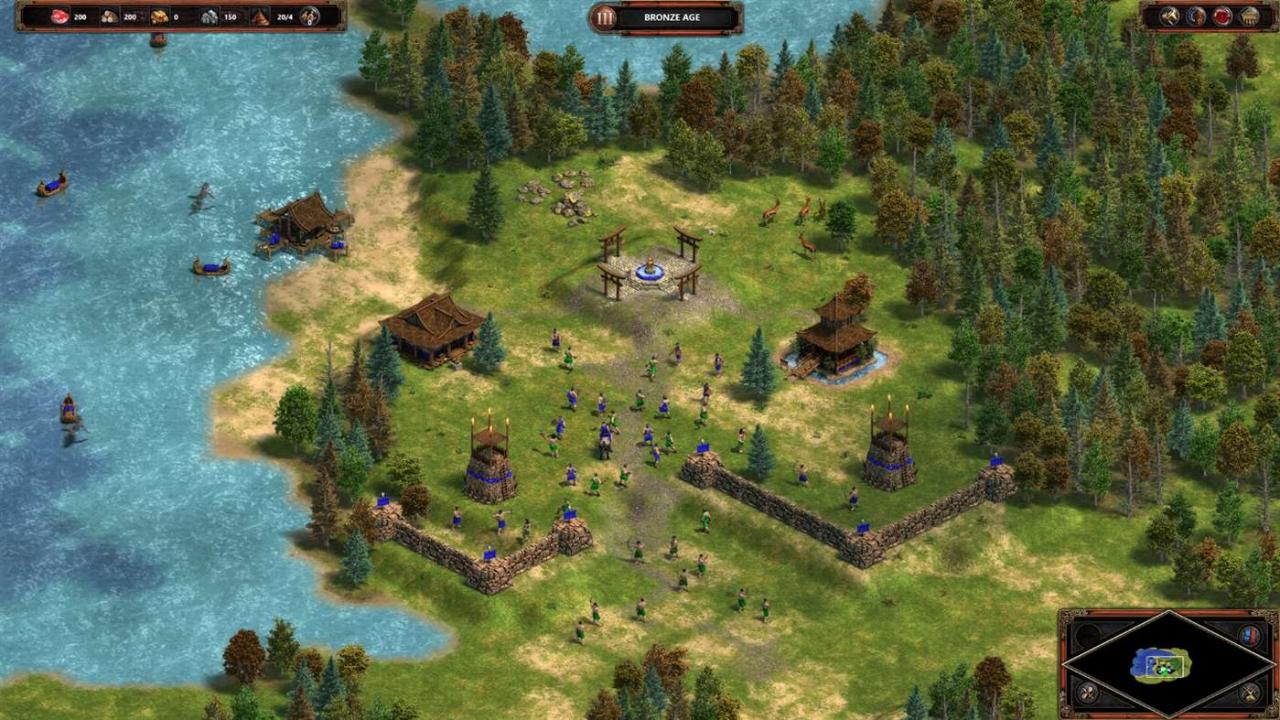
Age of Empires, the pivotal RTS that launched a 20-year legacy returns in definitive form for Windows 10 PCs. Bringing together all of the officially released content with modernized gameplay, all-new visuals and a host of other new features, Age of Empires: Definitive Edition is the complete RTS package. Engage in over 40 hours of updated campaign content with new narration and pacing, jump online in up to 8-player battles with new competitive features and modes, experience 4K HD visuals with overhauled animations, get creative with the scenario builder and share your creations with easy mod support. There’s never been a better time to jump in to Age of Empires. Welcome back to history.

Age of Empires: Definitive Edition Windows screenshotAge of Empires: Definitive Edition Windows screenshotAge of Empires: Definitive Edition Windows screenshotAge of Empires: Definitive Edition Windows screenshotAge of Empires: Definitive Edition Windows screenshotAge of Empires: Definitive Edition Windows screenshot

How to redeem

  1. 1Check your MS Store (PC) account and the listed region before purchasing.
  2. 2Find your code and supplier activation instructions in your confirmed order.
  3. 3Open the redeem-code section on MS Store (PC), enter the code and follow the platform’s prompts.

Supplier instructions

Select the Start button, then select Xbox. Sign in. If you don’t have a Microsoft account, sign up. If you’ve ever installed games from the Windows Store, use the same Microsoft account here. Select My games. Games you have on that device will appear there. Click on Find games in the Store. Select Redeem code option and enter your xxxxx-xxxxx-xxxxx-xxxxx-xxxxx key.

You might also like