Get 10% back in Relic Coins on every order
Gears Tactics / Windows 10 cover

Xbox OneGlobal· Key

Gears Tactics / Windows 10

€17.75

+€1.78 cashback eligibility in Relic Coins

Check before you play

Platform
Xbox One
Region
Global
Product type
Key
Developer
Splash Damage
Publisher
Xbox Game Studios
Supplier release date
2020-04-28
Genres
Strategy

About this product

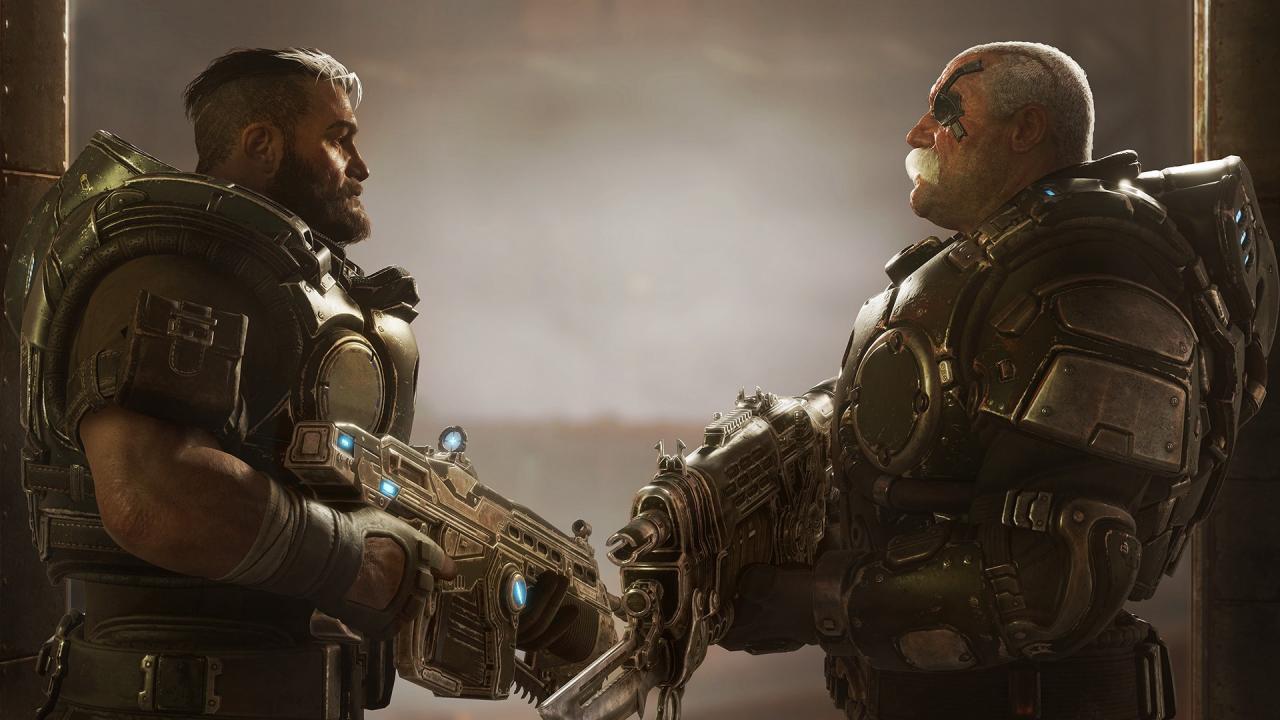
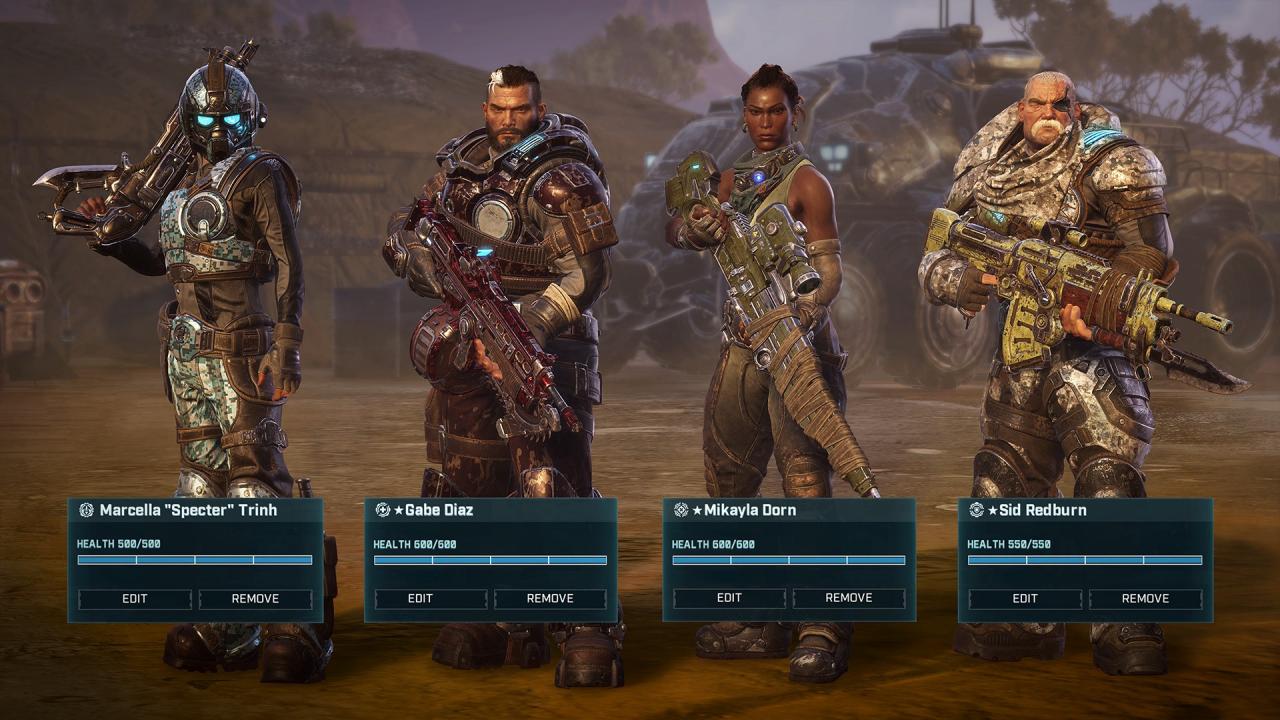
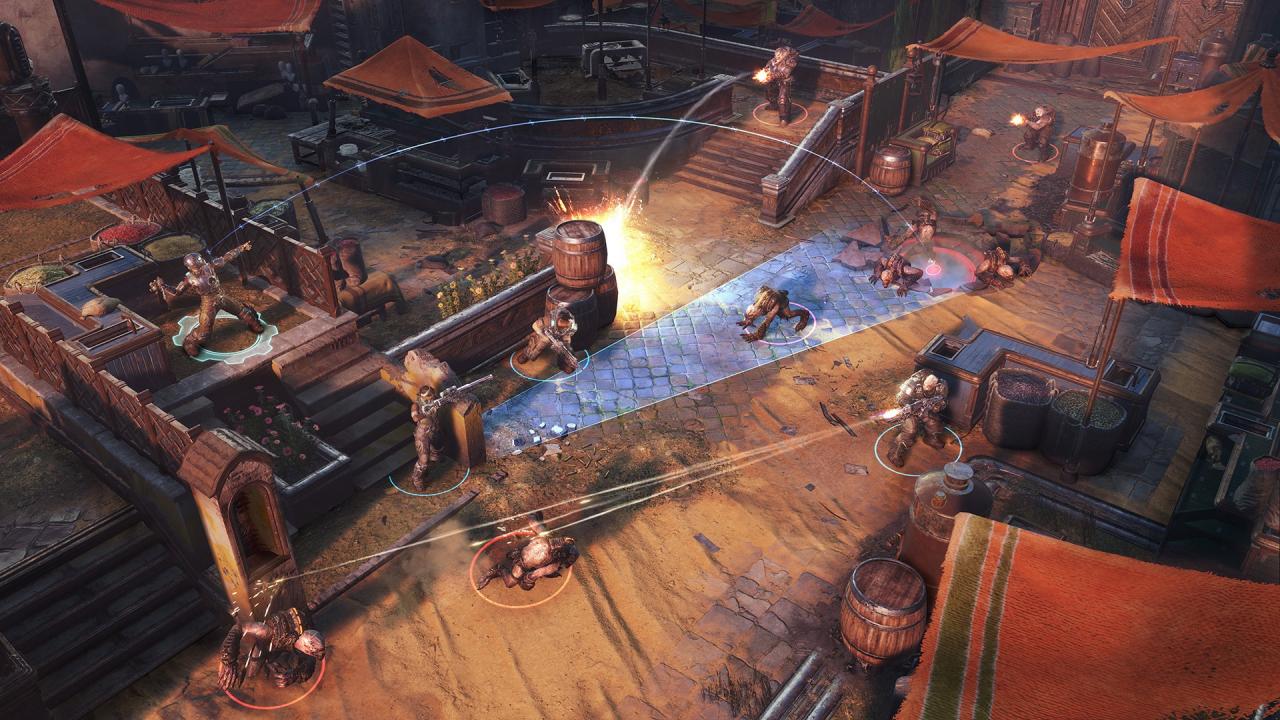
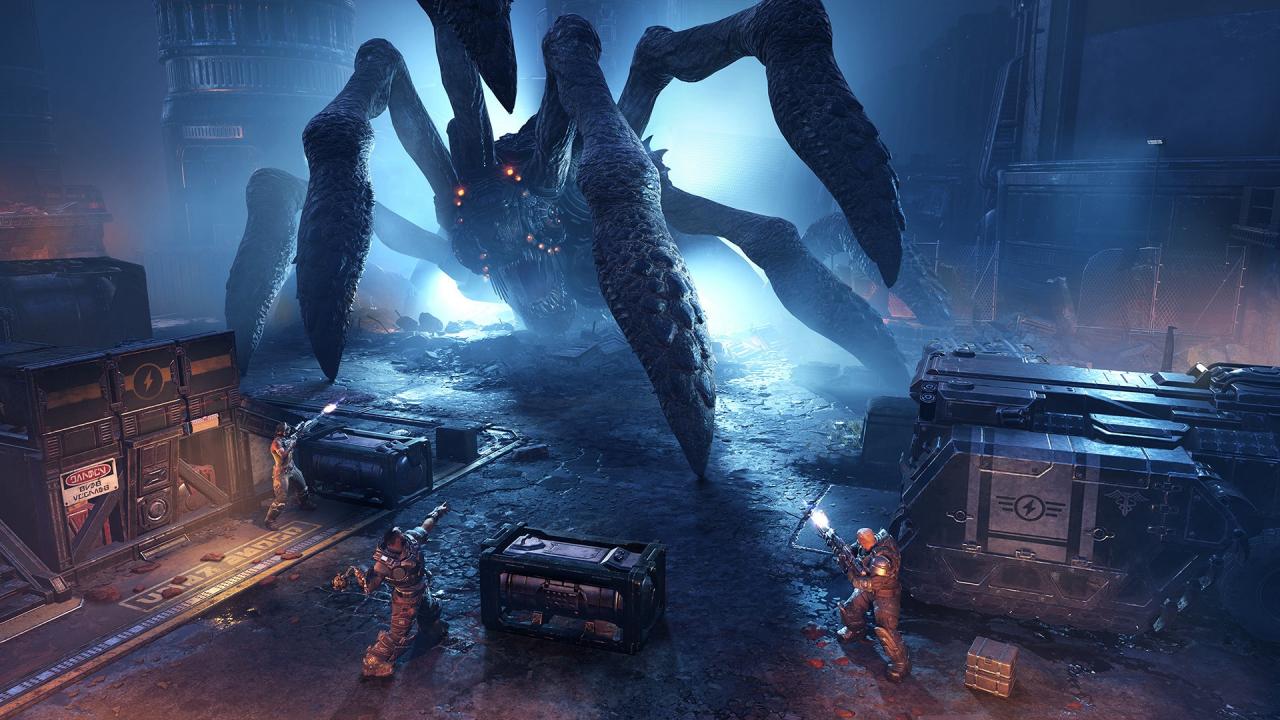
Survive the first invastion of the Locust Army in an innovative take on the hit Gears series. Lead a squad of stranded soldiers in the initial days of the war. Use your wits to fight against the overwhelming odds. Gears Tactics merges turn-based action with an intense combat experience and a gripping character-driven narrative. Lead on, commander! Features Rich and immersive story - You are Diaz, a reluctant hero who cares for his troops first, politics never. Your sheer will and charisma makes you the best person to lead the resistance. Customize your squad - Collect loot and get experience on the battlefield to develop skills of your soldiers and arm them with more efective gear. Huge bosses - New in turn-based games! Fight against gigantic boss monsters that require a completely new tactical approach. Action never stops - Just like other Gears of War games, Gears Tactics makes you push forward and aggresively fight for every inch of the battlefield.

Gears Tactics / Windows 10 screenshotGears Tactics / Windows 10 screenshotGears Tactics / Windows 10 screenshotGears Tactics / Windows 10 screenshot

How to redeem

  1. 1Check your Xbox One account and the listed region before purchasing.
  2. 2Find your code and supplier activation instructions in your confirmed order.
  3. 3Open the redeem-code section on Xbox One, enter the code and follow the platform’s prompts.

Supplier instructions

In order to use the key follow the instruction below: Go to https://www.xbox.com Login to your account Hover over your account link (the top right of the screen) a menu will appear, click on the "Redeem Code" button. On the next page, click "Redeem" Enter your code Click "Confirm" Click "Confirm" again to assign the key to your account. In order to download and install your game on Windows 10 follow the instructions below: Using your Microsoft account, sign in to the PC where you want to install your games. On the Start screen, select the Store icon. In the Store, select Games from the menu. Browse and select the game you want to install.

You might also like