Get 10% back in Relic Coins on every order
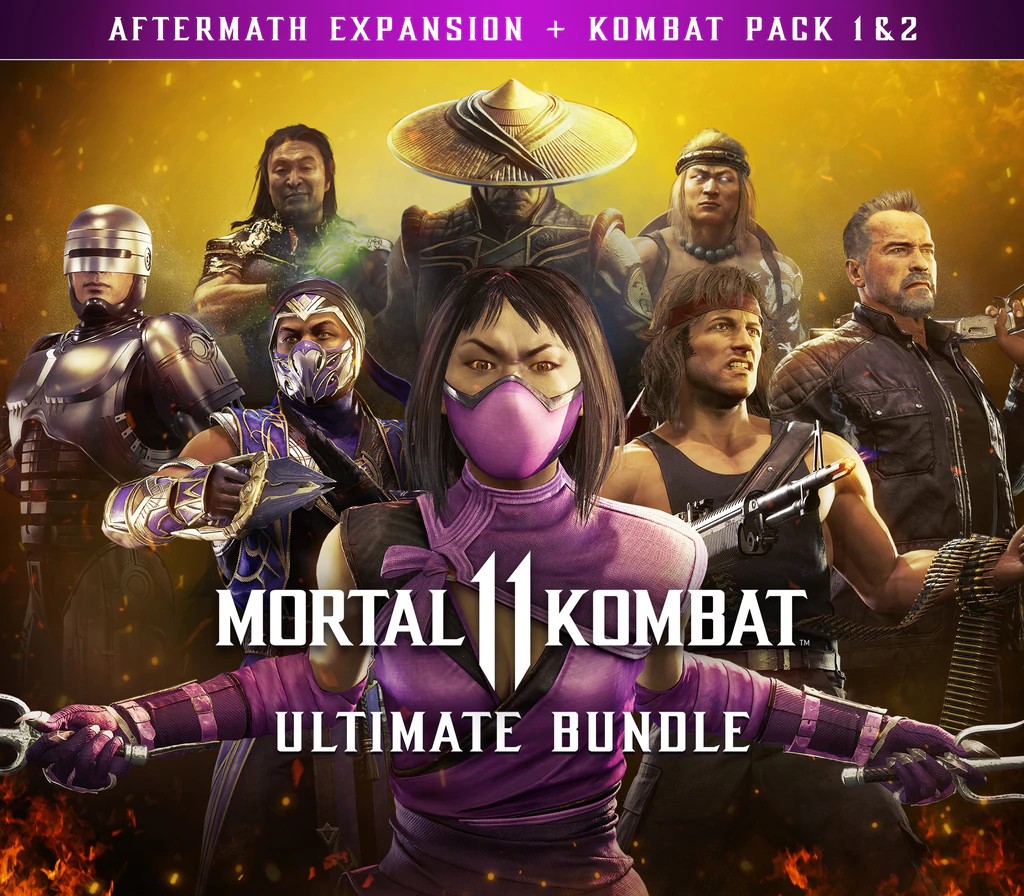
Mortal Kombat 11 - Ultimate Add-On Bundle DLC cover

Steam· DLC

Mortal Kombat 11 - Ultimate Add-On Bundle DLC

€3.47

+€0.35 cashback eligibility in Relic Coins

Check before you play

Platform
Steam
Product type
DLC

Check the required base game and edition before purchasing this add-on.

Developer
NetherRealm Studios, QLOC, Shiver
Publisher
Warner Bros Interactive Entertainment
Supplier release date
2020-11-17
Genres
Action, Fighting

About this product

Includes: Mortal Kombat 11 Kombat Pack 1 Mortal Kombat 11 - Kombat Pack 2 Mortal Kombat 11: Aftermath Expansion Kombat Pack 1 6 New Playable Characters feat. Shang Tsung, Nightwolf, Terminator T-800, Sindel, The Joker & Spawn 6 Skin Packs & 7 Excl. Skins Kombat Pack 23 New Playable Fighters - Mileena, Rain & RamboAftermath ExpansionAftermath features a brand-new cinematic story. Fire God Liu Kang, the new keeper of time and protector of Earthrealm, looks to secure the future he envisions. In order to do so, he is forced to enlist the help of some unlikely allies & familiar foes. Players will have to decide who they can trust and who they must defeat with fate on the line. Forge a new history. All-New Cinematic Story 3 New Playable Fighters - Sheeva, Fujin & RoboCop 3 New Skin Packs

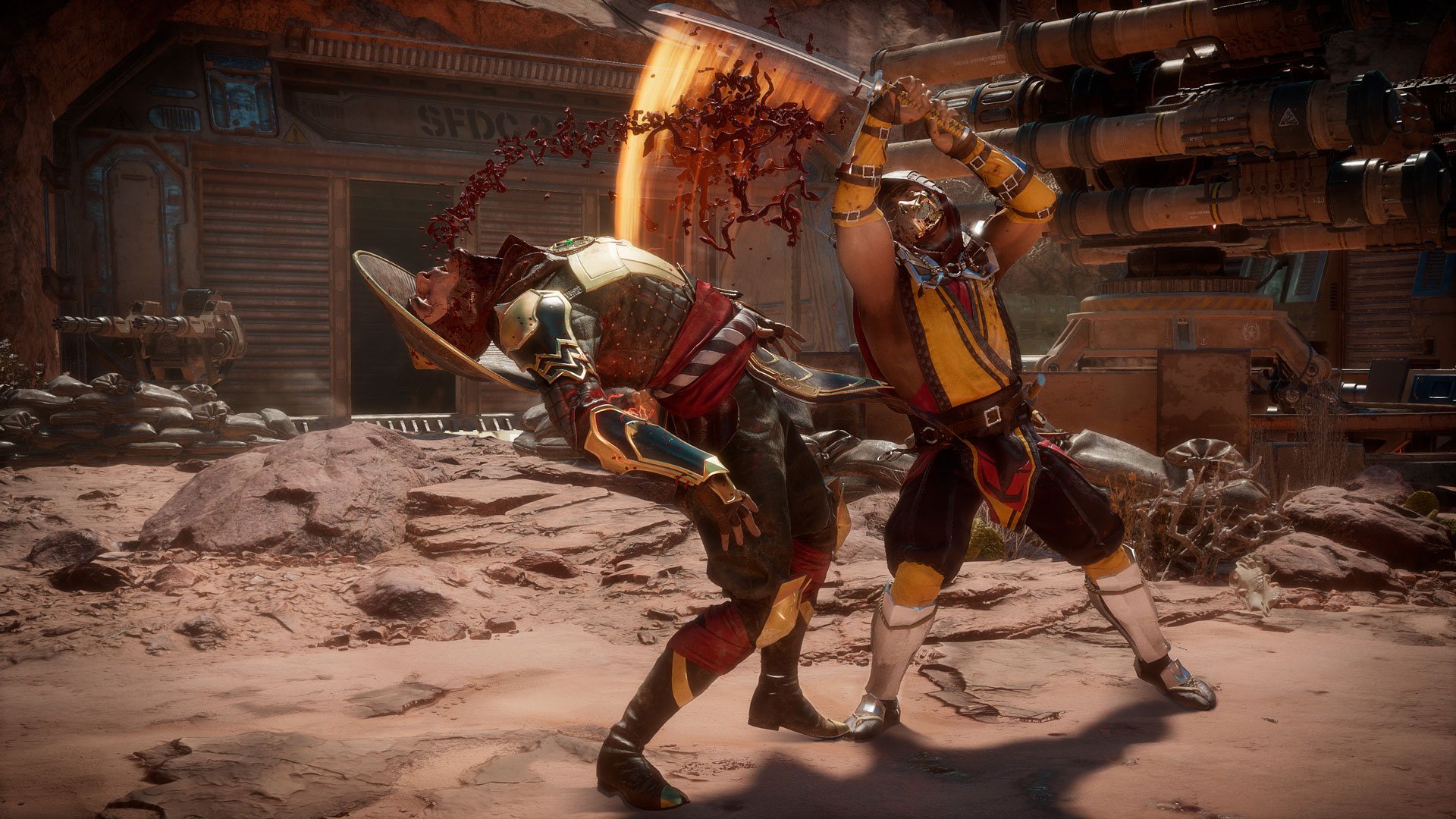
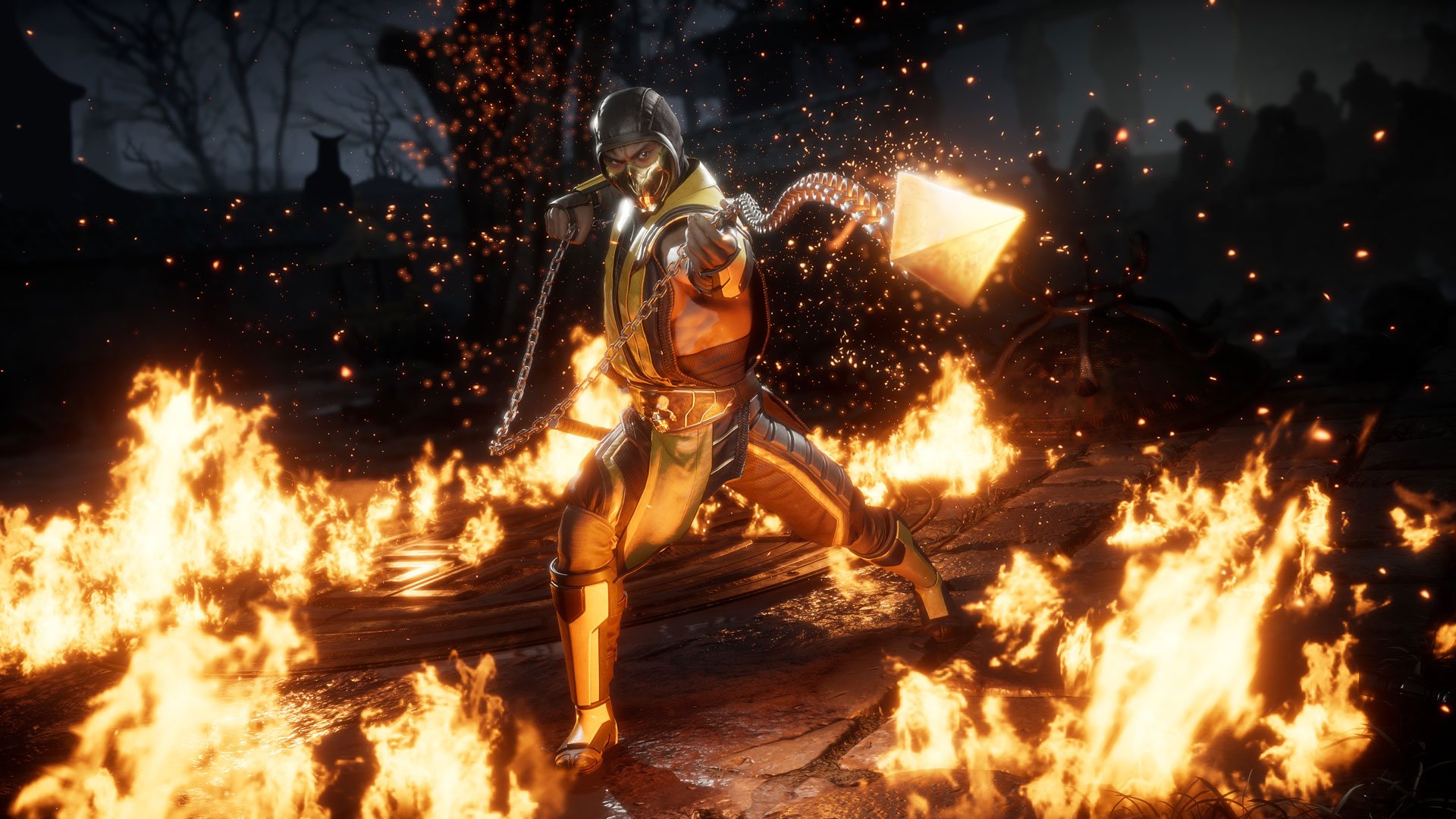
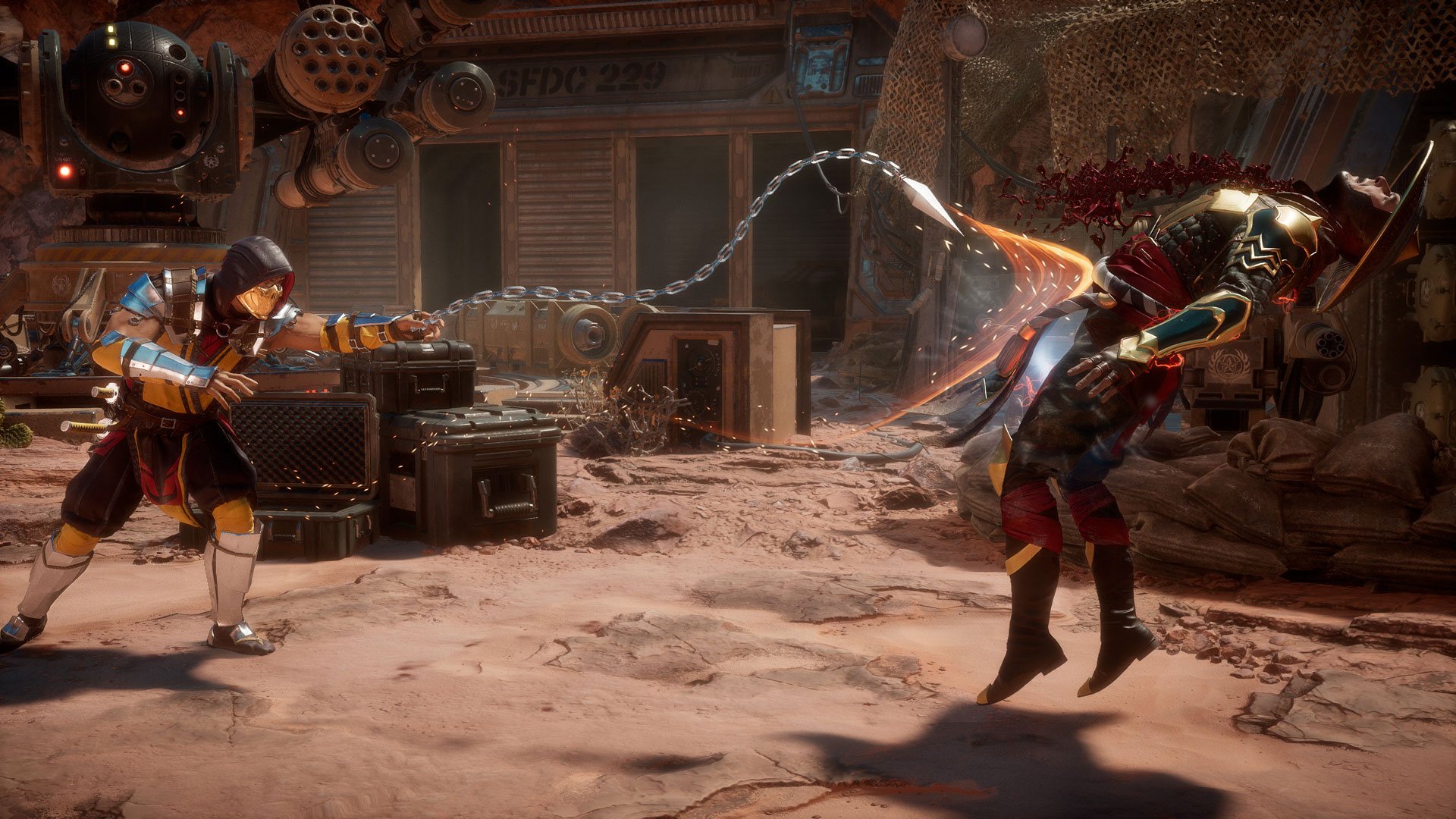
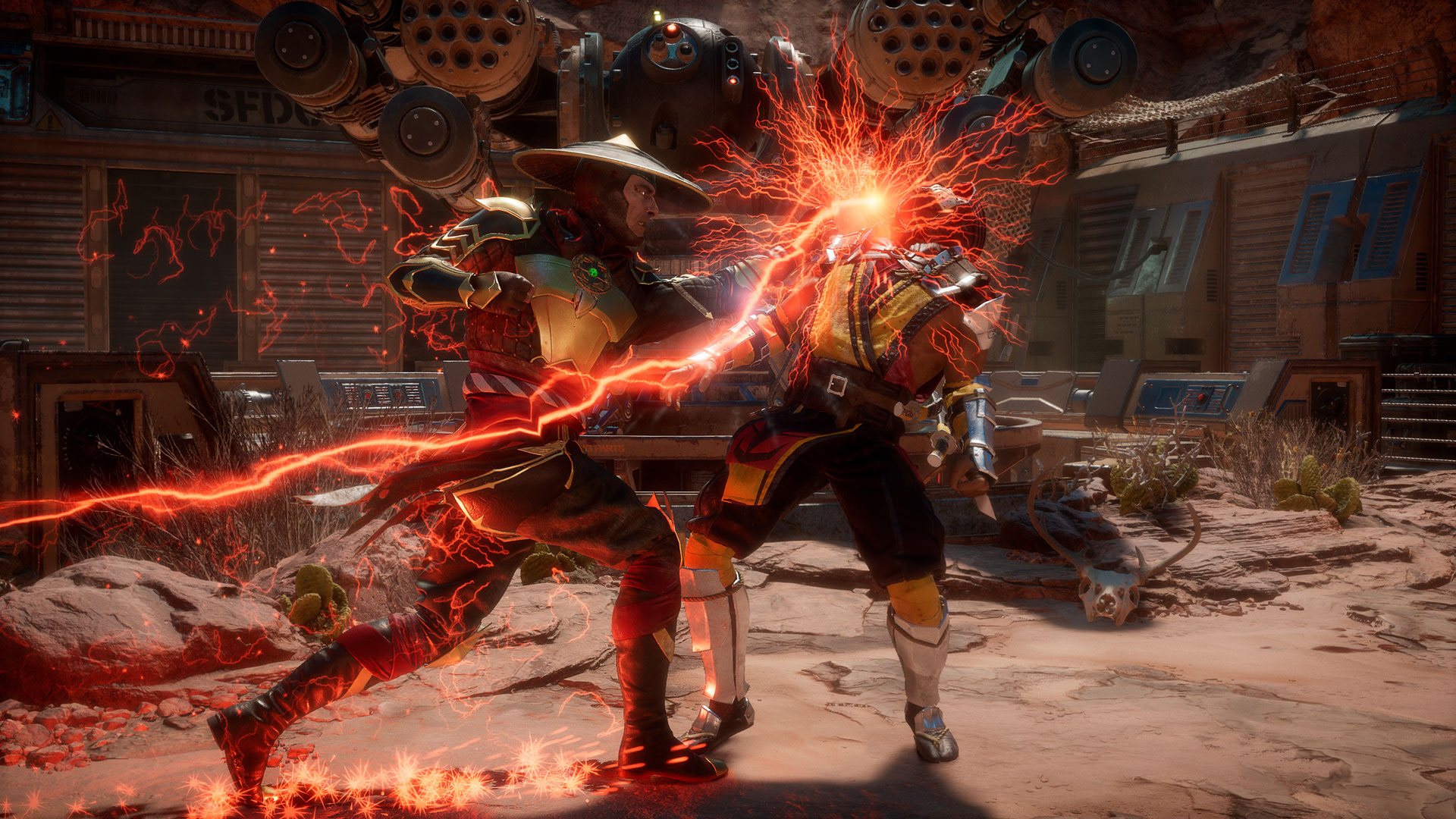
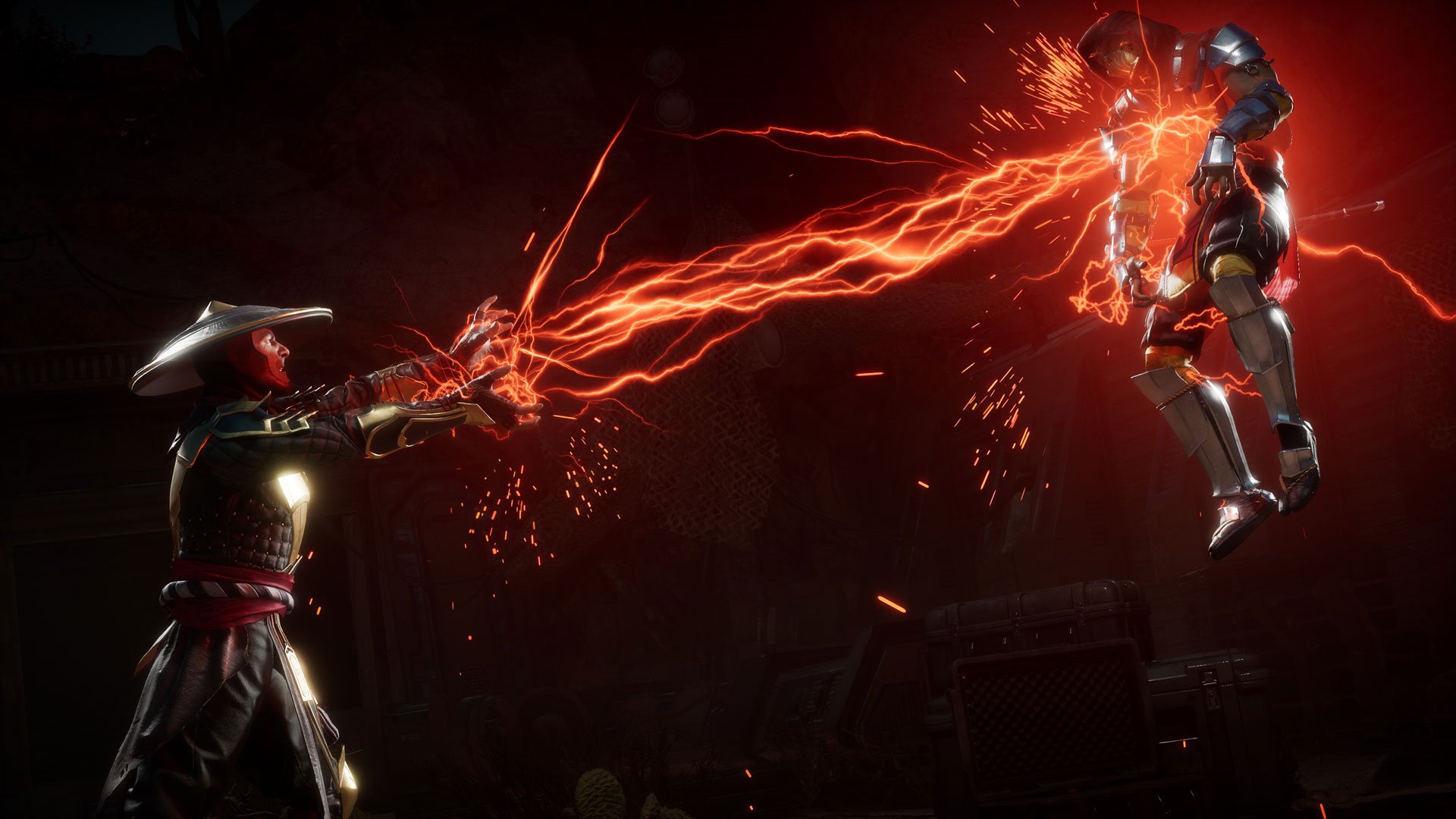
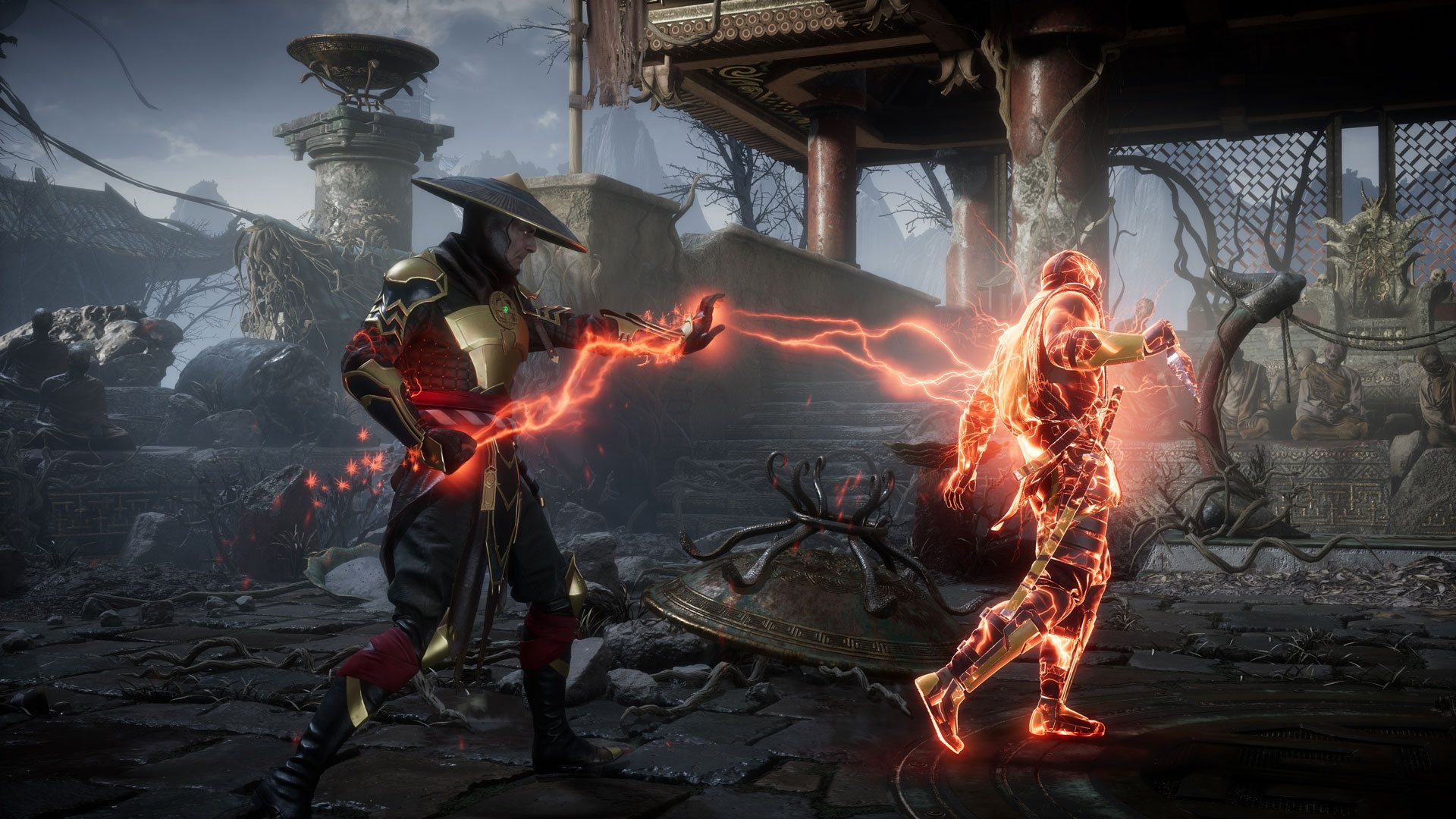
Mortal Kombat 11 - Ultimate Add-On Bundle DLC screenshotMortal Kombat 11 - Ultimate Add-On Bundle DLC screenshotMortal Kombat 11 - Ultimate Add-On Bundle DLC screenshotMortal Kombat 11 - Ultimate Add-On Bundle DLC screenshotMortal Kombat 11 - Ultimate Add-On Bundle DLC screenshotMortal Kombat 11 - Ultimate Add-On Bundle DLC screenshot

How to redeem

  1. 1Check the required base game, platform and edition before purchasing.
  2. 2Find the code or supplier activation instructions in your confirmed order.
  3. 3Redeem on Steam using the supplied instructions, then install the add-on with the compatible base game.

Supplier instructions

Go to: http://store.steampowered.com/ and download STEAM client Click "Install Steam" (from the upper right corner) Install and start application, login with your Account name and Password (create one if you don't have). Please follow these instructions to activate a new retail purchase on Steam: Launch Steam and log into your Steam account. Click the Games Menu. Choose Activate a Product on Steam... Follow the onscreen instructions to complete the process. After successful code verification go to the "MY GAMES" tab and start downloading.

You might also like