Get 10% back in Relic Coins on every order
Warhammer: End Times - Vermintide Karak Azgaraz DLC cover

Steam Europe - All Countries· DLC

Warhammer: End Times - Vermintide Karak Azgaraz DLC

€2.75

+€0.28 cashback eligibility in Relic Coins

Check before you play

Platform
Steam
Region
Europe - All Countries
Product type
DLC

Check the required base game and edition before purchasing this add-on.

Developer
Twistplay
Publisher
Chilled Mouse
Supplier release date
2016-05-26
Genres
Action, RPG, FPS

About this product

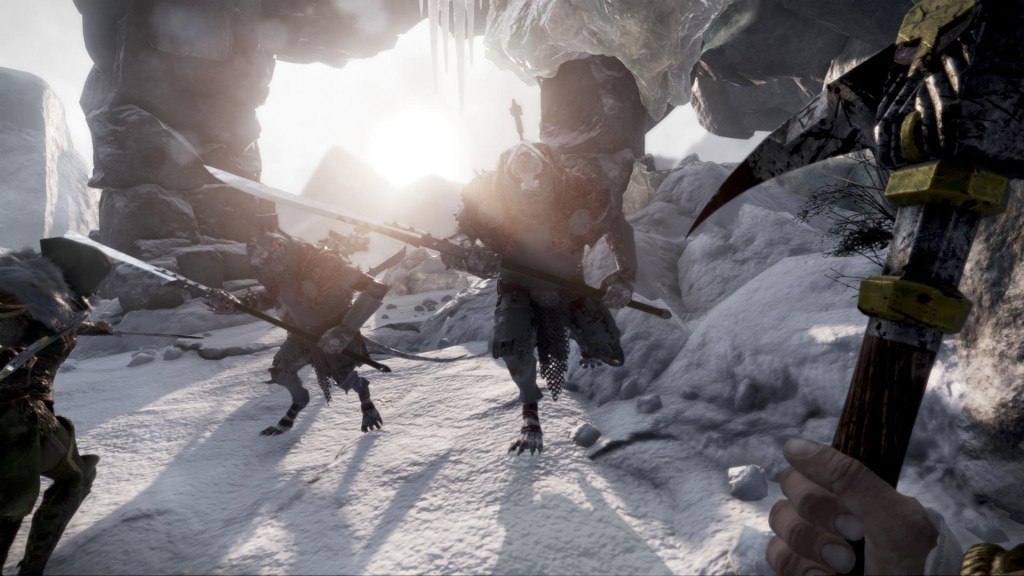
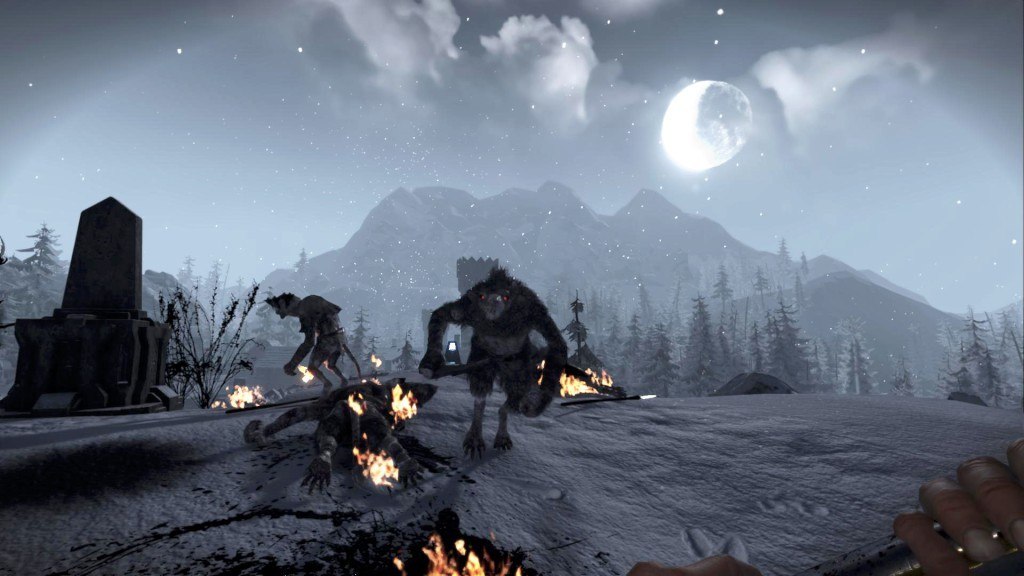
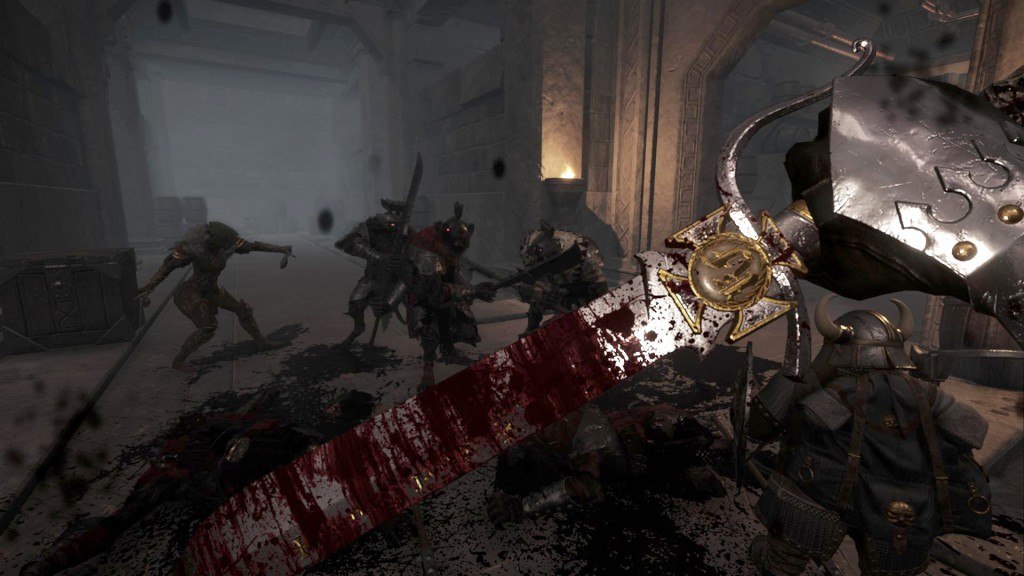
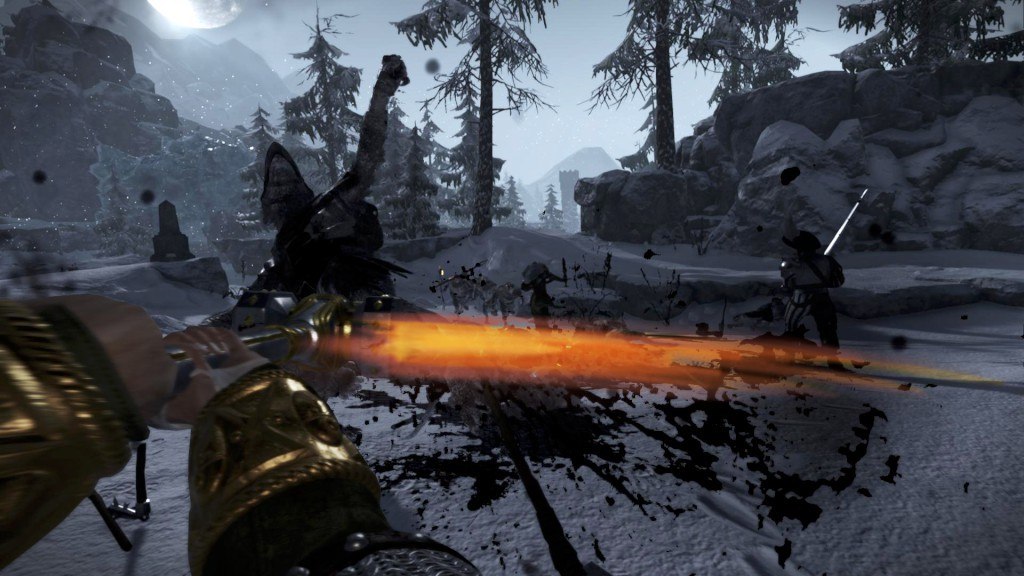
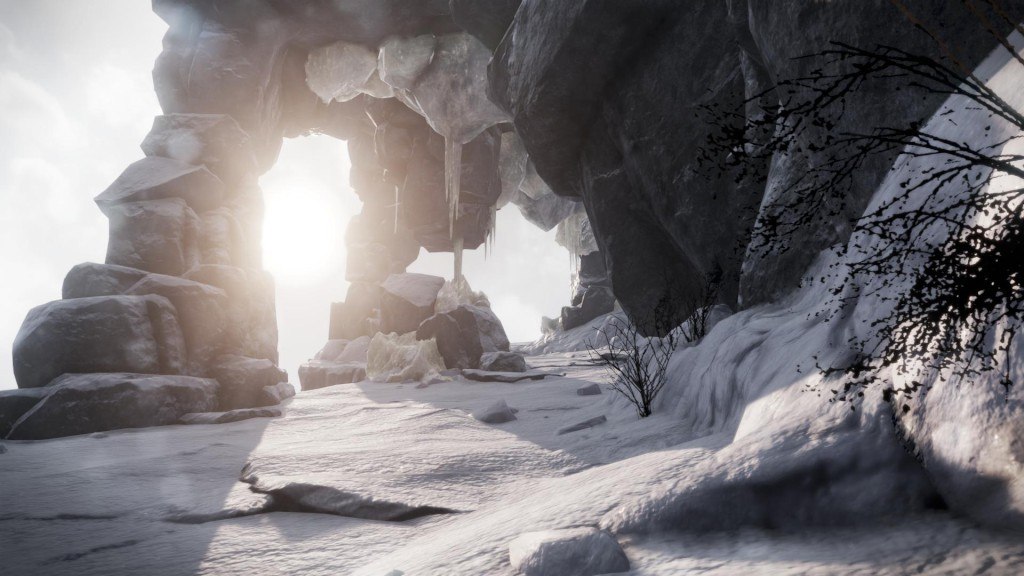
"I'm told Karak Azgaraz is a splendid sight.” The Skaven have invaded the Dwarfen fortress of Karak Azgaraz! Fight your way through 3 striking levels in this DLC for Vermintide, set among the snow covered peaks of the Grey Mountains. Battle the Skaven in the ancient halls of the Dwarfen Khazid Kro, made of cold stone and old technology. Explore the mountains in search of The Cursed Rune. Finally, make your way to the top of the mountain to light the first beacon and trigger the Chain of Fire. When completing these desperate missions in Karak Azgaraz, you will have a chance to acquire two NEW rare weapons. The Dwarf Ranger is out for Skaven blood with his new Warpick, and the Witch Hunter is not far behind wielding his sharp Falchion. The Skaven are plotting, and all that stands between them and their vile success is you and your friends. For the Dwarfs!

Warhammer: End Times - Vermintide Karak Azgaraz DLC screenshotWarhammer: End Times - Vermintide Karak Azgaraz DLC screenshotWarhammer: End Times - Vermintide Karak Azgaraz DLC screenshotWarhammer: End Times - Vermintide Karak Azgaraz DLC screenshotWarhammer: End Times - Vermintide Karak Azgaraz DLC screenshotWarhammer: End Times - Vermintide Karak Azgaraz DLC screenshot

How to redeem

  1. 1Check the required base game, platform and edition before purchasing.
  2. 2Find the code or supplier activation instructions in your confirmed order.
  3. 3Redeem on Steam using the supplied instructions, then install the add-on with the compatible base game.

Supplier instructions

Go to: http://store.steampowered.com/ and download STEAM client Click "Install Steam" (from the upper right corner) Install and start application, login with your Account name and Password (create one if you don't have). Please follow these instructions to activate a new retail purchase on Steam: Launch Steam and log into your Steam account. Click the Games Menu. Choose Activate a Product on Steam... Follow the onscreen instructions to complete the process. After successful code verification go to the "MY GAMES" tab and start downloading.

You might also like