Get 10% back in Relic Coins on every order
WWE 2K20 Digital Deluxe Edition cover

Xbox OneGlobal· Key

WWE 2K20 Digital Deluxe Edition

€157.49

+€15.75 cashback eligibility in Relic Coins

Check before you play

Platform
Xbox One
Region
Global
Product type
Key
Developer
Visual Concepts
Publisher
2K Sports
Supplier release date
2019-10-22
Genres
Action, Sport, Simulation, Casual, Co-op

About this product

Step Inside the ring with WWE 2K20, featuring your favorite WWE Superstars, Legends, Hall of Famers and NXT’s best! WWE 2K20 will feature key gameplay improvements, streamlined controls, and the most fun and creatively expansive entry in the franchise to date. WWE 2K20 will also feature a brand-new 2K Showcase focused on the story of the Four Horsewomen/Women’s Evolution, the return of 2K Towers, including a story-driven tower based on the career of Roman Reigns an all-new MyCAREER that prominently features both male and female playable characters, and Mixed Tag Matches featuring male and female competitors. Includes the WWE 2K20 Originals: Bump in the Night DLC featuring “The Fiend” Bray Wyatt, a spooky 2K Showcase, additional playable characters, arenas, and more! All subsequent WWE 2K20 Originals DLC packs also included, along with the SmackDown 20th Anniversary Pack featuring playable characters Hulk Hogan, Chyna, The Rock, and Mankind.

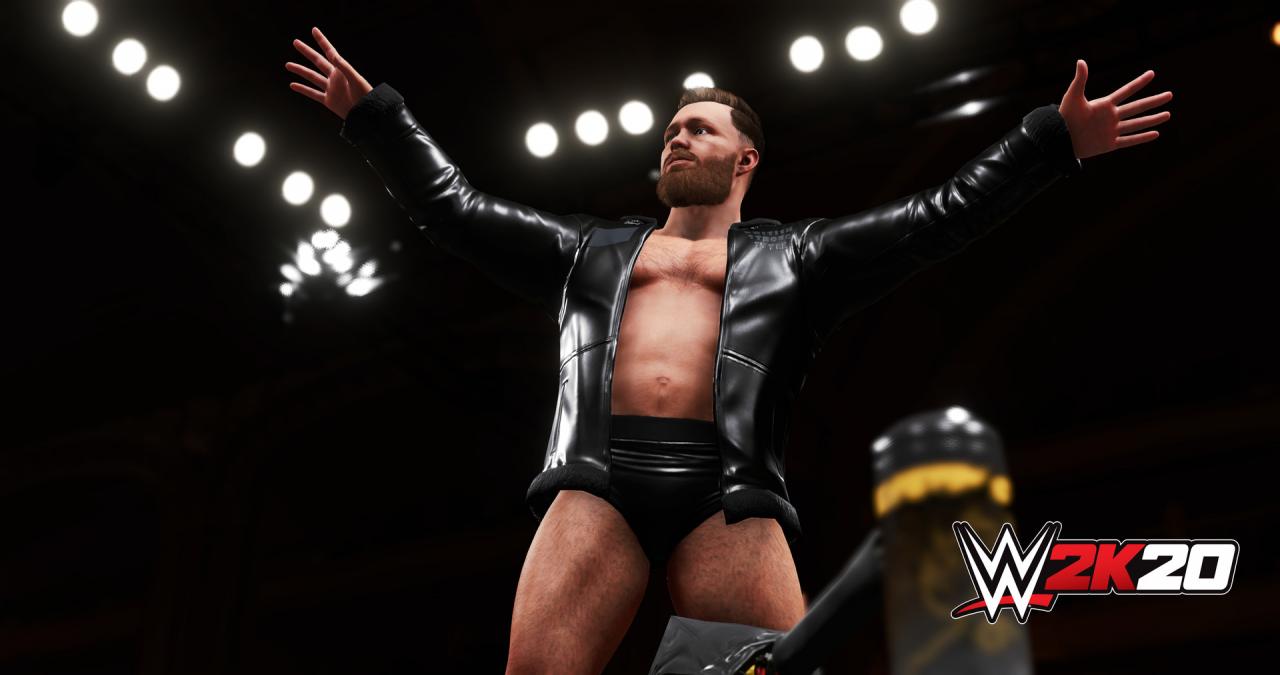
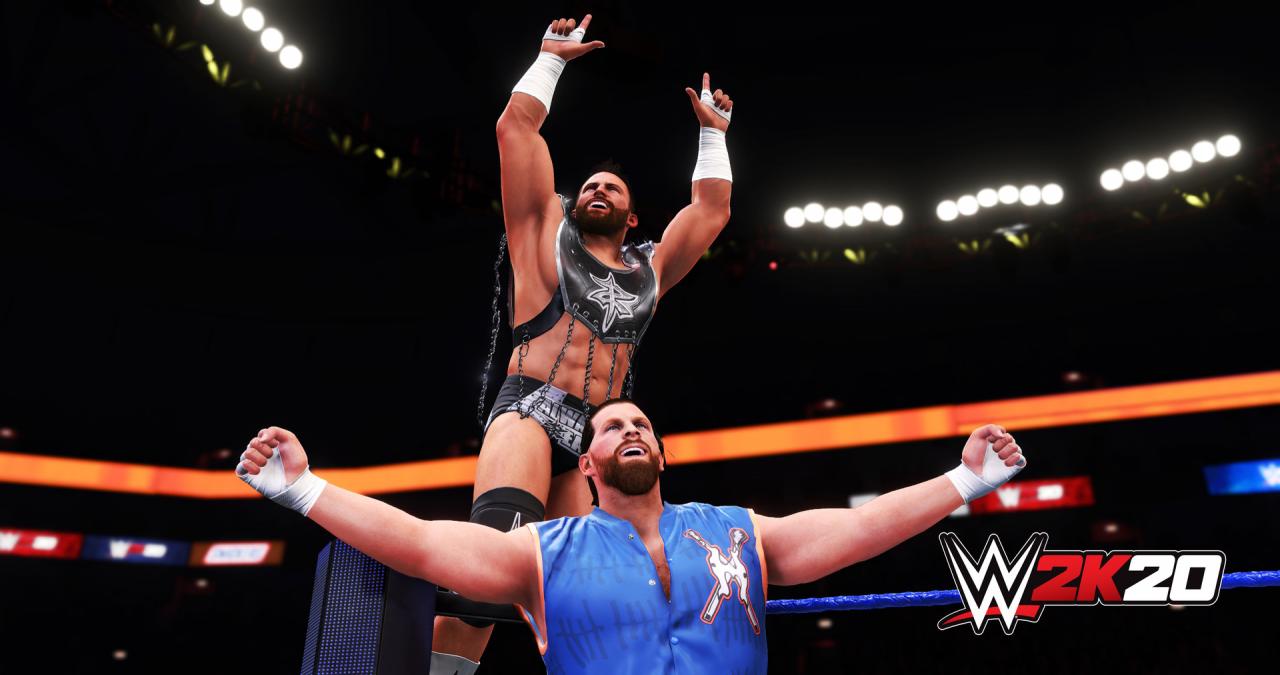
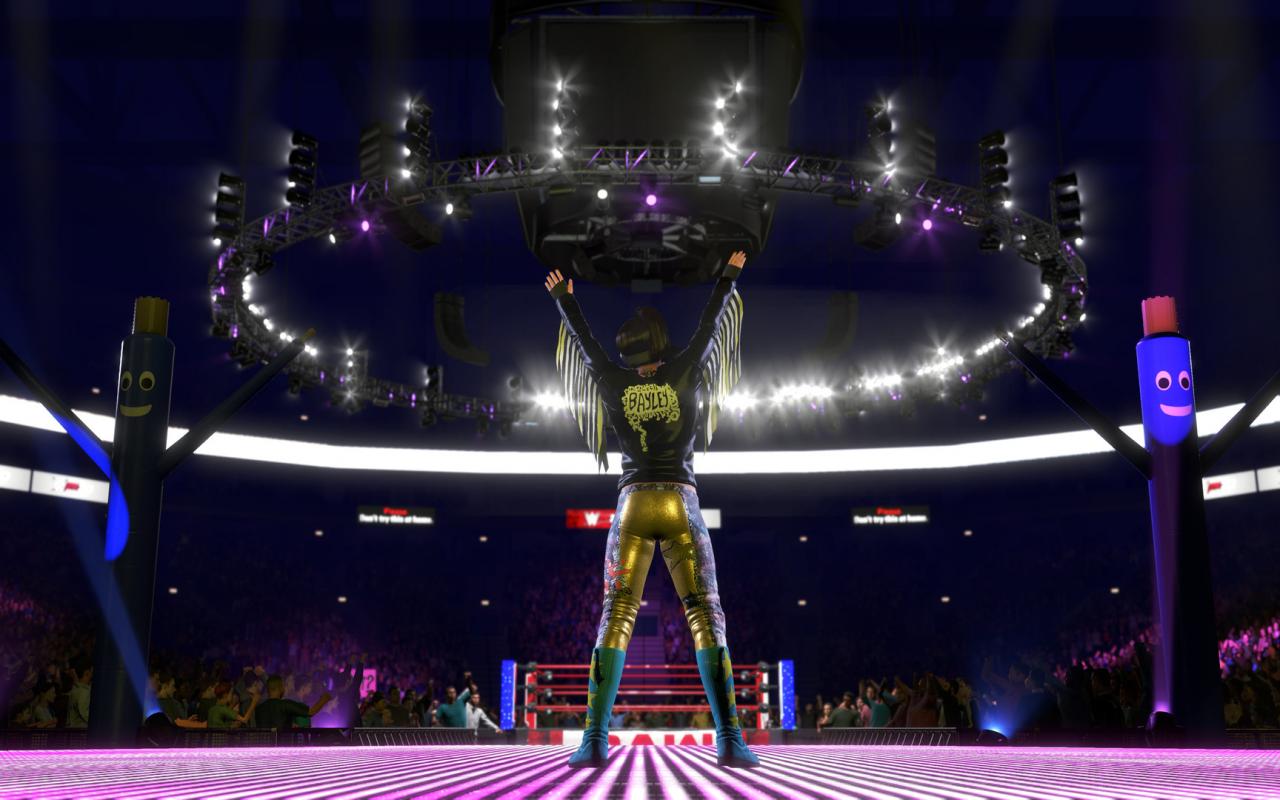
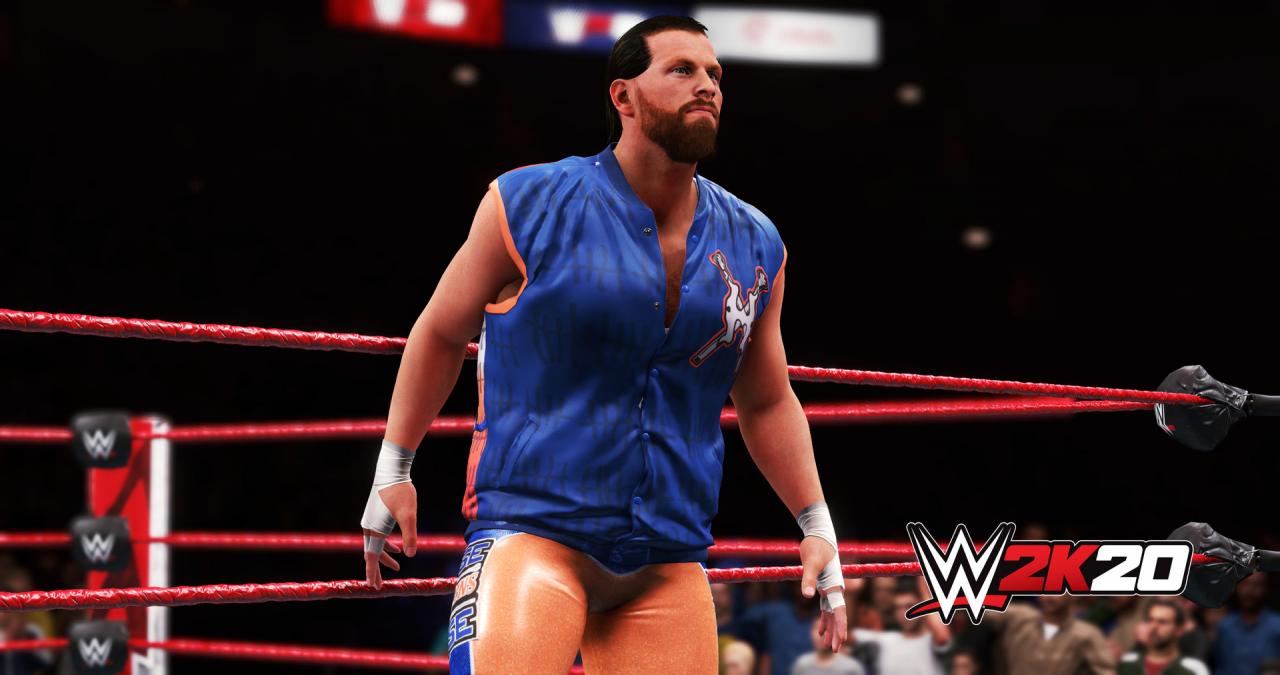
WWE 2K20 Digital Deluxe Edition screenshotWWE 2K20 Digital Deluxe Edition screenshotWWE 2K20 Digital Deluxe Edition screenshotWWE 2K20 Digital Deluxe Edition screenshotWWE 2K20 Digital Deluxe Edition screenshotWWE 2K20 Digital Deluxe Edition screenshot

How to redeem

  1. 1Check your Xbox One account and the listed region before purchasing.
  2. 2Find your code and supplier activation instructions in your confirmed order.
  3. 3Open the redeem-code section on Xbox One, enter the code and follow the platform’s prompts.

Supplier instructions

Go to https://www.xbox.com Login to your account Hover over your account link (the top right of the screen) a menu will appear, click on the "Redeem Code" button. On the next page, click "Redeem" Enter your code Click "Confirm" Click "Confirm" again to assign the key to your account.

You might also like