Get 10% back in Relic Coins on every order
Redout - Space Exploration Pack DLC cover

Steam Europe - All Countries· DLC

Redout - Space Exploration Pack DLC

€0.21

+€0.02 cashback eligibility in Relic Coins

Check before you play

Platform
Steam
Region
Europe - All Countries
Product type
DLC

Check the required base game and edition before purchasing this add-on.

Developer
34BigThings
Publisher
34BigThings
Supplier release date
2017-11-17
Genres
Racing

About this product

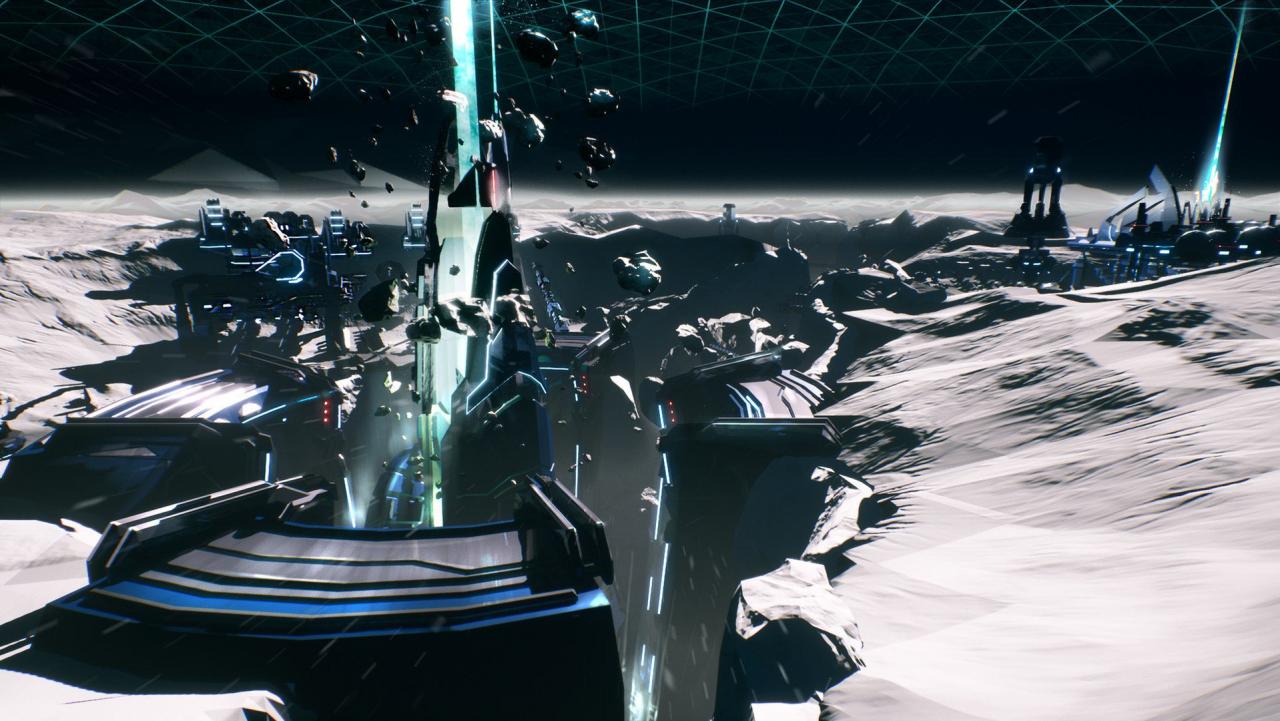
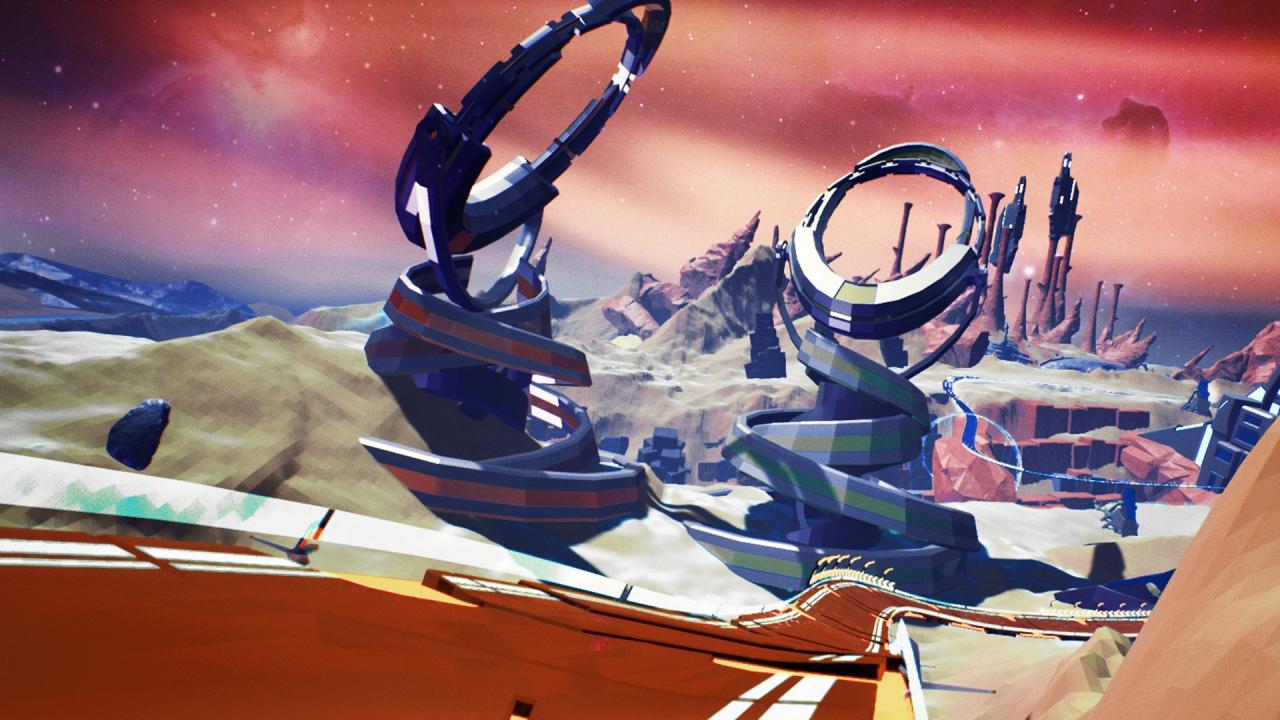
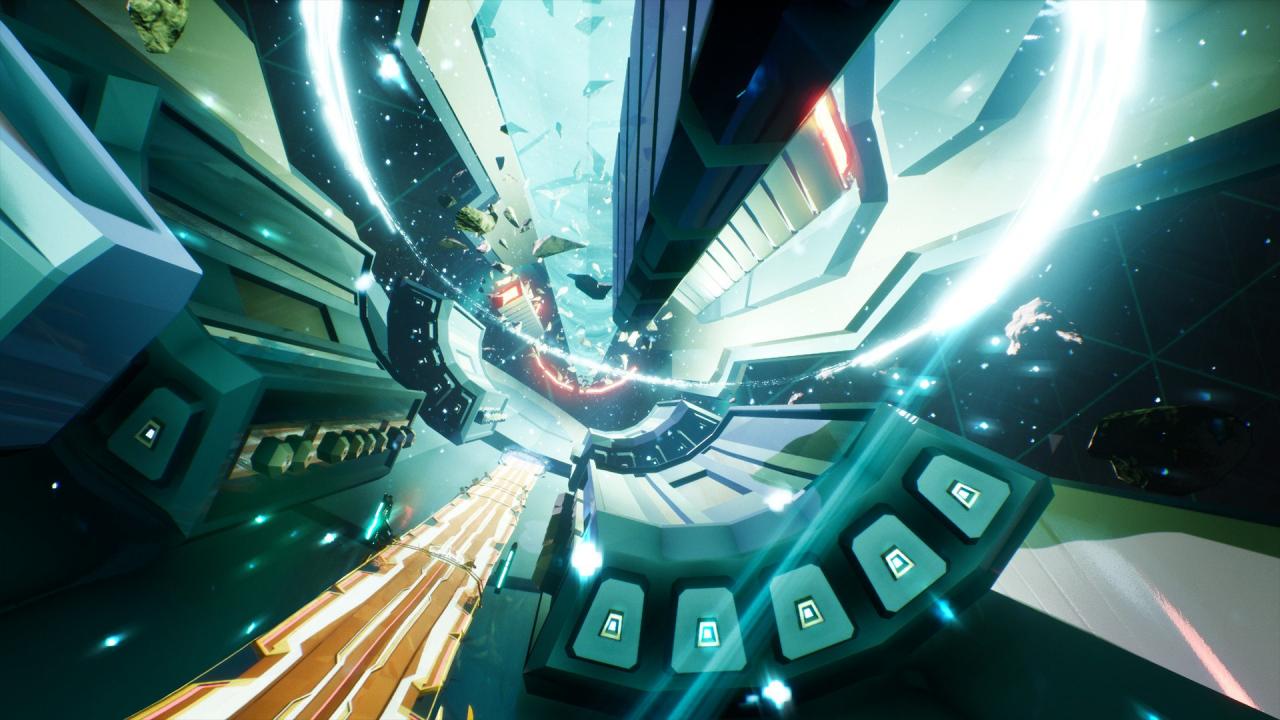
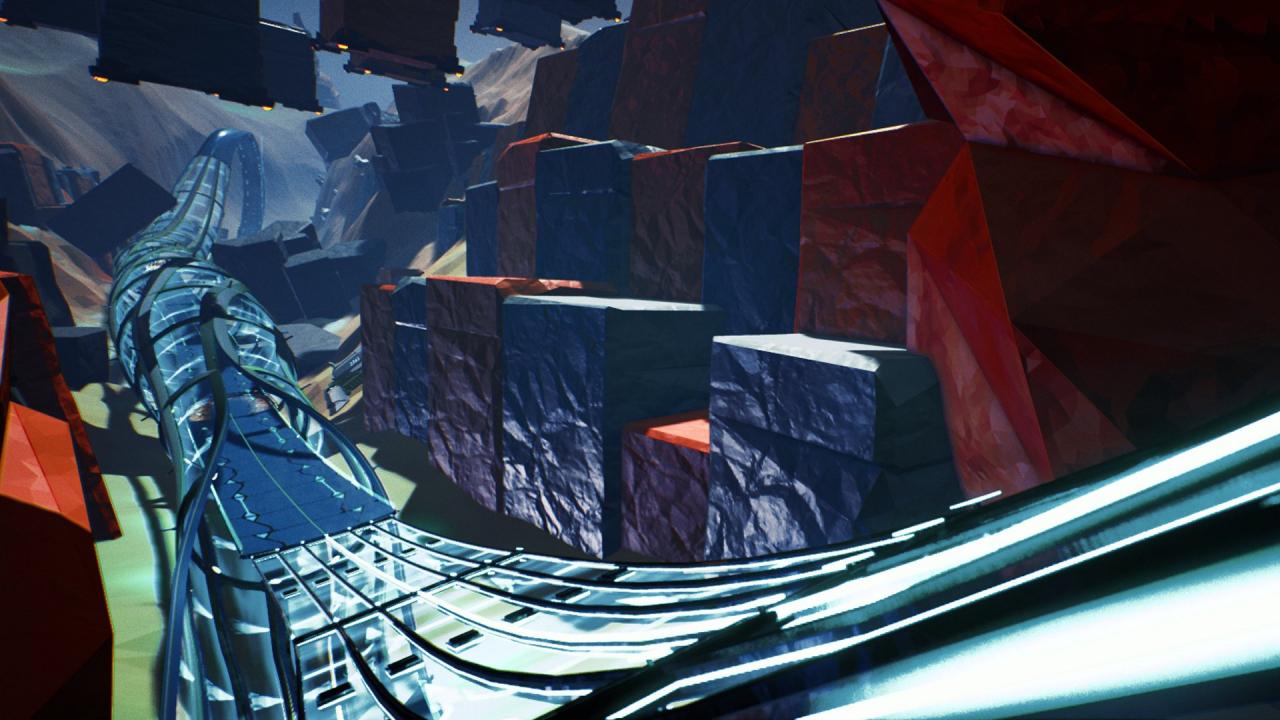
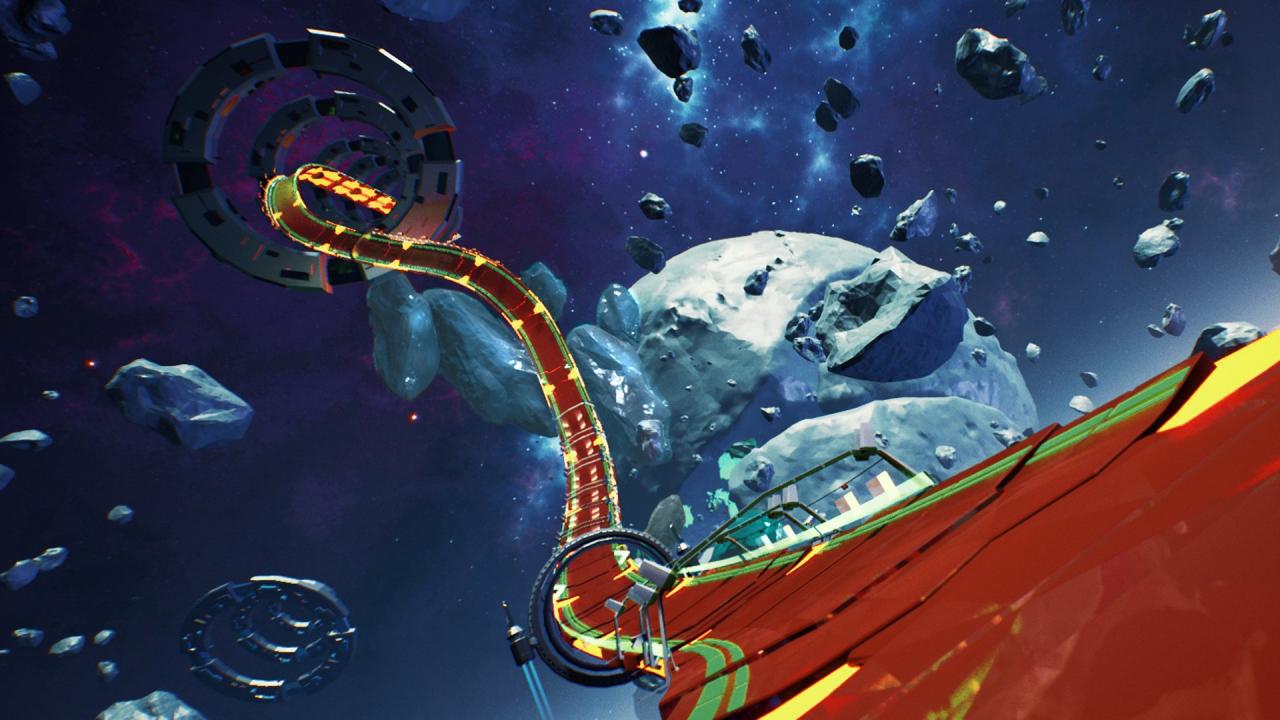
Redout - Space Exploration Pack adds the two latest racing complexes to your Redout experience. The SRRL headquarters decided to investigate new forms of anti-gravity racing, pushing the boundaries of space travel to the limits of the Solar system. Start from the Moon. Here you can experience the roots of human space colonization, the consequence of desperate terraforming attempts, the sat comm arrays and the gigantic reactors creating an artificial, thin atmosphere.Then, move on to your first clandestine complex, Planetoid AR219. Hidden by the shadowy organization Mughy1 on the AR219 celestial body and its broken satellite, shattered by insane over-mining, clandestine AG races were held here for years before the SRRL intervened. Features The new Moon Environment, with 5 tracks and a new Boss track. The new P-AR219 Environment, with 5 tracks and a new Boss track. 25 brand new career events. New Zealand, Formula and Smudge liveries for all your ships! 5 new exclusive colors! MultiplayerIn a multiplayer lobby, only the host will require to own the DLC to let anyone race on the new tracks!

Redout - Space Exploration Pack DLC screenshotRedout - Space Exploration Pack DLC screenshotRedout - Space Exploration Pack DLC screenshotRedout - Space Exploration Pack DLC screenshotRedout - Space Exploration Pack DLC screenshot

How to redeem

  1. 1Check the required base game, platform and edition before purchasing.
  2. 2Find the code or supplier activation instructions in your confirmed order.
  3. 3Redeem on Steam using the supplied instructions, then install the add-on with the compatible base game.

Supplier instructions

Go to: http://store.steampowered.com/ and download STEAM client Click "Install Steam" (from the upper right corner) Install and start application, login with your Account name and Password (create one if you don't have). Please follow these instructions to activate a new retail purchase on Steam: Launch Steam and log into your Steam account. Click the Games Menu. Choose Activate a Product on Steam... Follow the onscreen instructions to complete the process. After successful code verification go to the "MY GAMES" tab and start downloading.

You might also like