Get 10% back in Relic Coins on every order
LEGO Harry Potter: Years 1-4 cover

Steam Europe - All Countries· Key

LEGO Harry Potter: Years 1-4

€1.58

+€0.16 cashback eligibility in Relic Coins

Check before you play

Platform
Steam
Region
Europe - All Countries
Product type
Key
Developer
Traveller's Tales
Publisher
Warner Bros. Interactive Entertainment
Supplier release date
2010-06-29
Genres
Action, Adventure, Co-op

About this product

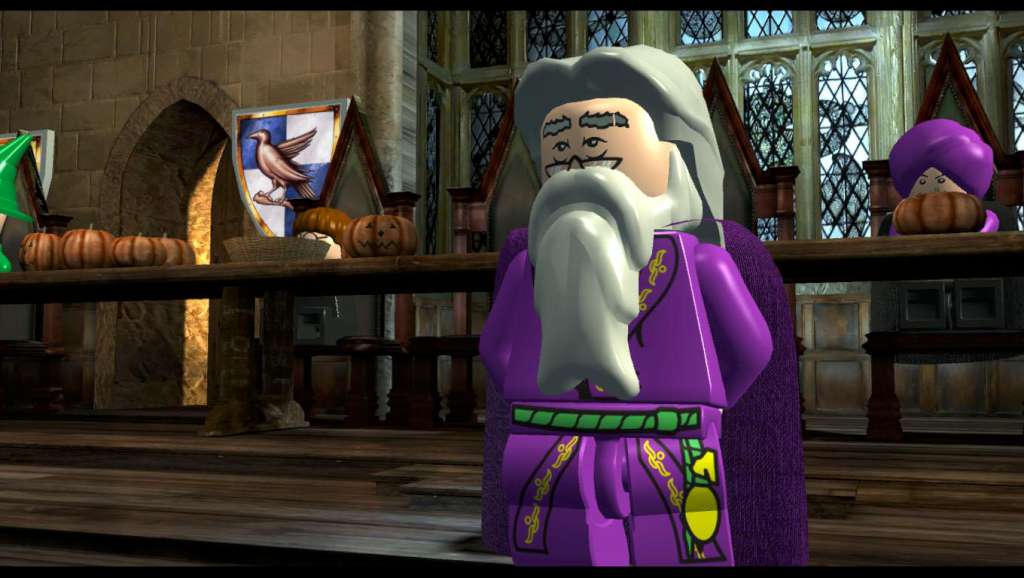
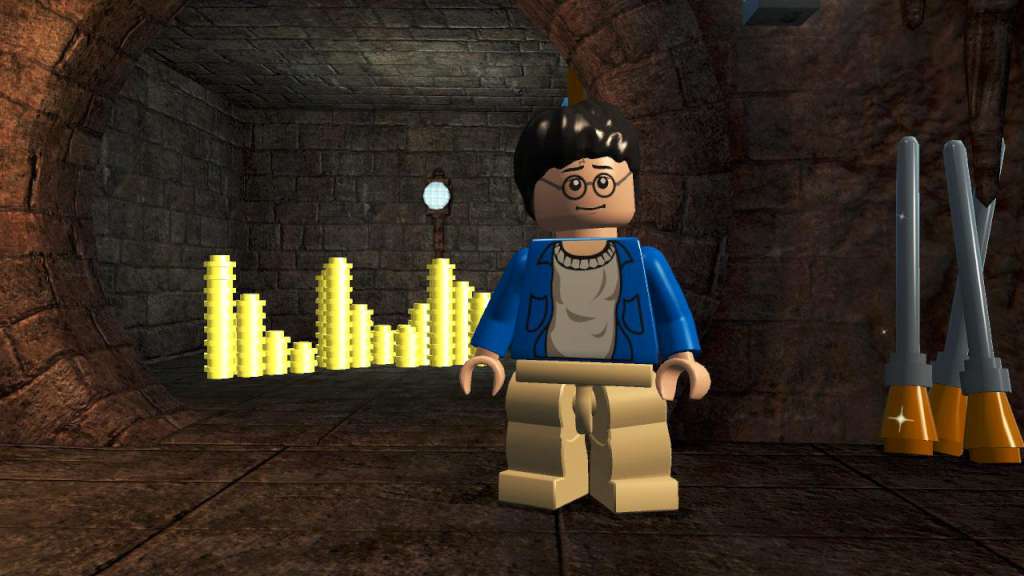
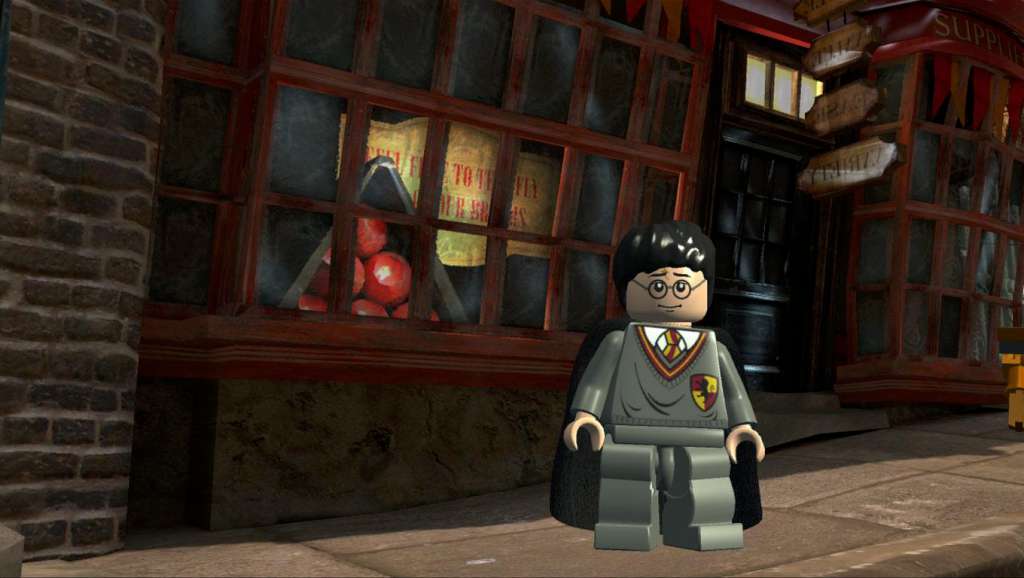
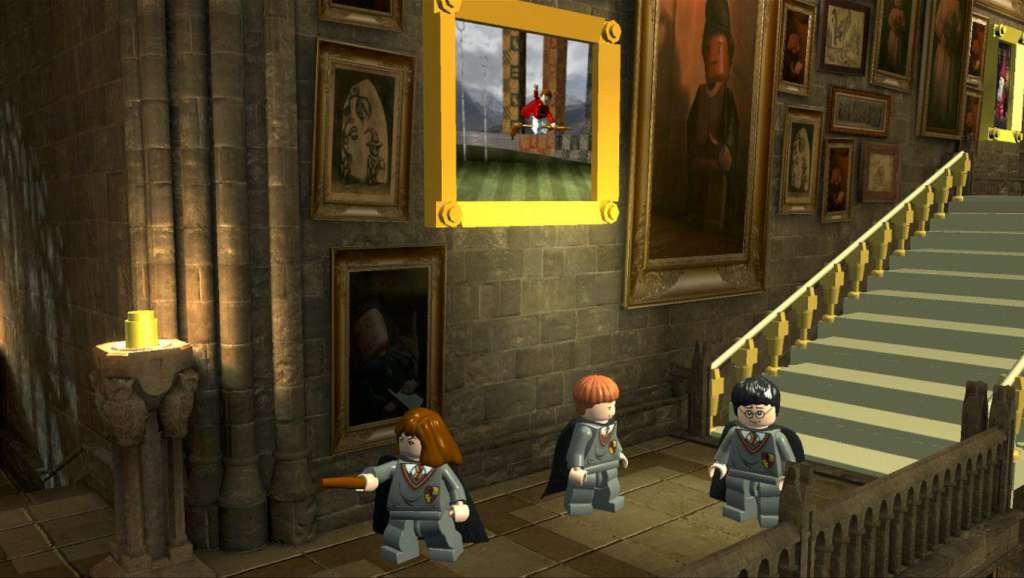
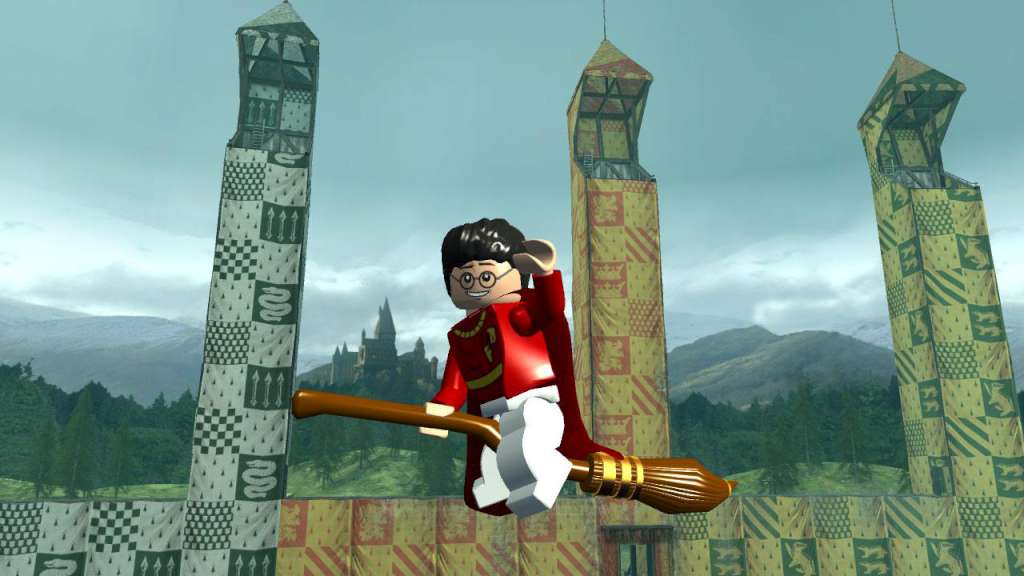
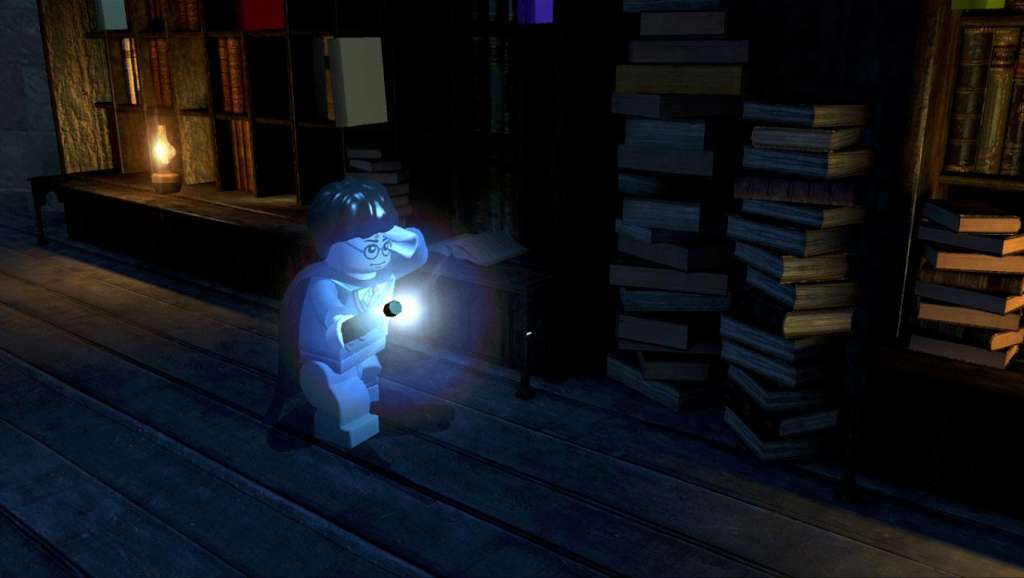
Build the adventure from Privet Drive to the Triwizard Tournament and experience the magic of the first four Harry Potter stories – LEGO style! Explore Hogwarts™ School of Witchcraft and Wizardry, learn spells, brew potions and relive the adventures like never before with tongue-in-cheek humor and creative customization that is unique to LEGO videogames! Features Connect the bricks from the Privet Drive to the Triwizard Tournament and experience the magic of the Harry Potter™ adventures – LEGO style. Play as Harry, Ron, and Hermione as well as other favorite characters. Explore Hogwarts™ castle, Diagon Alley™, the forbidden Forest, the village of Hogsmeade™ and more. Cast a spell with a friend and play through the first four stories as a team with Co-op play.

LEGO Harry Potter: Years 1-4 screenshotLEGO Harry Potter: Years 1-4 screenshotLEGO Harry Potter: Years 1-4 screenshotLEGO Harry Potter: Years 1-4 screenshotLEGO Harry Potter: Years 1-4 screenshotLEGO Harry Potter: Years 1-4 screenshot

How to redeem

  1. 1Check your Steam account and the listed region before purchasing.
  2. 2Find your code and supplier activation instructions in your confirmed order.
  3. 3Open the redeem-code section on Steam, enter the code and follow the platform’s prompts.

Supplier instructions

Go to: http://store.steampowered.com/ and download STEAM client Click "Install Steam" (from the upper right corner) Install and start application, login with your Account name and Password (create one if you don't have). Please follow these instructions to activate a new retail purchase on Steam: Launch Steam and log into your Steam account. Click the Games Menu. Choose Activate a Product on Steam... Follow the onscreen instructions to complete the process. After successful code verification go to the "MY GAMES" tab and start downloading.

You might also like