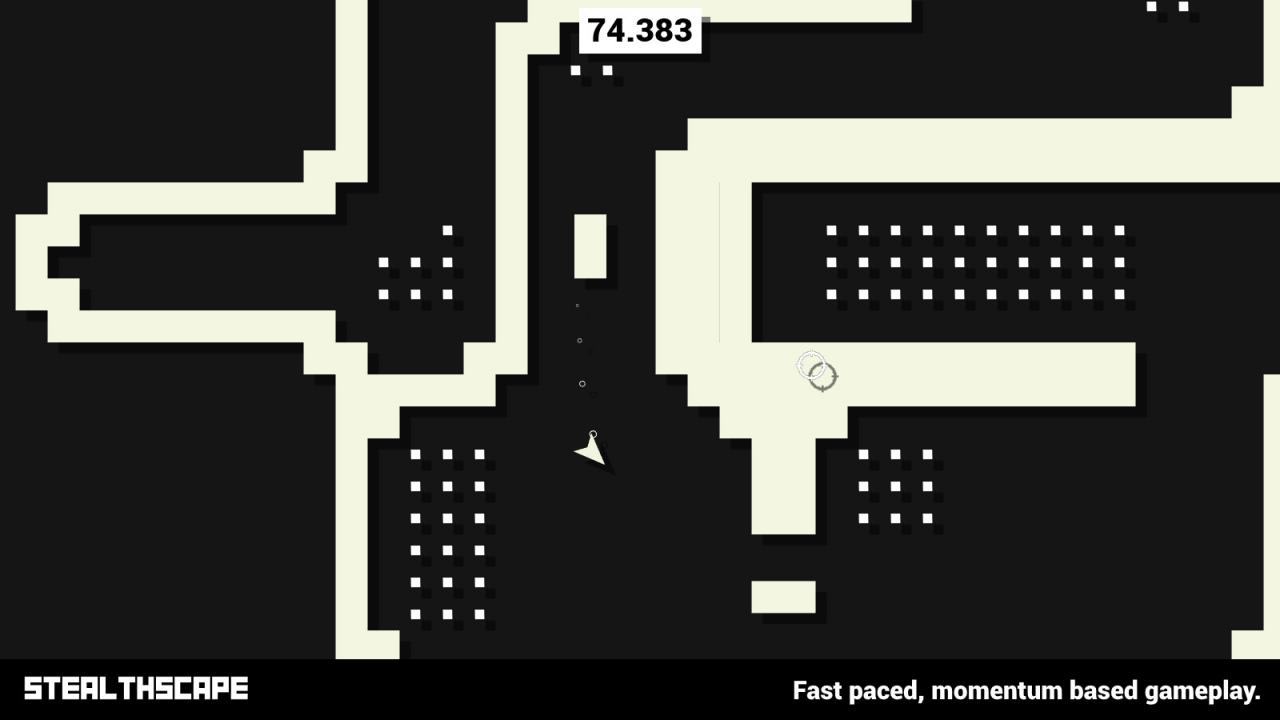
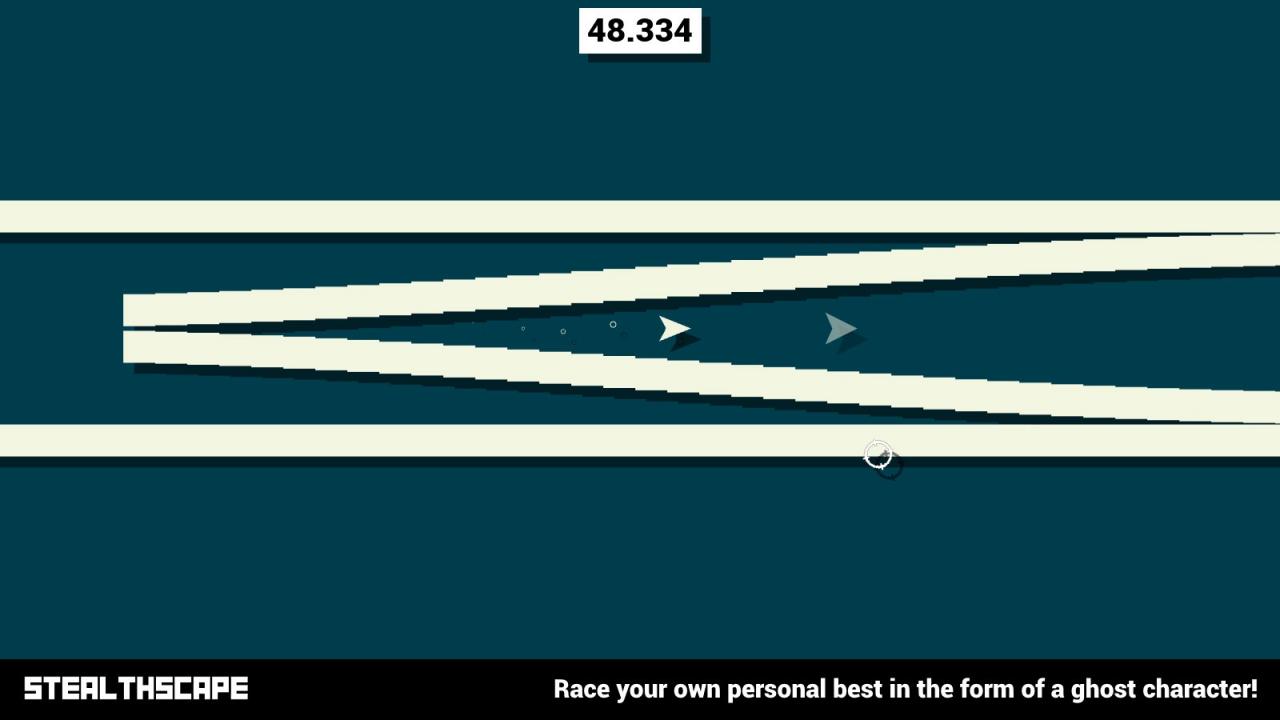
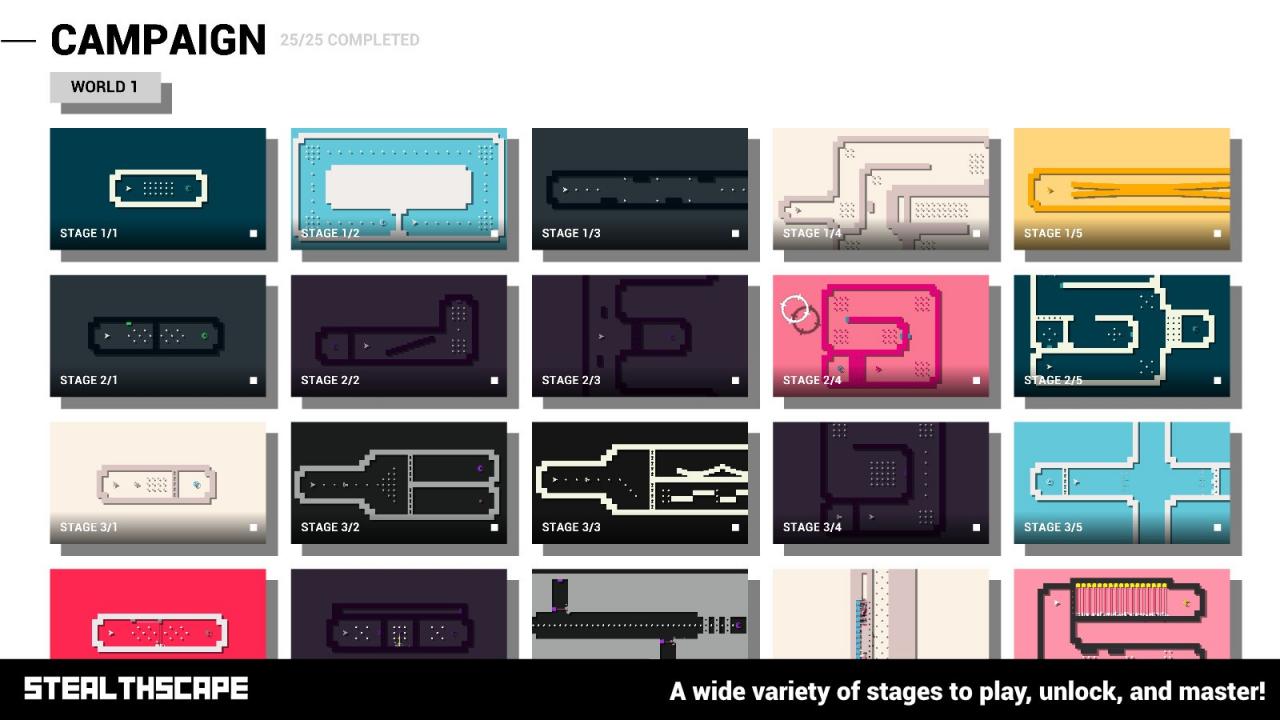
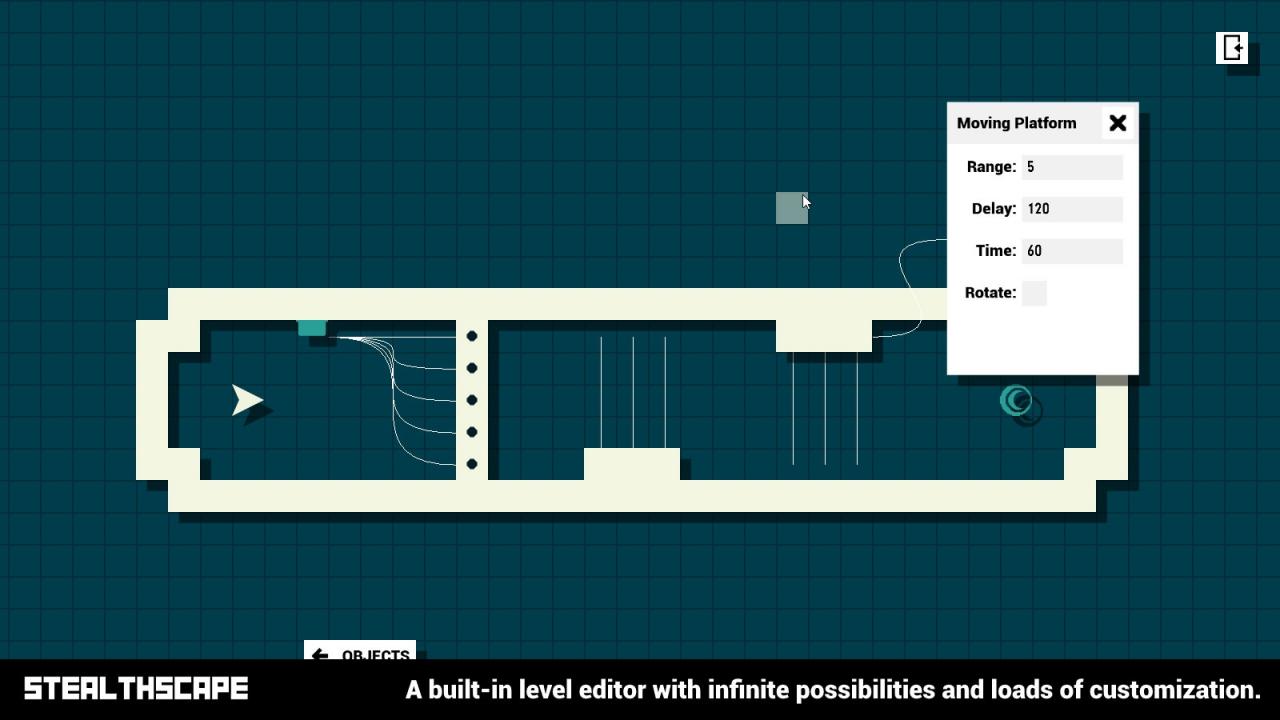
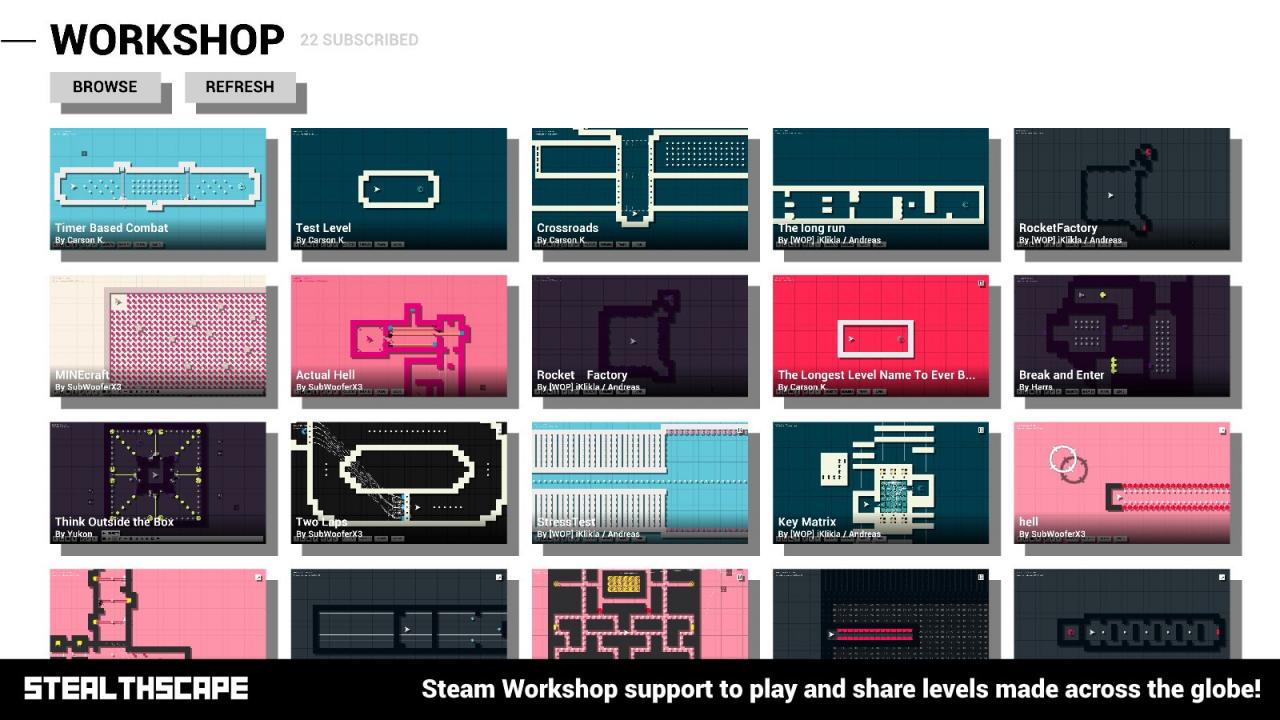
Stealthscape is a top-down momentum based speed game that has you pitted against a wide variety of enemies and obstacles while you try to quickly make your way to the portal at the end of the stage! There's tons to explore from campaign stages created by a variety of people, to workshop maps created by people around the world with the built-in stage editor. Unlock customization options for your ship while playing and truly take control of the game.Each stage in the campaign is created differently, some like to hold your hand, introduce you to new mechanics, and puzzle you, while others can be brutal, unforgiving, and push all your prior knowledge to the extreme.The built-in Stage Editor was developed to be user friendly and as customize-able as possible. As a result, it's easy to create, concept, and publish stages with ease. The Stage Editor is constantly evolving with more and more features allowing for even more creative possibilities, and with the wide selection of Objects, Traps, Enemies, and Logic, you can bring any idea to life! 130+ stages included in the Campaign Leaderboards for all Campaign & Workshop Stages Replays/Ghost Racing for all Campaign Stages Fully-Featured Stage Editor with Steam Workshop support Logic Objects, Note Blocks, Camera Customization and more in the Stage Editor XP Progression & Unlock System to customize your ship to your hearts content A wide selection of colour palettes to feast your eyes upon Steam Achievements "It's like Super Meat Boy or N++ ... with a little bit of a devilish side as well" ~Northernlion (Ryan Letourneau)