Get 10% back in Relic Coins on every order
Gecata by Movavi 6 - Streaming and Game Recording Software cover

SteamGlobal· Key

Gecata by Movavi 6 - Streaming and Game Recording Software

€184.38

+€18.44 cashback eligibility in Relic Coins

Check before you play

Platform
Steam
Region
Global
Product type
Key
Developer
Movavi
Publisher
Movavi
Supplier release date
2020-10-19
Genres
Software

About this product

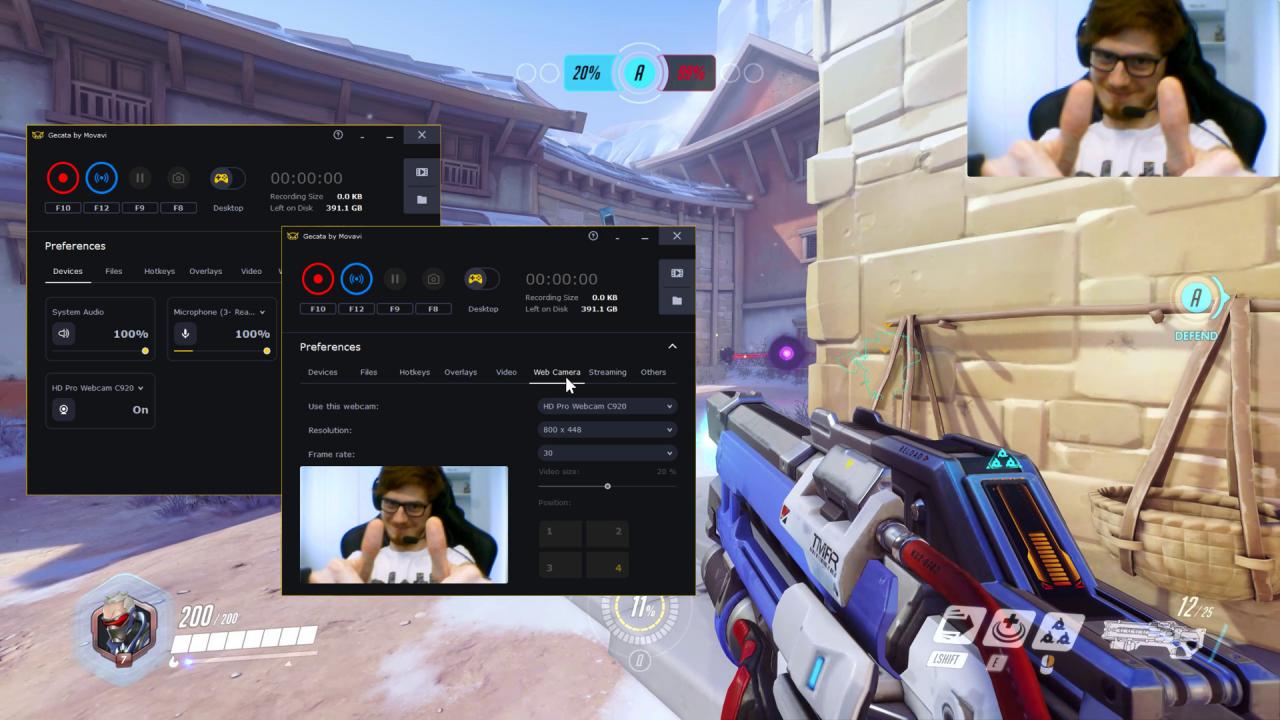
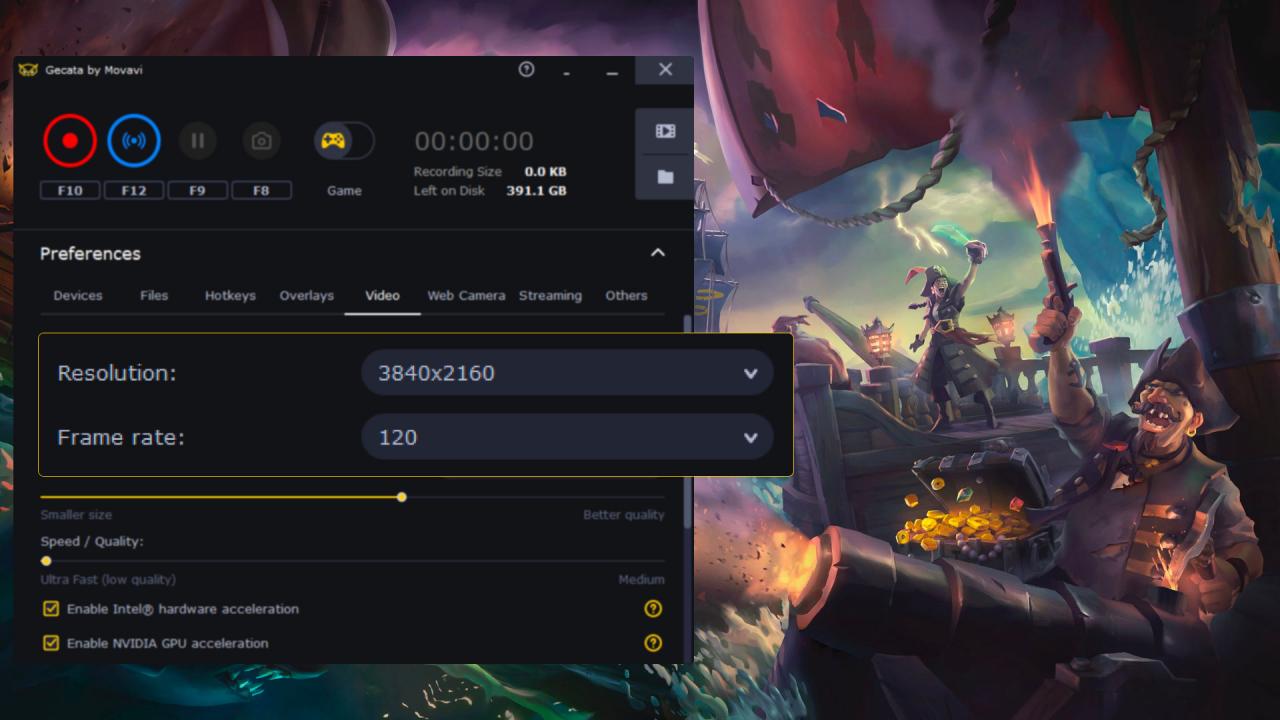
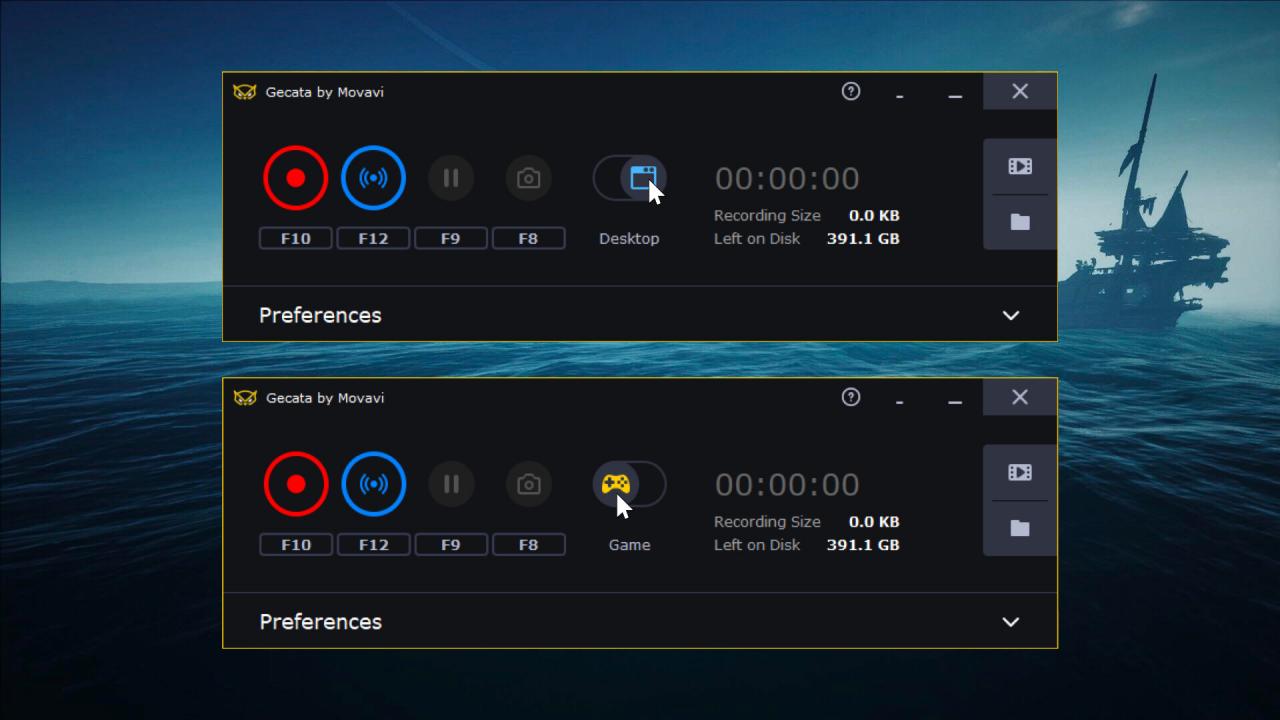
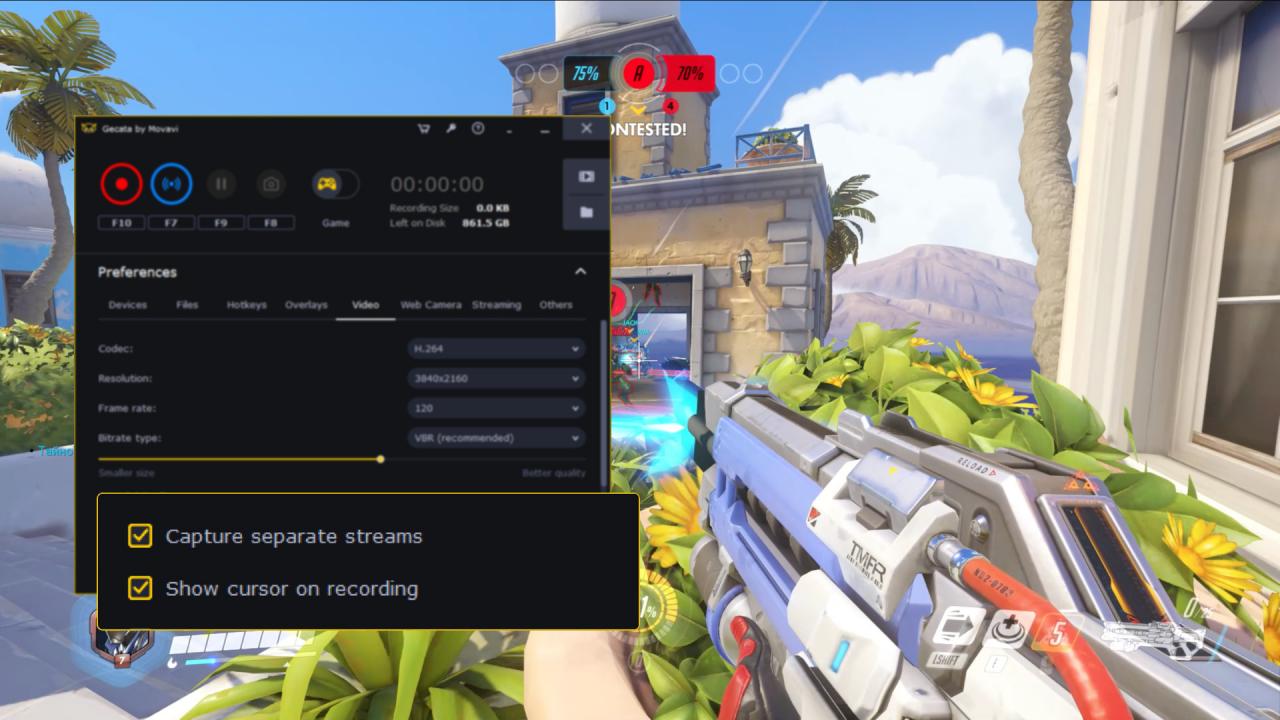
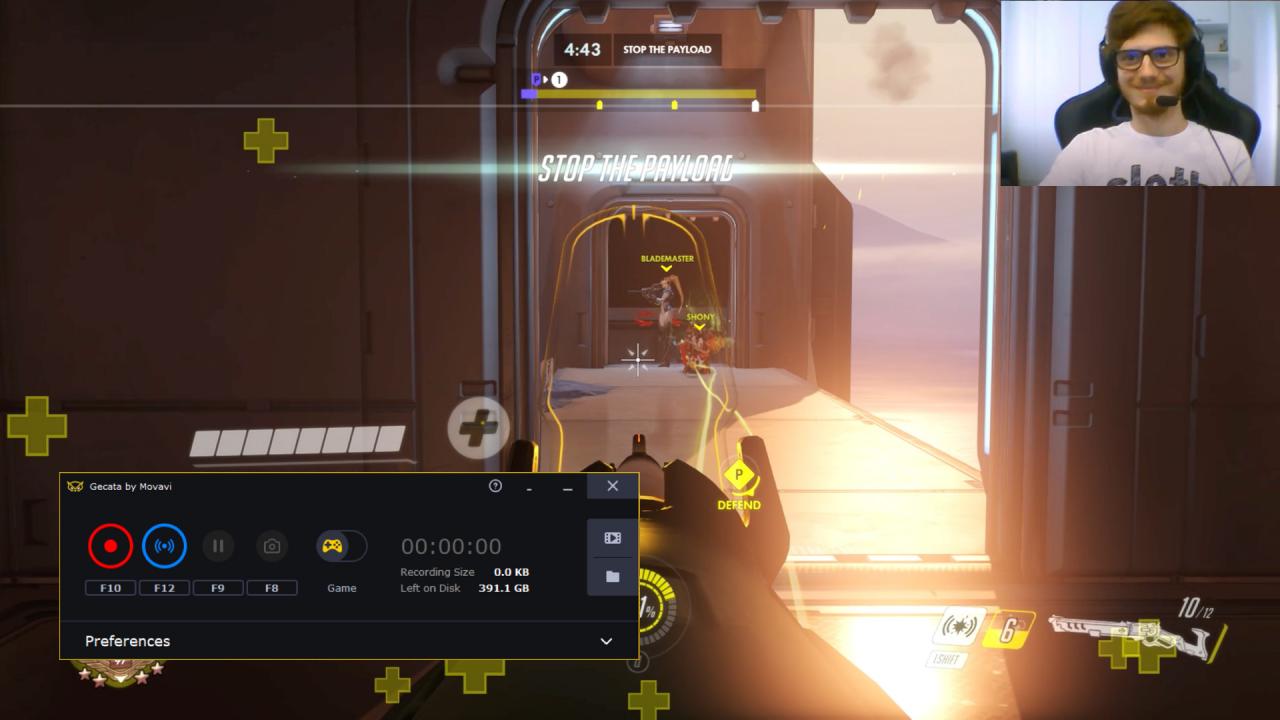
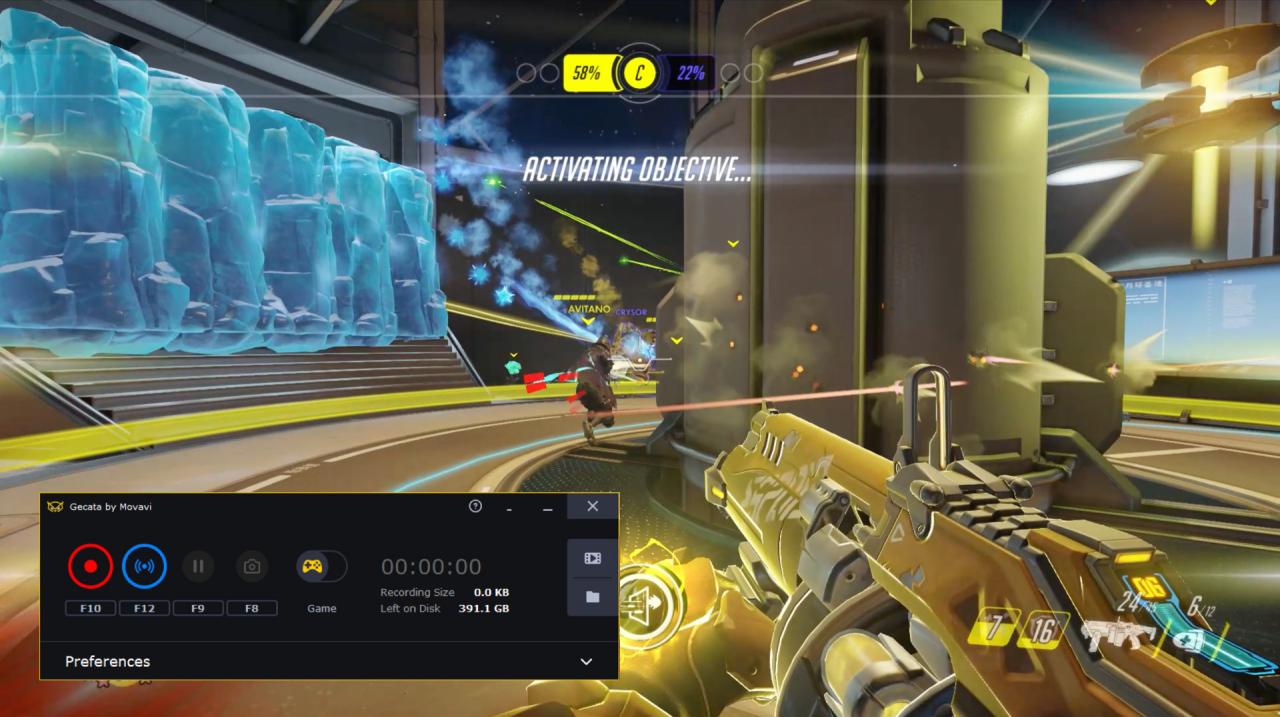
Gecata by Movavi has been designed specifically for those who want an accessible and practical program for streaming and game recording: it takes little time to set up, is easy to use, and has all the features you’re likely to need. Get the program today and start rocking YouTube with your game reviews, Let’s Plays, walkthroughs, and m-m-m-monster kills! Features Record gameplay in 4K and at up to 120 FPS Stream on any platform Capture games that support DirectX 11 or earlier, as well as OpenGL Use NVIDIA® NVENC and Intel® HD Graphics hardware acceleration to encode your video up to 400% faster Export in MP4 – the ideal format for sharing videos on YouTube, Vimeo, and other platforms Save audio streams separately so you can easily edit your voice recordings without affecting the game sounds Customize overlays to monitor frame rate, bit count, file size and other metrics in real time Set hotkeys the way you want Save screenshots in one click Turn on Game mode so the program starts recording automatically as soon as you launch the game Share your videos on YouTube without leaving Gecata Edit and convert recorded videos with our video manager

Gecata by Movavi 6 - Streaming and Game Recording Software screenshotGecata by Movavi 6 - Streaming and Game Recording Software screenshotGecata by Movavi 6 - Streaming and Game Recording Software screenshotGecata by Movavi 6 - Streaming and Game Recording Software screenshotGecata by Movavi 6 - Streaming and Game Recording Software screenshotGecata by Movavi 6 - Streaming and Game Recording Software screenshot

How to redeem

  1. 1Check your Steam account and the listed region before purchasing.
  2. 2Find your code and supplier activation instructions in your confirmed order.
  3. 3Open the redeem-code section on Steam, enter the code and follow the platform’s prompts.

Supplier instructions

Go to: http://store.steampowered.com/ and download STEAM client Click "Install Steam" (from the upper right corner) Install and start application, login with your Account name and Password (create one if you don't have). Please follow these instructions to activate a new retail purchase on Steam: Launch Steam and log into your Steam account. Click the Games Menu. Choose Activate a Product on Steam... Follow the onscreen instructions to complete the process. After successful code verification go to the "MY GAMES" tab and start downloading.

You might also like