Get 10% back in Relic Coins on every order
JumpJet Rex cover

Steam Europe - All Countries· Key

JumpJet Rex

€1.10

+€0.11 cashback eligibility in Relic Coins

Check before you play

Platform
Steam
Region
Europe - All Countries
Product type
Key
Developer
TreeFortress Games
Publisher
TreeFortress Games
Supplier release date
2015-01-14
Genres
Action, Adventure, Racing

About this product

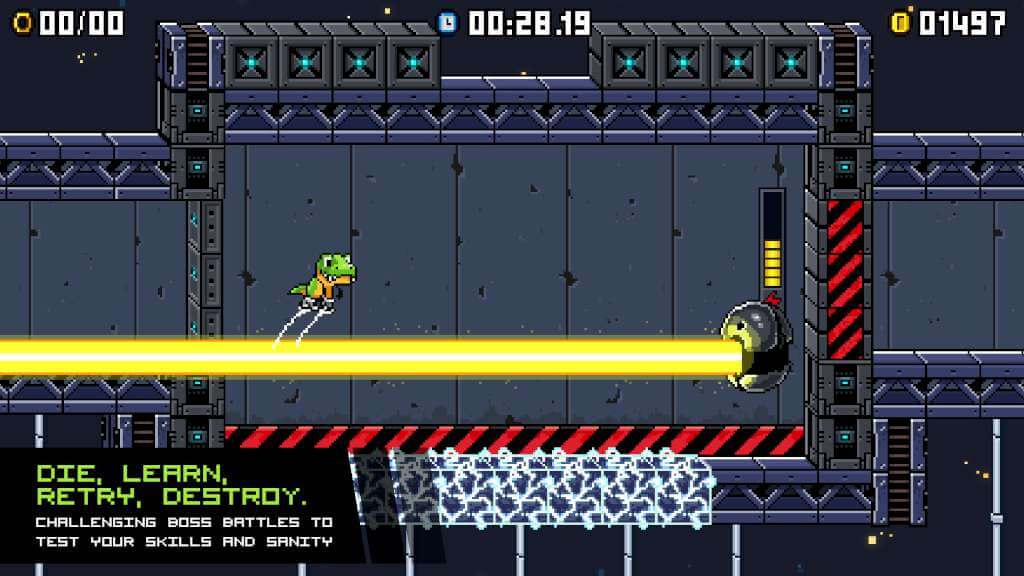
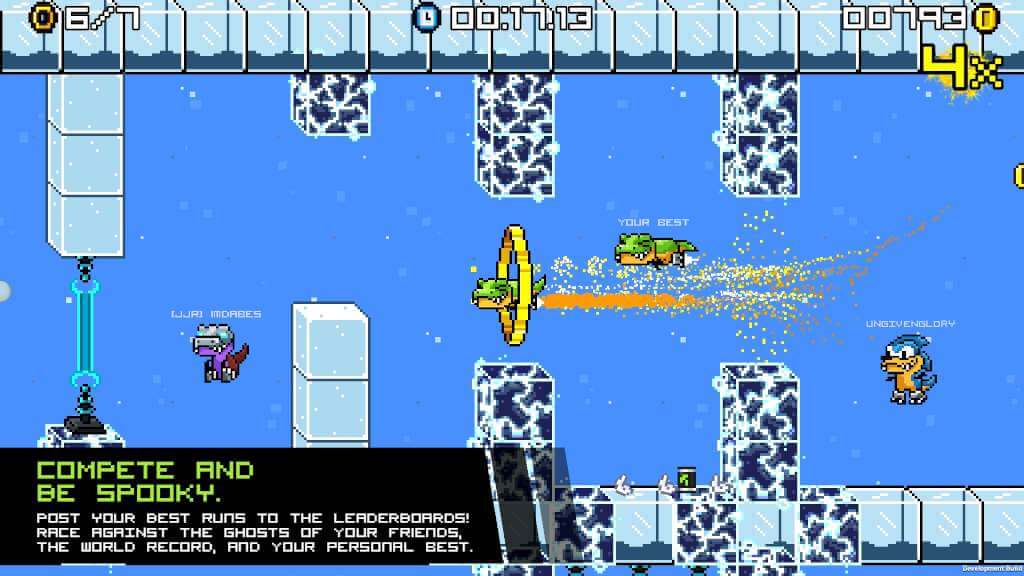
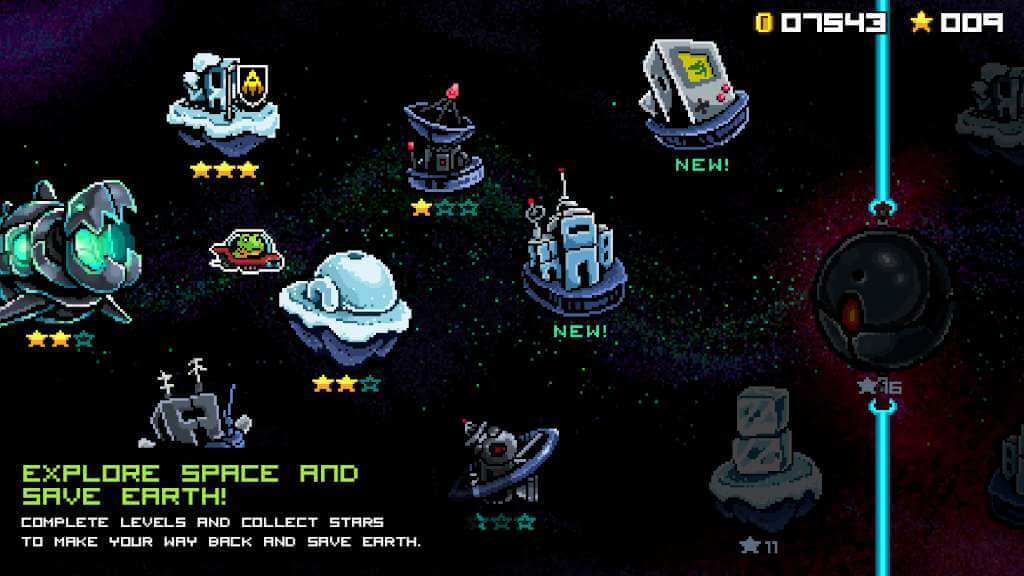
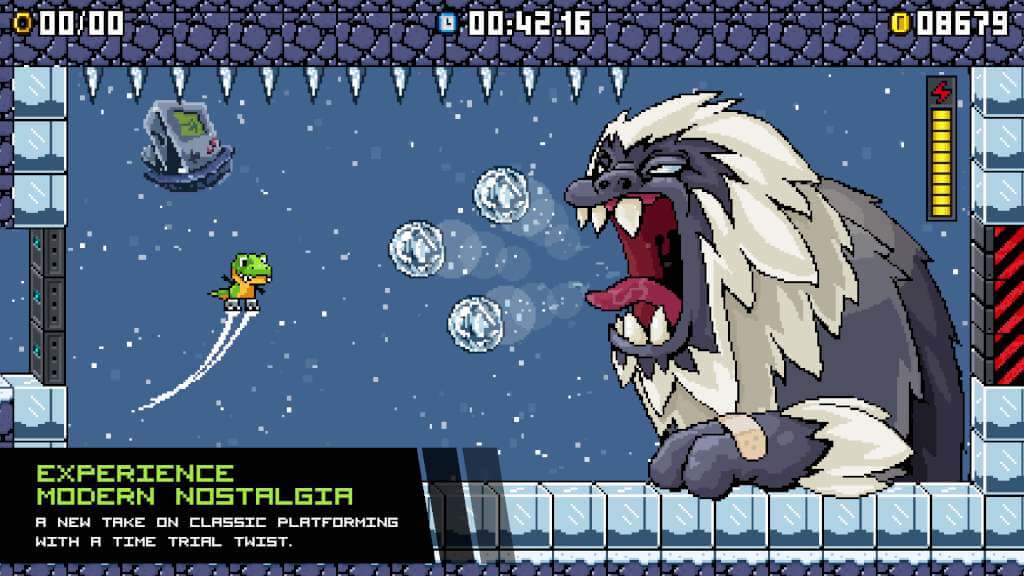
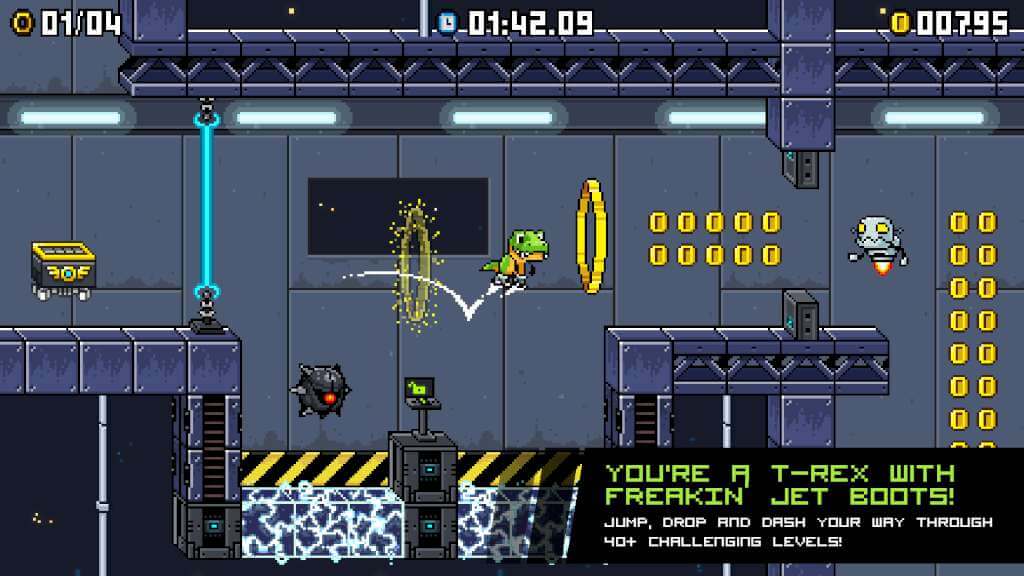
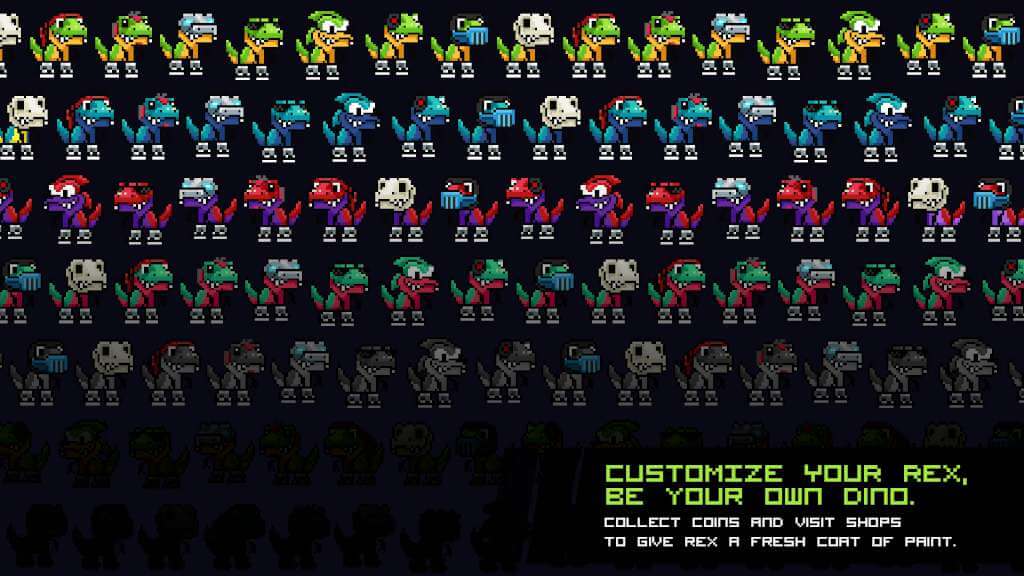
Remember when platformers were so tough that people would hurt their hands playing, but feel amazing after getting past a level? Relive those moments with JumpJet Rex’s strenuous platforming challenges and retro boss battles! Features Retro Platformer Flare - JumpJet Rex features beautiful hand-drawn 16-bit graphics and classic chiptune music that transfers dino lovers back to the 2-D glory days of the early 90's. Secrets and Collectibles - With dozens of items stashed across the Galaxy, and many secret areas to discover, JumpJet Rex offers plenty to do for the treasure hunters in the house! Replayability - With a time challenge twist, players can replay every level multiple times to prove their platforming prowess. Download ghosts to race against the best players in the world, or compete directly with your friends to see who can post the best times! Co-op Mode - Saving all of dinokind from a giant asteroid barreling down on Earth is a pretty tall task for a T-Rex with tiny arms, so players can team up with a friend to take on challenges. Teammates must coordinate efforts in order to avoid mass obliteration. Customization and Upgrades - No two T-Rex’s are alike and fans will be able to customize their character and upgrade their appearance with the loot they collect on their travels.

JumpJet Rex screenshotJumpJet Rex screenshotJumpJet Rex screenshotJumpJet Rex screenshotJumpJet Rex screenshotJumpJet Rex screenshot

How to redeem

  1. 1Check your Steam account and the listed region before purchasing.
  2. 2Find your code and supplier activation instructions in your confirmed order.
  3. 3Open the redeem-code section on Steam, enter the code and follow the platform’s prompts.

Supplier instructions

Go to: http://store.steampowered.com/ and download STEAM client Click "Install Steam" (from the upper right corner) Install and start application, login with your Account name and Password (create one if you don't have). Please follow these instructions to activate a new retail purchase on Steam: Launch Steam and log into your Steam account. Click the Games Menu. Choose Activate a Product on Steam... Follow the onscreen instructions to complete the process. After successful code verification go to the "MY GAMES" tab and start downloading.

You might also like