Get 10% back in Relic Coins on every order
Redout - Mars Pack DLC cover

Steam Europe - All Countries· DLC

Redout - Mars Pack DLC

€0.21

+€0.02 cashback eligibility in Relic Coins

Check before you play

Platform
Steam
Region
Europe - All Countries
Product type
DLC

Check the required base game and edition before purchasing this add-on.

Developer
34BigThings
Publisher
34BigThings
Supplier release date
2017-07-07
Genres
Racing

About this product

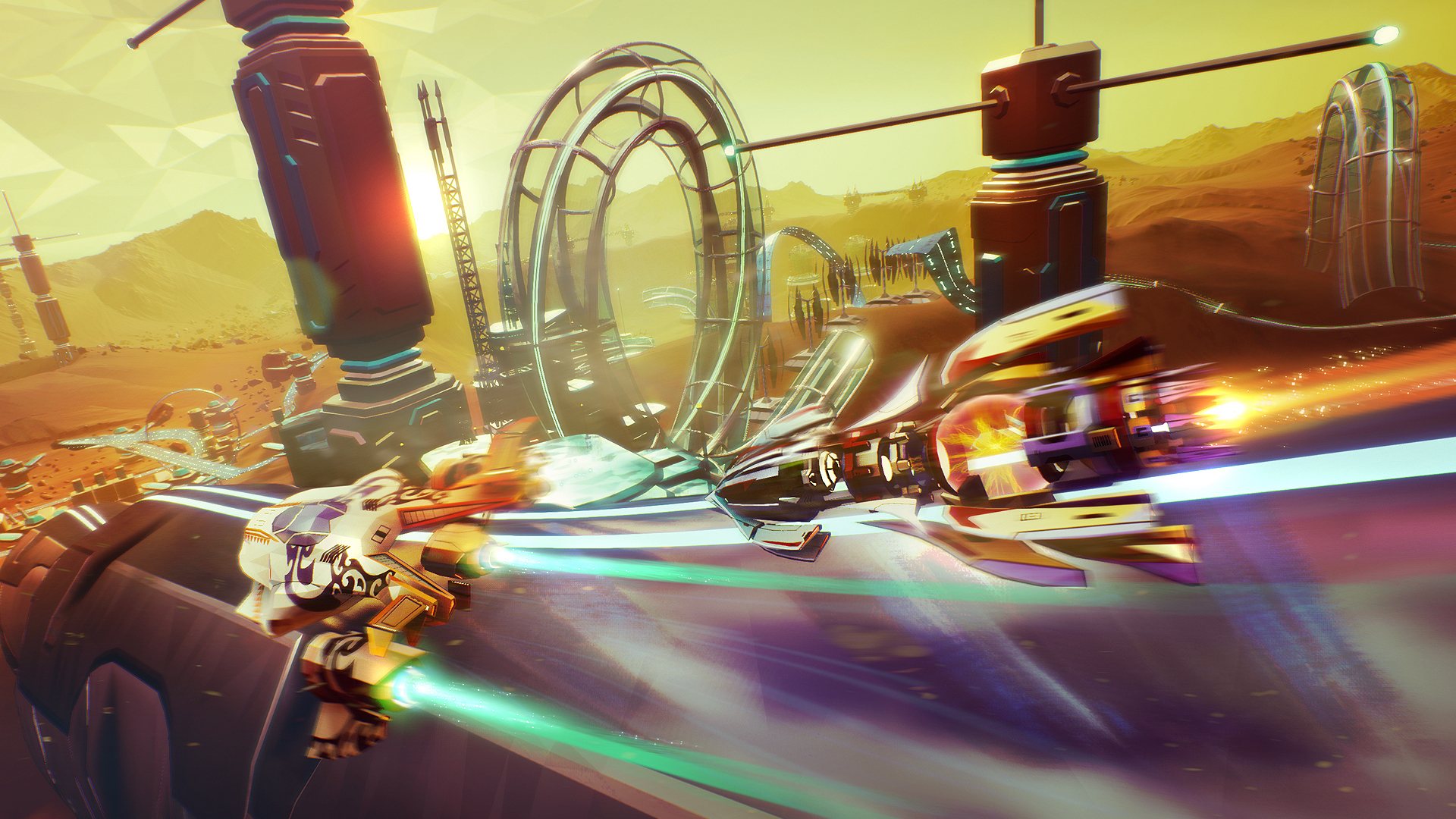
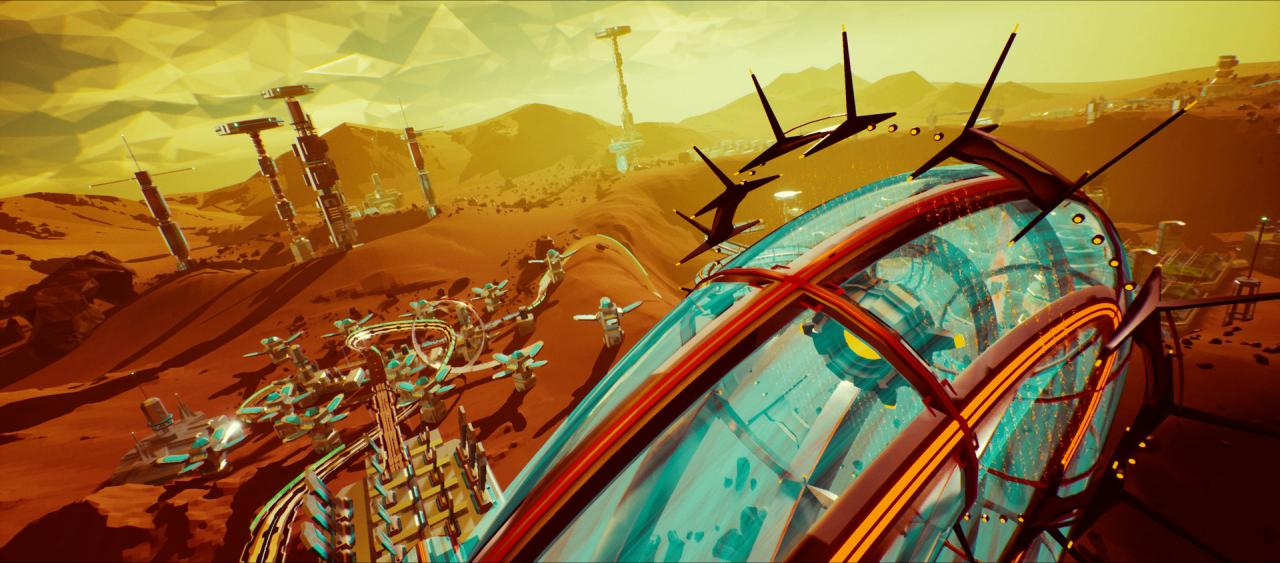
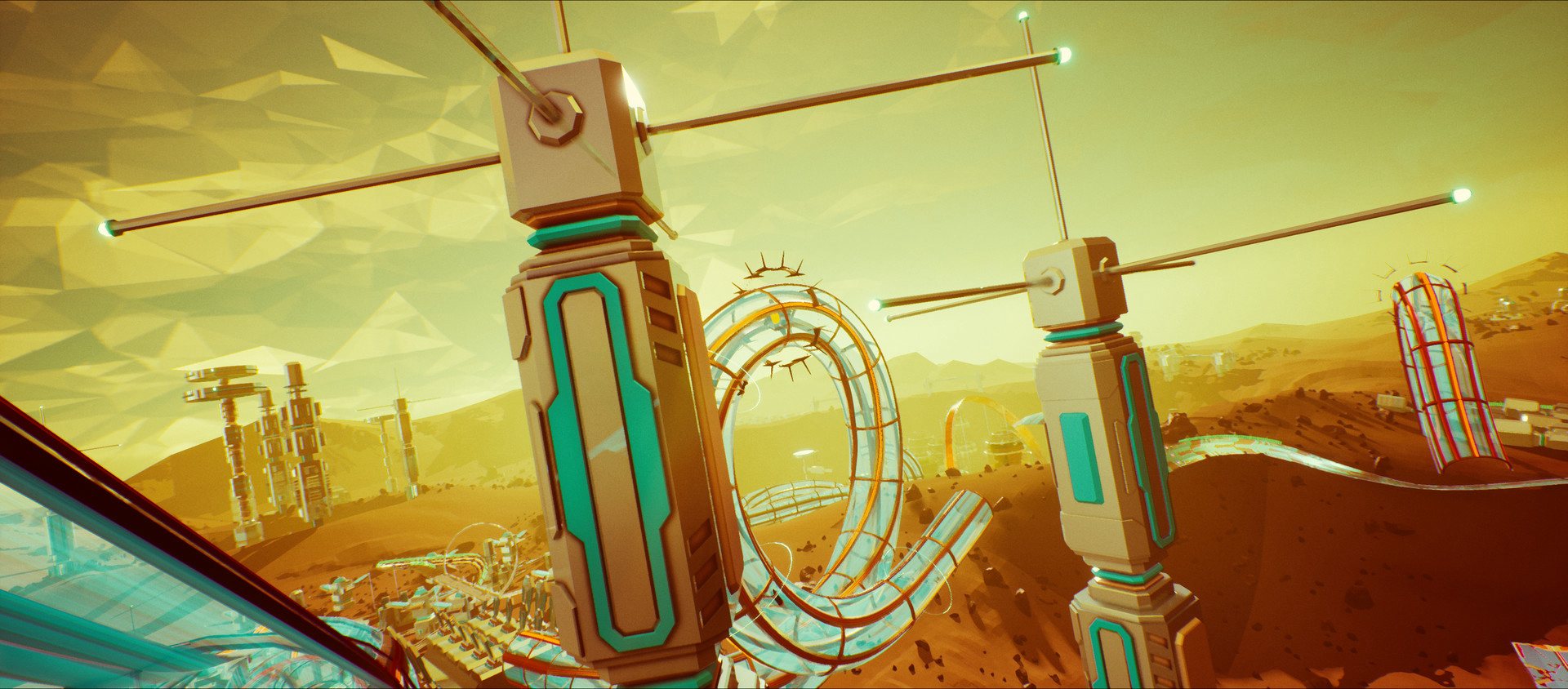
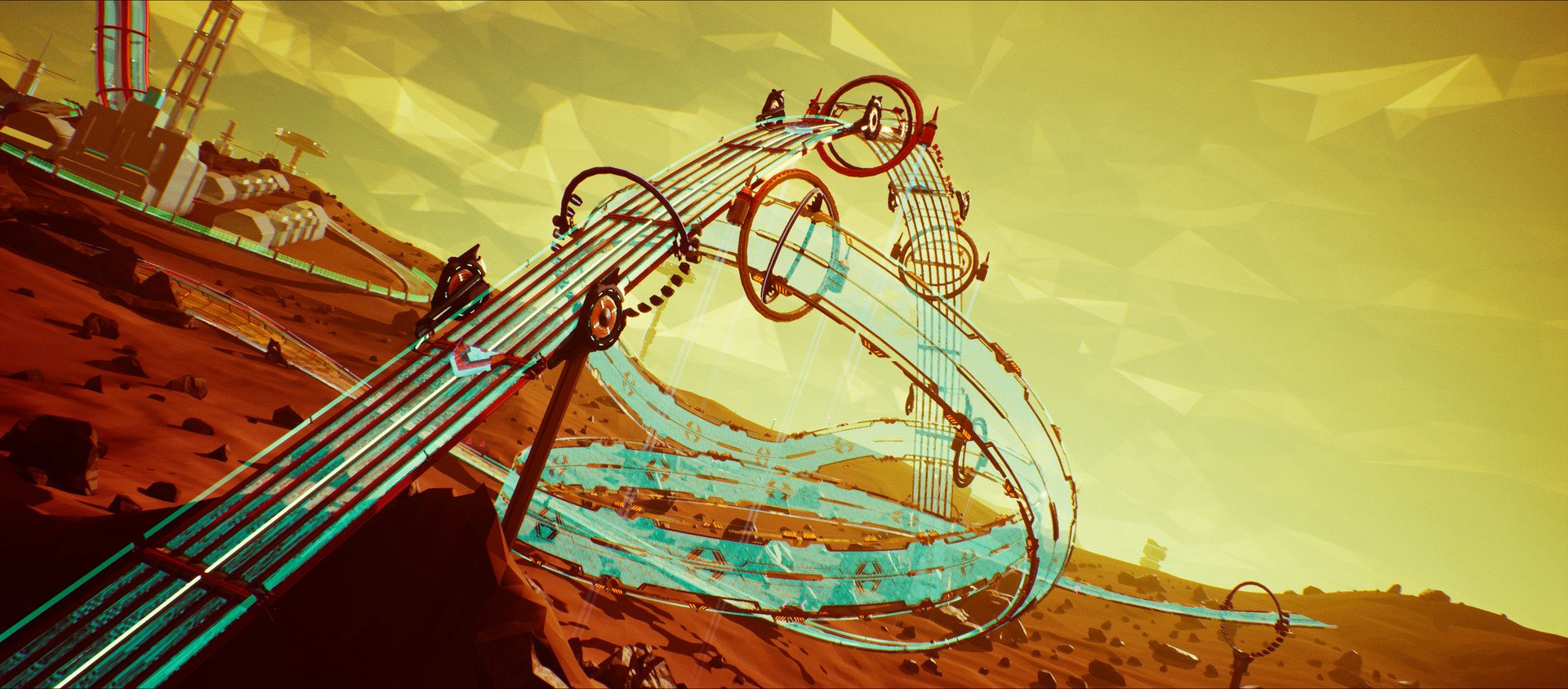
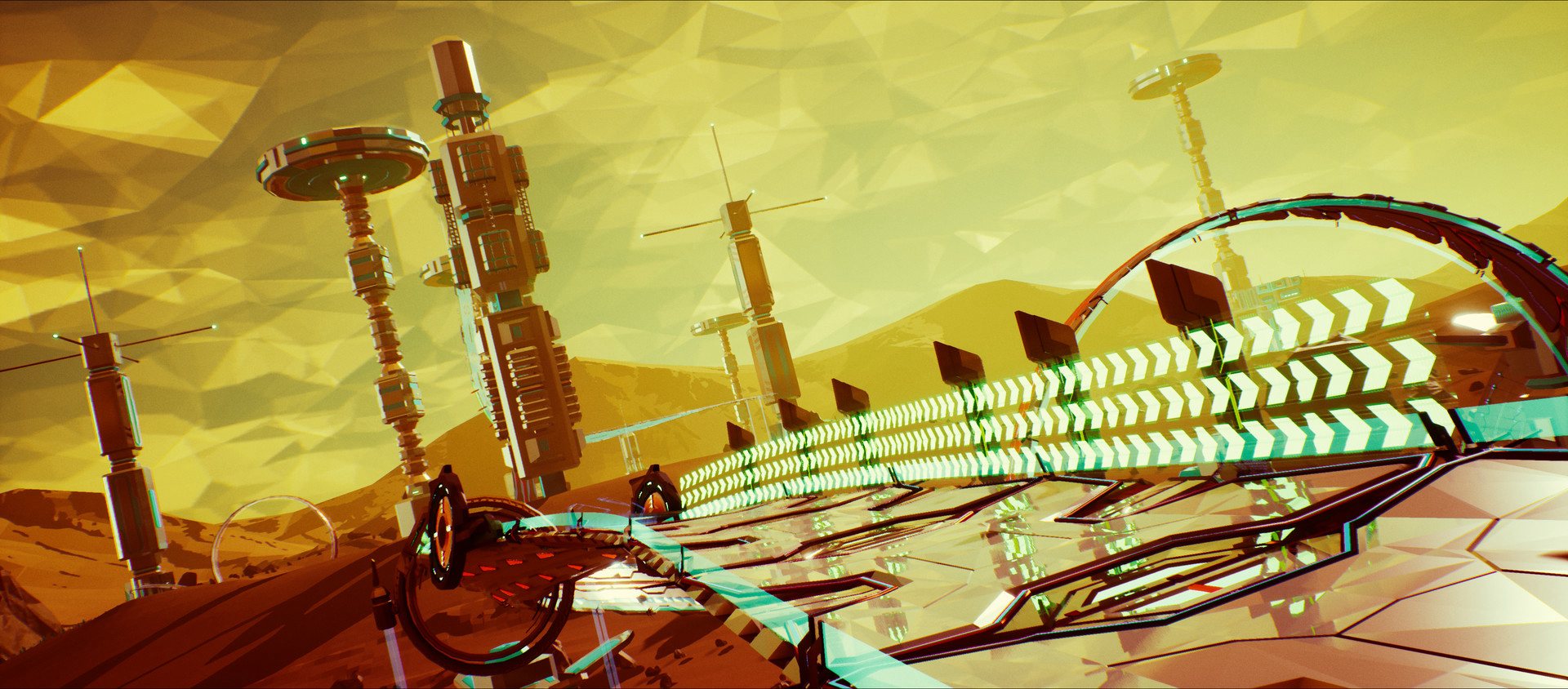
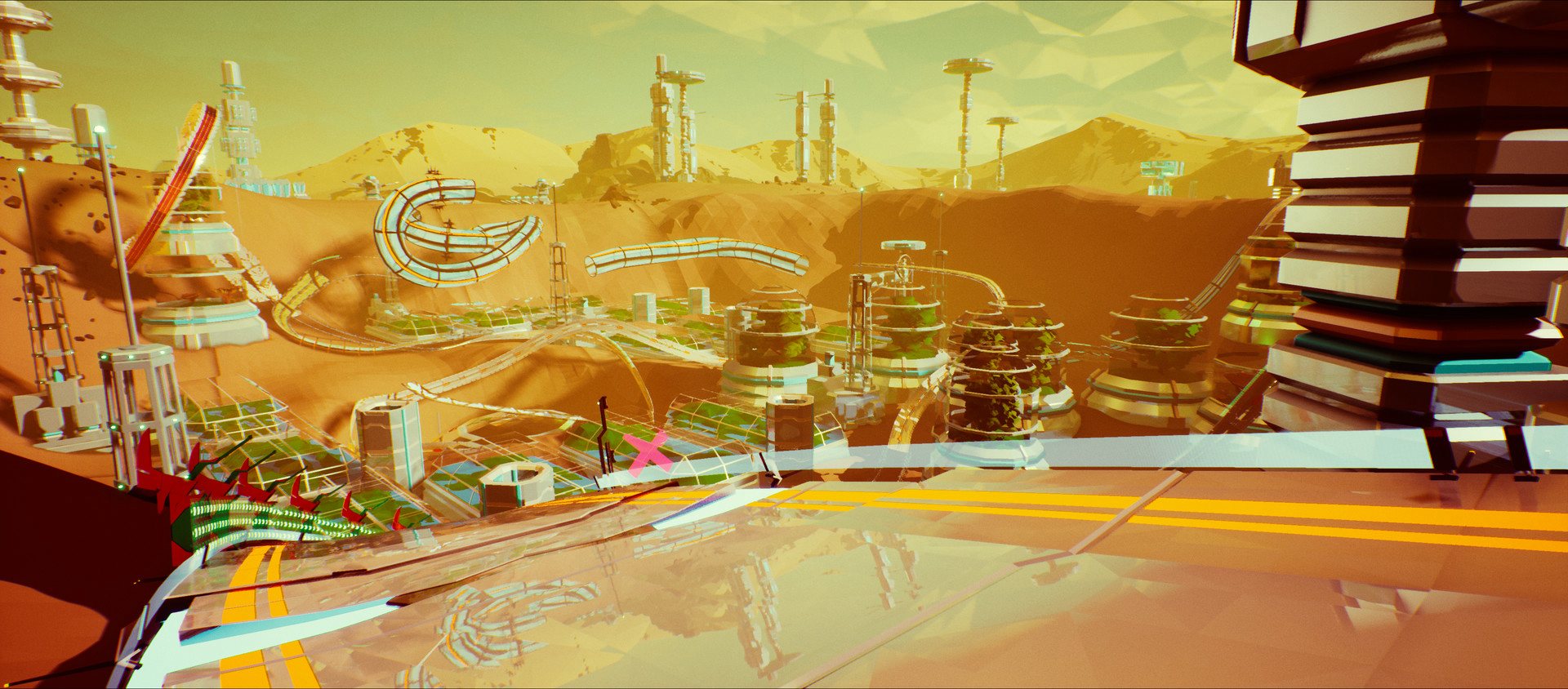
The Solar Redout Racing League, the fastest racing league ever created, landed on Mars! The complex is situated in the Arabia Terra continent and the Red Planet shines with its dusty deserts and weird rock formations. The low gravity (approximately 38% of Earth's) played a major role in experimenting verticality and driving on the exterior of the common racing tubes, bringing back a true classic of the arcade racing genre. Mars Pack adds: The Mars Environment, with 5 shiny new tracks and a new challenging boss track; Two new unlocked liveries for each team - that's 48 new unlocked liveries; Twenty brand new career events. Multiplayer Only the host during a multiplayer game will require the DLC to let anyone try it!

Redout - Mars Pack DLC screenshotRedout - Mars Pack DLC screenshotRedout - Mars Pack DLC screenshotRedout - Mars Pack DLC screenshotRedout - Mars Pack DLC screenshotRedout - Mars Pack DLC screenshot

How to redeem

  1. 1Check the required base game, platform and edition before purchasing.
  2. 2Find the code or supplier activation instructions in your confirmed order.
  3. 3Redeem on Steam using the supplied instructions, then install the add-on with the compatible base game.

Supplier instructions

Go to: http://store.steampowered.com/ and download STEAM client Click "Install Steam" (from the upper right corner) Install and start application, login with your Account name and Password (create one if you don't have). Please follow these instructions to activate a new retail purchase on Steam: Launch Steam and log into your Steam account. Click the Games Menu. Choose Activate a Product on Steam... Follow the onscreen instructions to complete the process. After successful code verification go to the "MY GAMES" tab and start downloading.

You might also like