Get 10% back in Relic Coins on every order
Sonic the Hedgehog 4 Episode 2 cover

Steam Europe - All Countries· Key

Sonic the Hedgehog 4 Episode 2

€4.71

+€0.47 cashback eligibility in Relic Coins

Check before you play

Platform
Steam
Region
Europe - All Countries
Product type
Key
Developer
SEGA
Publisher
SEGA
Supplier release date
2012-05-15
Genres
Adventure

About this product

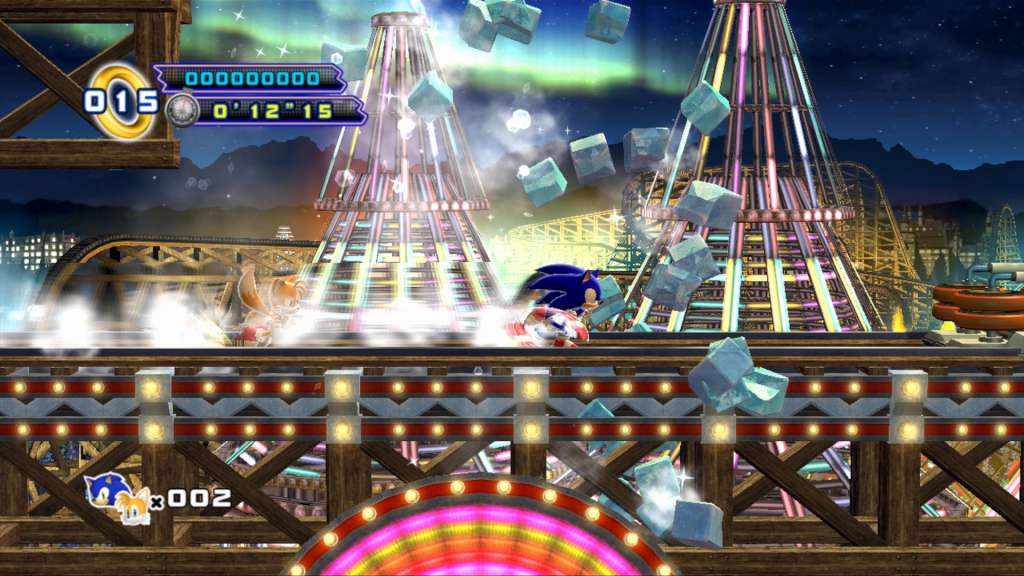
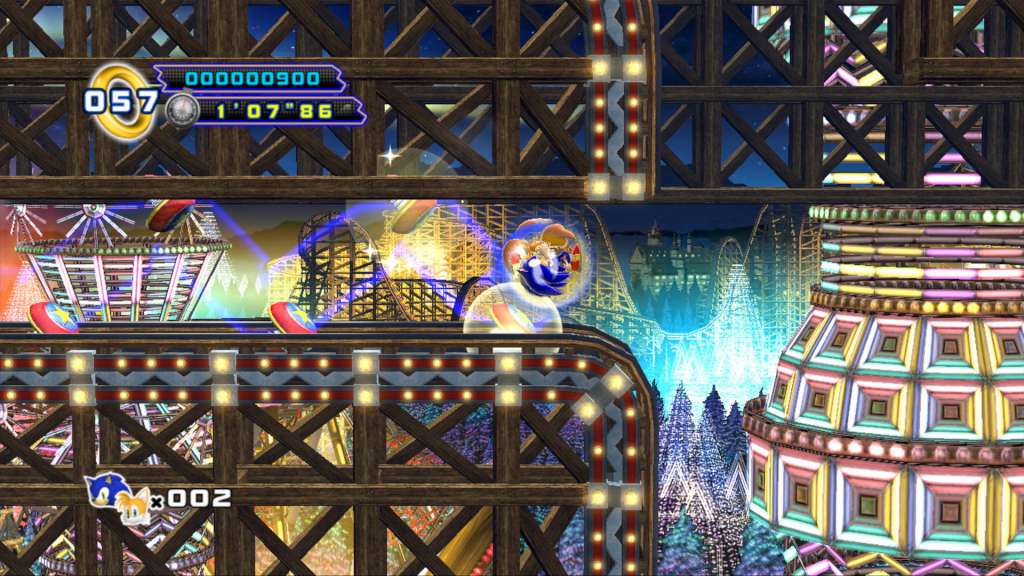
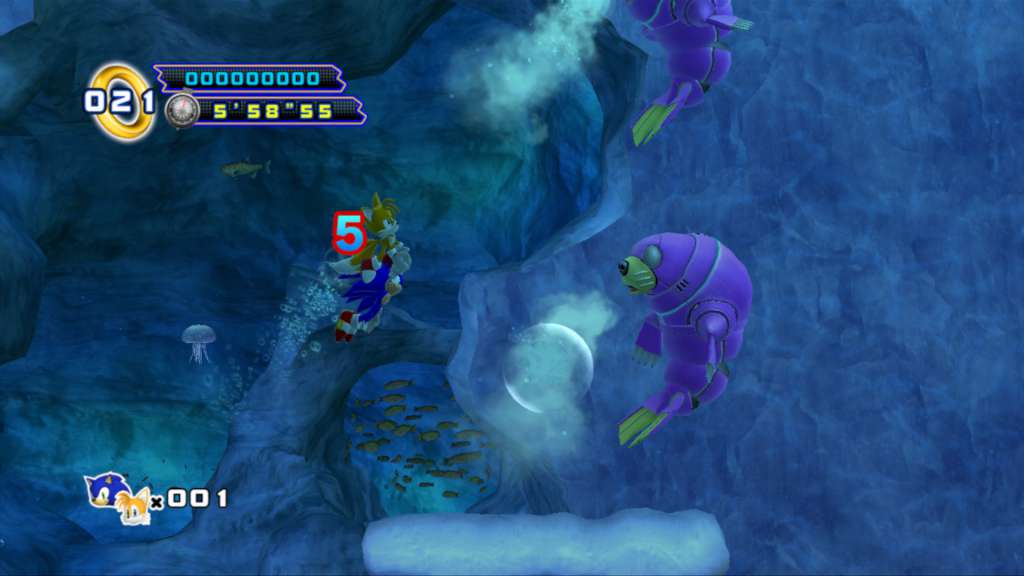
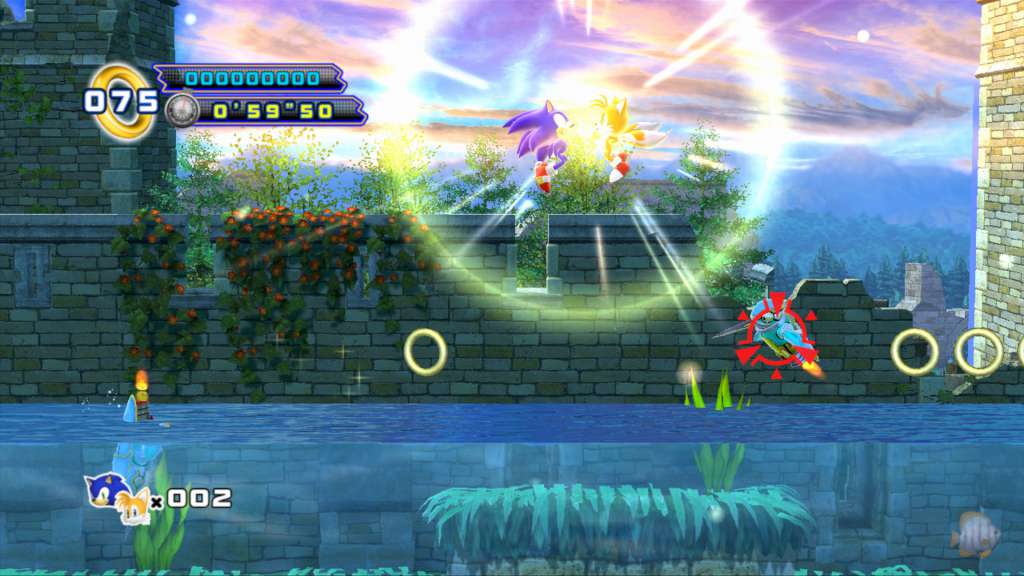
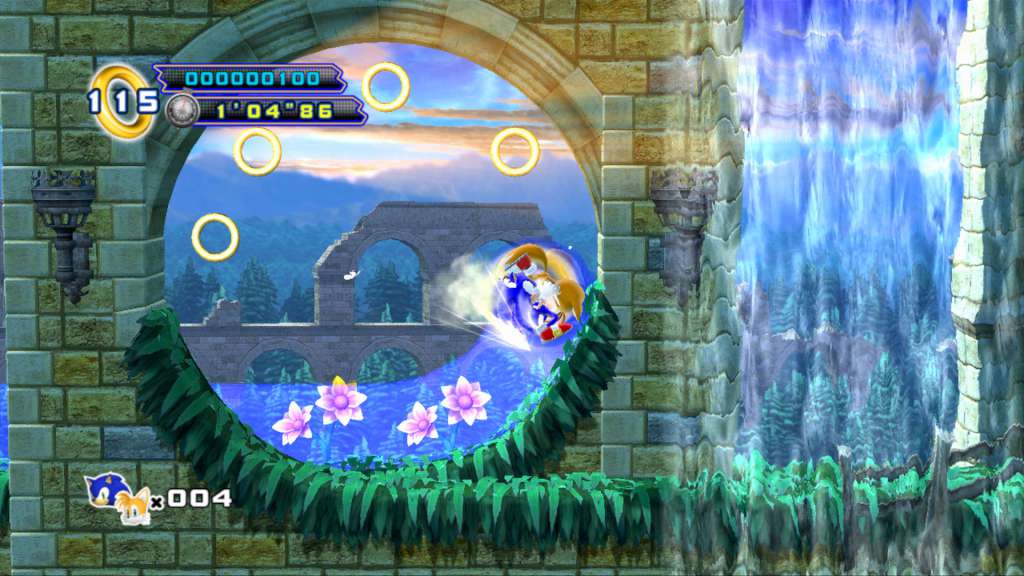
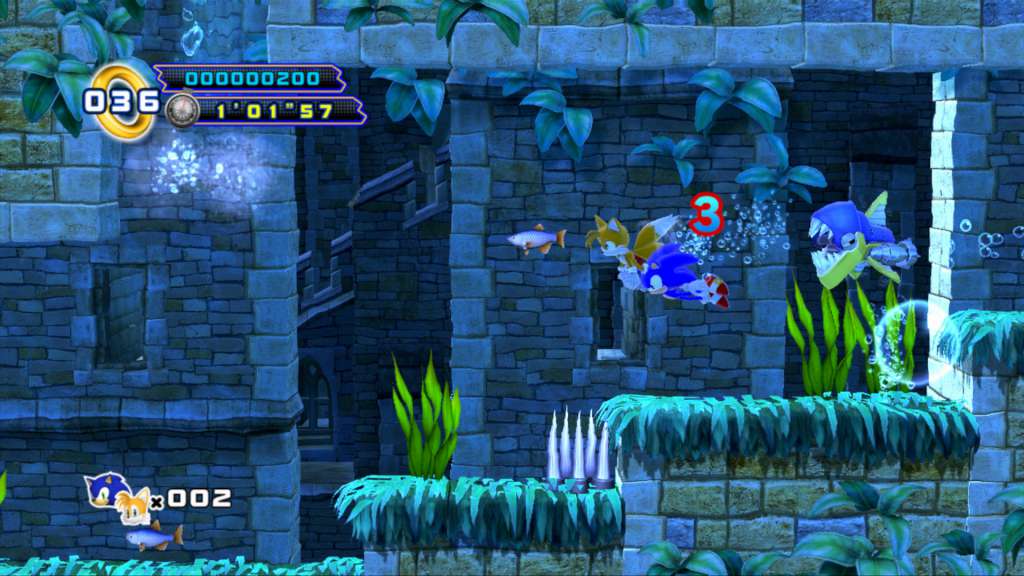
The Sonic 4 Saga continues in Episode II with the return of a beloved side kick and fan-favorite villains! Following the events of Episode I, Metal Sonic has returned to form an alliance with Dr. Eggman! To face this new evil, Sonic will have to call upon an old friend to help him save the day! Now joined by Tails, race across four new Zones and take down fearsome new badniks with deadly combination moves in order to put an end to this dastardly duo’s plans! Experience the Sonic 4 saga as never before with the addition of a brand new engine; bringing you gameplay with updated physics and zones in stunning HD graphics! Also new to Episode II is the addition of online/local collaborative play where players can team up with a friend to take control of Sonic and Tails as they battle against Dr. Eggman! BONUS! Owners of both Episode I & Episode II will unlock Episode Metal! Play as Sonic’s greatest rival in this exclusive zone and experience the untold story behind Metal Sonic’s revival!

Sonic the Hedgehog 4 Episode 2 screenshotSonic the Hedgehog 4 Episode 2 screenshotSonic the Hedgehog 4 Episode 2 screenshotSonic the Hedgehog 4 Episode 2 screenshotSonic the Hedgehog 4 Episode 2 screenshotSonic the Hedgehog 4 Episode 2 screenshot

How to redeem

  1. 1Check your Steam account and the listed region before purchasing.
  2. 2Find your code and supplier activation instructions in your confirmed order.
  3. 3Open the redeem-code section on Steam, enter the code and follow the platform’s prompts.

Supplier instructions

Go to: http://store.steampowered.com/ and download STEAM client Click "Install Steam" (from the upper right corner) Install and start application, login with your Account name and Password (create one if you don't have). Please follow these instructions to activate a new retail purchase on Steam: Launch Steam and log into your Steam account. Click the Games Menu. Choose Activate a Product on Steam... Follow the onscreen instructions to complete the process. After successful code verification go to the "MY GAMES" tab and start downloading.

You might also like