

SteamGlobal· Key
Battlepillars Gold Edition
€4.18
+€0.42 cashback eligibility in Relic Coins
Check before you play
- Platform
- Steam
- Region
- Global
- Product type
- Key
- Supplier release date
- 2014-04-28
- Genres
- Action, Strategy, Indie, Casual
SteamGlobal· Key
€4.18
+€0.42 cashback eligibility in Relic Coins
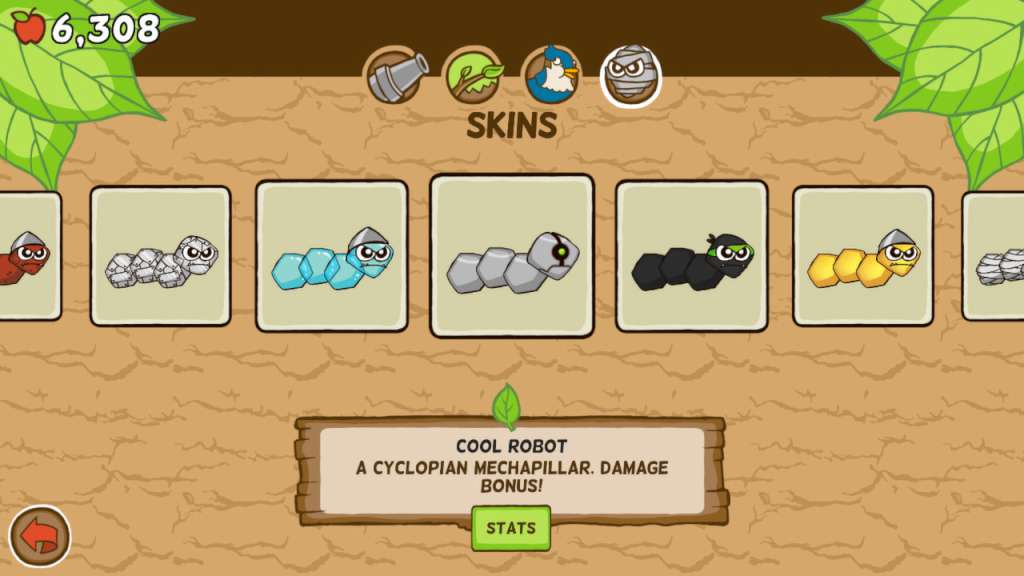
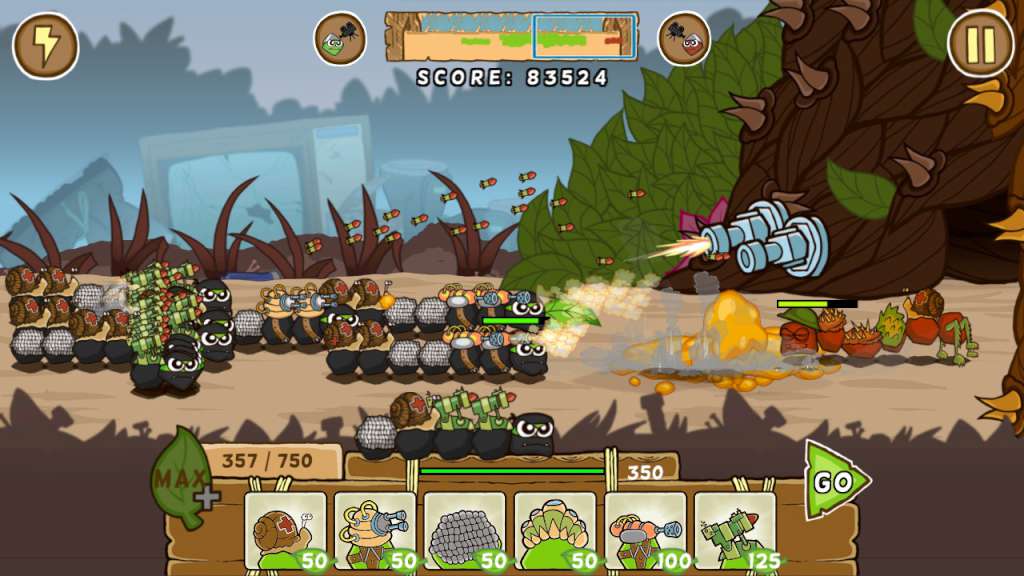
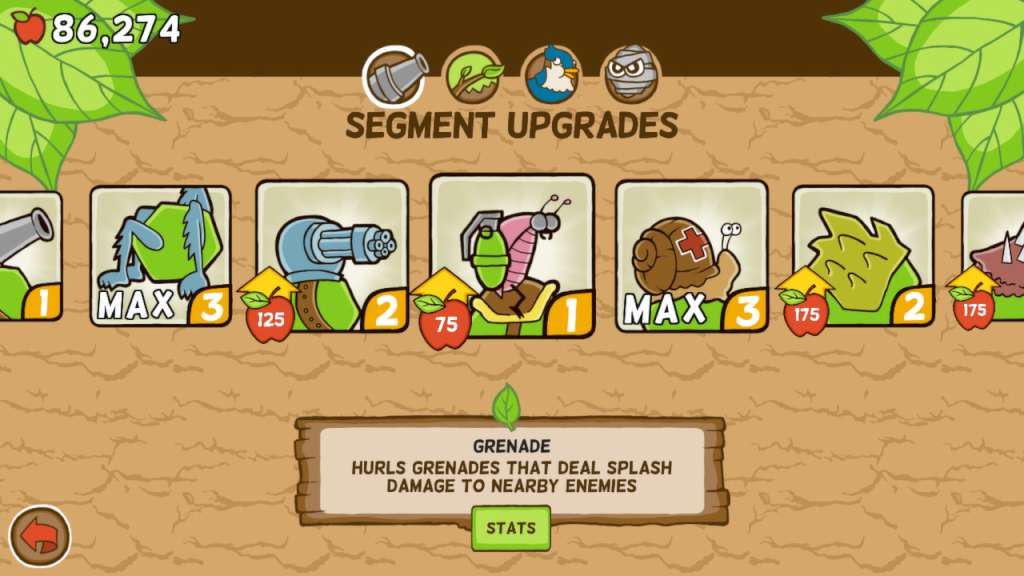
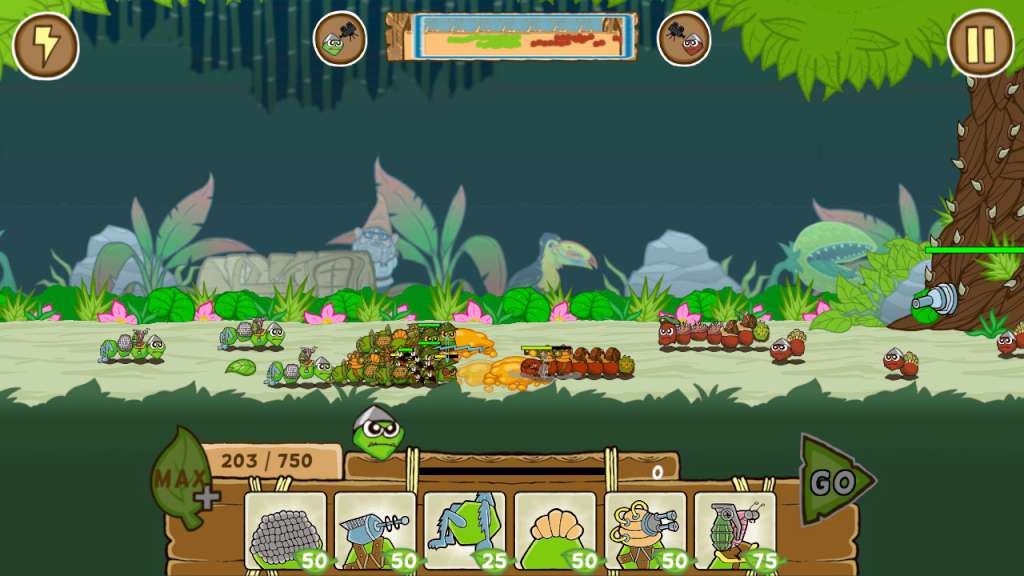
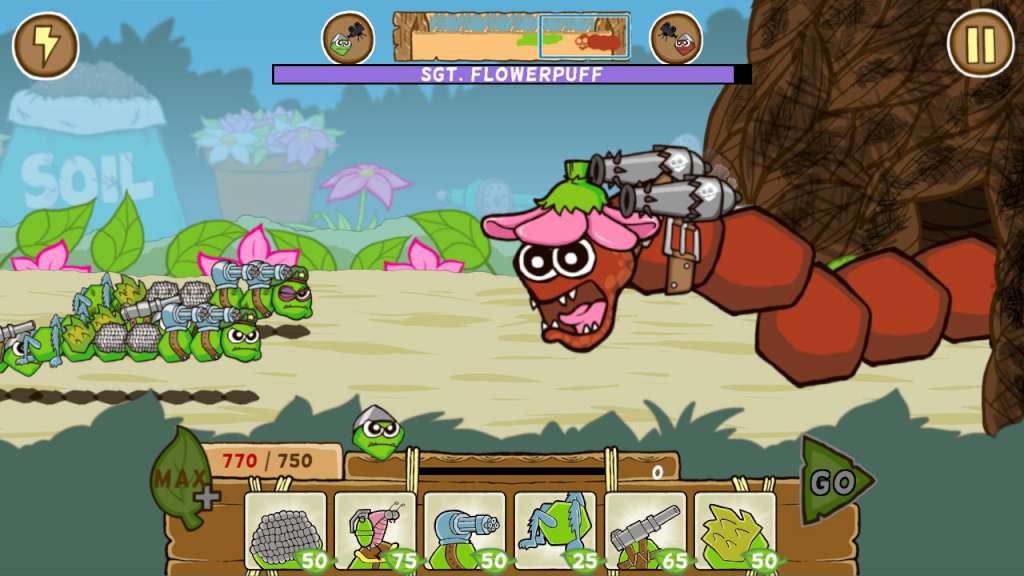
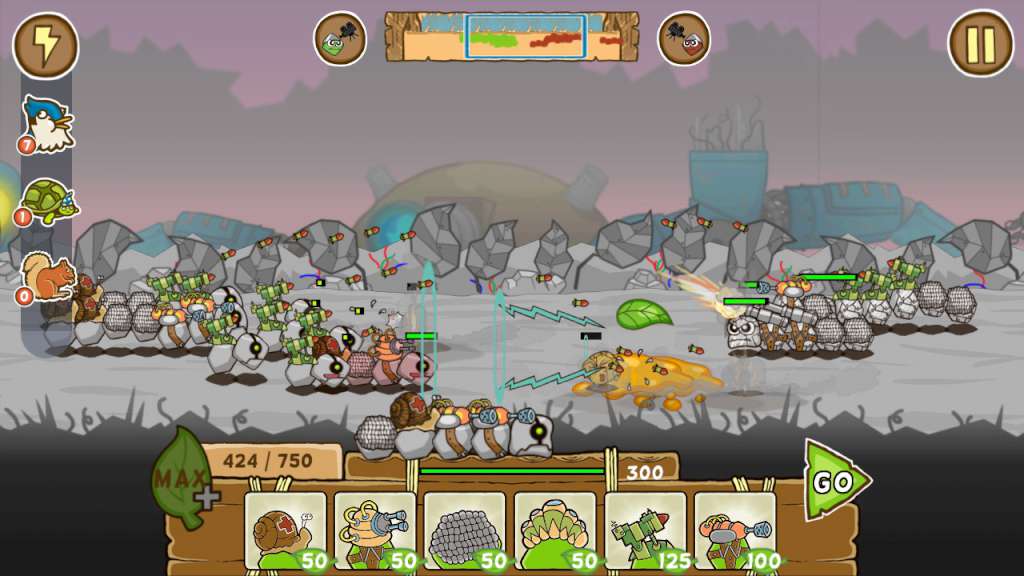
Battlepillars Gold Edition Steam Key includes: Battlepillars Original Soundtrack and Concept Artbook! Intuitive controls and keyboard hotkeys Improved and rebalanced difficulty and progression Improved art and sound quality Battlepillars is a real-time tug-of-war strategy game from the team behind Draw a Stickman: EPIC in which you command caterpillars armed to the teeth with flamethrowers, sticky honey, mines, machine guns, and more! Utilize the best strategies and combinations, from blitzkrieg battlepillars armed with only their feet to heavily armored, cannon wielding, rocket launching tankerpillars. You decide! Still not enough? Perfect your strategies in the Test Zone, then take the battle online against your friends. Need to prove you’re the best? Climb up the leaderboards by tackling Endless Mode! Features Choose from a wide variety of weapons, armor, and support segments. Ray guns, flamethrowers, rockets, and more! Call upon powerful woodland allies like the Wizard Turtle and Larry the Bird! Customize your game plan! Use tankerpillars to bulldoze your way to the enemy base, or send in kamikazepillars to surround your enemies!
Go to: http://store.steampowered.com/ and download STEAM client Click "Install Steam" (from the upper right corner) Install and start application, login with your Account name and Password (create one if you don't have). Please follow these instructions to activate a new retail purchase on Steam: Launch Steam and log into your Steam account. Click the Games Menu. Choose Activate a Product on Steam... Follow the onscreen instructions to complete the process. After successful code verification go to the "MY GAMES" tab and start downloading.