

SteamGlobal· Key
Penumbra Overture
€1.32
+€0.13 cashback eligibility in Relic Coins
Check before you play
- Platform
- Steam
- Region
- Global
- Product type
- Key
- Supplier release date
- 2007-03-30
- Genres
- Action, Adventure, Indie
SteamGlobal· Key
€1.32
+€0.13 cashback eligibility in Relic Coins
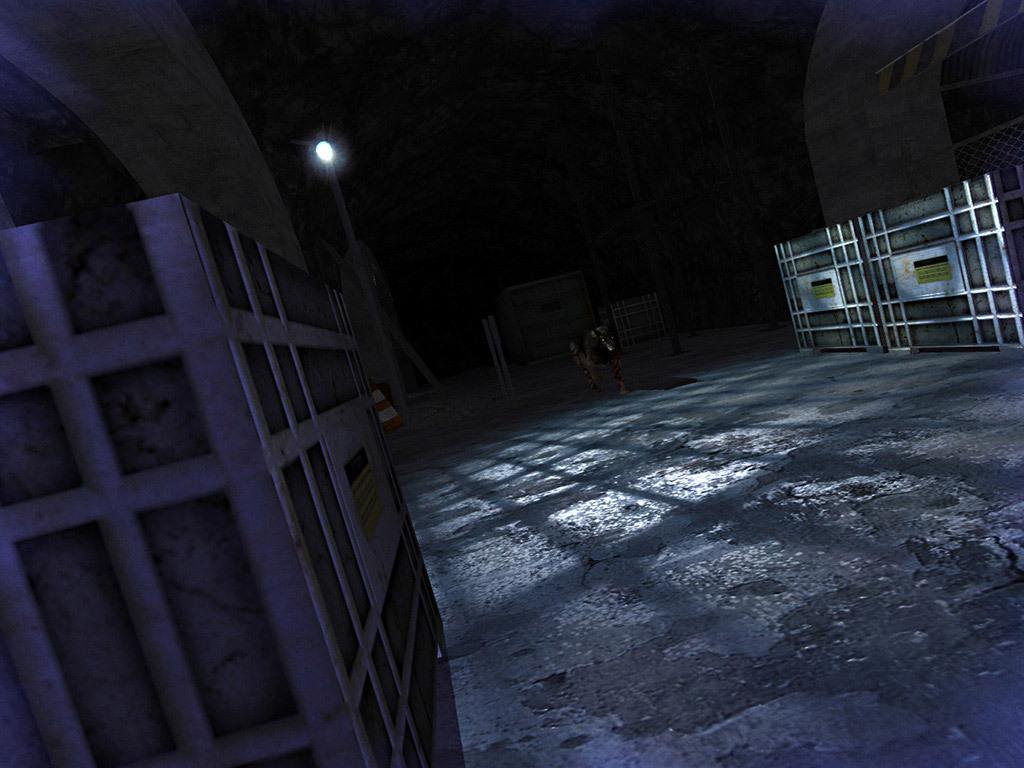
Penumbra:Overture is a first person survival horror game, emphasizing on survival and problem solving instead of mindless violence and gore. Played from a first person perspective and powered by a 3D engine utilising cutting edge technology, Penumbra is a substantial advancement of the genre. The unique physics system allows for true environmental interaction in a way not possible in other games. The player can open drawers, pull levers, pick up objects and now manipulate those objects in 3D space - all using natural mouse movements, creating a highly interactive and immersive game world. Penumbra will put players on edge like never before as they explore ominous and mysterious environments, the unknown awaiting them behind every corner. The world is detailed both in terms of graphical fidelity and narrative character - Penumbra is a horrific experience that will grip players from its opening thrills to its chilling denouement. Features Detailed and atmospheric environments. State of the art interaction system. Thrilling blend of puzzles and action. Dark secrets to be discovered.


Go to: http://store.steampowered.com/ and download STEAM client Click "Install Steam" (from the upper right corner) Install and start application, login with your Account name and Password (create one if you don't have). Please follow these instructions to activate a new retail purchase on Steam: Launch Steam and log into your Steam account. Click the Games Menu. Choose Activate a Product on Steam... Follow the onscreen instructions to complete the process. After successful code verification go to the "MY GAMES" tab and start downloading.