Get 10% back in Relic Coins on every order
Chronology cover

SteamGlobal· Key

Chronology

€1.27

+€0.13 cashback eligibility in Relic Coins

Check before you play

Platform
Steam
Region
Global
Product type
Key
Developer
Bedtime Digital Games
Publisher
Bedtime Digital Games
Supplier release date
2014-05-12
Genres
Adventure, Indie, Puzzle, Platformer

About this product

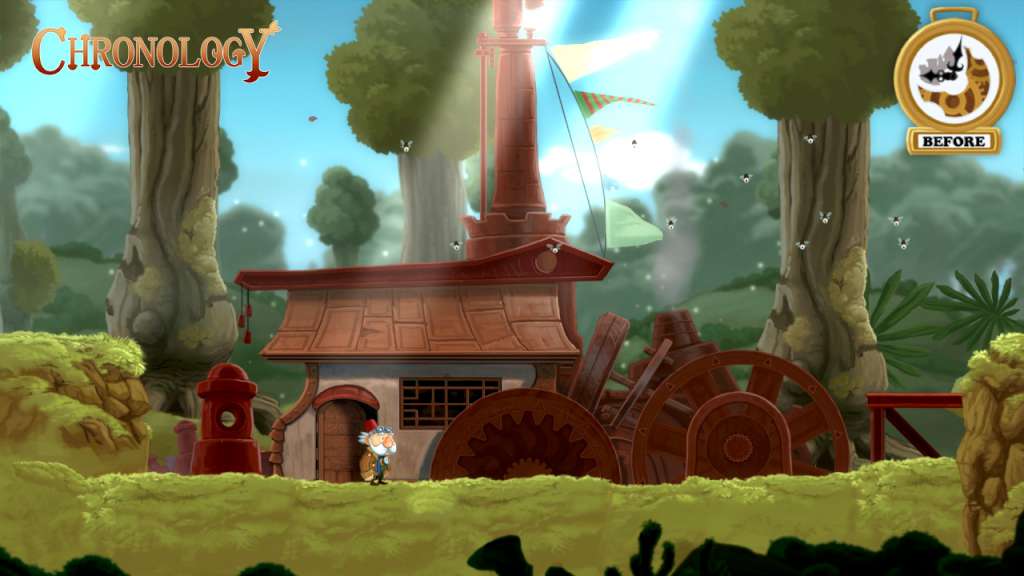
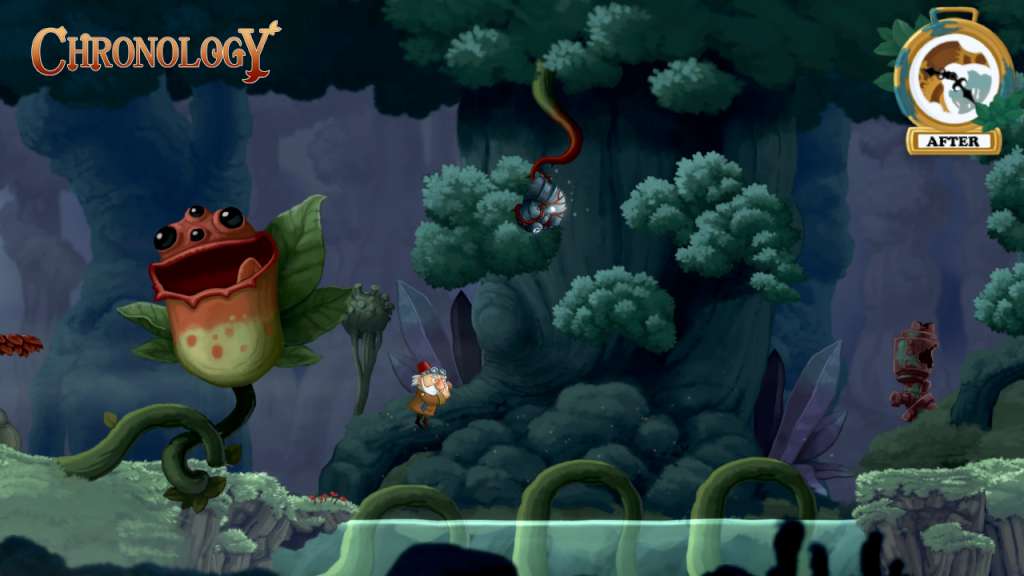
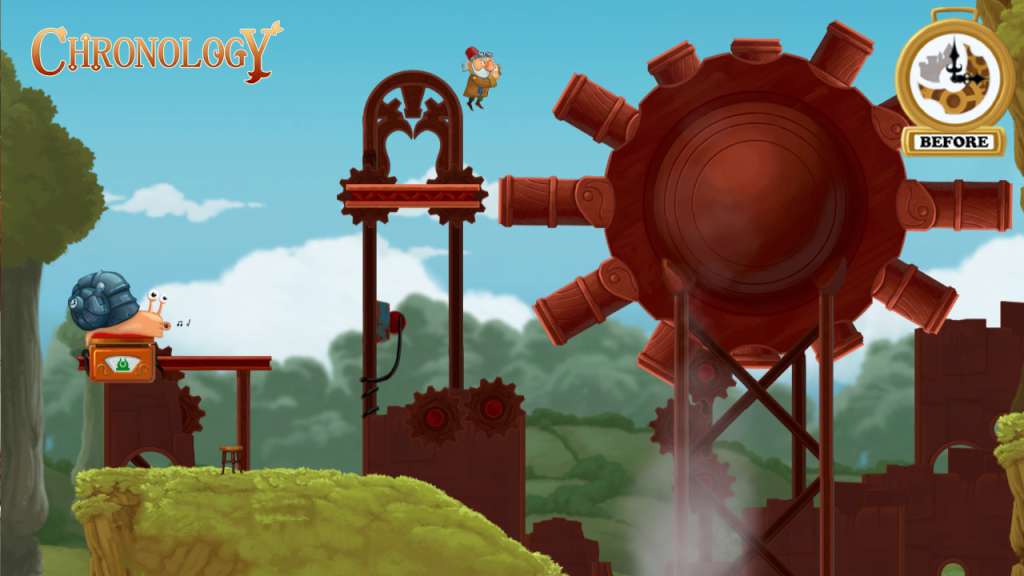
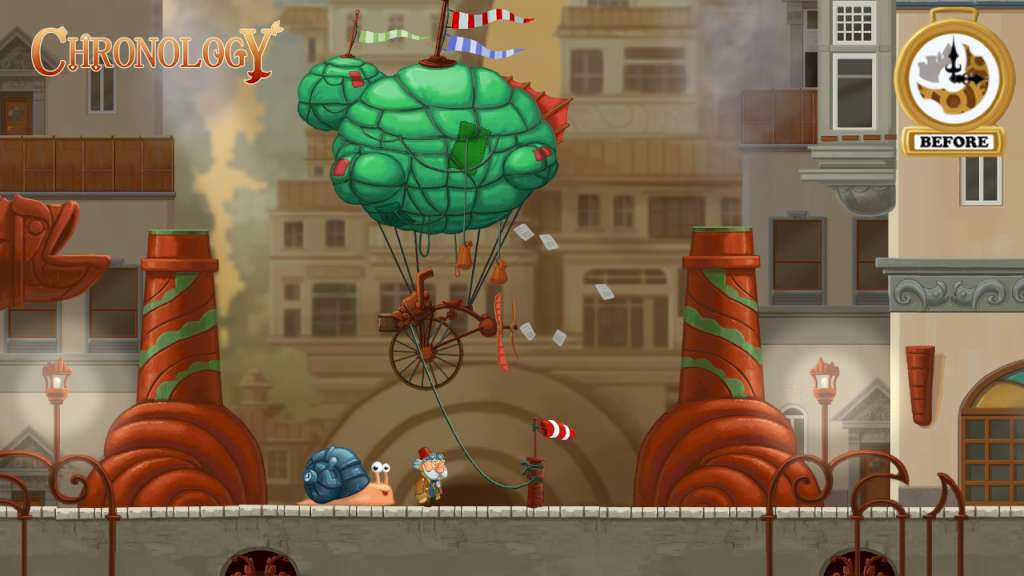
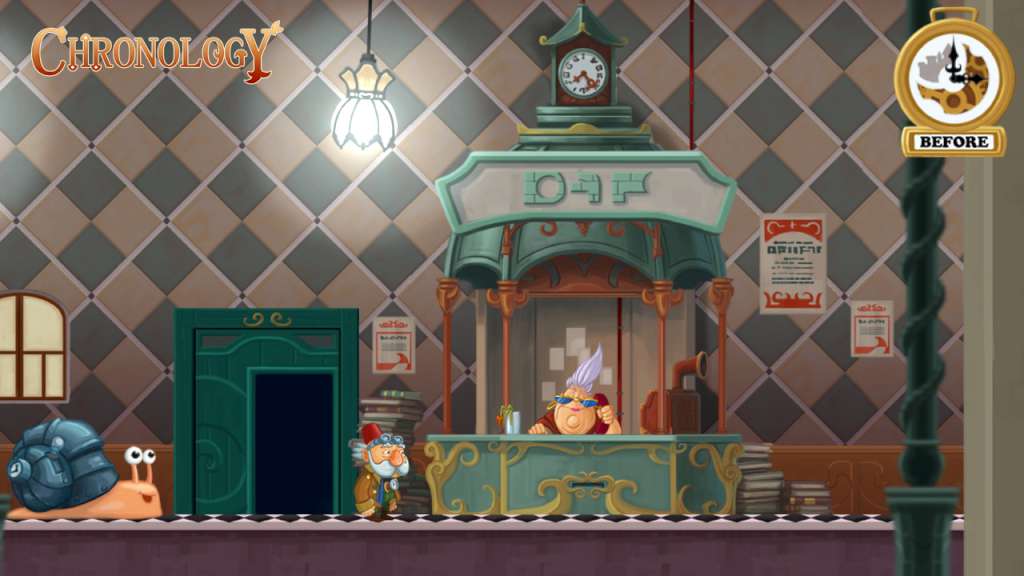
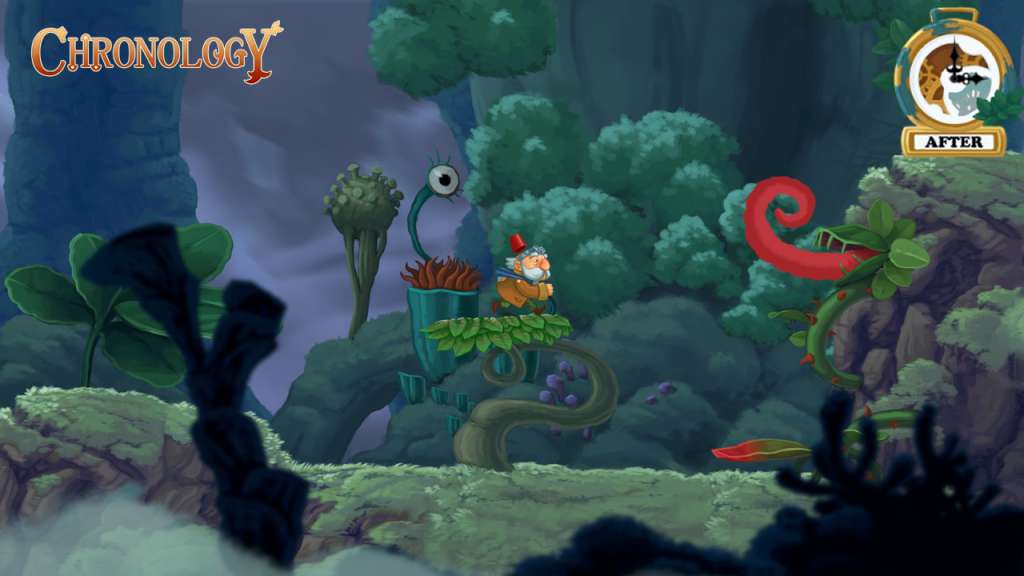
Chronology is a mind-bending mix of puzzle, adventure and platform game where you defy time by manipulating the past and the future, in order to fix the present. Play as the Old Inventor and his sidekick The Snail, and take advantage of their special abilities - travel back and forth in time, stop time, manipulate objects and solve puzzles. Features Time changes everything - Solve puzzle by travelling back and forth in - or freezing - time Characters with heart and soul - Switch between two lovable characters with different abilities and combine their strengths A mind-bending story line. As the story unfolds, learn how the main character has already played a central role in shaping the future of his world A magical, colorful, vibrant and living universe that mixes elements from different times and cultures Amazingly animated characters, machines and creatures, inspired by Hayao Miyazaki(Howls Moving Castle, My Neighbor Totoro)

Chronology screenshotChronology screenshotChronology screenshotChronology screenshotChronology screenshotChronology screenshot

How to redeem

  1. 1Check your Steam account and the listed region before purchasing.
  2. 2Find your code and supplier activation instructions in your confirmed order.
  3. 3Open the redeem-code section on Steam, enter the code and follow the platform’s prompts.

Supplier instructions

Go to: http://store.steampowered.com/ and download STEAM client Click "Install Steam" (from the upper right corner) Install and start application, login with your Account name and Password (create one if you don't have). Please follow these instructions to activate a new retail purchase on Steam: Launch Steam and log into your Steam account. Click the Games Menu. Choose Activate a Product on Steam... Follow the onscreen instructions to complete the process. After successful code verification go to the "MY GAMES" tab and start downloading.

You might also like