Get 10% back in Relic Coins on every order
A Case of Distrust cover

Steam Europe - All Countries· Key

A Case of Distrust

€0.69

+€0.07 cashback eligibility in Relic Coins

Check before you play

Platform
Steam
Region
Europe - All Countries
Product type
Key
Developer
The Wandering Ben
Publisher
Serenity Forge
Supplier release date
2018-02-08
Genres
Adventure, Indie, Story rich

About this product

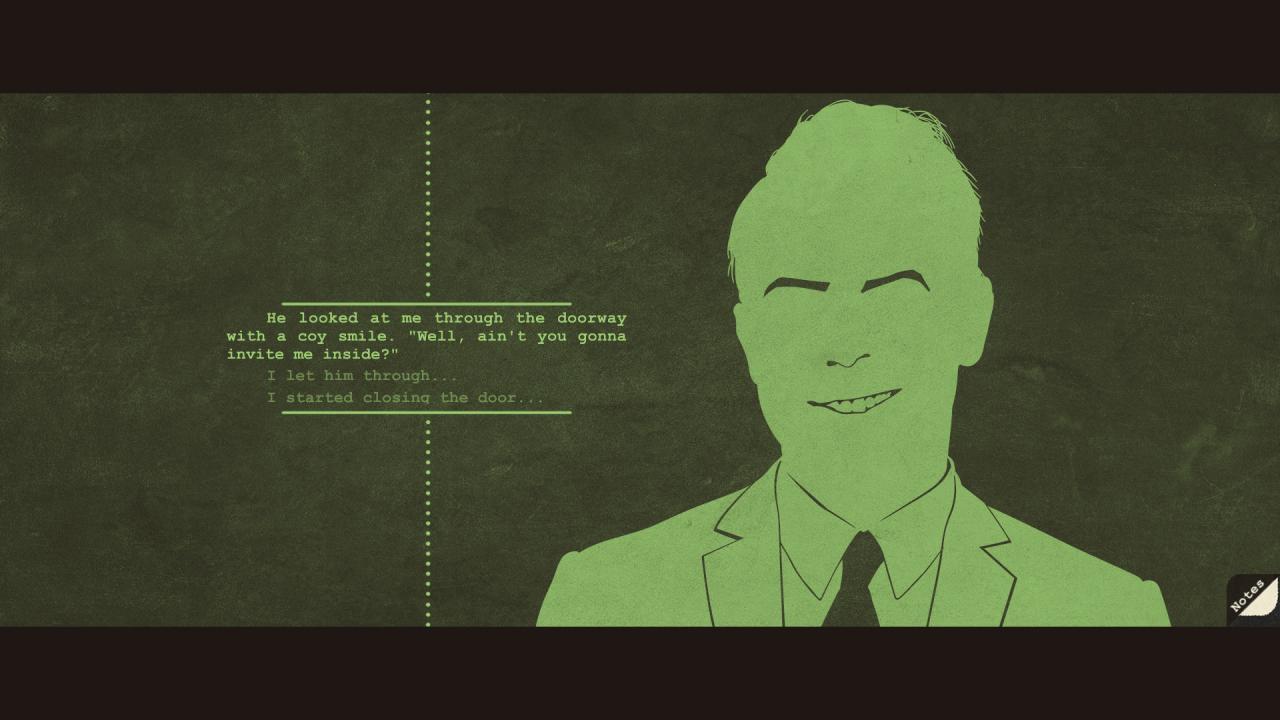
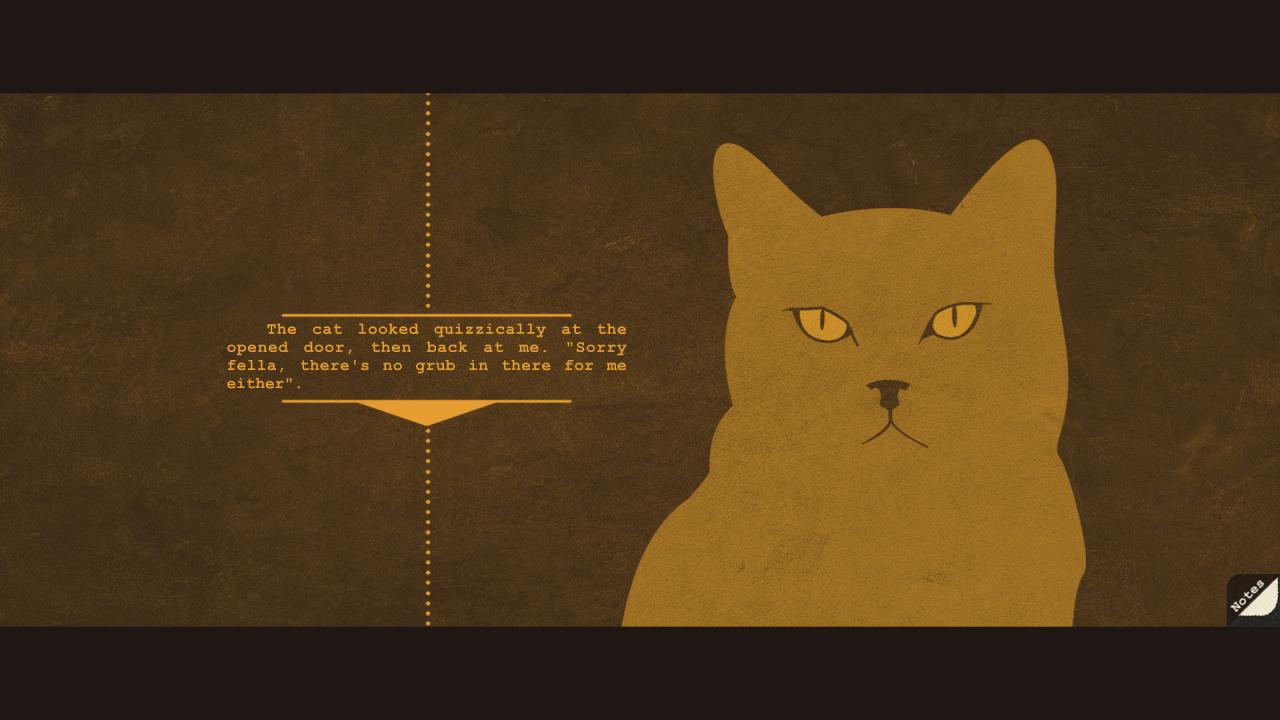
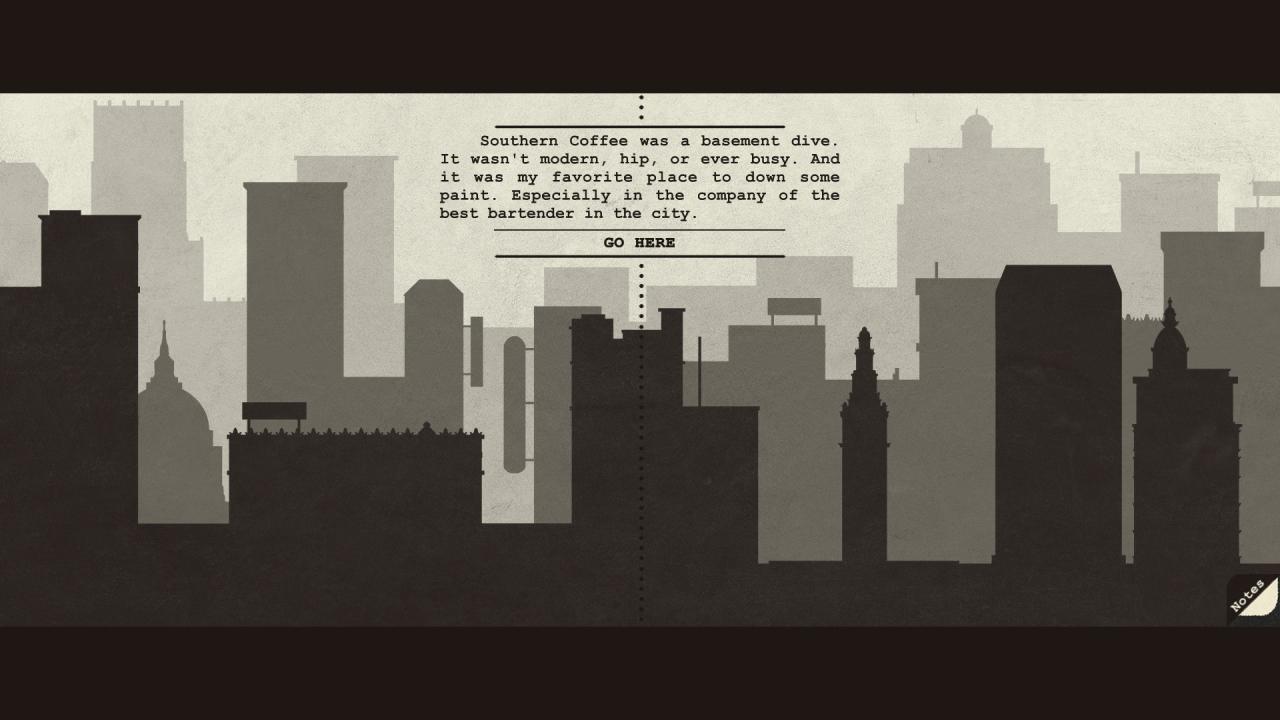
A Case of Distrust is a narrative mystery from 1924 San Francisco. Play as private investigator Phyllis Cadence Malone in this historical 2D adventure game. Explore underground speakeasies, smoke-filled billiard halls, classic barber shops, and more. Catch suspects in lies by using evidence, statements, and your wits. Intrinsic challenges face our heroine, as she struggles against a pushback on emancipation, leading to many doubts, both internal and external. Uncover the truth in a mystery full of deception! Features A hardboiled mystery, working past deceptive characters towards the truth 1924 San Francisco with historically accurate details Saul Bass inspired visuals and scene transitions Finger-snapping music that gives style to the roaring 20s Themes of poverty, racism, and emancipation that tie into contemporary issues

A Case of Distrust screenshotA Case of Distrust screenshotA Case of Distrust screenshotA Case of Distrust screenshotA Case of Distrust screenshotA Case of Distrust screenshot

How to redeem

  1. 1Check your Steam account and the listed region before purchasing.
  2. 2Find your code and supplier activation instructions in your confirmed order.
  3. 3Open the redeem-code section on Steam, enter the code and follow the platform’s prompts.

Supplier instructions

Go to: http://store.steampowered.com/ and download STEAM client Click "Install Steam" (from the upper right corner) Install and start application, login with your Account name and Password (create one if you don't have). Please follow these instructions to activate a new retail purchase on Steam: Launch Steam and log into your Steam account. Click the Games Menu. Choose Activate a Product on Steam... Follow the onscreen instructions to complete the process. After successful code verification go to the "MY GAMES" tab and start downloading.

You might also like