Get 10% back in Relic Coins on every order
The Guild II Renaissance cover

Steam Europe - All Countries· Key

The Guild II Renaissance

€1.01

+€0.10 cashback eligibility in Relic Coins

Check before you play

Platform
Steam
Region
Europe - All Countries
Product type
Key
Developer
ZeniMax Online Studios
Publisher
Bethesda Softworks
Supplier release date
2010-07-28
Genres
Strategy, Simulation

About this product

n For centuries Europe has been dominated by the church and nobility. On the shoulders of ordinary people the servants of god and the noble families justified their power and wealth. This was the incontrovertible, divine world order. A truly dark era… In the 14th Century the world order is beginning to transform itself. Due to trade and commerce an increasing middle class obtains more and more power and wealth. Entire towns purchase their freedom and more privileges from the nobility. Reading and writing is no longer the domain of the nobility and the clergy and the invention of printing information may eventually be spread everywhere. This is the beginning of the renaissance... 8 completely new professions: mercenary, grave digger, stonemason, juggler, innkeeper, banker, miller and the fruit grower New goods, buildings, ambient details and effects All new scenarios ("Transylvania", "The Rhineland" and "The Alps") & bigger world maps Improved AI, title and nobility system as well as new options (e.g. “God Measures”, levels of difficulty)

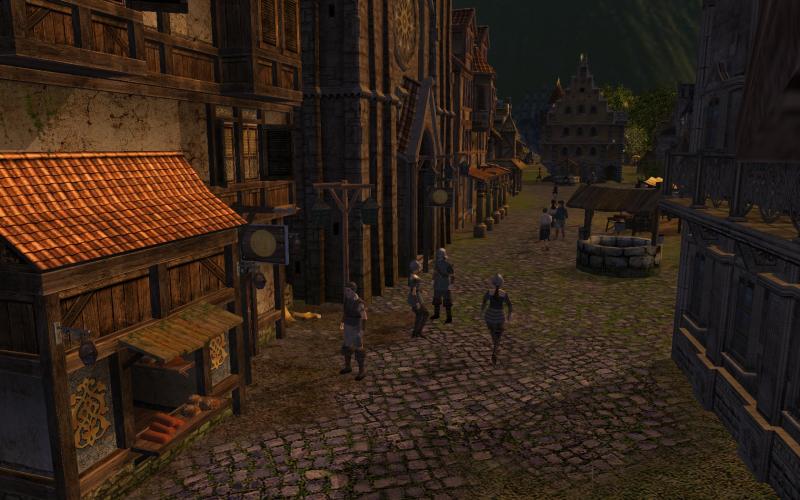
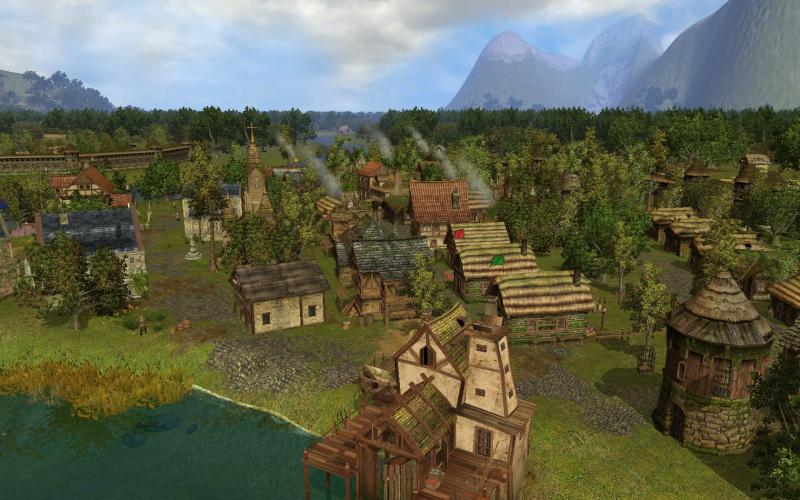
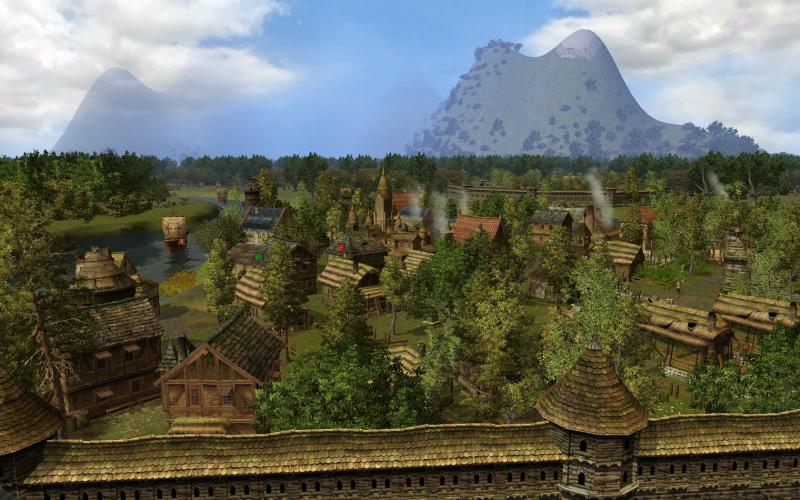
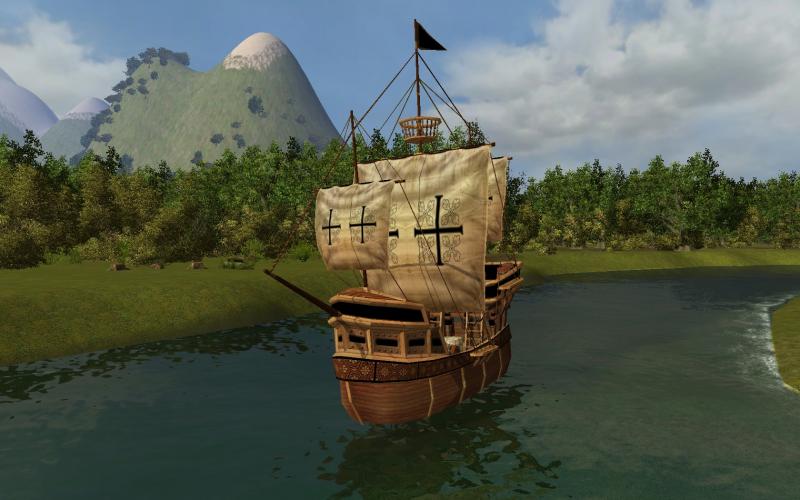
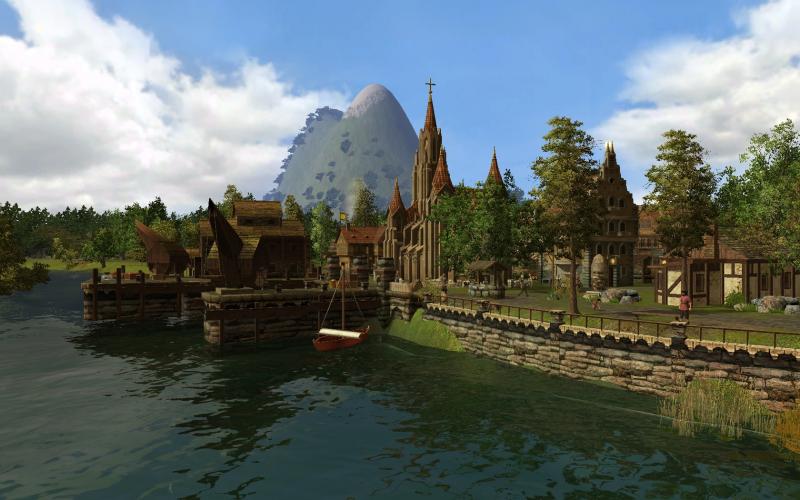
The Guild II Renaissance screenshotThe Guild II Renaissance screenshotThe Guild II Renaissance screenshotThe Guild II Renaissance screenshotThe Guild II Renaissance screenshot

How to redeem

  1. 1Check your Steam account and the listed region before purchasing.
  2. 2Find your code and supplier activation instructions in your confirmed order.
  3. 3Open the redeem-code section on Steam, enter the code and follow the platform’s prompts.

Supplier instructions

Go to: http://store.steampowered.com/ and download STEAM client Click "Install Steam" (from the upper right corner) Install and start application, login with your Account name and Password (create one if you don't have). Please follow these instructions to activate a new retail purchase on Steam: Launch Steam and log into your Steam account. Click the Games Menu. Choose Activate a Product on Steam... Follow the onscreen instructions to complete the process. After successful code verification go to the "MY GAMES" tab and start downloading.

You might also like