Get 10% back in Relic Coins on every order
The Sims 4 - Kids Room Stuff DLC cover

EA App Europe - All Countries· DLC

The Sims 4 - Kids Room Stuff DLC

€7.35

+€0.74 cashback eligibility in Relic Coins

Check before you play

Platform
EA App
Region
Europe - All Countries
Product type
DLC

Check the required base game and edition before purchasing this add-on.

Developer
Maxis
Publisher
Electronic Arts
Supplier release date
2016-06-28
Genres
Simulation, Casual

About this product

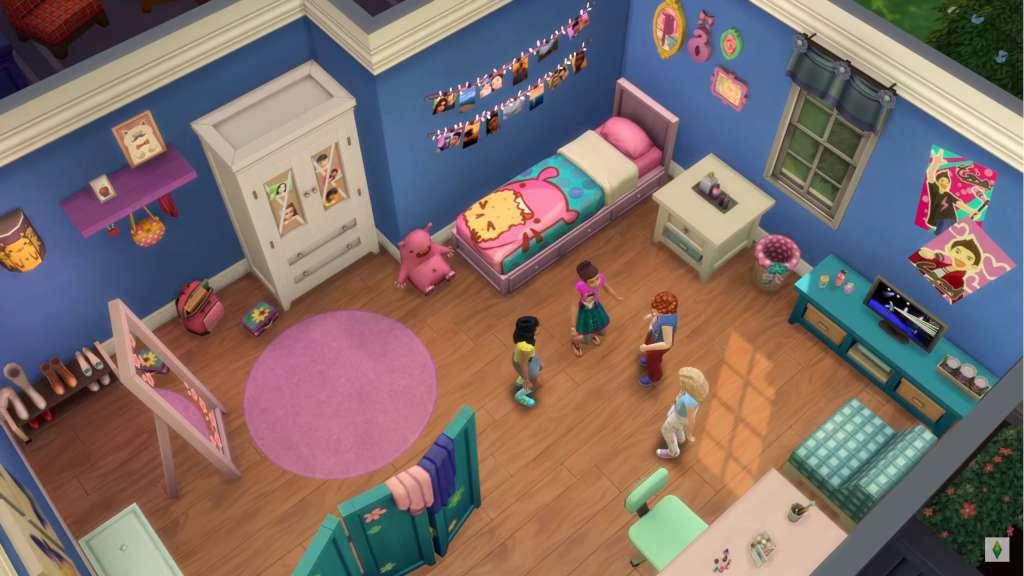
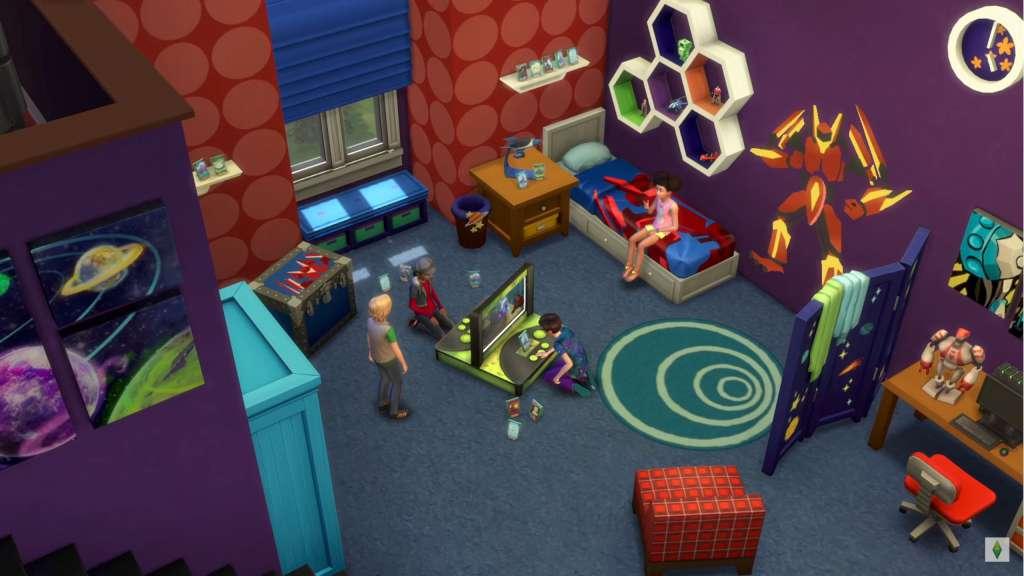
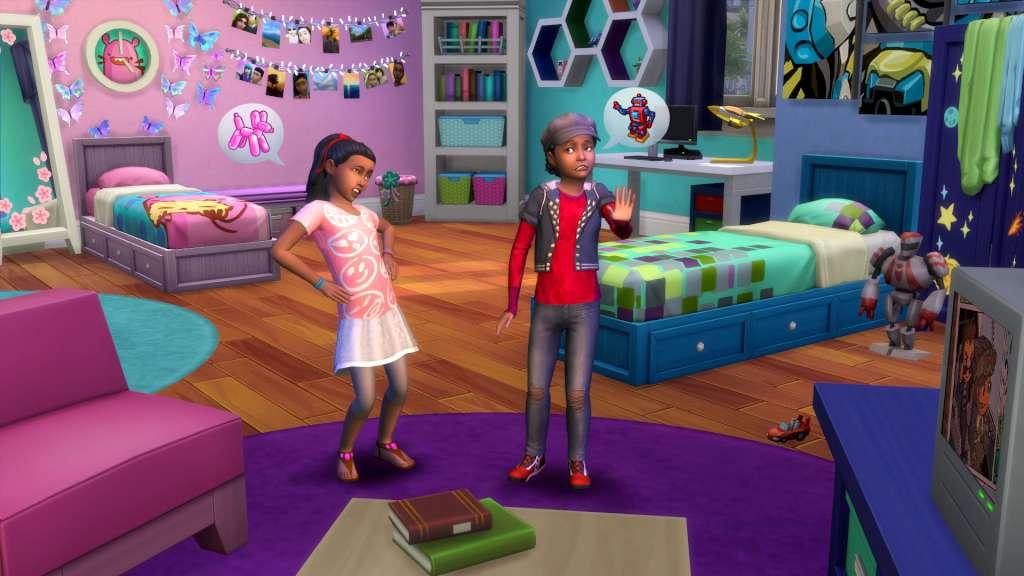
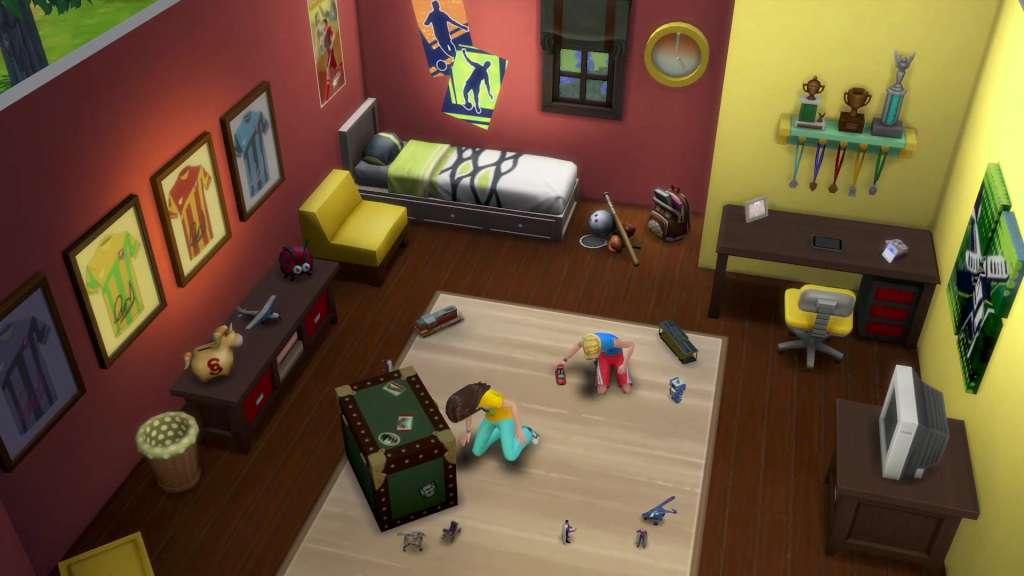
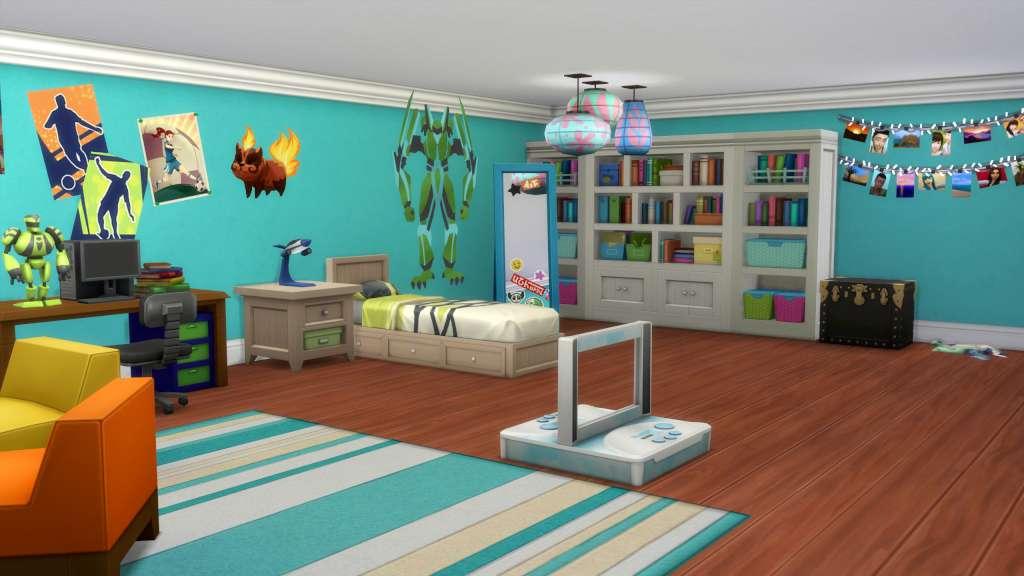
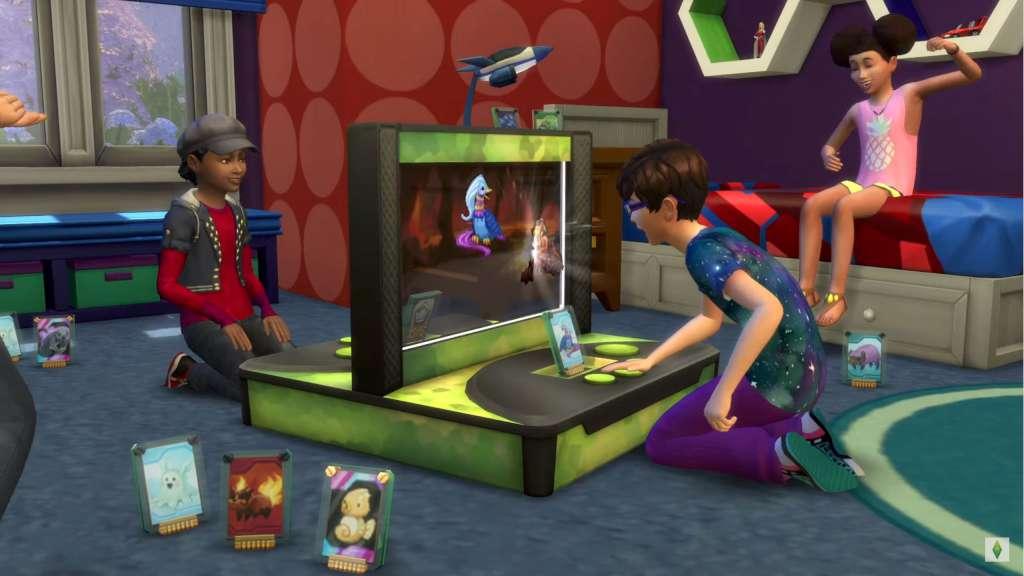
Spark the imagination of Sims with new items to personalise kids’ bedrooms in The Sims 4 Kids Room Stuff. Collect and trade monster cards, then bring them to life in the electronic battle station. Put on a puppet show to tell stories and entertain family and friends. Show off your kid Sims with new clothing items and hairstyles that express their style. Features Customise kids' rooms. Build kids bedrooms full of style! Excite your Sim’s imagination with colorful new furniture and themed decorations ranging from space robots to fun flower flourishes. Battle with monsters. Collect and trade monster cards featuring your Sim’s favorite magical creatures. Use cards in the electronic battle station to bring them to life and challenge friends to a monster duel that’s sure to excite. Put on a show. With the all-new puppet theater and a bit of imagination, Sims can tell whimsical stories to entertain an audience of family and friends. Lots of style. Get trendy, playful clothing and hairstyles to showcase their individual style or highlight their obsession with the latest tween heartthrob! So dreamy!

The Sims 4 - Kids Room Stuff DLC screenshotThe Sims 4 - Kids Room Stuff DLC screenshotThe Sims 4 - Kids Room Stuff DLC screenshotThe Sims 4 - Kids Room Stuff DLC screenshotThe Sims 4 - Kids Room Stuff DLC screenshotThe Sims 4 - Kids Room Stuff DLC screenshot

How to redeem

  1. 1Check the required base game, platform and edition before purchasing.
  2. 2Find the code or supplier activation instructions in your confirmed order.
  3. 3Redeem on EA App using the supplied instructions, then install the add-on with the compatible base game.

Supplier instructions

Go to: http://www.origin.com/us/about Click "Download Origin" (from the upper left corner) Login into downloaded application Install and start application, login with your Account name and Password (create one here: http://store.origin.com/ if you don't have). Redeem Product Code From the "Origin" drop-down menu (upper right corner) choose "Redeem Product Code...", enter your code and click "Next". Download your Game After successful code verification go to the "MY GAMES" tab and start downloading.

You might also like