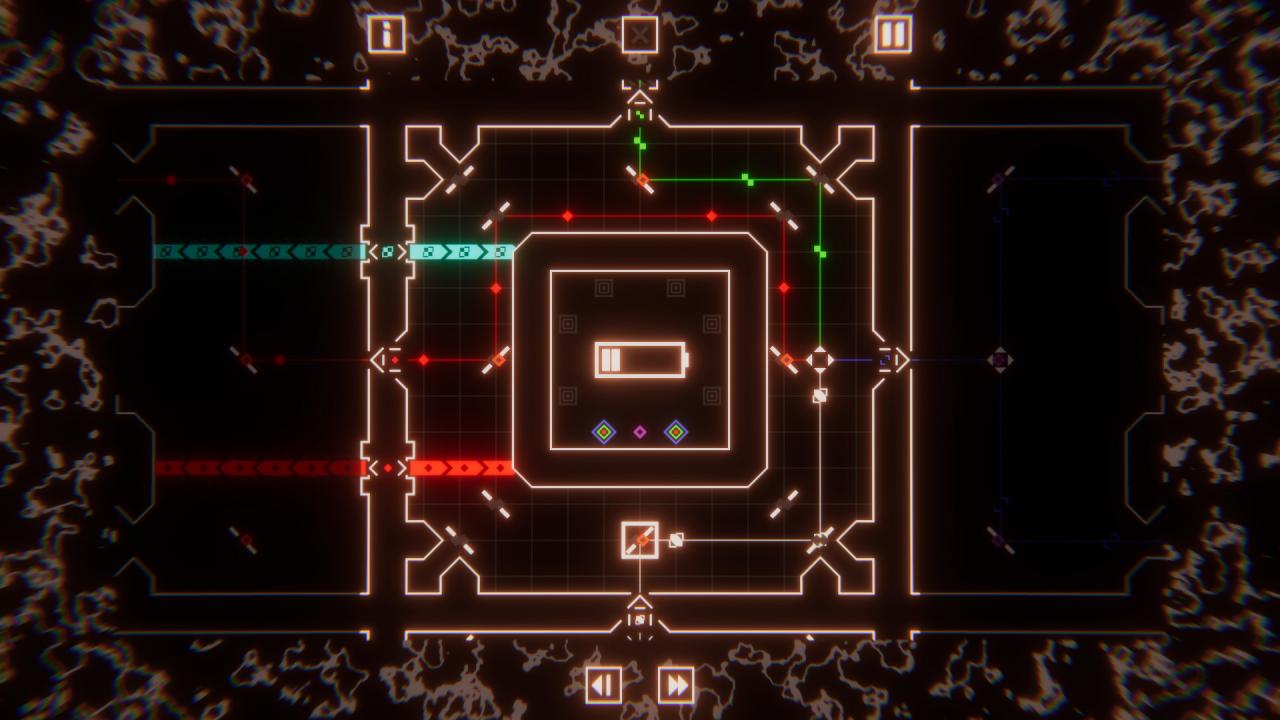
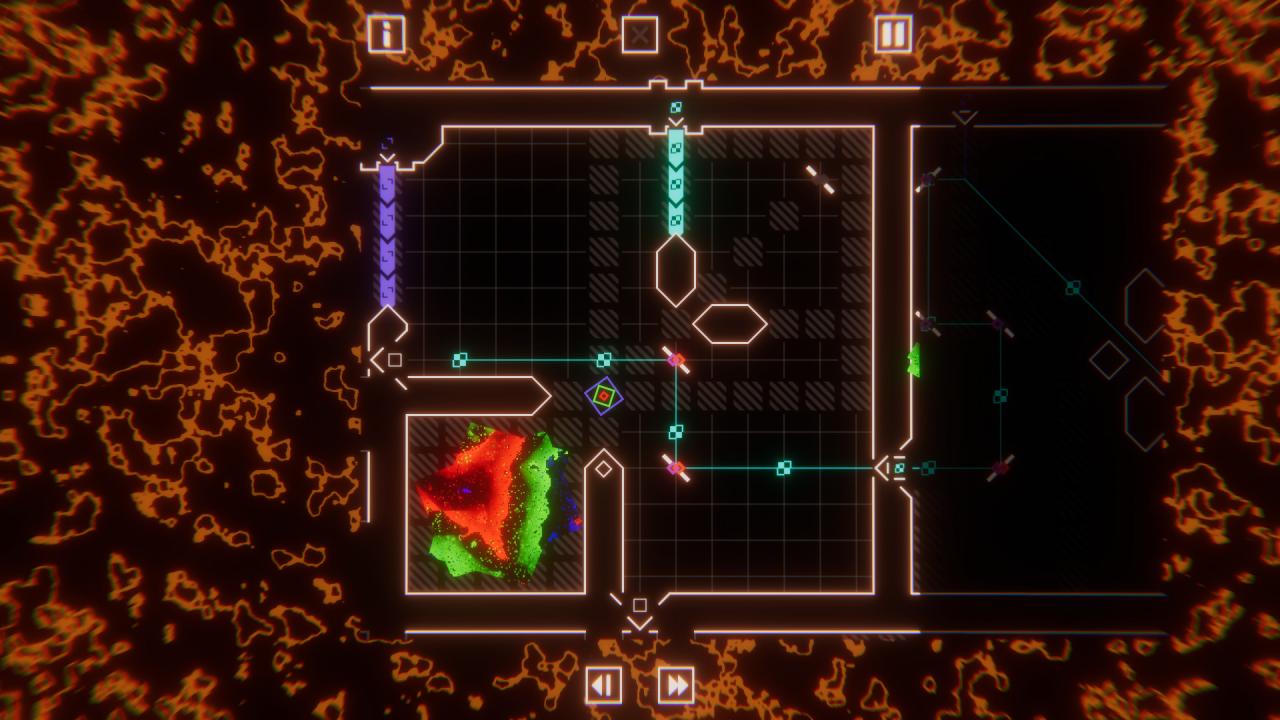
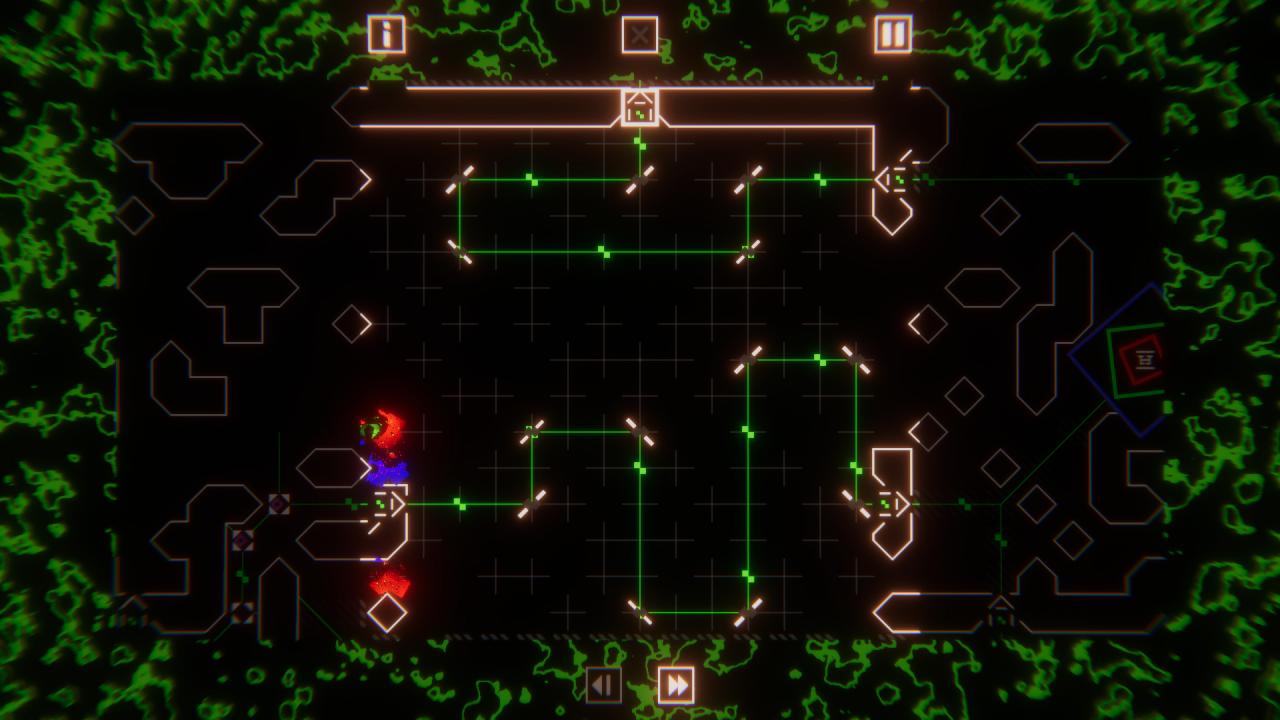
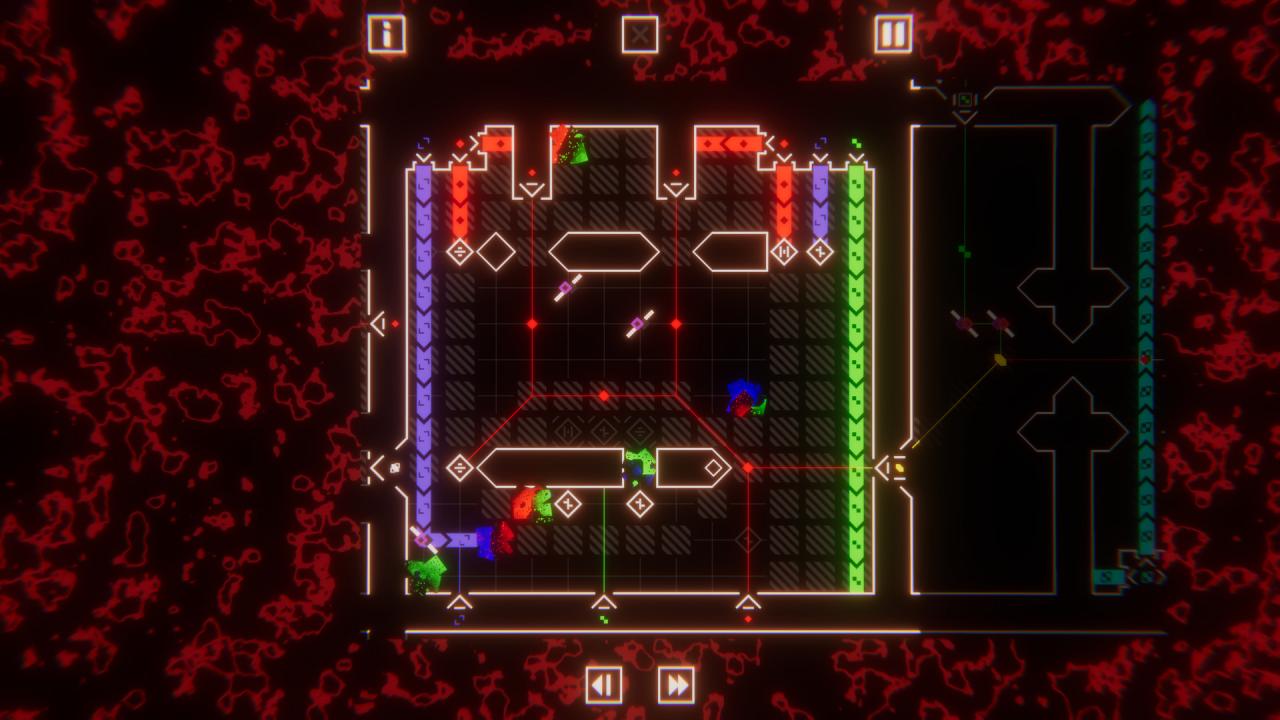
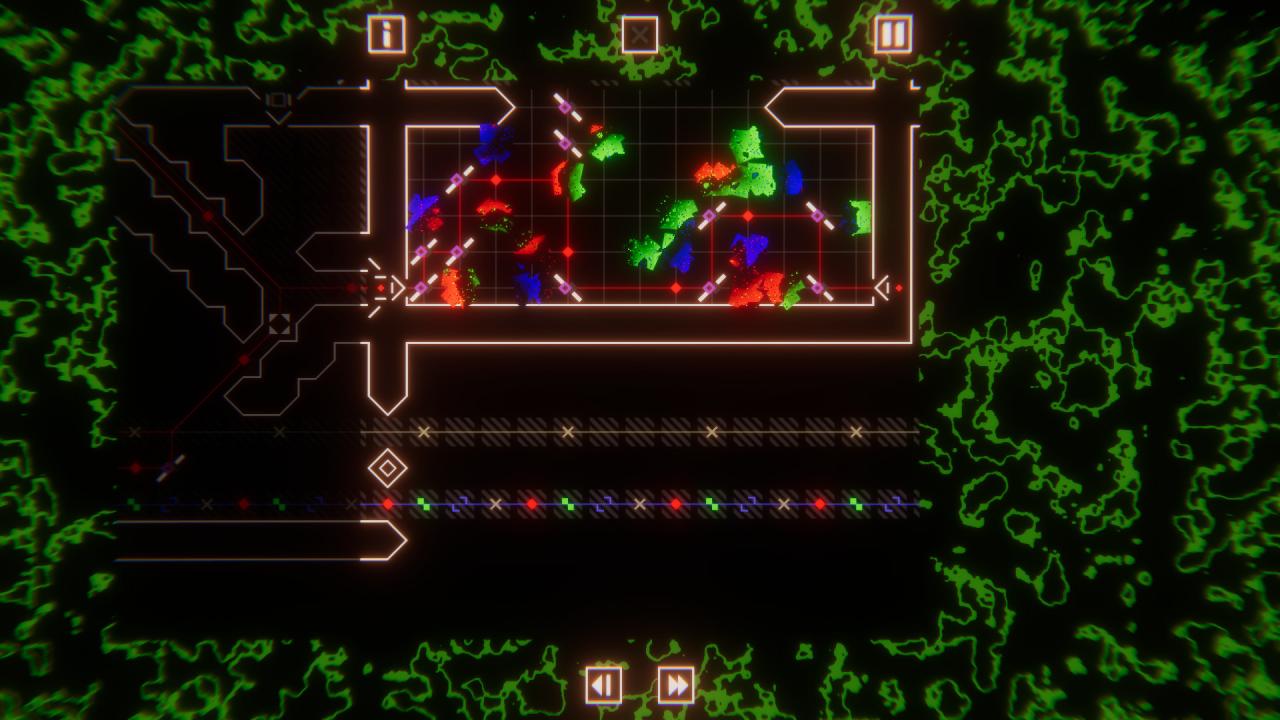
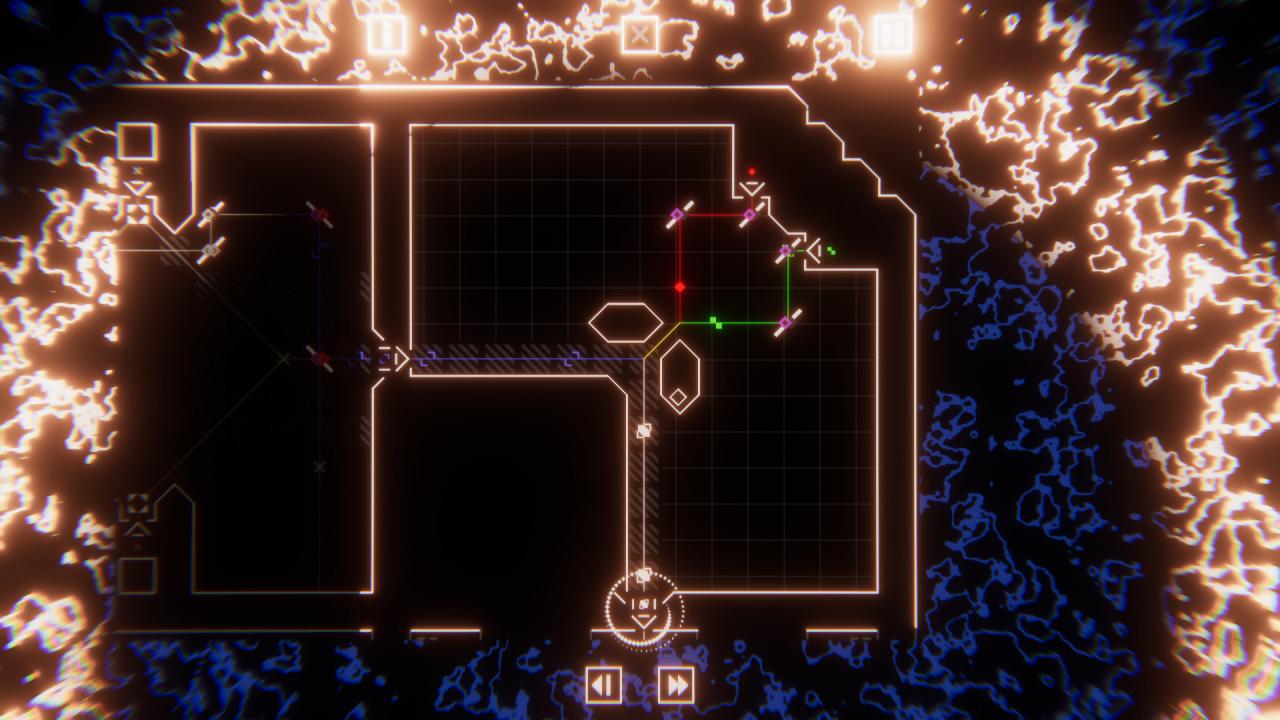
At its heart, SOLAS is a beam deflection game. Rotate and reposition mirrors to connect light sources and unlock adjacent puzzles. Every pulse is moving to the beat at all times, and each puzzle is connected to the next. Explore this strange interconnected space, learn its rules, and discover the surprises that dwell within. Rather than ordinary light beams, however, these pulses can and will collide with each other. Create new colours, deflect them in new directions, and pay attention to their timing to unlock the path to new puzzles. Along the way you'll encounter a wide array of components which interact in unique and surprising ways. You might even discover you can pass pulses and components between puzzles. Prisms, glitches, new types of mirrors, and more lurk in the depths. For example, the filters which remove colours from pulses that pass over them. To match the otherworldly, retro, neon aesthetic, SOLAS is scored with a one of a kind synthwave soundtrack to which the entire game is synchronized. Features Over 150 interlocking puzzle screens A beautiful synth-inspired visual style with a story where music powers everything Designed from the ground up to be colourblind-friendly A seamless world to navigate - changes in one room will affect those that follow An original synth/chillwave soundtrack Hidden areas to discover, and secrets to decypher No text or dialogue: the visuals and music speak for themselves