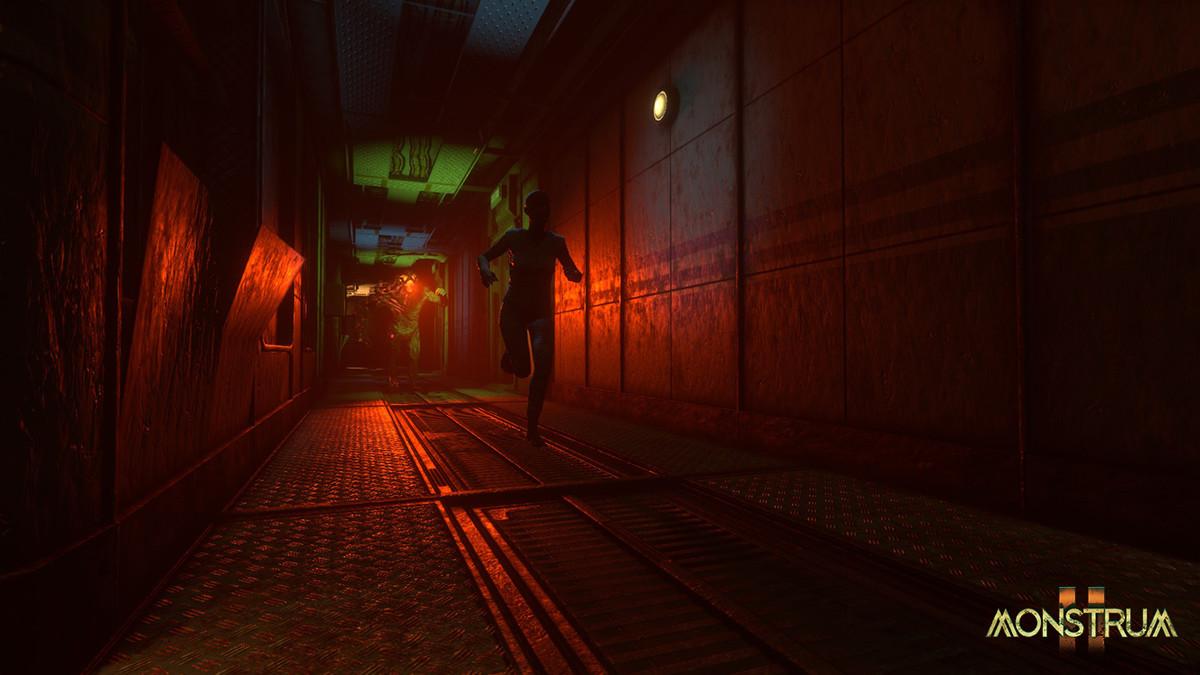
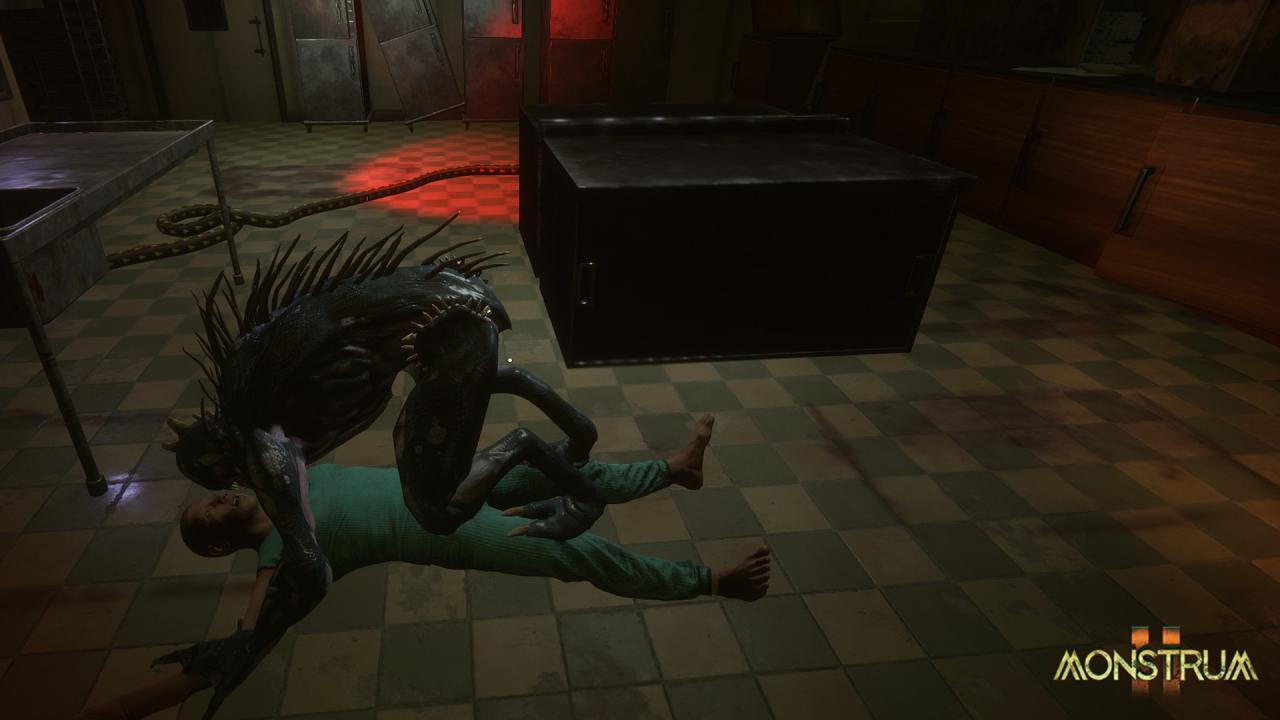
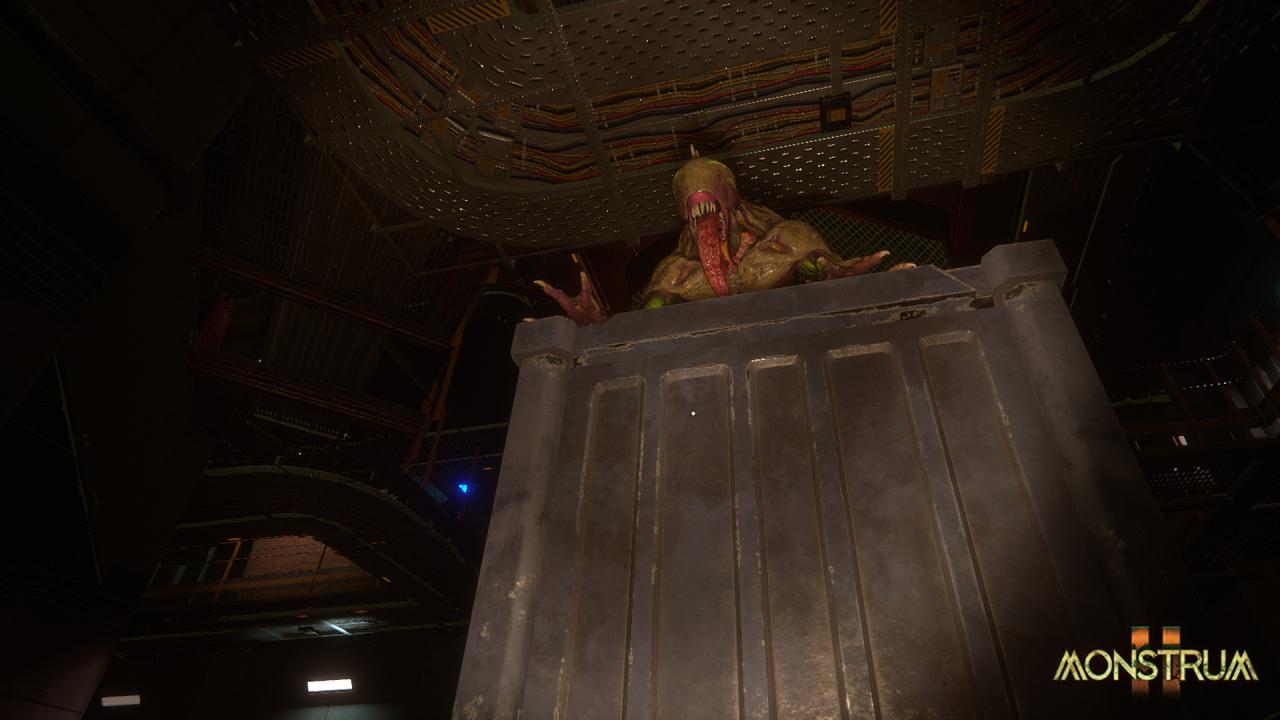
Monstrum 2 is an asymmetric multiplayer game for those looking to take survival horror to the next level. Pit yourself against a terrifying monster as a team of up to 4 human prisoners, locked in a tactical struggle to escape a decrepit sea fortress, or play as one of the many horrifying monstrosities hunting them down. Use your wits and cunning to navigate a complex, procedurally generated metal labyrinth that changes layout, puzzles, items, and obstacles with each playthrough, keeping each match dynamic for humans and monsters alike. Features
Procedural sea fortress
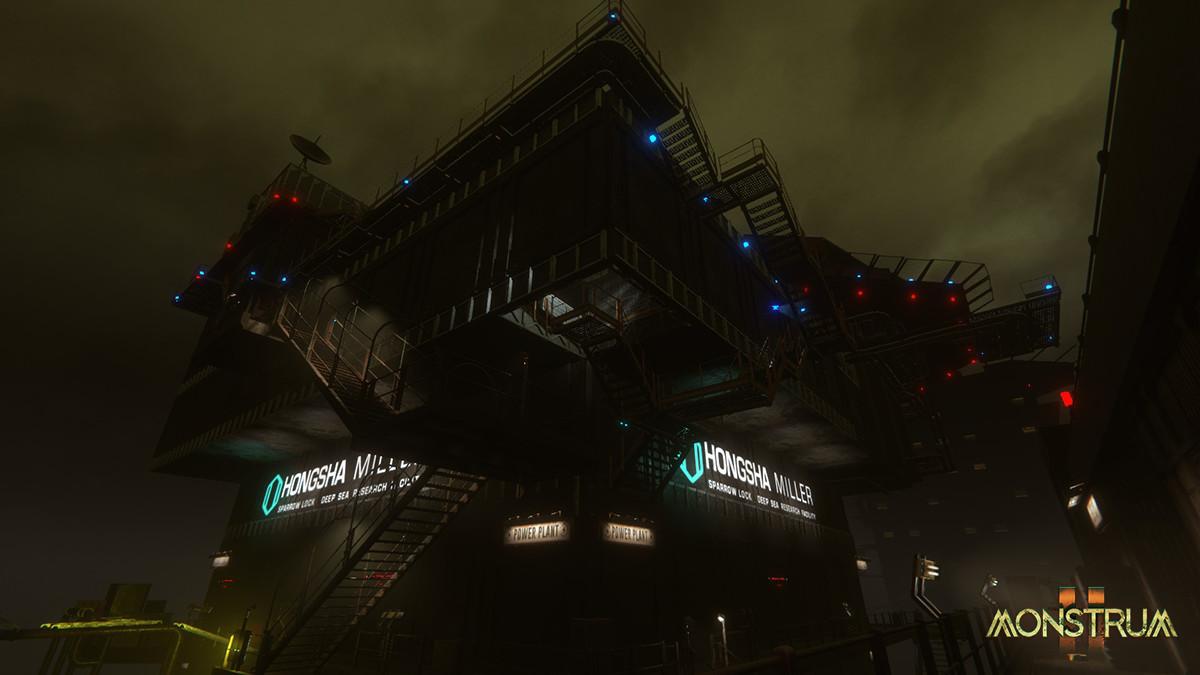
Explore Sparrowlock, the Hong-Sha Miller research facility; a structure derived from an old repurposed sea fortress. Navigate an intricate mesh of rusting rooms and walkways as you adapt to the different environmental and gameplay challenges generated with every match.
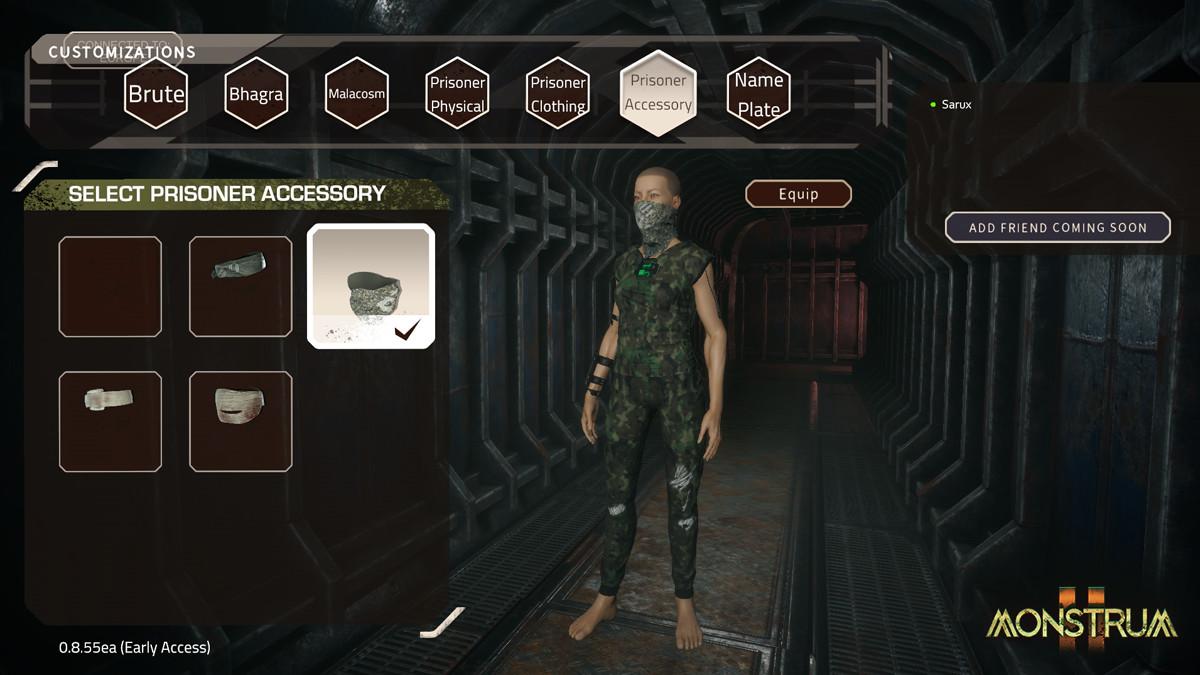
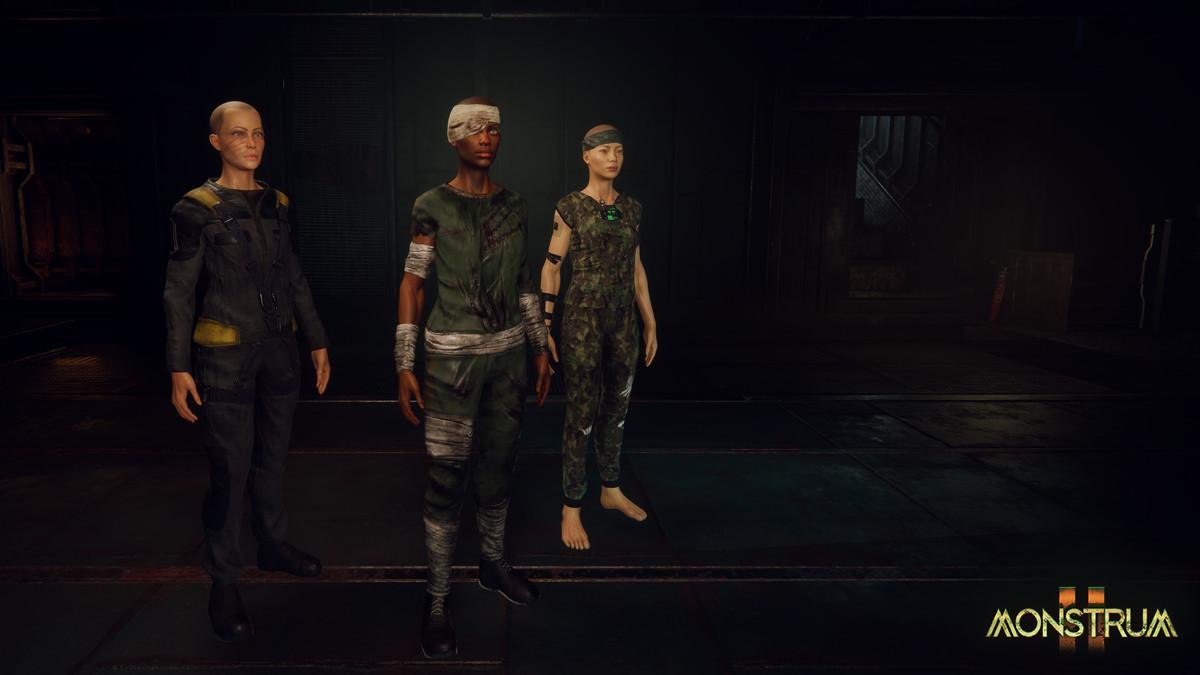
Play as a prisoner
Work together with fellow teammates to scavenge items strewn across the decaying facility to overcome the obstacles that lie between you and your ticket to escape. Stay stealthy and out of sight. Use various hiding spots to avoid getting seen whilst avoiding the traps that give away your position. If you’re spotted, you’d better run! Stay agile and use various items you’ve gathered in your arsenal for a speedy escape. Your survival balances on a fine line.
Play as the monster
Pick from a diverse range of genetically-modified monstrosities derived from failed deep-sea experiments, each with their own distinct traits for hunting down humans. Smash, climb, trap, teleport. Master different monsters and use their unique abilities to tactically exploit the environment and catch your prey off-guard.