Get 10% back in Relic Coins on every order
The Botanist (by Ghost Entertainment) cover

SteamGlobal· Key

The Botanist (by Ghost Entertainment)

€0.71

+€0.07 cashback eligibility in Relic Coins

Check before you play

Platform
Steam
Region
Global
Product type
Key
Developer
Ghost Entertainment
Publisher
Ghost Entertainment
Supplier release date
2020-11-20
Genres
Action, Adventure, Indie, Casual, Platformer

About this product

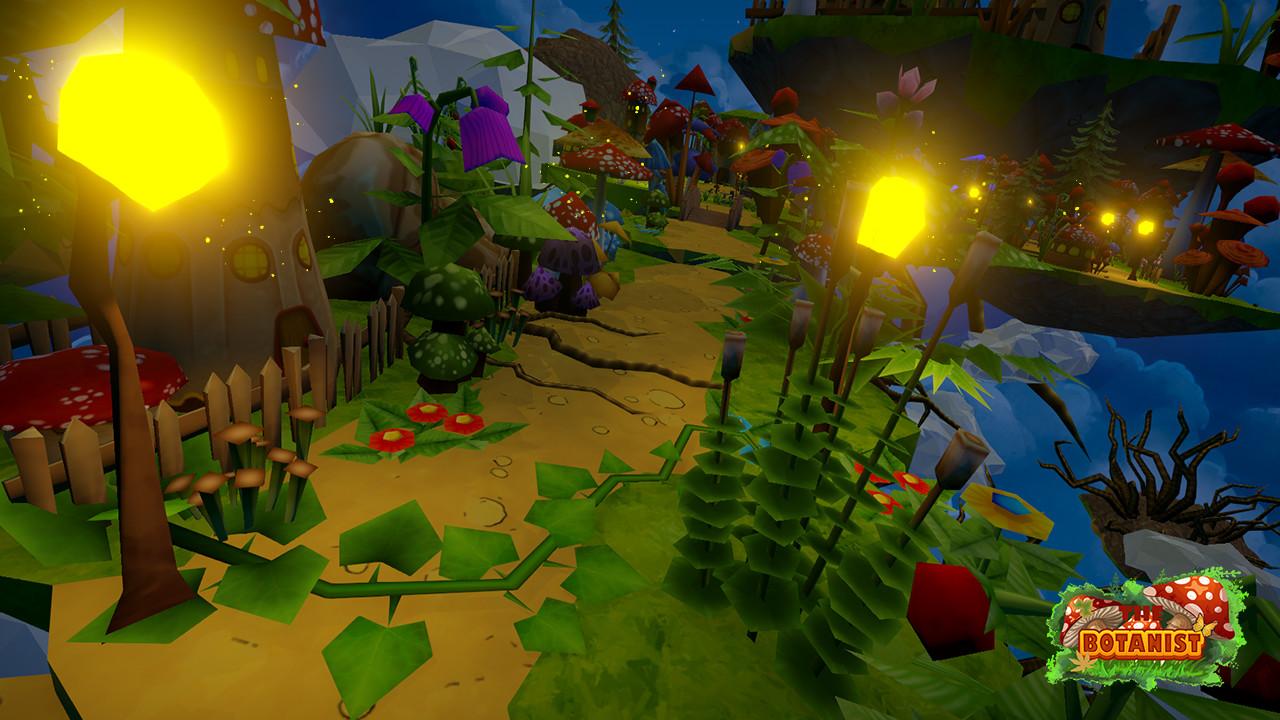
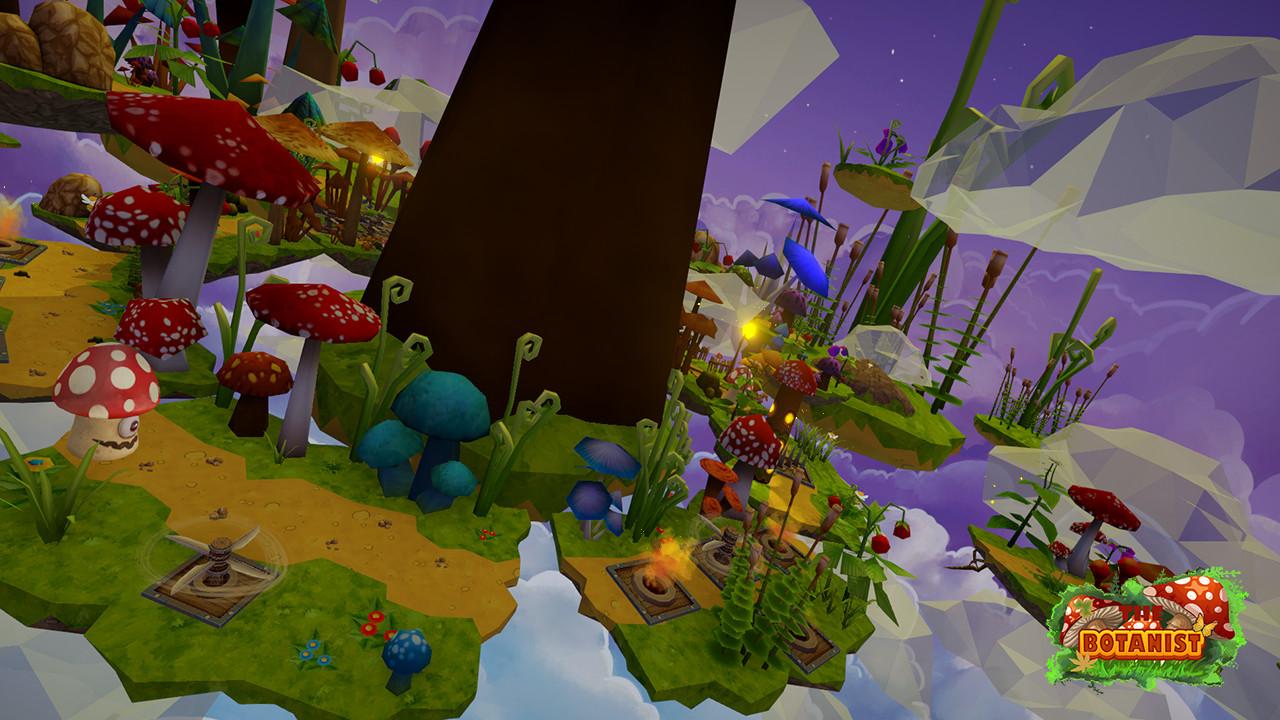
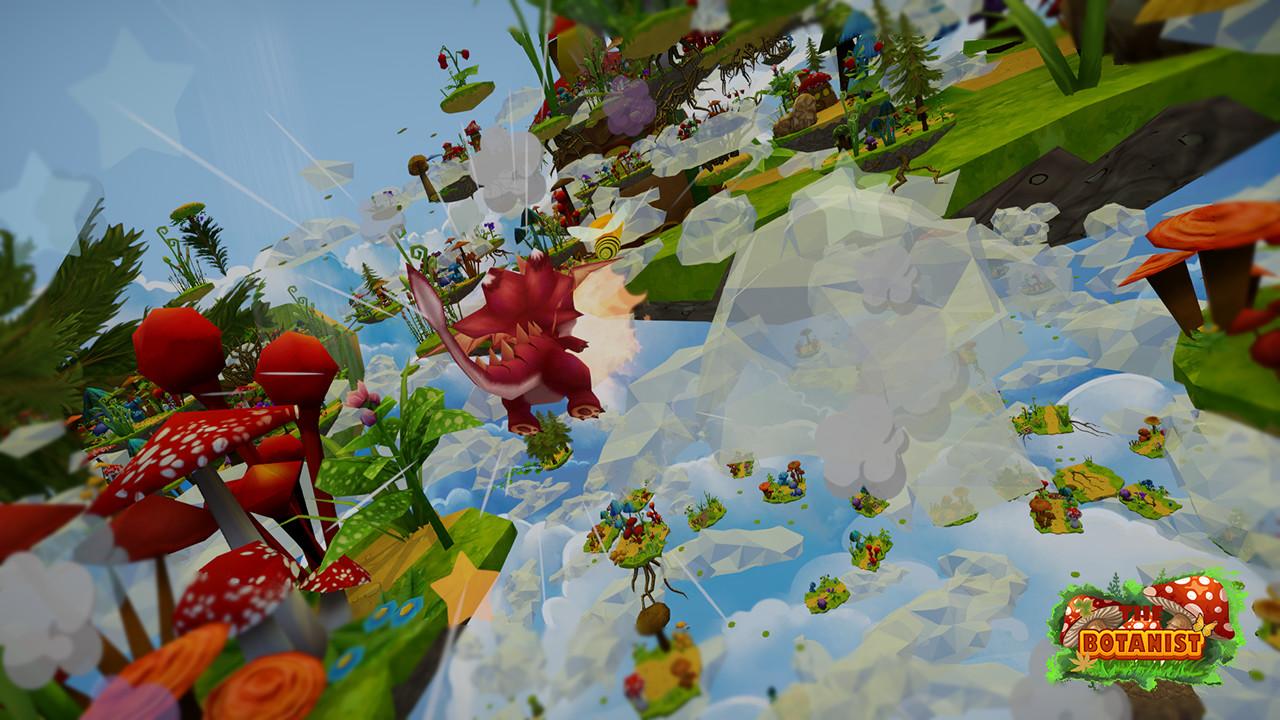
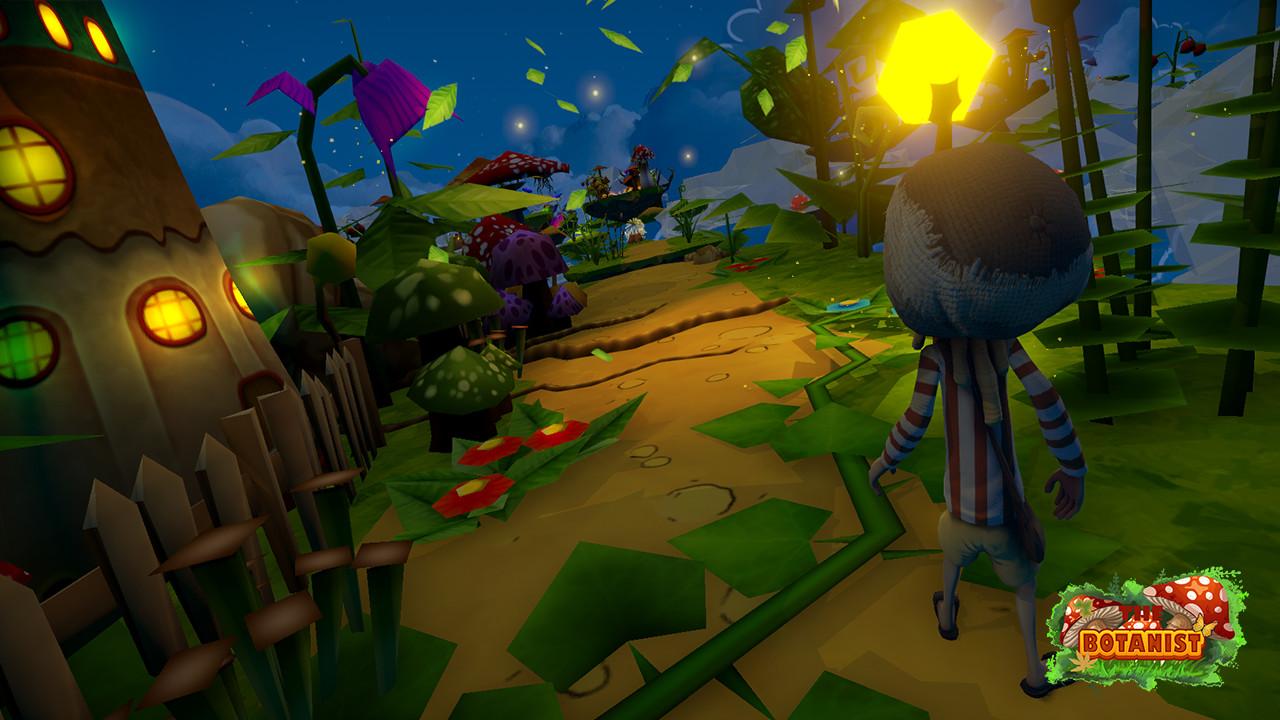
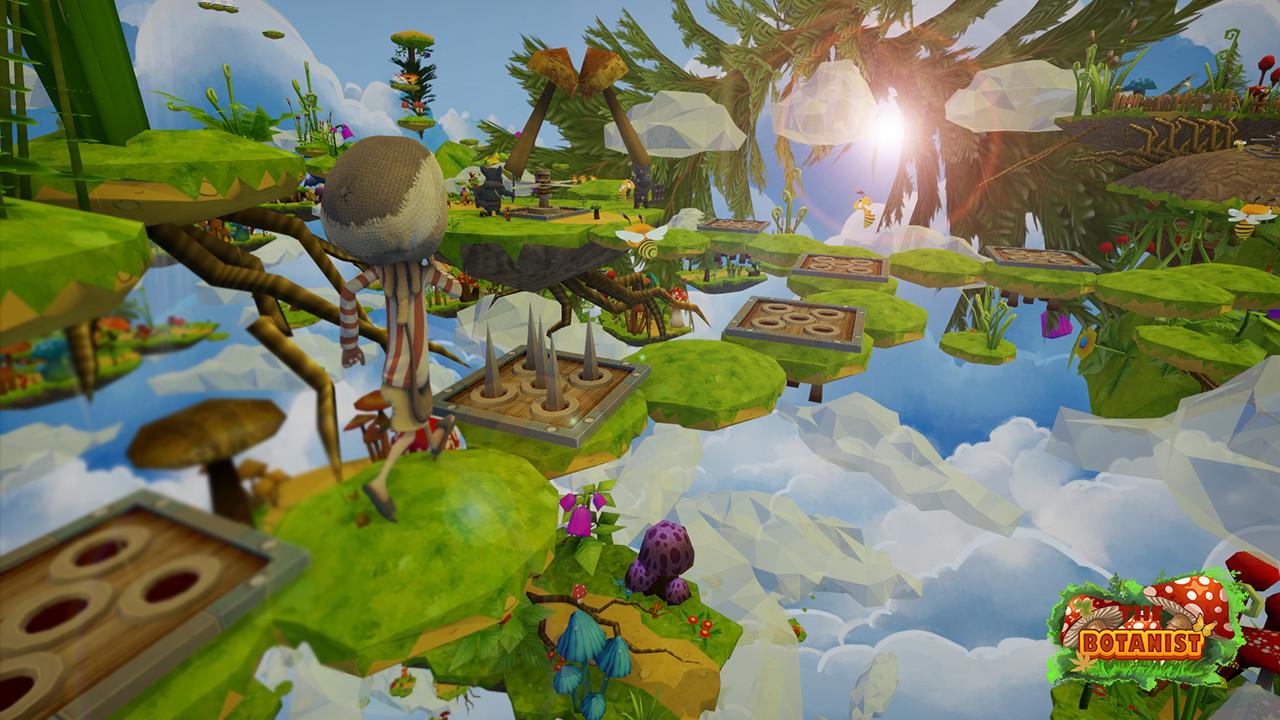
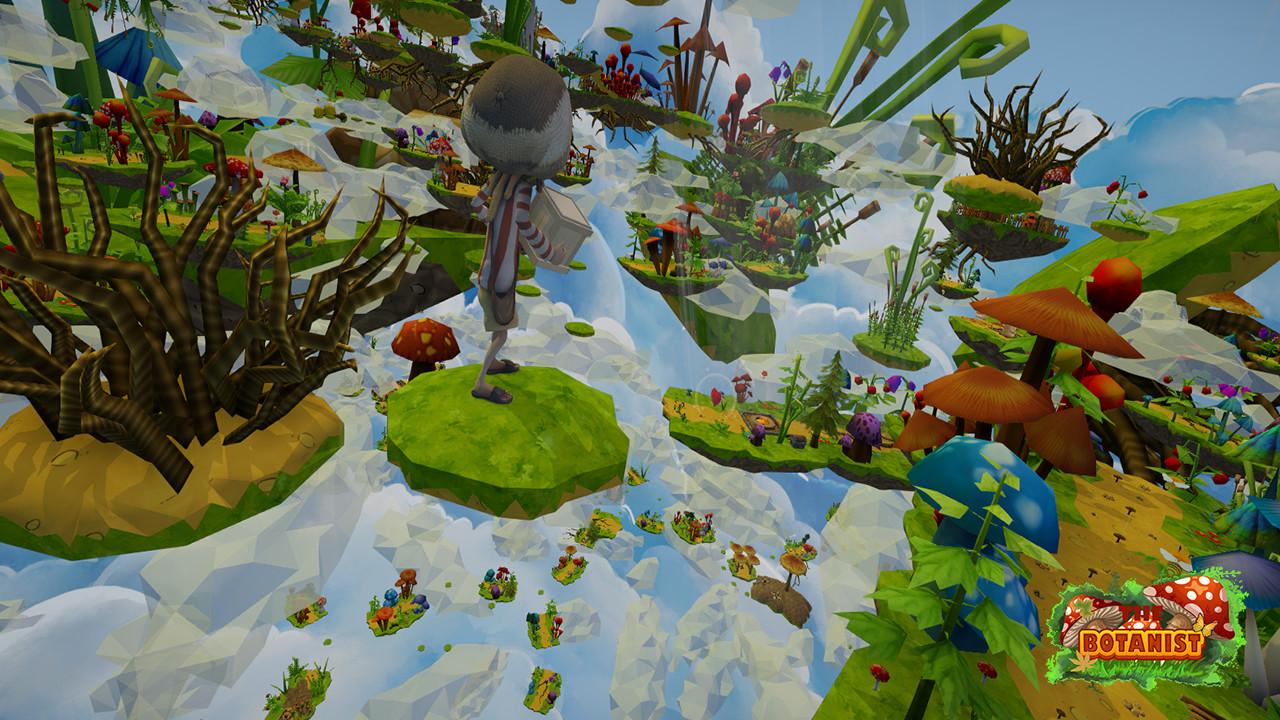
The Botanist is an adventurists indie 3D platformer featuring a young mushroom boy Bob obsessed with nature and research of plants and mushrooms. The story begins in a small village, on a peaceful planet, in Bob’s dreams. While he was collecting samples for his next project, his basket was stolen by the roots controlled by the evil Green Queen of the Dark Forest and scattered all over the Broken Isles, turning his dream into his worst nightmare. Dragged by the Green Queen in the parallel dimension, Bob faces his biggest fears!His homeland is completely destroyed and all his friends turned against him! Ghost Entertainment presents their first game, "The Botanist". The game includes two different modes. One for those who like to take their time and enjoy the game, to explore every corner and observe the smallest details. One for those who want to take the hardcore route and chase time with fewer lives. As the game goes by, you’ll meet a new friend, someone who will help you against mushrooms and hidden traps, a friend who will help to awaken you from the nightmare.What are you waiting for?Help Bob retrieve his plants and wake up before he is too late, the sun is almost rising!

The Botanist (by Ghost Entertainment) screenshotThe Botanist (by Ghost Entertainment) screenshotThe Botanist (by Ghost Entertainment) screenshotThe Botanist (by Ghost Entertainment) screenshotThe Botanist (by Ghost Entertainment) screenshotThe Botanist (by Ghost Entertainment) screenshot

How to redeem

  1. 1Check your Steam account and the listed region before purchasing.
  2. 2Find your code and supplier activation instructions in your confirmed order.
  3. 3Open the redeem-code section on Steam, enter the code and follow the platform’s prompts.

Supplier instructions

Go to: http://store.steampowered.com/ and download STEAM client Click "Install Steam" (from the upper right corner) Install and start application, login with your Account name and Password (create one if you don't have). Please follow these instructions to activate a new retail purchase on Steam: Launch Steam and log into your Steam account. Click the Games Menu. Choose Activate a Product on Steam... Follow the onscreen instructions to complete the process. After successful code verification go to the "MY GAMES" tab and start downloading.

You might also like