Get 10% back in Relic Coins on every order
Quest of Dungeons cover

SteamGlobal· Key

Quest of Dungeons

€0.41

+€0.04 cashback eligibility in Relic Coins

Check before you play

Platform
Steam
Region
Global
Product type
Key
Developer
Upfall Studios
Publisher
Upfall Studios
Supplier release date
2014-03-25
Genres
Adventure, RPG, Indie

About this product

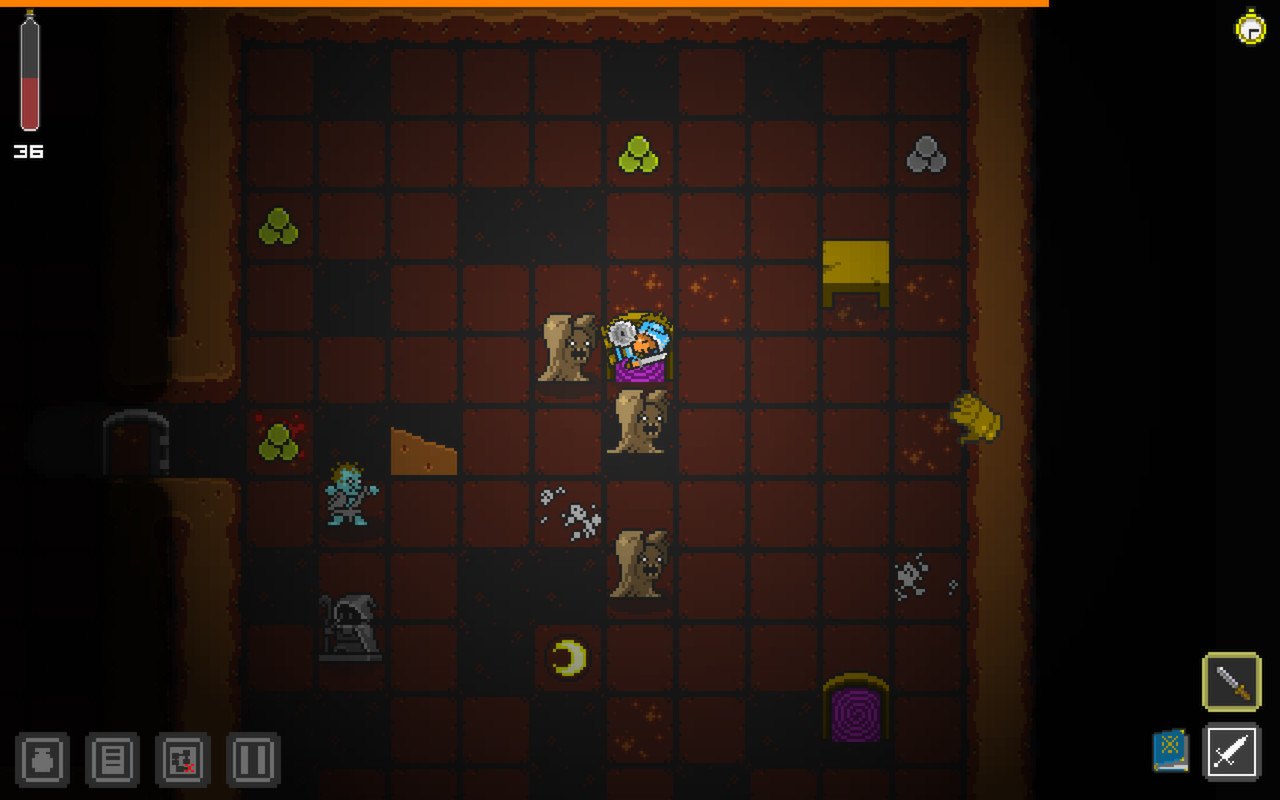
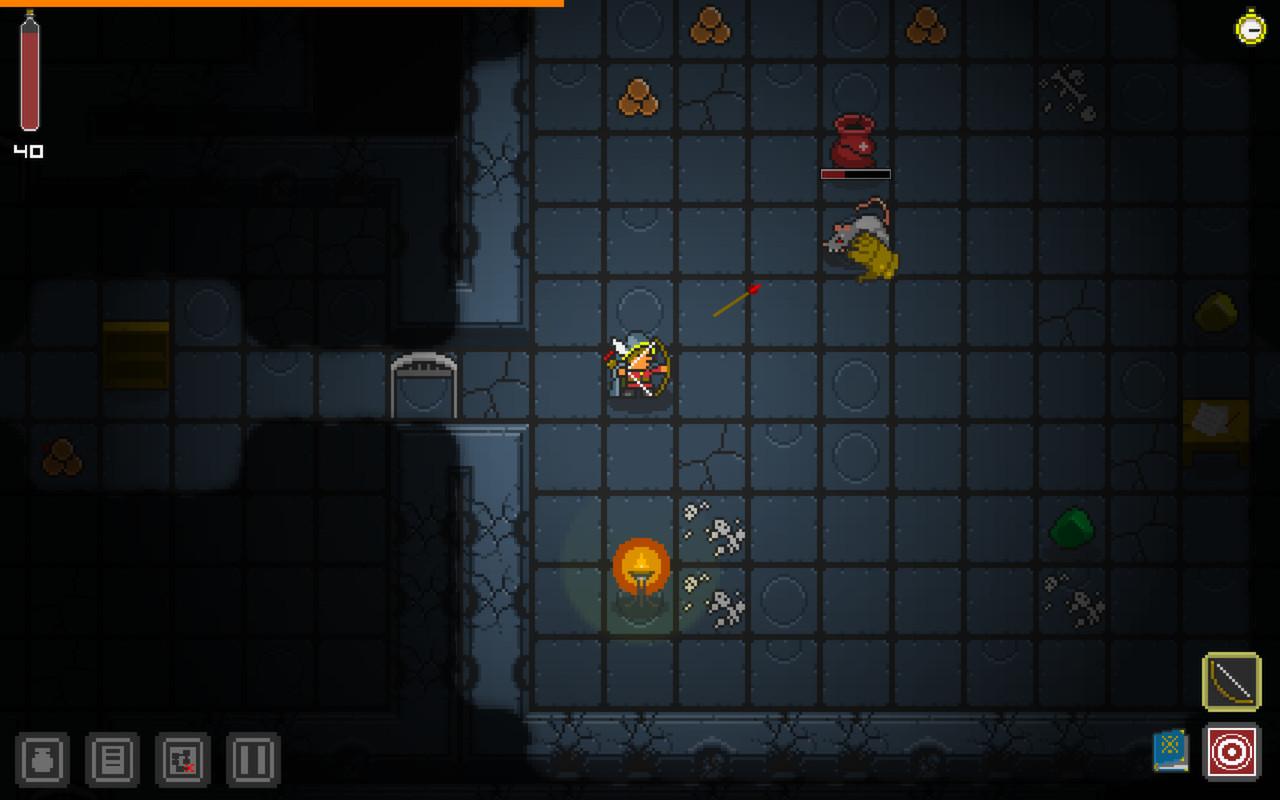
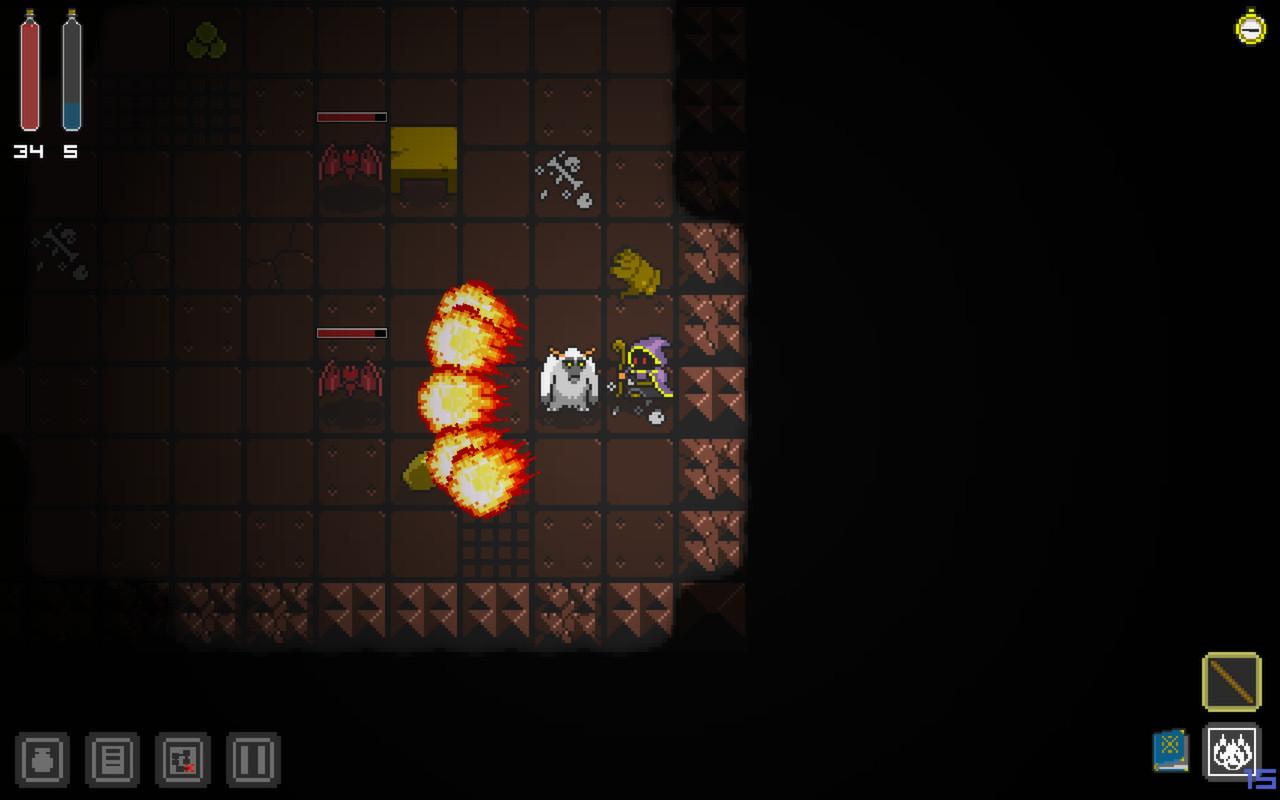
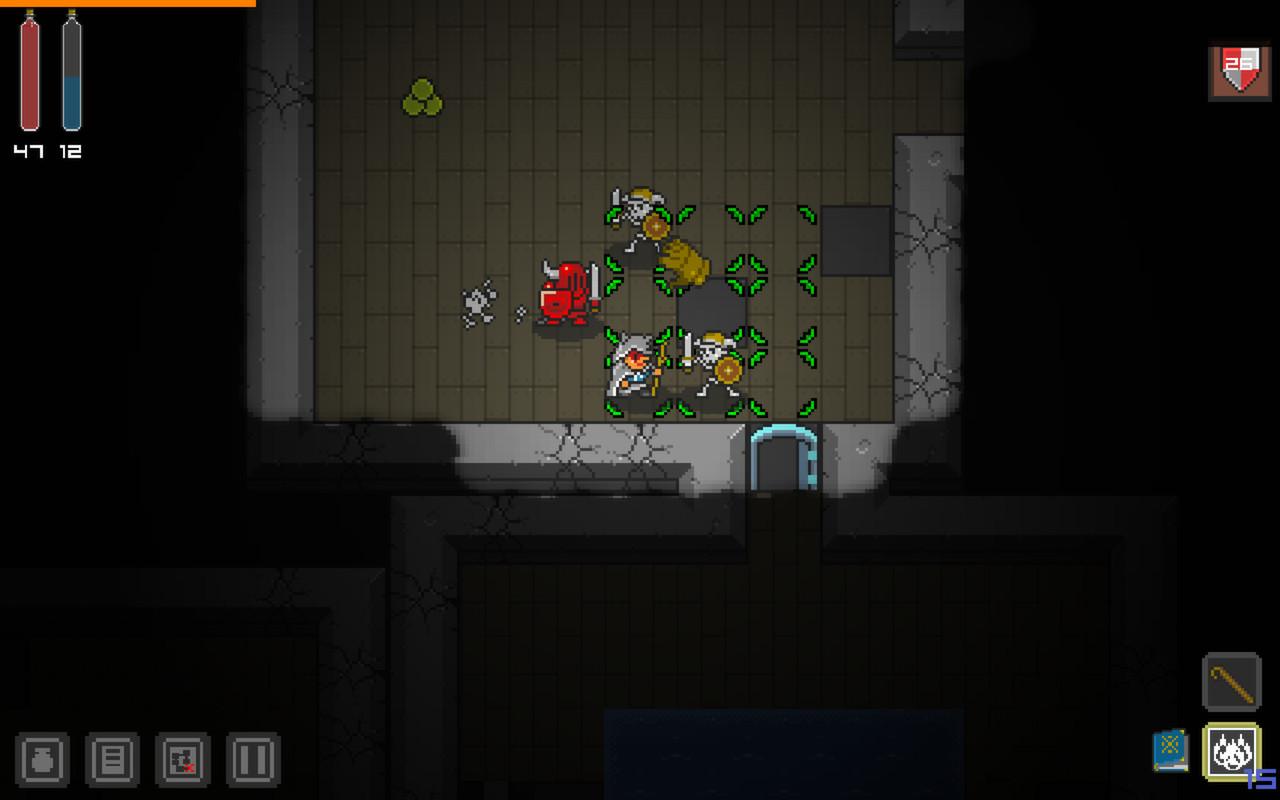
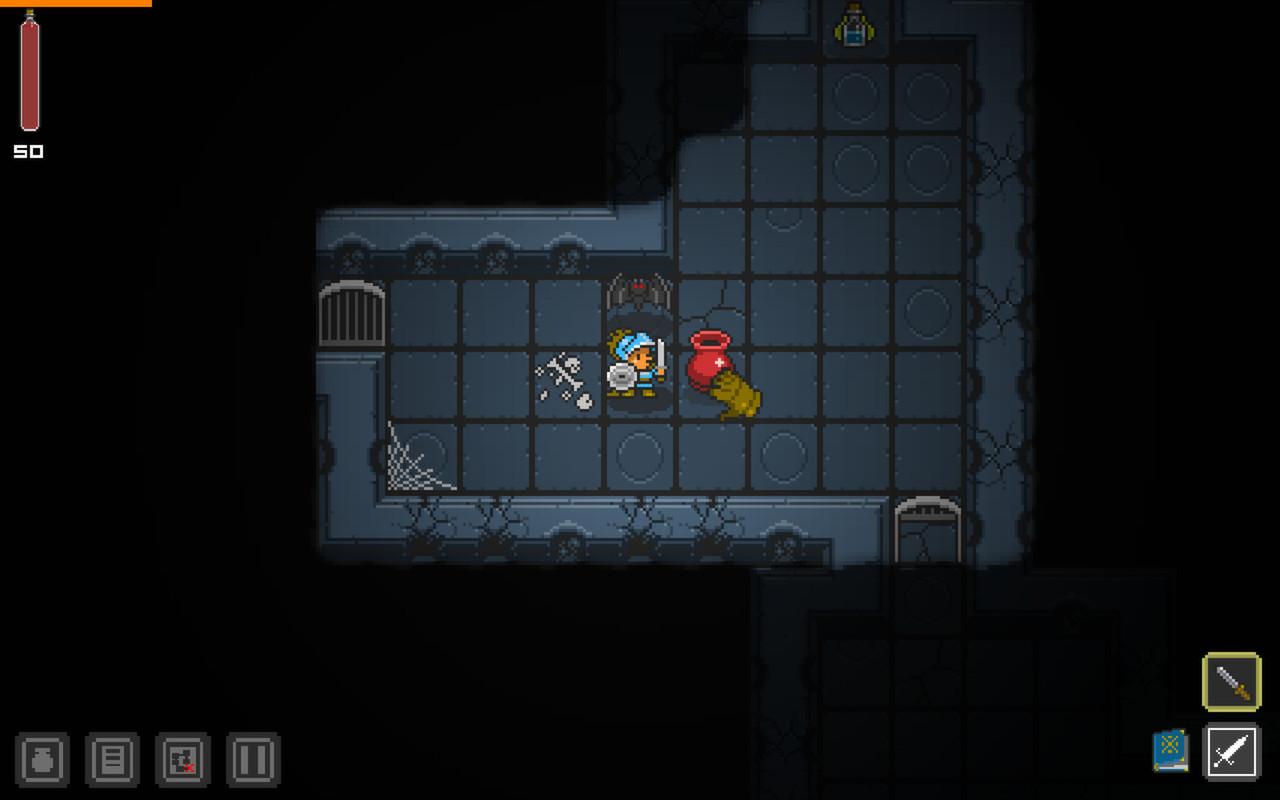
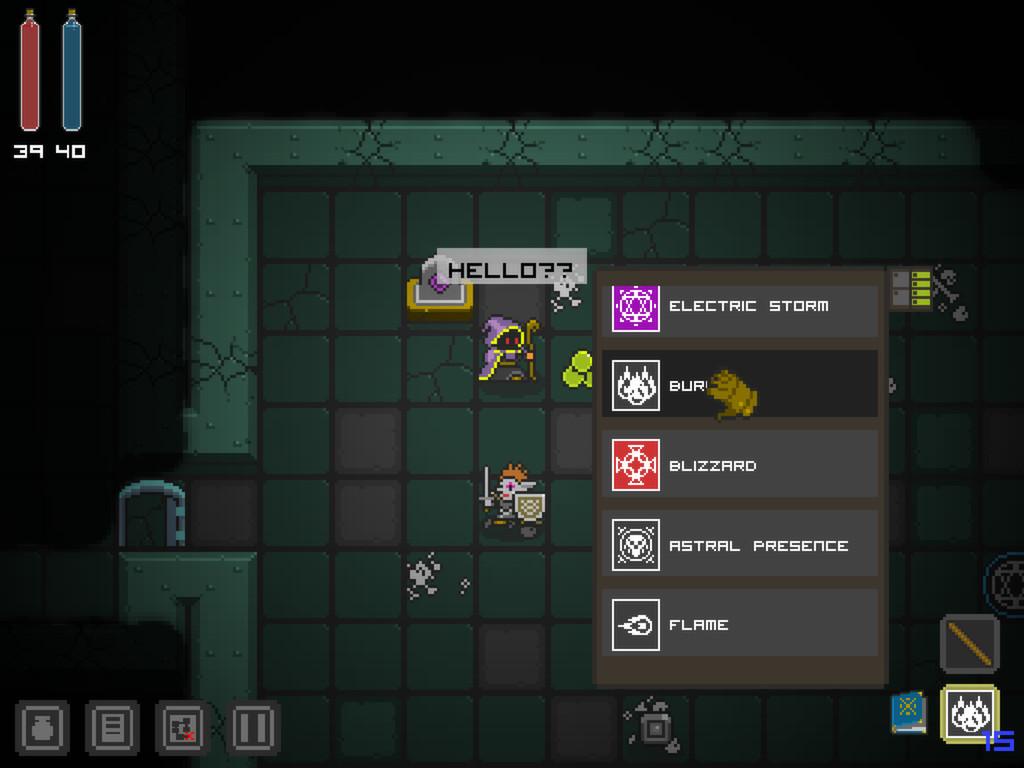
Quest of Dungeons is a turn based dungeon crawler game featuring a good old 16-bit retro artistic look. That thing people usually skip An unspecific evil Dark Lord has stolen all the light, so your mission is to enter his lair and defeat him. That's it, now go get him. Description By playing as either a Warrior, a Wizard, a Assassin or a Shaman you have to traverse dungeons, defeat enemies and loot everything you can in order to survive. You can learn new skills in Tomes you find along the way and buy/sell items at shops. The entire game is procedural so you won't find items/enemies in the same place each time you play. Features Procedural dungeons Procedural weapons Boss encounters Quests 3 Difficulty levels Permadeath - Once you die, game over man, game over! Shop - buy and sell items/weapons Leaderboards - compare your Adventure points with the community

Quest of Dungeons screenshotQuest of Dungeons screenshotQuest of Dungeons screenshotQuest of Dungeons screenshotQuest of Dungeons screenshotQuest of Dungeons screenshot

How to redeem

  1. 1Check your Steam account and the listed region before purchasing.
  2. 2Find your code and supplier activation instructions in your confirmed order.
  3. 3Open the redeem-code section on Steam, enter the code and follow the platform’s prompts.

Supplier instructions

Go to: http://store.steampowered.com/ and download STEAM client Click "Install Steam" (from the upper right corner) Install and start application, login with your Account name and Password (create one if you don't have). Please follow these instructions to activate a new retail purchase on Steam: Launch Steam and log into your Steam account. Click the Games Menu. Choose Activate a Product on Steam... Follow the onscreen instructions to complete the process. After successful code verification go to the "MY GAMES" tab and start downloading.

You might also like