
SteamGlobal· Key
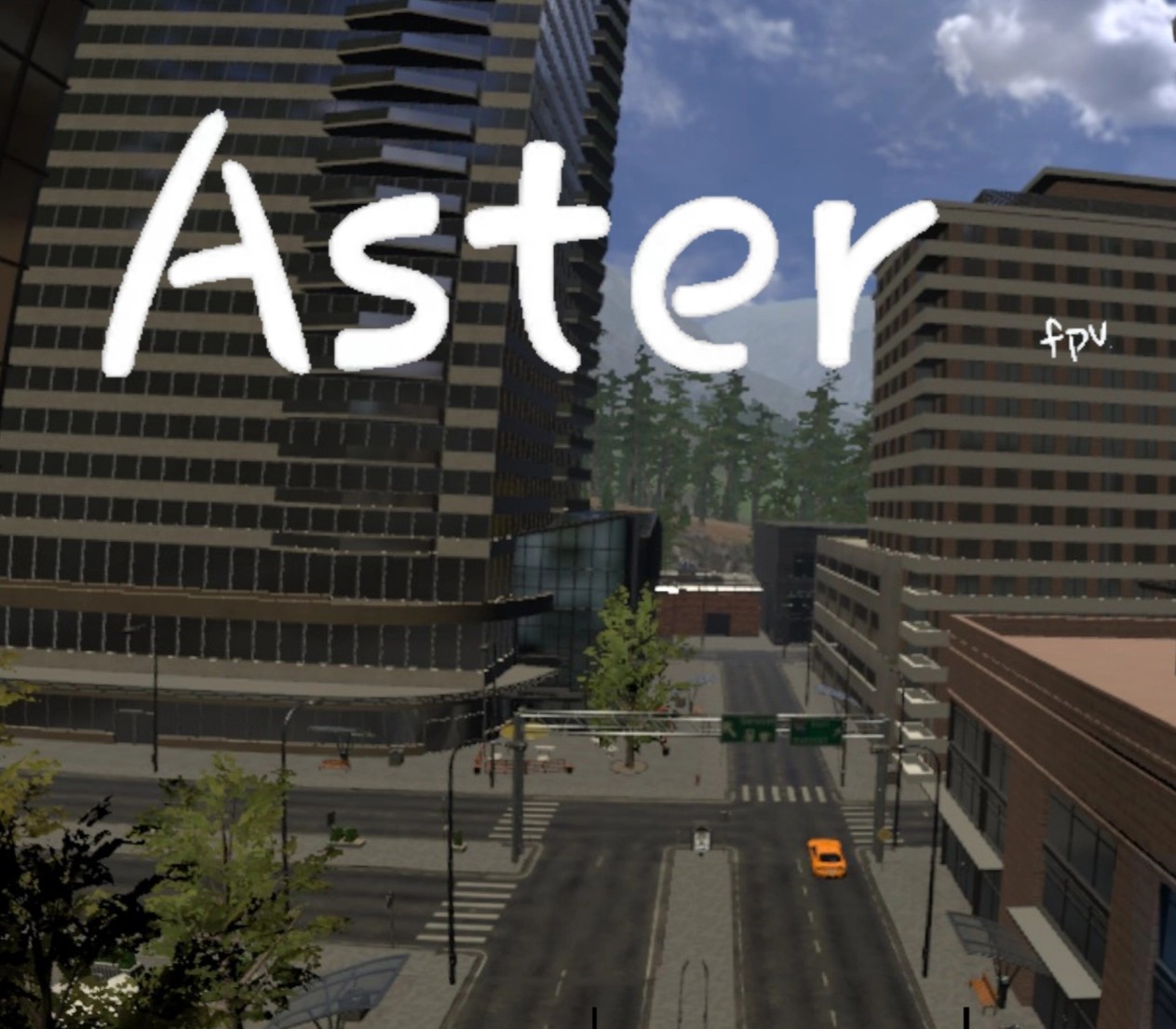
Aster Fpv
€8.18
+€0.82 cashback eligibility in Relic Coins
Check before you play
- Platform
- Steam
- Region
- Global
- Product type
- Key
- Supplier release date
- 2020-10-22
- Genres
- Action, RPG, MMO, Simulation, Indie
SteamGlobal· Key
€8.18
+€0.82 cashback eligibility in Relic Coins
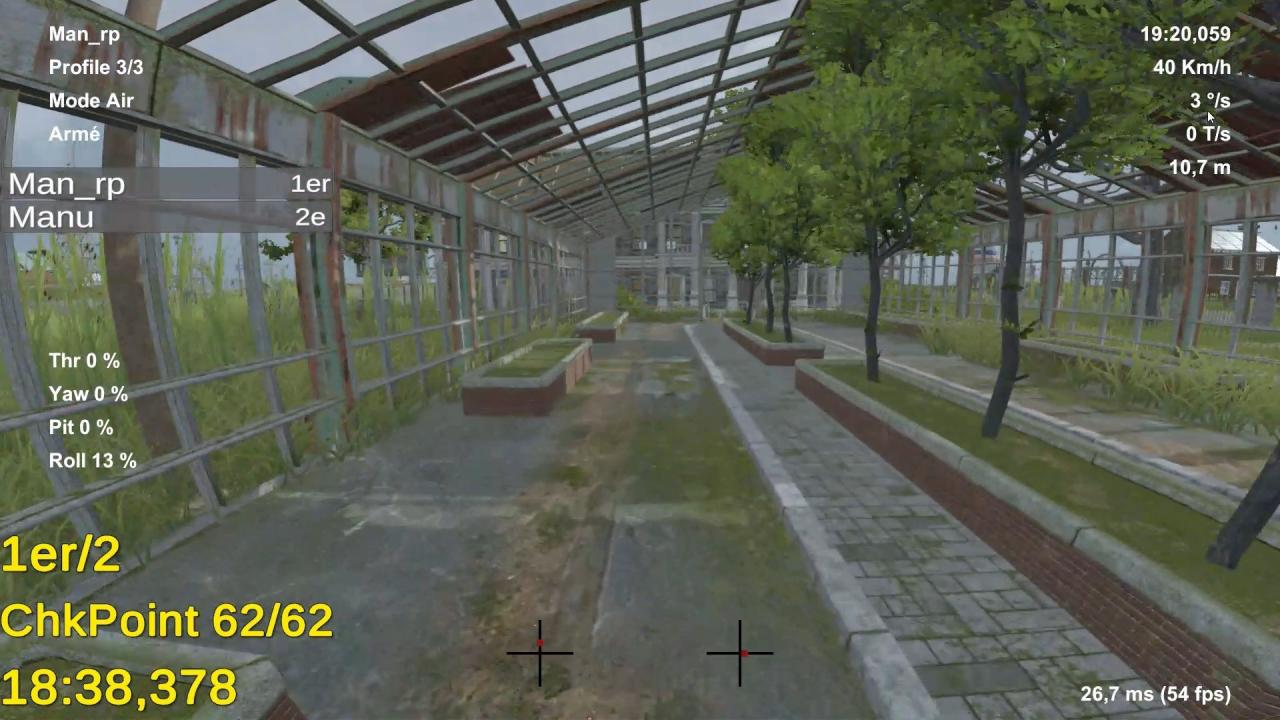
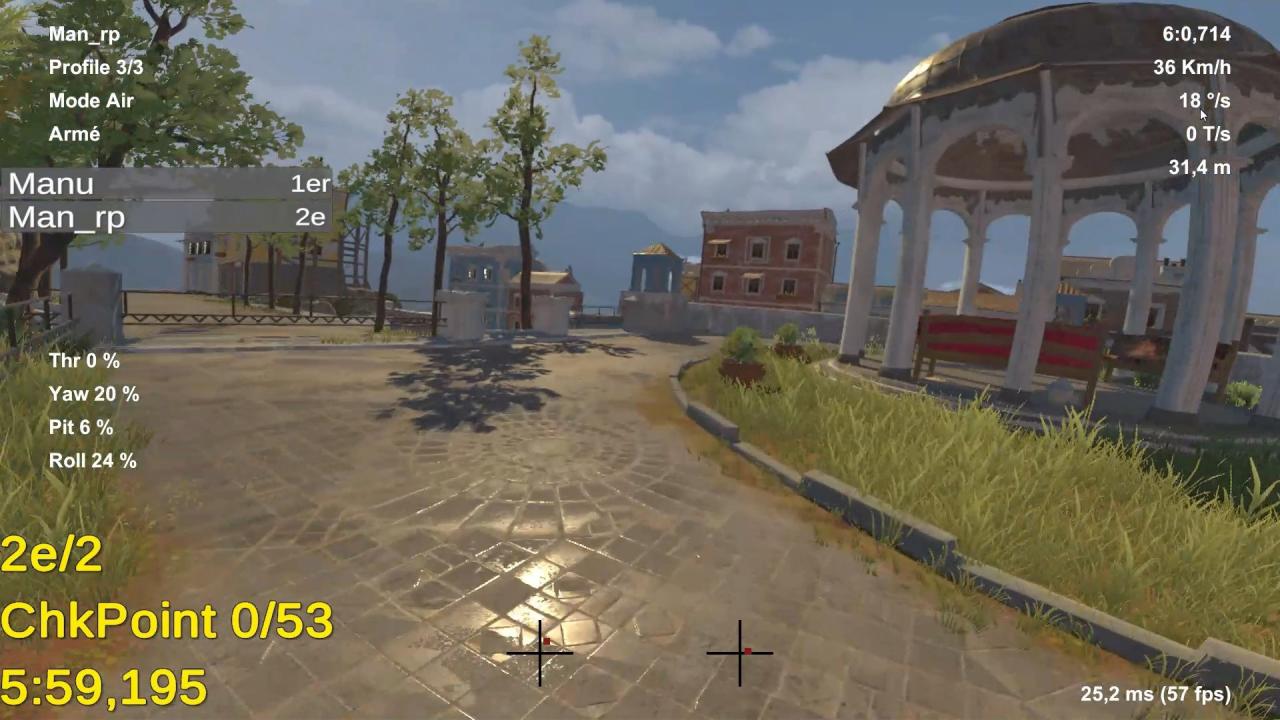
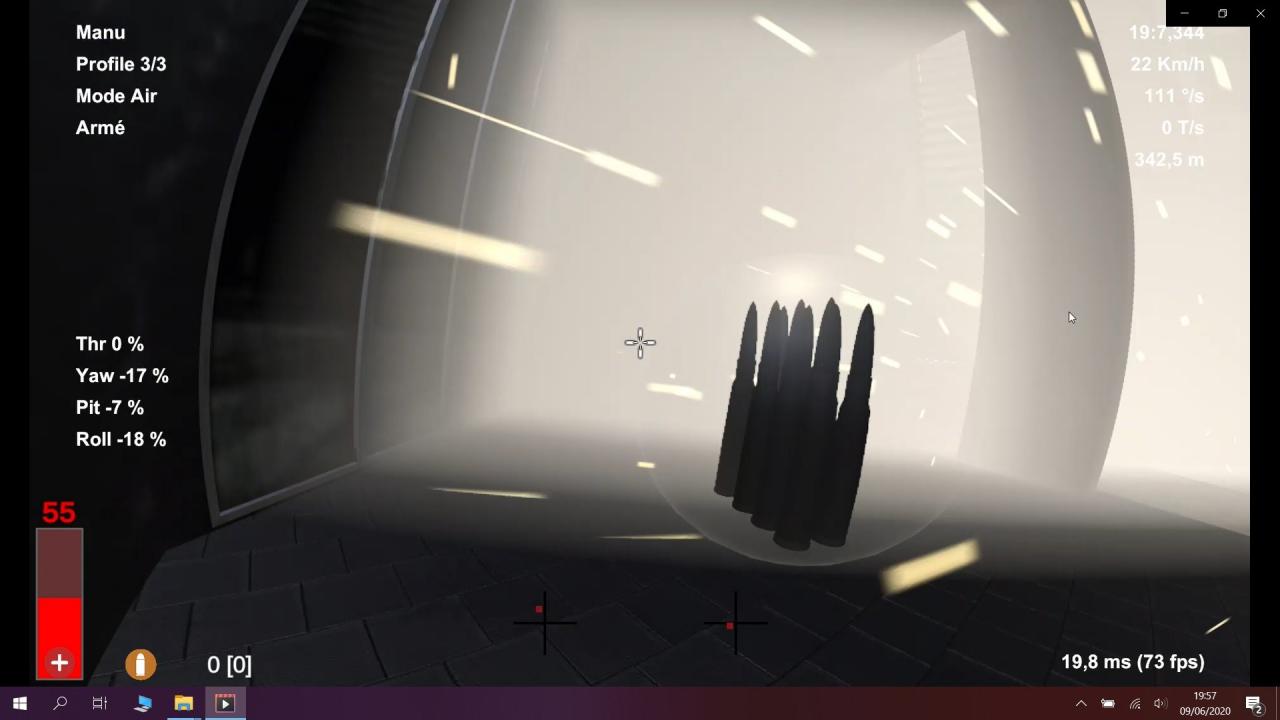
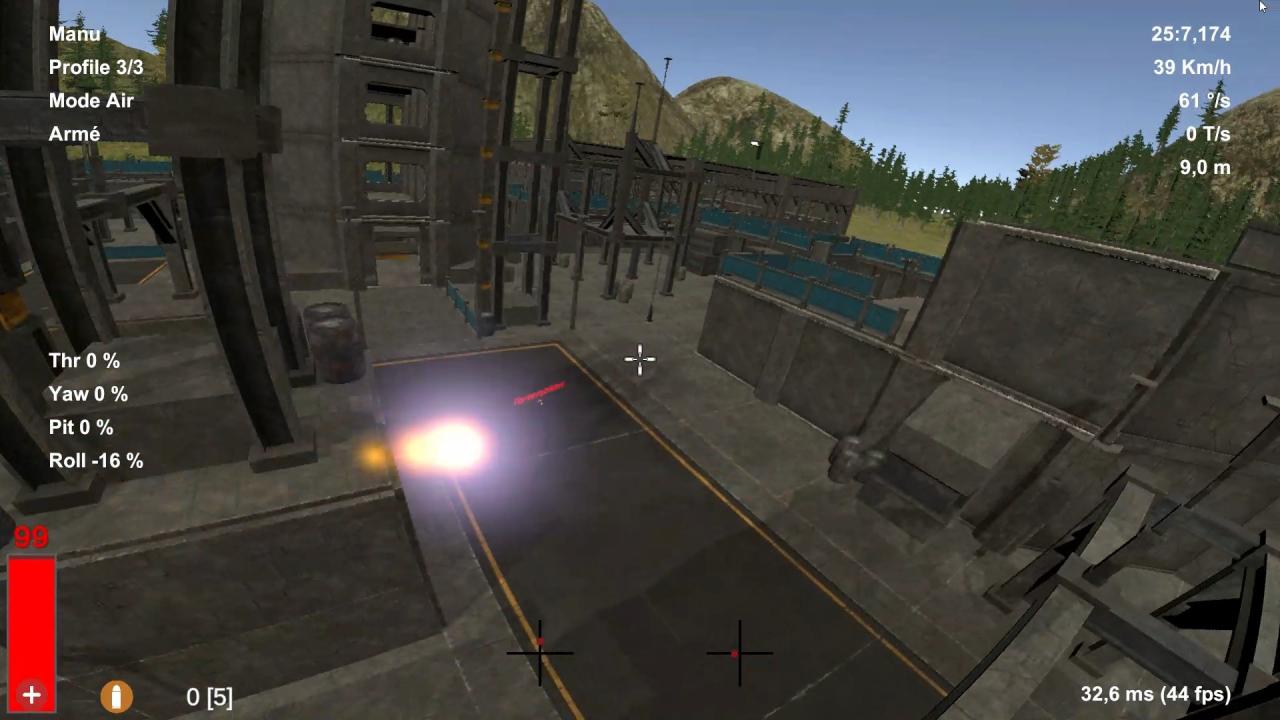
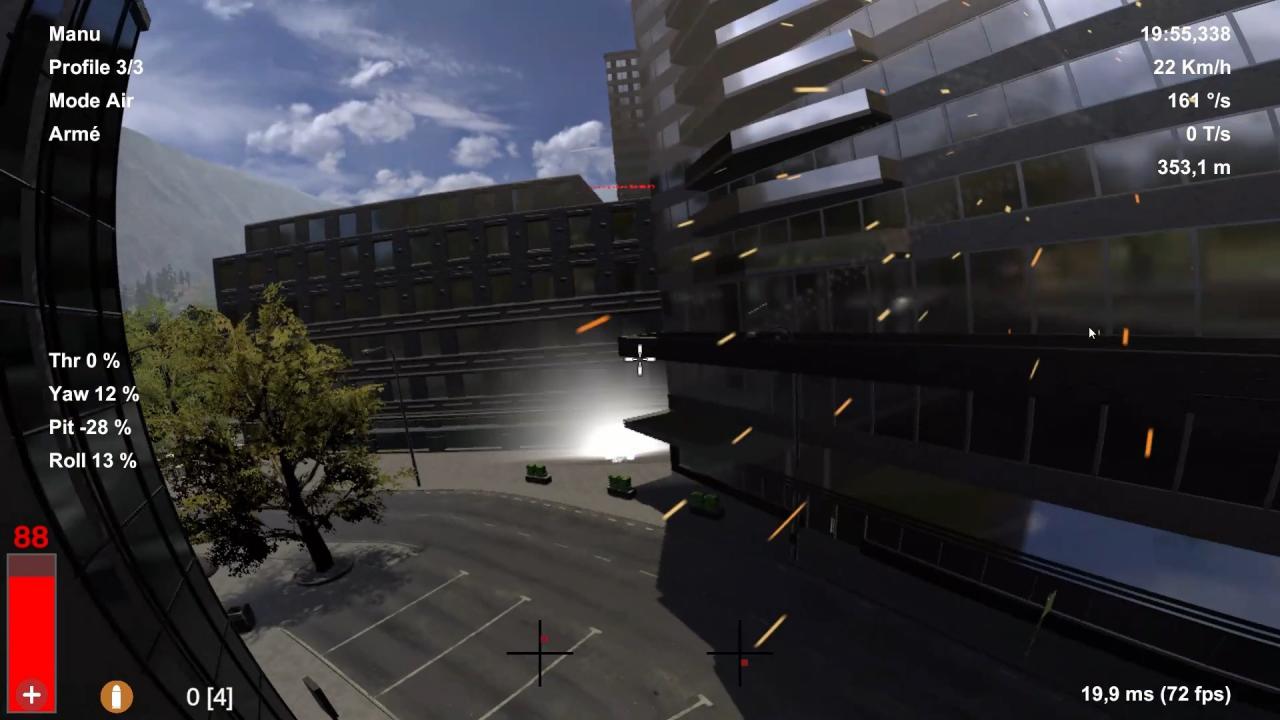
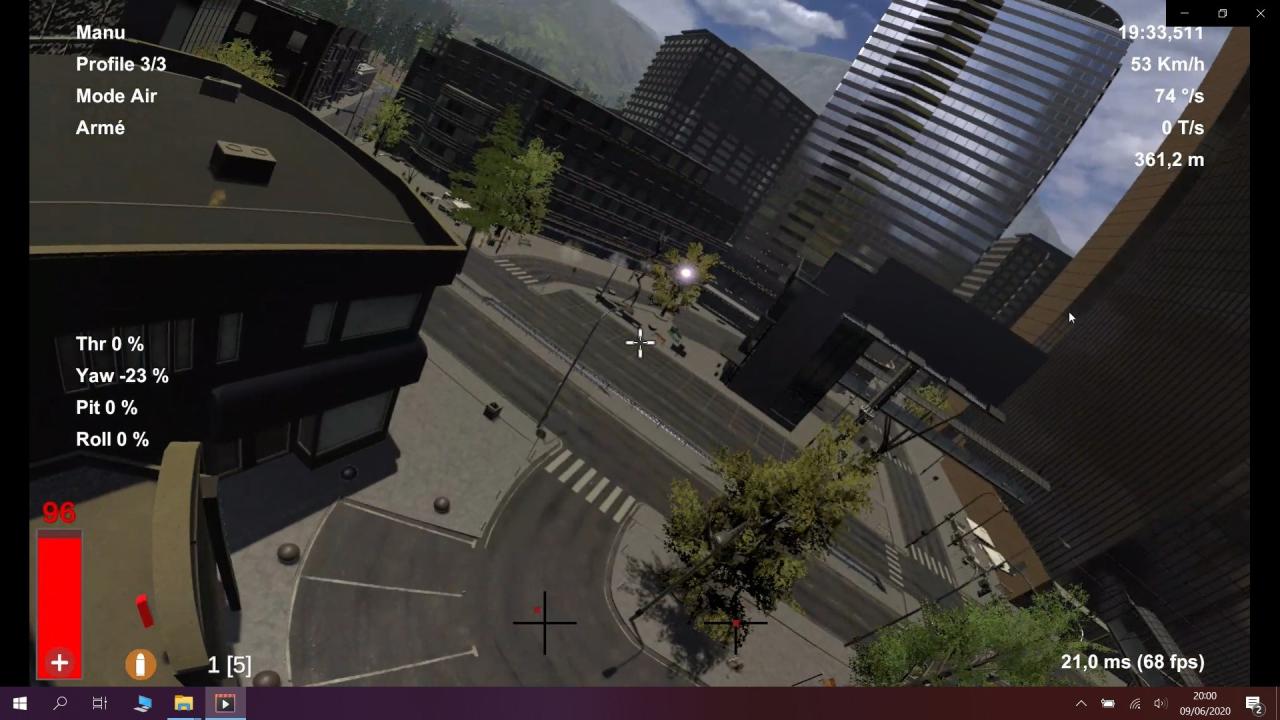
Aster Fpv is a Fpv Drone simulator where you can improve your level of piloting or simply learn to pilot. In Multiplayer Fps Mode: Face off against other players with a rocket launcher or submachine gun Race mode: try to be 1st or at the head of the classification. Free mode:Explore the places and train to improve your riding level Alone Race Mode: Try to Beat Your Best Time Free mode:Explore the places and train to improve your riding level Important information about the controllers :If you have a GamePad like XboxOne, DualShok4 or other GamePad => No problem (The game is natively set up to use an XboxOne controller, but it is compatible for all GamePads)If you are using a Radio Controller :If the firmware of your Radio Controller has been updated => No problemIf the firmware of your radio controller is not up to date => You must set the input ranges of your radio controller to be between 0 and 100.If you have a DJI Controller, very few tests have been performed, the feedback is not sufficient to affirm the proper functioning of a DJI Controller on Aster Fpv.
Go to: http://store.steampowered.com/ and download STEAM client Click "Install Steam" (from the upper right corner) Install and start application, login with your Account name and Password (create one if you don't have). Please follow these instructions to activate a new retail purchase on Steam: Launch Steam and log into your Steam account. Click the Games Menu. Choose Activate a Product on Steam... Follow the onscreen instructions to complete the process. After successful code verification go to the "MY GAMES" tab and start downloading.