Get 10% back in Relic Coins on every order
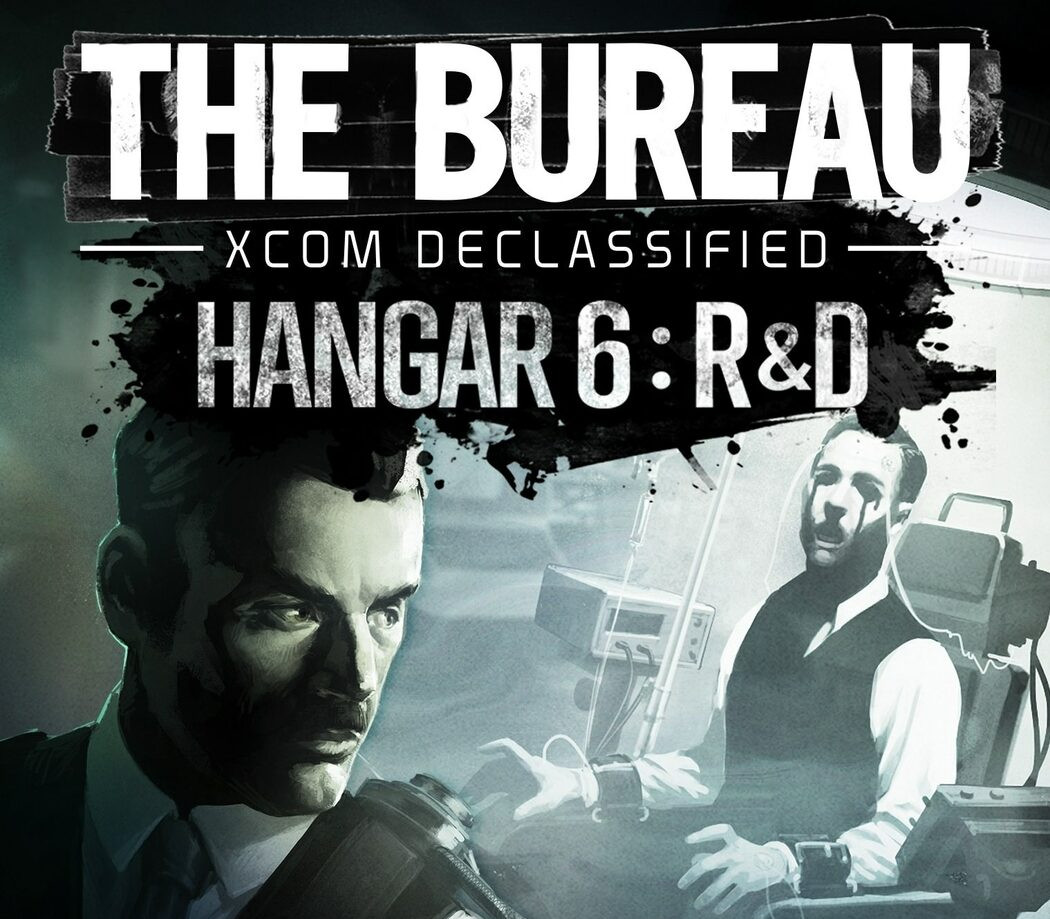
The Bureau: XCOM Declassified + XCOM Hangar 6 R&D DLC cover

SteamGlobal· DLC

The Bureau: XCOM Declassified + XCOM Hangar 6 R&D DLC

€4.19

+€0.42 cashback eligibility in Relic Coins

Check before you play

Platform
Steam
Region
Global
Product type
DLC

Check the required base game and edition before purchasing this add-on.

Developer
2K Marin
Publisher
2K
Supplier release date
2013-08-20
Genres
Action

About this product

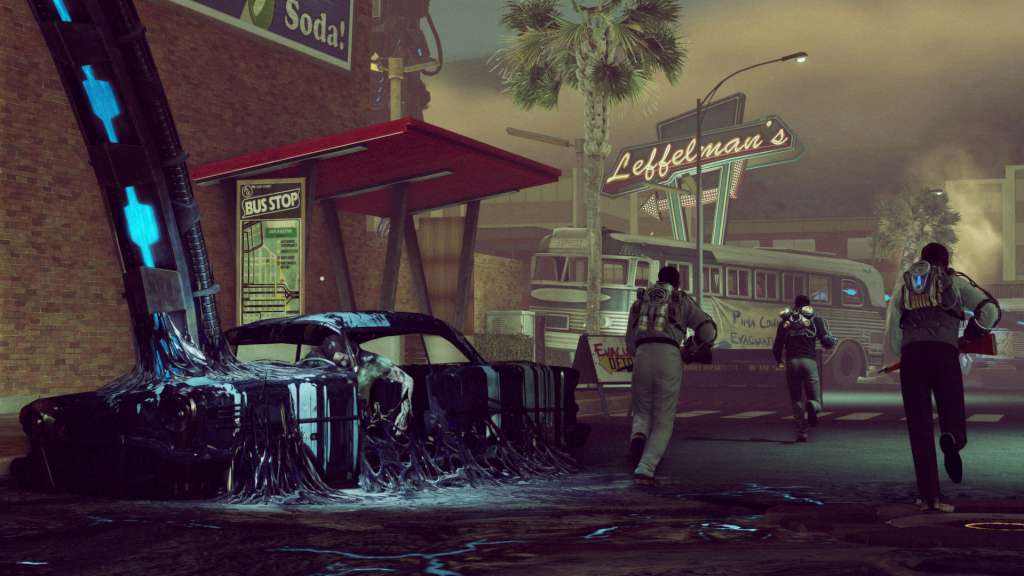
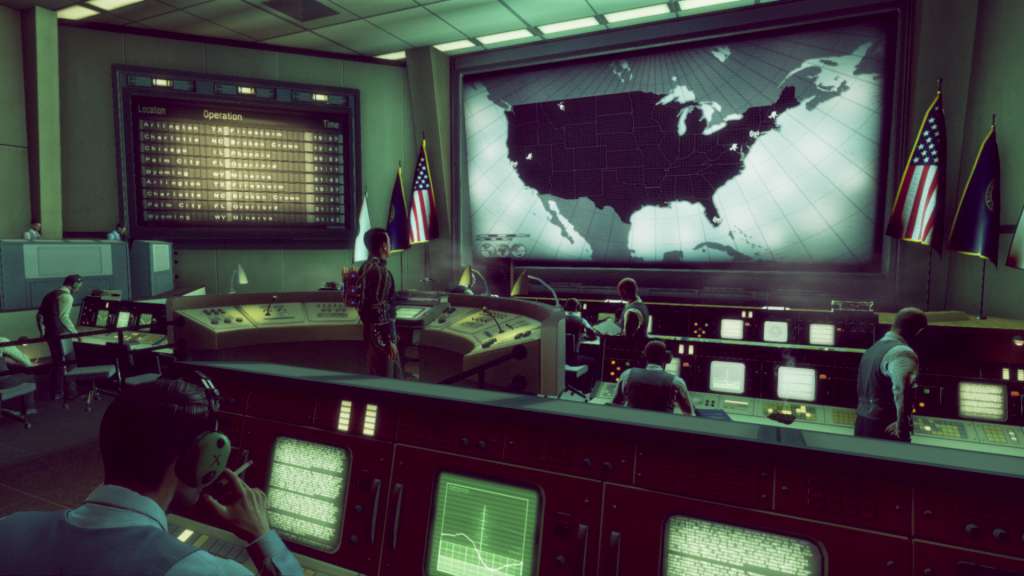
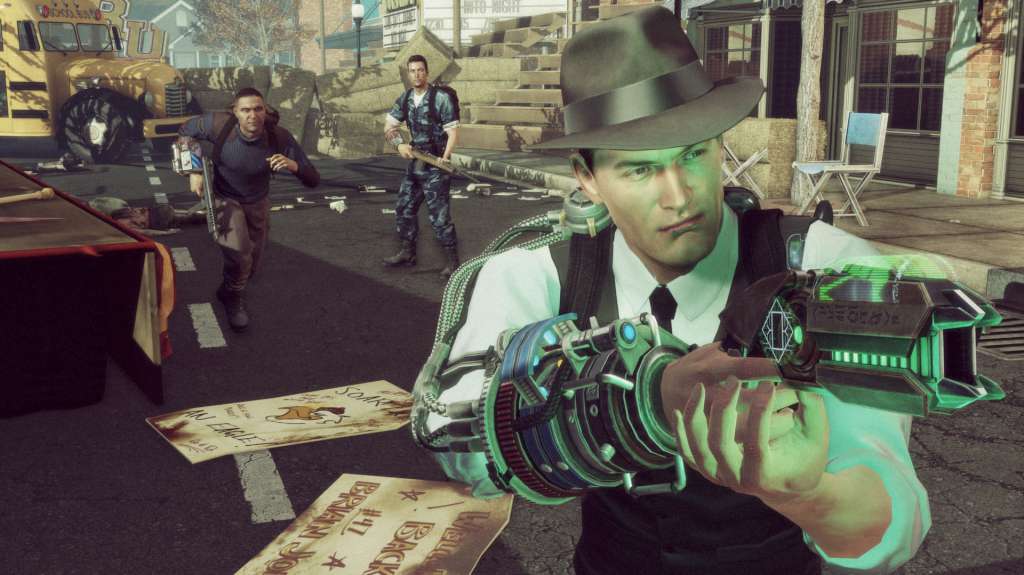
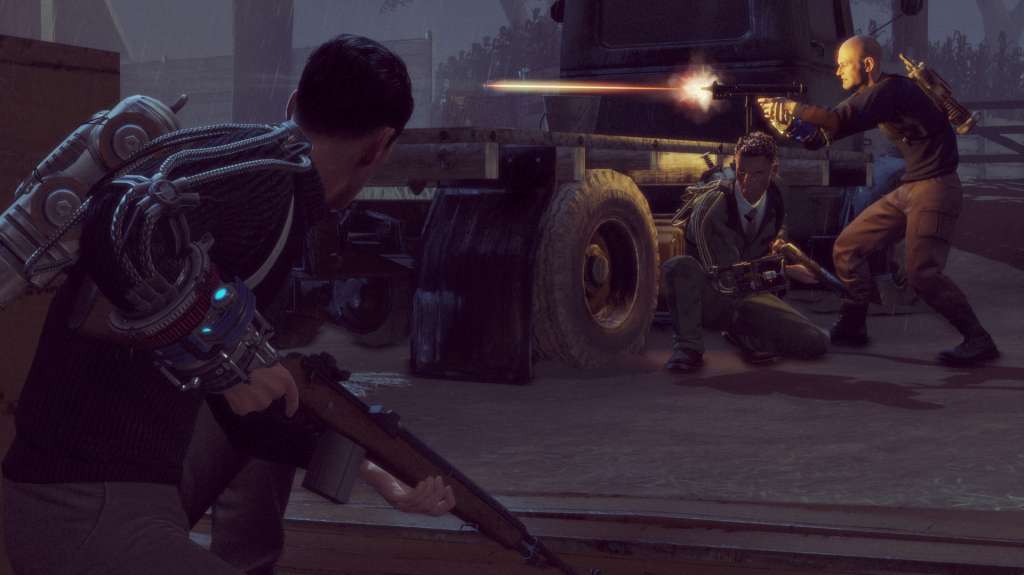
This product includes 2 items: The Bureau: XCOM Declassified and The Bureau: XCOM Declassified - Hangar 6 R&D The Bureau: XCOM Declassified The year is 1962 and the Cold War has the nation gripped by fear. A top-secret government unit called The Bureau begins investigating a series of mysterious attacks by an enemy more powerful than communism. As agent Carter, call the shots, pull the trigger and lead your squad in a gripping third-person tactical shooter set within a covert war to protect humanity from an otherworldly enemy. The Bureau: XCOM Declassified - Hangar 6 R&D In the days leading up to the events of The Bureau: XCOM Declassified, Agent Nico DaSilva volunteers for a series of dangerous secret experiments to identify and treat a terrifying new pathogen. Maximize your combat skills and push your team to its limits to protect a friend from his own hallucinated terrors.

The Bureau: XCOM Declassified + XCOM Hangar 6 R&D DLC screenshotThe Bureau: XCOM Declassified + XCOM Hangar 6 R&D DLC screenshotThe Bureau: XCOM Declassified + XCOM Hangar 6 R&D DLC screenshotThe Bureau: XCOM Declassified + XCOM Hangar 6 R&D DLC screenshotThe Bureau: XCOM Declassified + XCOM Hangar 6 R&D DLC screenshotThe Bureau: XCOM Declassified + XCOM Hangar 6 R&D DLC screenshot

How to redeem

  1. 1Check the required base game, platform and edition before purchasing.
  2. 2Find the code or supplier activation instructions in your confirmed order.
  3. 3Redeem on Steam using the supplied instructions, then install the add-on with the compatible base game.

Supplier instructions

Go to: http://store.steampowered.com/ and download STEAM client Click "Install Steam" (from the upper right corner) Install and start application, login with your Account name and Password (create one if you don't have). Please follow these instructions to activate a new retail purchase on Steam: Launch Steam and log into your Steam account. Click the Games Menu. Choose Activate a Product on Steam... Follow the onscreen instructions to complete the process. After successful code verification go to the "MY GAMES" tab and start downloading.

You might also like