Get 10% back in Relic Coins on every order
Endless Space Collection cover

Steam Europe - All Countries· Key

Endless Space Collection

€0.92

+€0.09 cashback eligibility in Relic Coins

Check before you play

Platform
Steam
Region
Europe - All Countries
Product type
Key
Developer
Amplitude Studios
Publisher
Amplitude Studios
Supplier release date
2013-06-26
Genres
Strategy

About this product

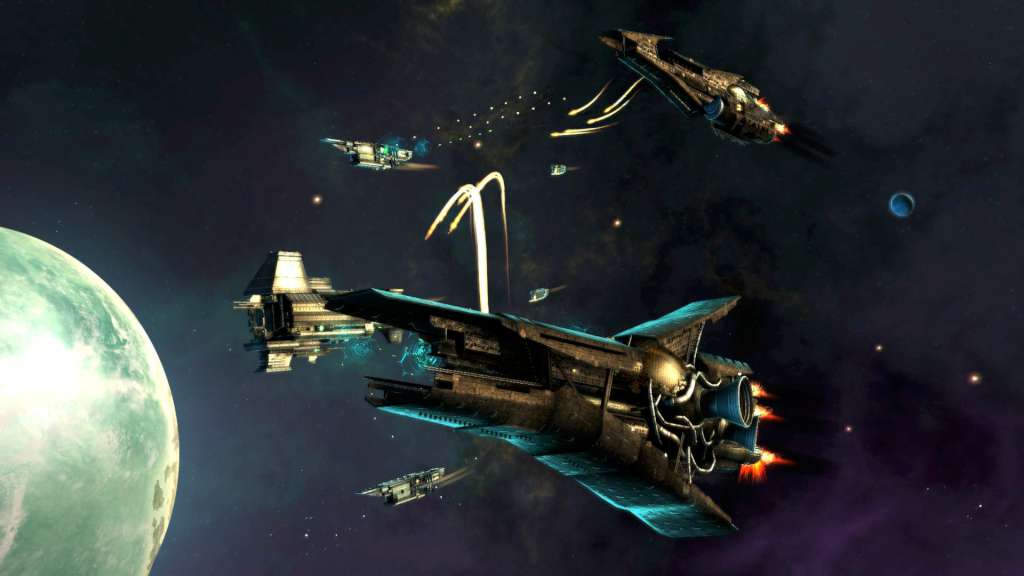
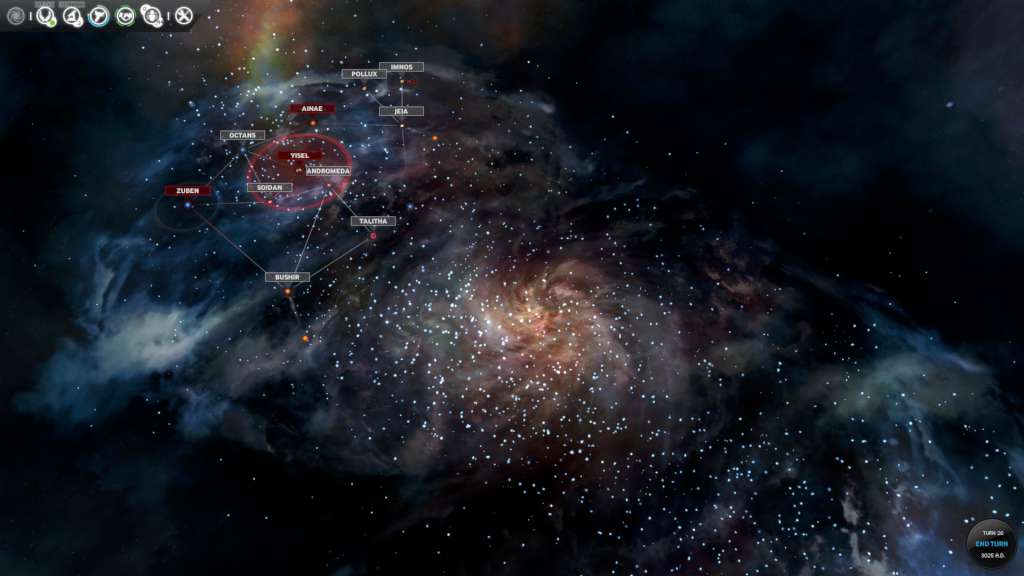
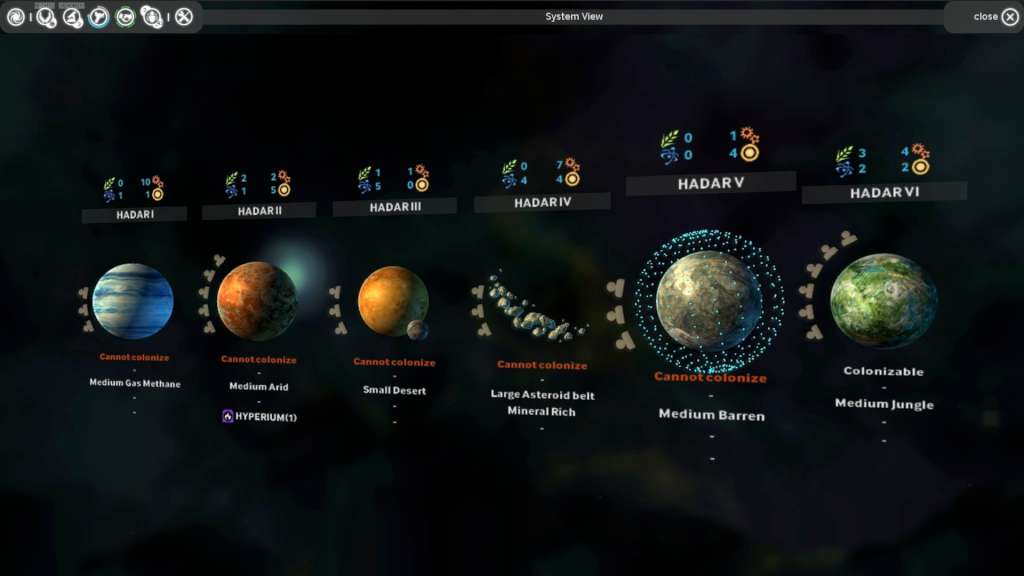
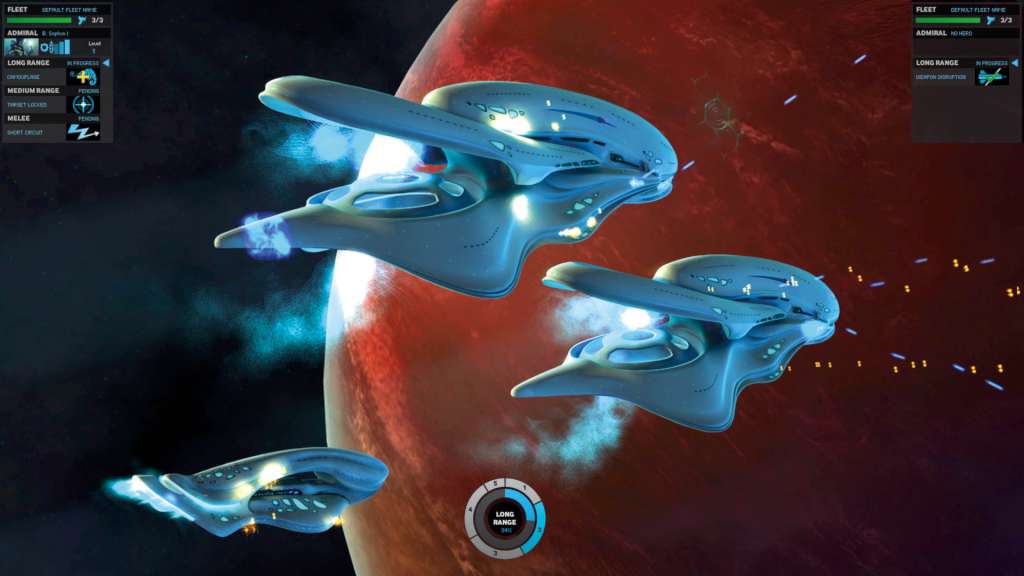
Includes 2 items: Endless Space - Disharmony, Endless Space Endless SpaceThis galaxy is ancient, and its first intelligent life was the civilization we call the Endless. Long before our eyes gazed upon the stars they flew between them, though all that remains of this people is what we call Dust. A substance found scattered or in forgotten temples, it once gave powers to admirals and galactic governors. The galaxy will belong to the faction that can take control of the Dust and uncover its secrets… Endless Space - DisharmonyDisharmony brings a brand new experience to Endless Space players. A new faction with a unique play style, “The Harmony”, will make its appearance. Battles will be even more intense with the addition of fighters and bombers, battle formations, a new targeting system, a redesigned weapon system and enhanced invasion mechanics. The AI opponents will be significantly more unpredictable with the implementation of the new ‘Adaptive Multi-Agent System’. Prepare your empire for epic space battles!

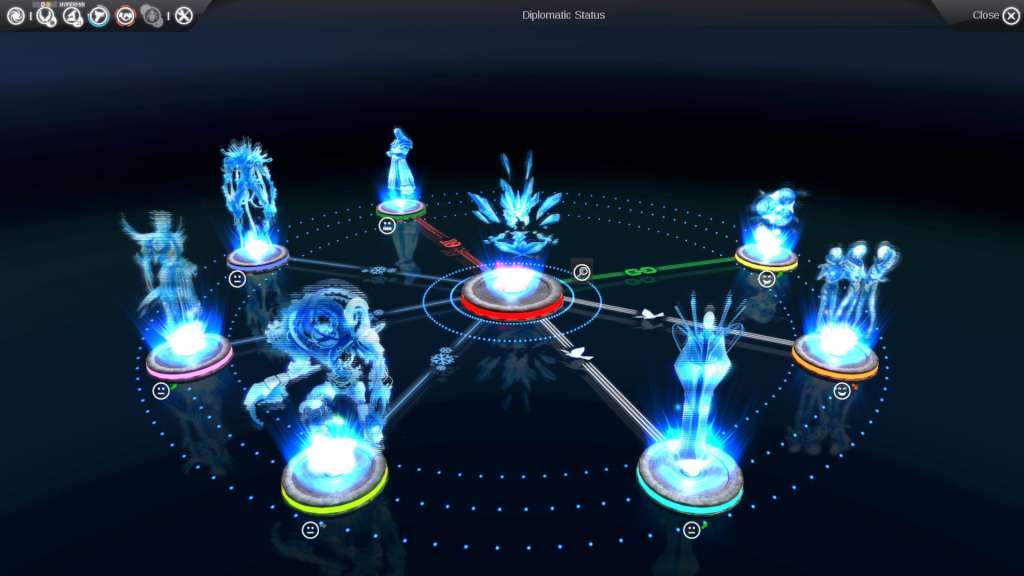
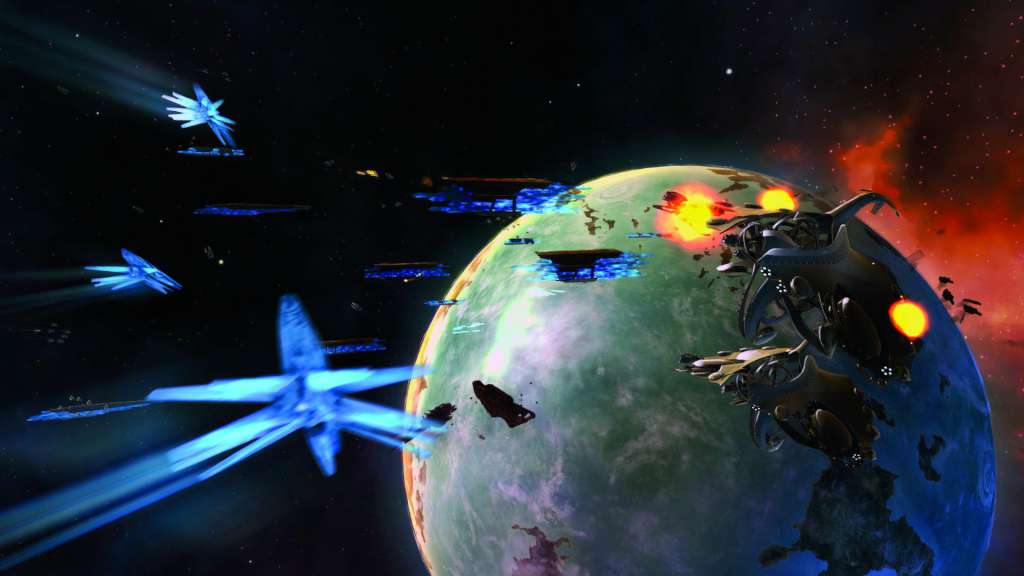
Endless Space Collection screenshotEndless Space Collection screenshotEndless Space Collection screenshotEndless Space Collection screenshotEndless Space Collection screenshotEndless Space Collection screenshot

How to redeem

  1. 1Check your Steam account and the listed region before purchasing.
  2. 2Find your code and supplier activation instructions in your confirmed order.
  3. 3Open the redeem-code section on Steam, enter the code and follow the platform’s prompts.

Supplier instructions

Go to: http://store.steampowered.com/ and download STEAM client Click "Install Steam" (from the upper right corner) Install and start application, login with your Account name and Password (create one if you don't have). Please follow these instructions to activate a new retail purchase on Steam: Launch Steam and log into your Steam account. Click the Games Menu. Choose Activate a Product on Steam... Follow the onscreen instructions to complete the process. After successful code verification go to the "MY GAMES" tab and start downloading.

You might also like