Get 10% back in Relic Coins on every order
OMSI 2 Add-on Düsseldorf - Linie 721 cover

SteamGlobal· Key

OMSI 2 Add-on Düsseldorf - Linie 721

€9.38

+€0.94 cashback eligibility in Relic Coins

Check before you play

Platform
Steam
Region
Global
Product type
Key
Developer
MR-Software GbR
Publisher
Aerosoft GmbH
Supplier release date
2021-01-28
Genres
Simulation, Casual

About this product

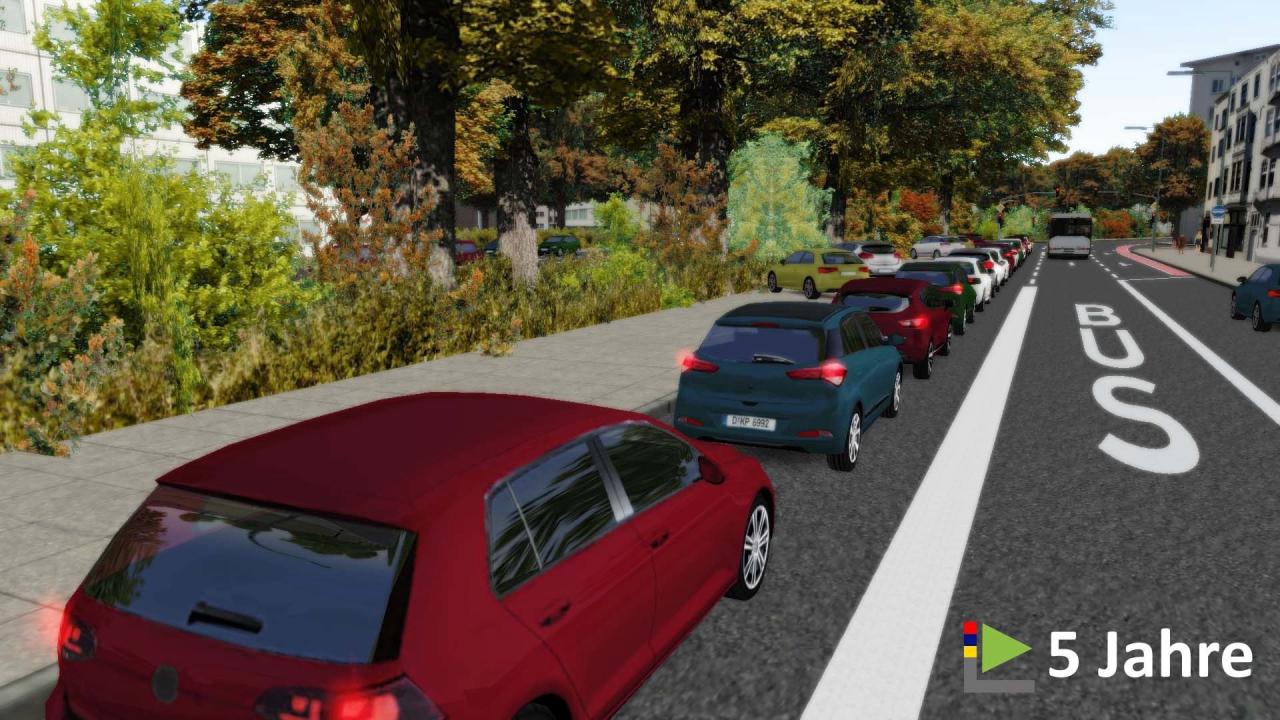
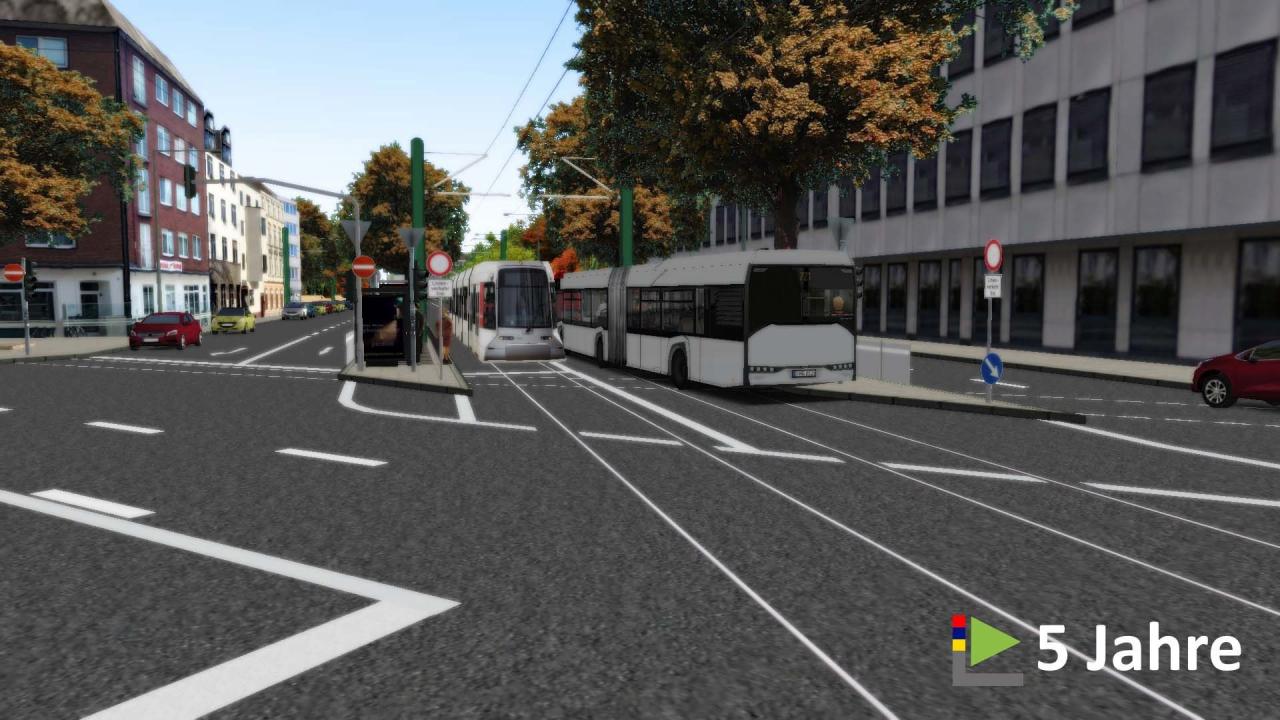
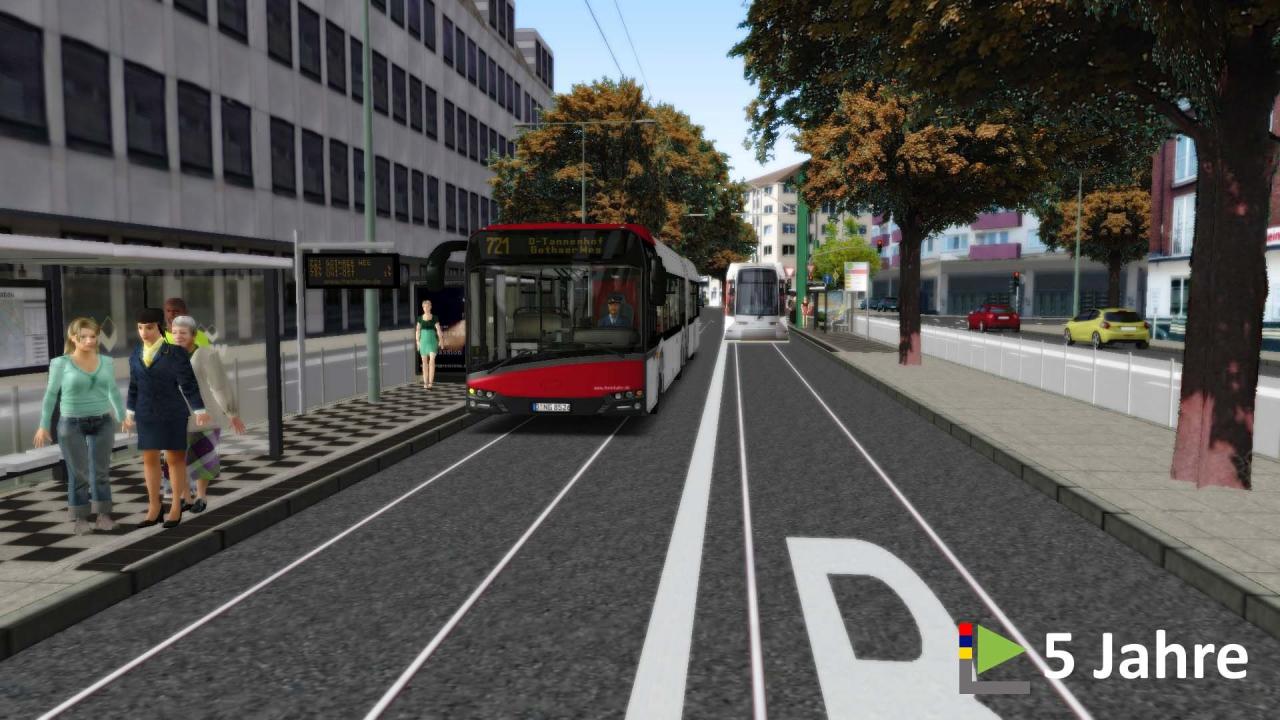
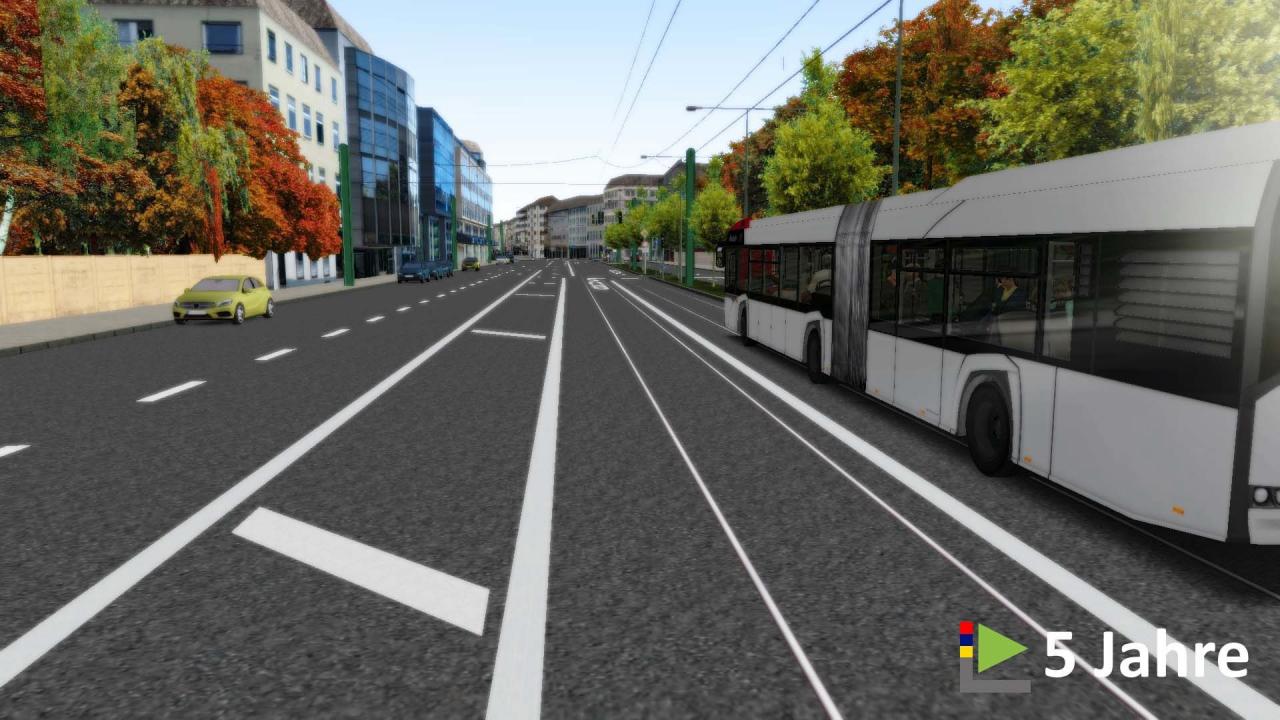
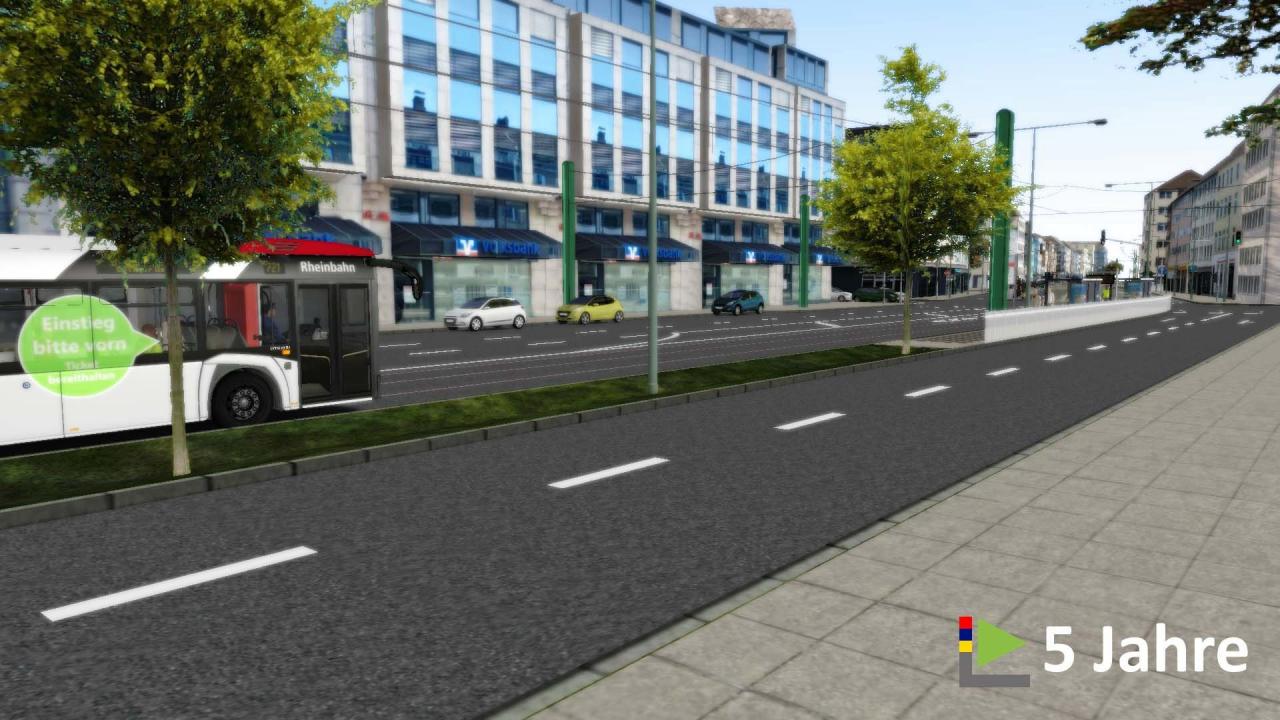
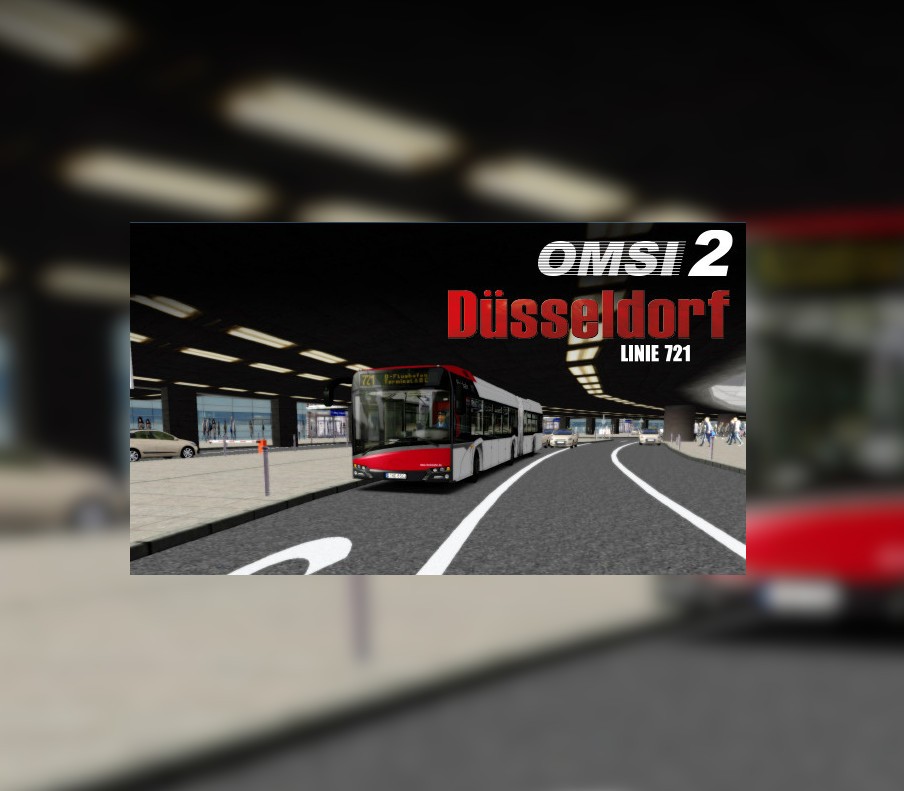
With the new OMSI 2 mini add-on you can expand the OMSI 2 Düsseldorf add-on route by another 17km drivable route across the city center with the line 721. The Metrobus line M2 connects the international Airport Düsseldorf with the city center and the central station. On its way, the bus line drives across Düsseldorf and separates and crosses lots of tram-, underground- and bus lines on many multilane roads. The line runs in an attractive 20-minute-interval.In addition to line 721, we are also offering the SB51’s short from the airport terminal to the newly built turning loop Theodor-Heuss-Brücke.This OMSI 2 mini add-on is a perfect addition to the OMSI 2 Düsseldorf add-on. Features Real bus line 721 17 km of new route through Düsseldorf Original timetable data of the Rheinbahn 230 new buildings and objects especially for this Mini Add-On New painting for the MAN NG92

OMSI 2 Add-on Düsseldorf - Linie 721 screenshotOMSI 2 Add-on Düsseldorf - Linie 721 screenshotOMSI 2 Add-on Düsseldorf - Linie 721 screenshotOMSI 2 Add-on Düsseldorf - Linie 721 screenshotOMSI 2 Add-on Düsseldorf - Linie 721 screenshotOMSI 2 Add-on Düsseldorf - Linie 721 screenshot

How to redeem

  1. 1Check your Steam account and the listed region before purchasing.
  2. 2Find your code and supplier activation instructions in your confirmed order.
  3. 3Open the redeem-code section on Steam, enter the code and follow the platform’s prompts.

Supplier instructions

Go to: http://store.steampowered.com/ and download STEAM client Click "Install Steam" (from the upper right corner) Install and start application, login with your Account name and Password (create one if you don't have). Please follow these instructions to activate a new retail purchase on Steam: Launch Steam and log into your Steam account. Click the Games Menu. Choose Activate a Product on Steam... Follow the onscreen instructions to complete the process. After successful code verification go to the "MY GAMES" tab and start downloading.

You might also like