Get 10% back in Relic Coins on every order
Train Simulator - Class 67 Diamond Jubilee Loco Add-On DLC cover

SteamGlobal· DLC

Train Simulator - Class 67 Diamond Jubilee Loco Add-On DLC

€0.16

+€0.02 cashback eligibility in Relic Coins

Check before you play

Platform
Steam
Region
Global
Product type
DLC

Check the required base game and edition before purchasing this add-on.

Developer
Dovetail Games
Publisher
Dovetail Games
Supplier release date
2012-05-31
Genres
Simulation

About this product

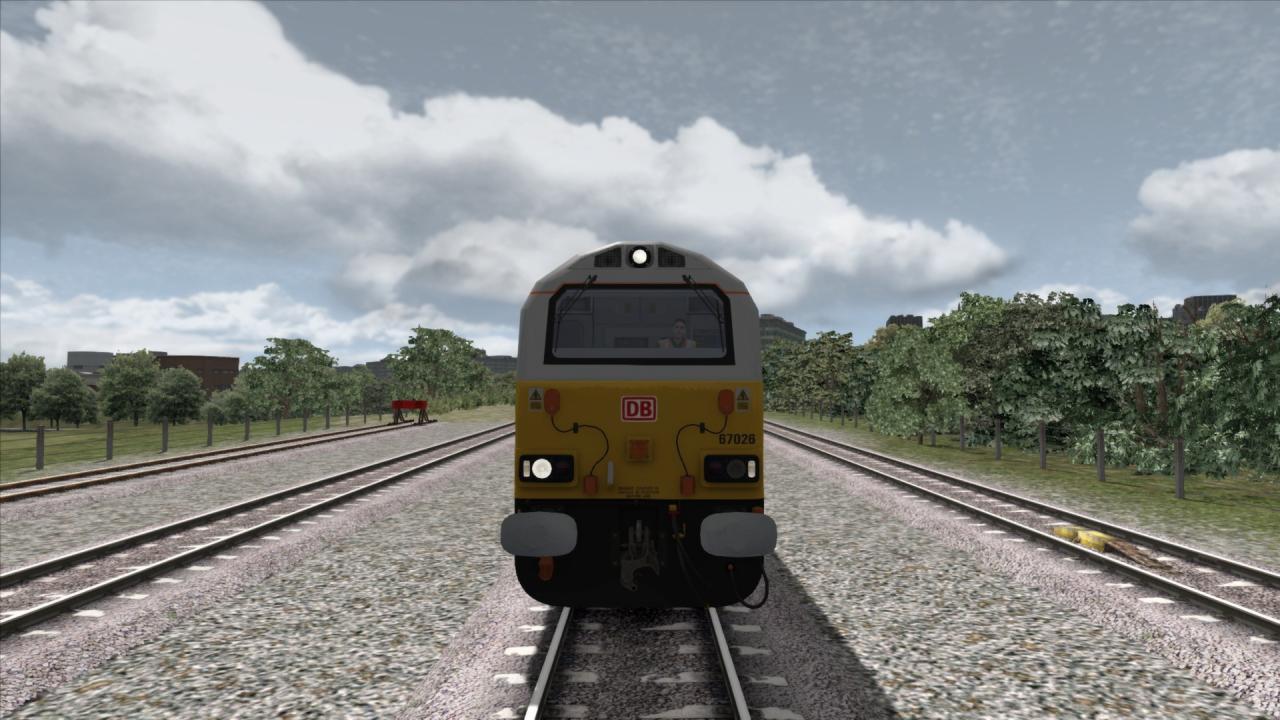
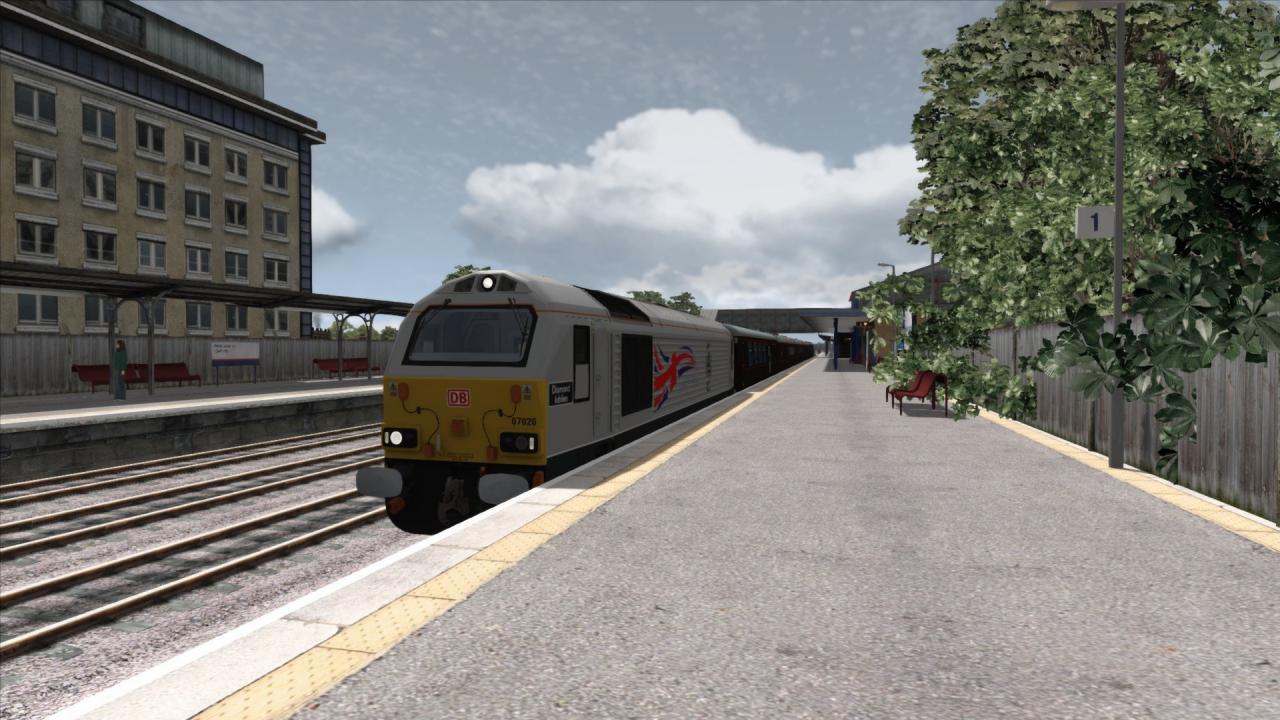
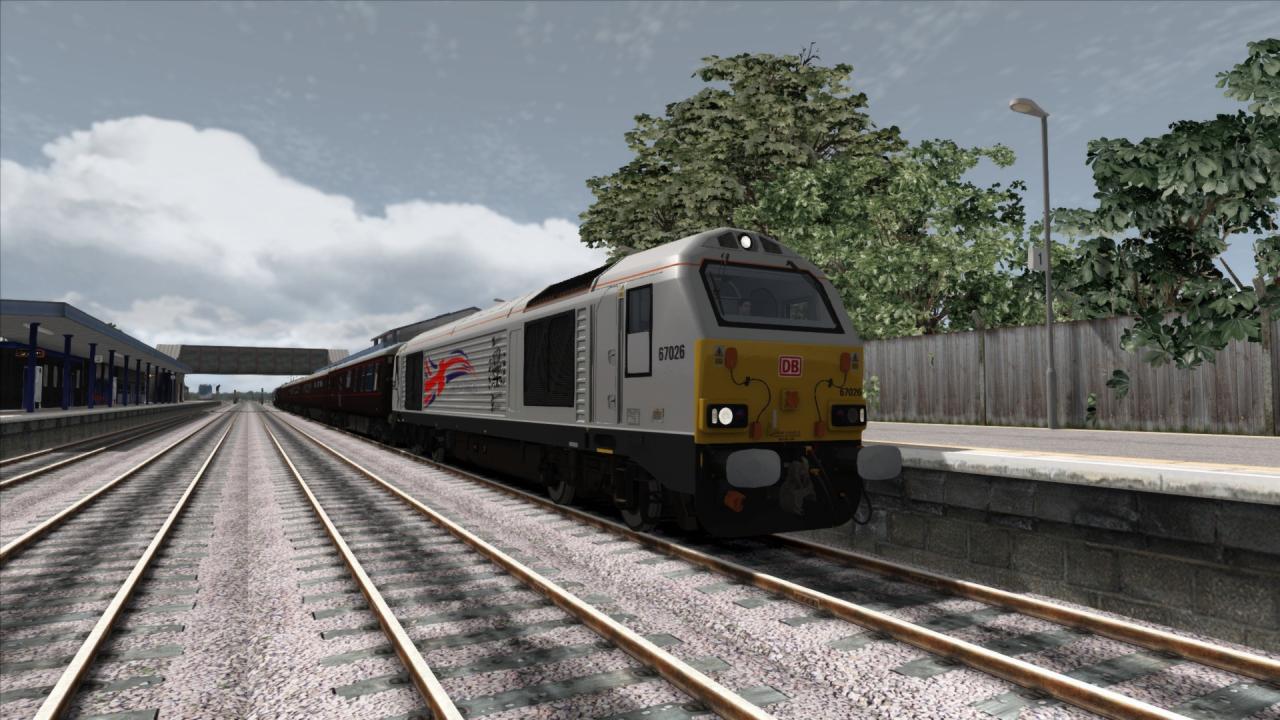
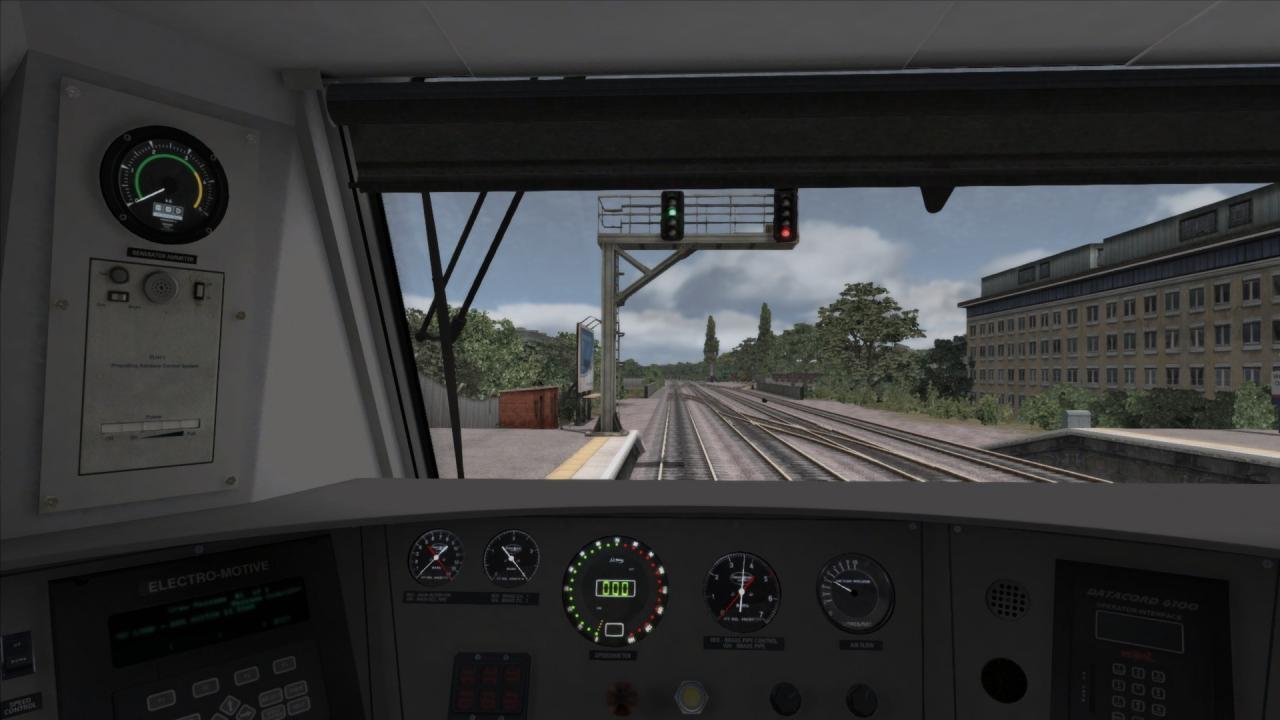
Drive the Queen aboard the Royal Train to her Jubilee Celebrations, pulled by the Class 67 Diesel Electric locomotive.The Class 67, originally built in Spain in 1999 by Alstom, with a General Motors engine and transmission, is an upgraded version of the Class 66, with a higher gearing to allow higher operating speed of up to 125mph on UK lines. Originally assigned to Mail Train services until the end of the contract with the Royal Mail in 2003, the Class 67 then found itself operating in a number of roles. Since 2004, The class 67 has been the locomotive of choice for the Royal Train, with a pair being repainted into Royal Claret livery specially for the job. In 2012 class 67 number 67 026 was renamed 'Diamond Jubilee' and received a special commemorative silver livery in celebration of the Queen's 60 Years on the throne. Includes: Class 67 Diesel Electric Locomotive in DB Schenker silver and special commemorative 'Diamond Jubilee' silver livery. Mk1 and Mk2 coaches, in Royal Claret livery. 1 scenario for the Great Western Main Line (Oxford - Paddington) route:Diamond in the Rough

Train Simulator - Class 67 Diamond Jubilee Loco Add-On DLC screenshotTrain Simulator - Class 67 Diamond Jubilee Loco Add-On DLC screenshotTrain Simulator - Class 67 Diamond Jubilee Loco Add-On DLC screenshotTrain Simulator - Class 67 Diamond Jubilee Loco Add-On DLC screenshot

How to redeem

  1. 1Check the required base game, platform and edition before purchasing.
  2. 2Find the code or supplier activation instructions in your confirmed order.
  3. 3Redeem on Steam using the supplied instructions, then install the add-on with the compatible base game.

Supplier instructions

Go to: http://store.steampowered.com/ and download STEAM client Click "Install Steam" (from the upper right corner) Install and start application, login with your Account name and Password (create one if you don't have). Please follow these instructions to activate a new retail purchase on Steam: Launch Steam and log into your Steam account. Click the Games Menu. Choose Activate a Product on Steam... Follow the onscreen instructions to complete the process. After successful code verification go to the "MY GAMES" tab and start downloading.

You might also like