Get 10% back in Relic Coins on every order
Train Simulator - BR Class 421 '4CIG' Loco Add-On DLC cover

SteamGlobal· DLC

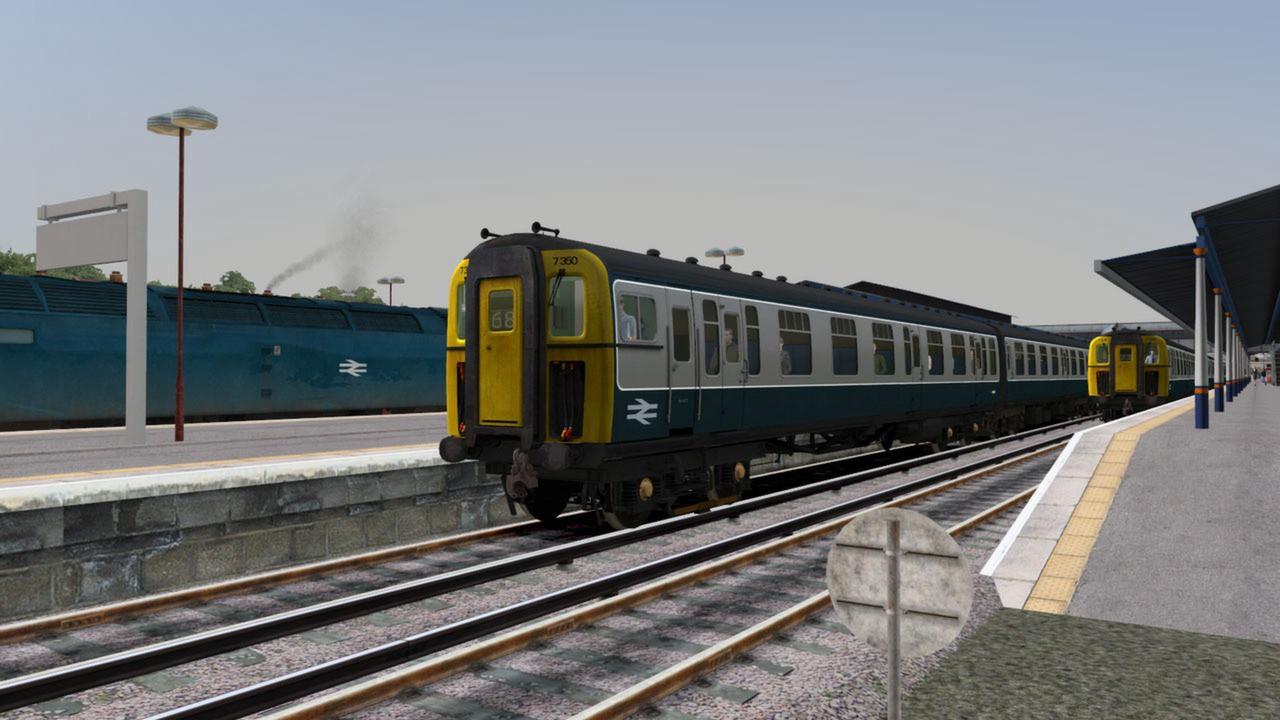
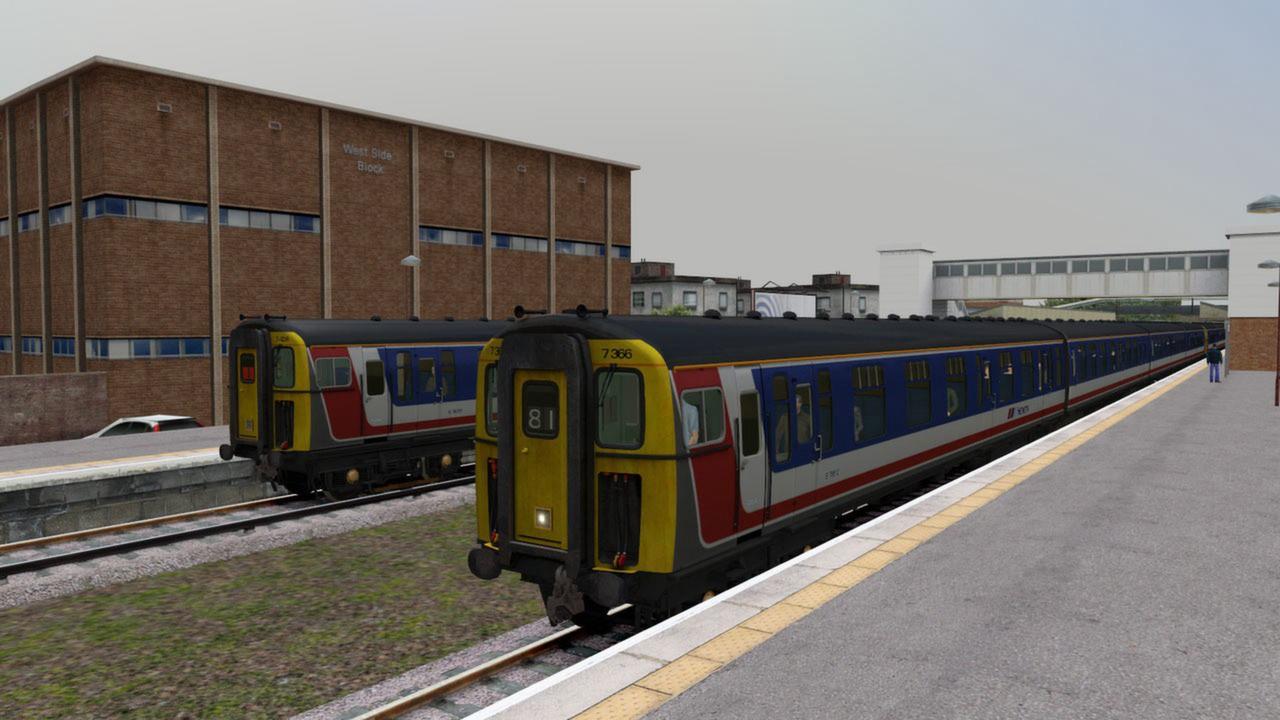
Train Simulator - BR Class 421 '4CIG' Loco Add-On DLC

€0.16

+€0.02 cashback eligibility in Relic Coins

Check before you play

Platform
Steam
Region
Global
Product type
DLC

Check the required base game and edition before purchasing this add-on.

Developer
Dovetail Games
Publisher
Dovetail Games
Supplier release date
2011-07-19
Genres
Simulation

About this product

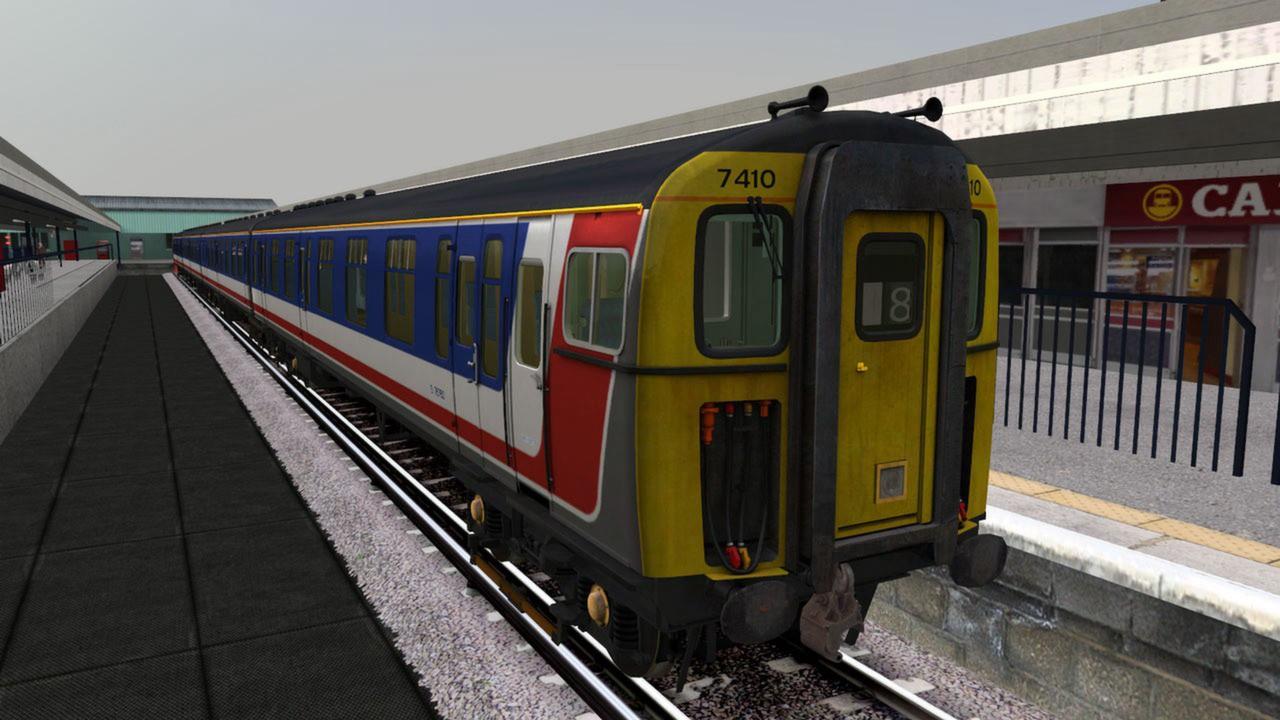
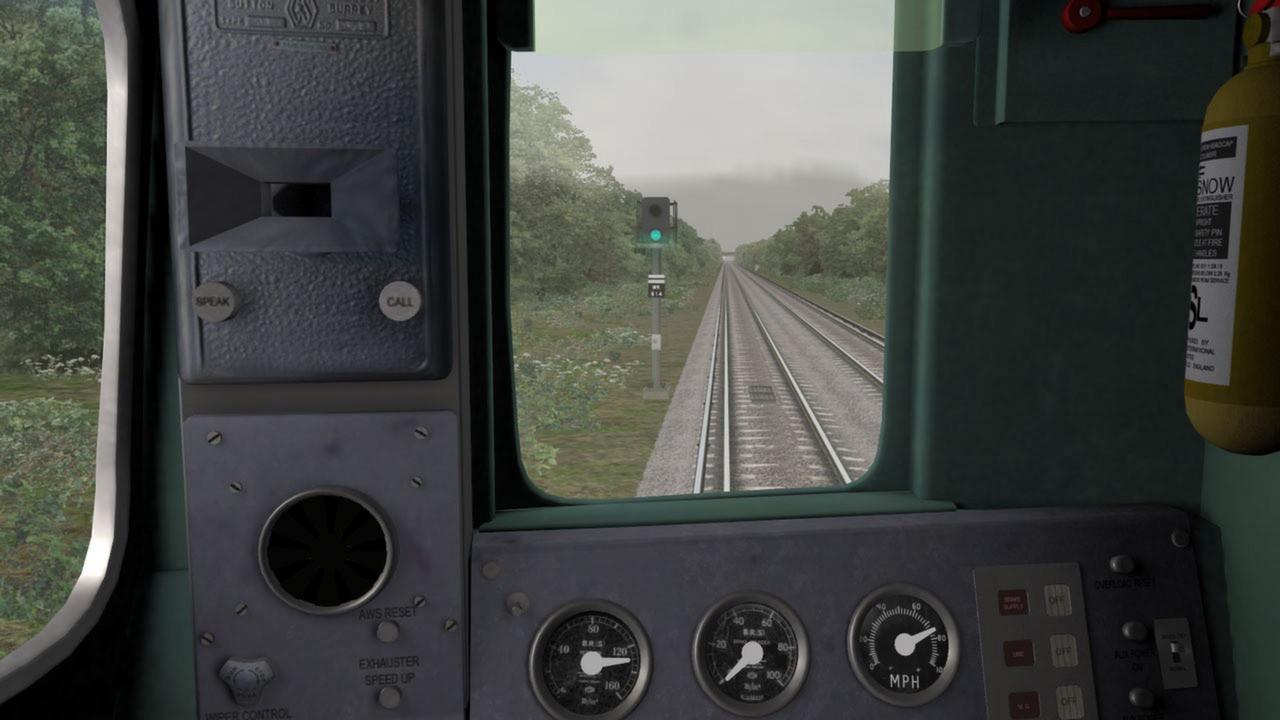
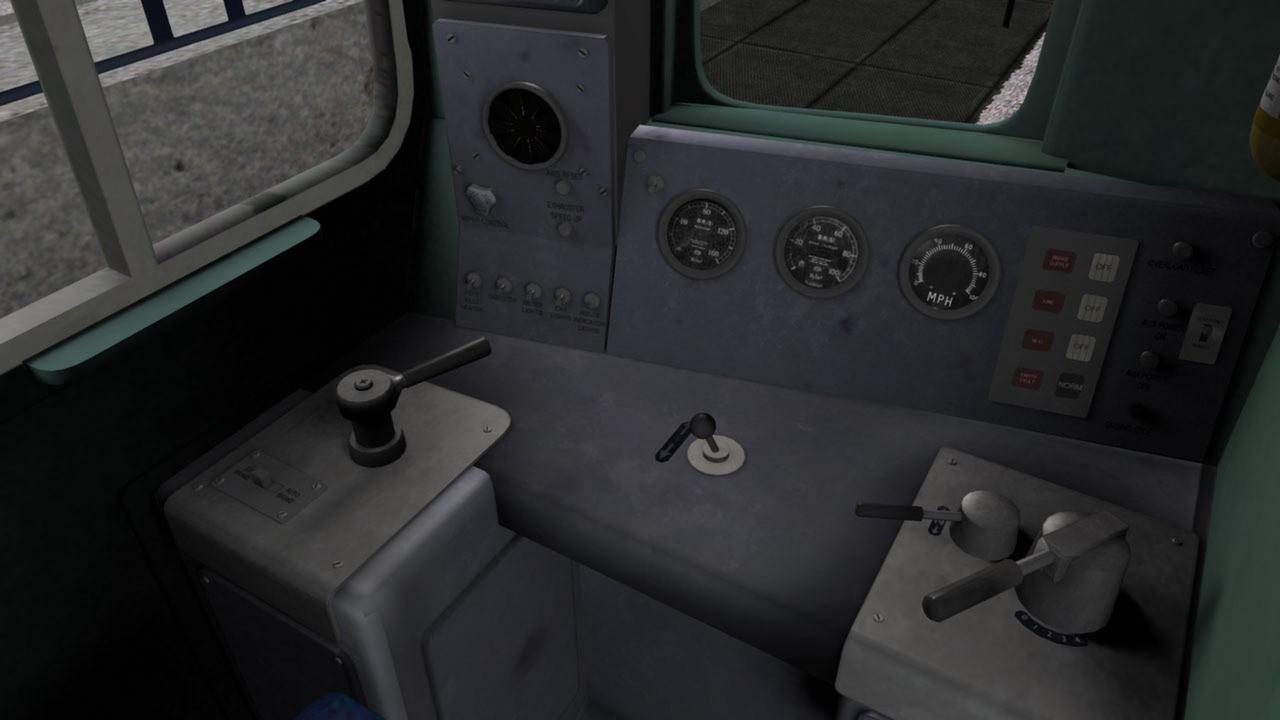
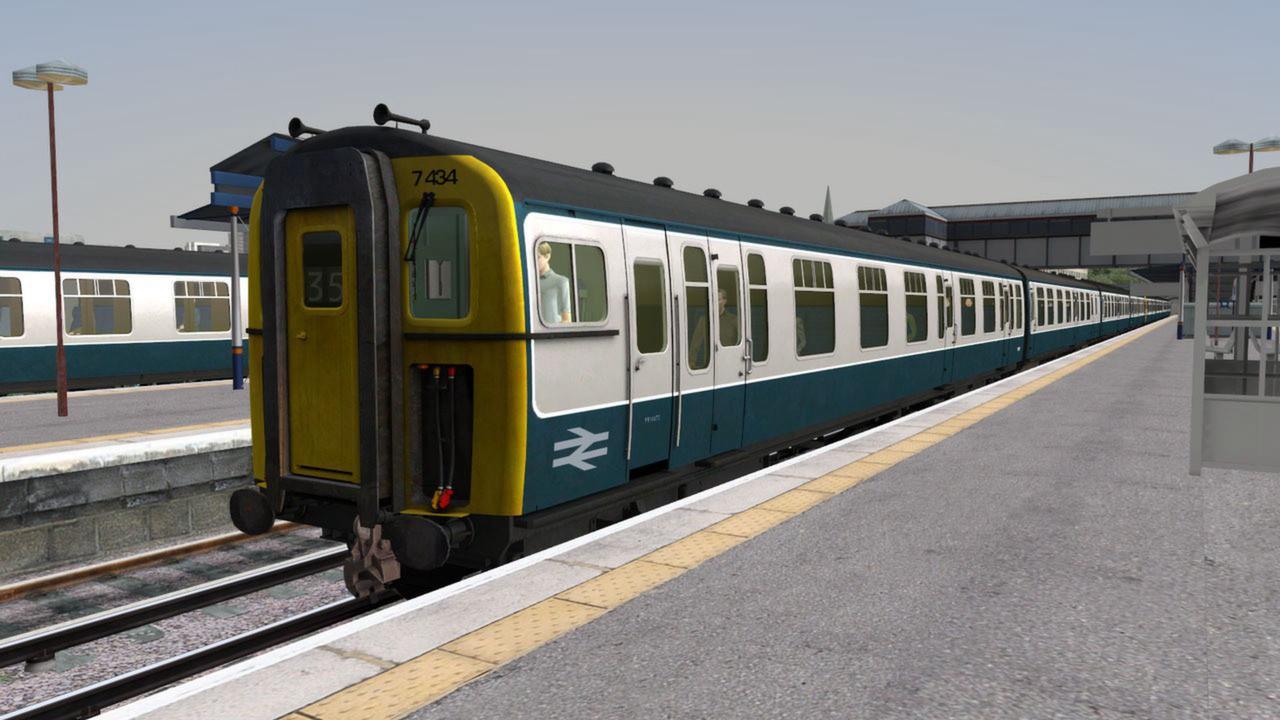
Once a very familiar sight across the railways of southern England, the 4CIG electric multiple unit is a classic example of the heritage ‘slam-door’ passenger trains which once formed the backbone of southern passenger services. Extensive 3rd-rail electrification of the Southern Region led to the widespread adoption of these practical EMUs, and the 4CIG (British Rail Class 421) was initially introduced on the London-Brighton Line before being pressed into service on the Portsmouth Direct Line between London Waterloo and Portsmouth Harbour. The 4CIG units received a facelift in the late 1980s, and were eventually withdrawn from mainline passenger service in the early 2000s. Scenarios Five scenarios for the Portsmouth Direct Line Add-On: Southern Electric City Limited Slammed Doors Battle of Havant Guildford 70C PLEASE NOTE that you will need the Portsmouth Direct Line Add-On in order to play the scenarios included with the 4CIG Add-On.

Train Simulator - BR Class 421 '4CIG' Loco Add-On DLC screenshotTrain Simulator - BR Class 421 '4CIG' Loco Add-On DLC screenshotTrain Simulator - BR Class 421 '4CIG' Loco Add-On DLC screenshotTrain Simulator - BR Class 421 '4CIG' Loco Add-On DLC screenshotTrain Simulator - BR Class 421 '4CIG' Loco Add-On DLC screenshotTrain Simulator - BR Class 421 '4CIG' Loco Add-On DLC screenshot

How to redeem

  1. 1Check the required base game, platform and edition before purchasing.
  2. 2Find the code or supplier activation instructions in your confirmed order.
  3. 3Redeem on Steam using the supplied instructions, then install the add-on with the compatible base game.

Supplier instructions

Go to: http://store.steampowered.com/ and download STEAM client Click "Install Steam" (from the upper right corner) Install and start application, login with your Account name and Password (create one if you don't have). Please follow these instructions to activate a new retail purchase on Steam: Launch Steam and log into your Steam account. Click the Games Menu. Choose Activate a Product on Steam... Follow the onscreen instructions to complete the process. After successful code verification go to the "MY GAMES" tab and start downloading.

You might also like