Get 10% back in Relic Coins on every order
Train Simulator - Thompson Class B1 Loco Add-On DLC cover

SteamGlobal· DLC

Train Simulator - Thompson Class B1 Loco Add-On DLC

€0.06

+€0.01 cashback eligibility in Relic Coins

Check before you play

Platform
Steam
Region
Global
Product type
DLC

Check the required base game and edition before purchasing this add-on.

Developer
Dovetail Games
Publisher
Dovetail Games
Supplier release date
2012-11-08
Genres
Simulation

About this product

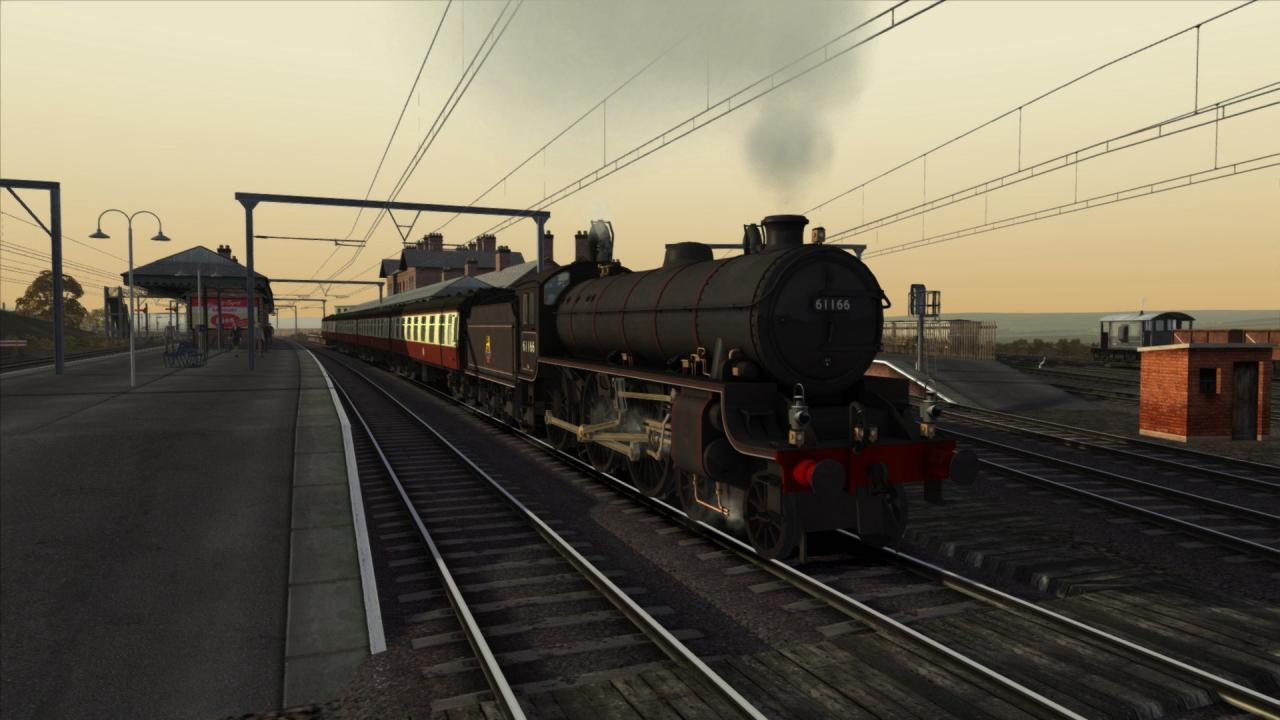
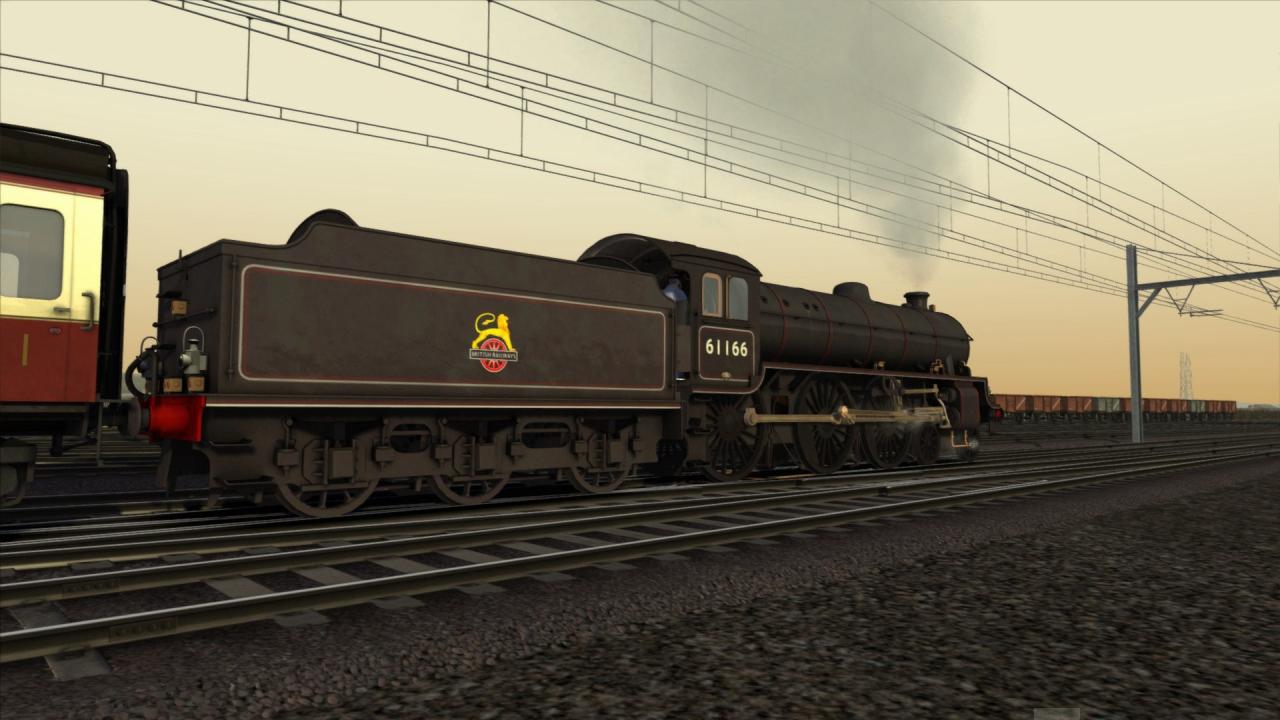
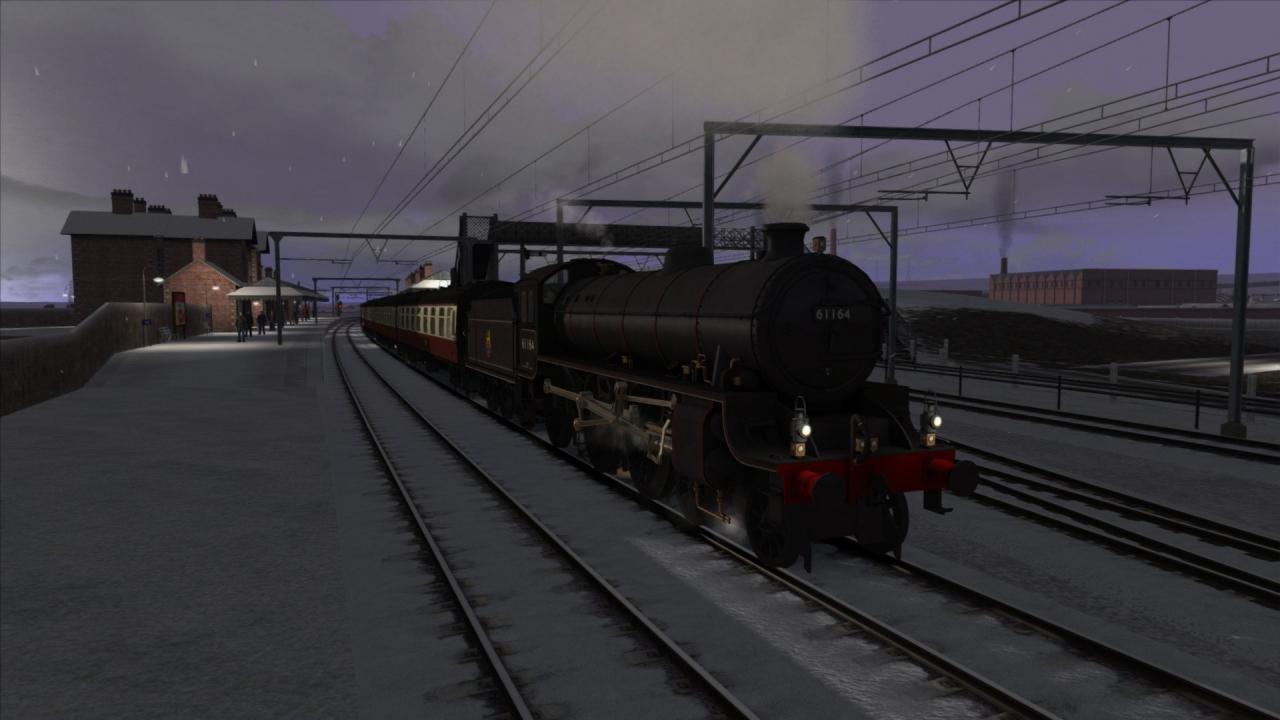
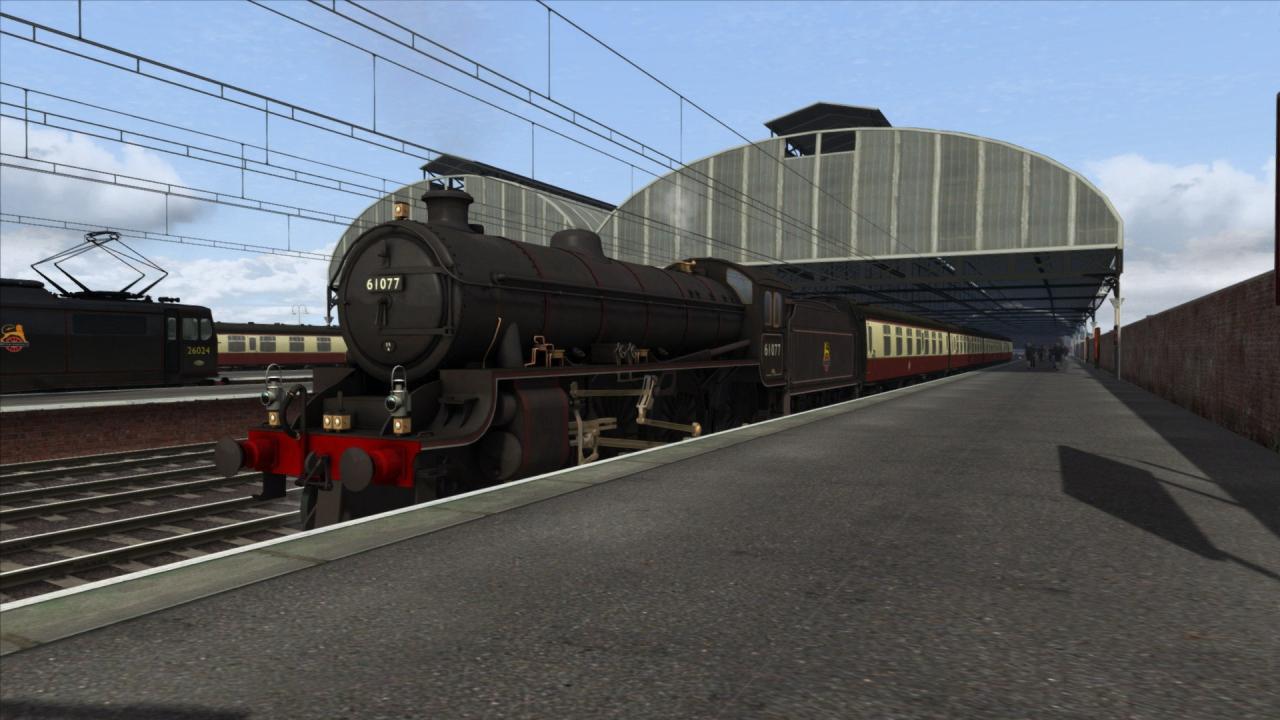
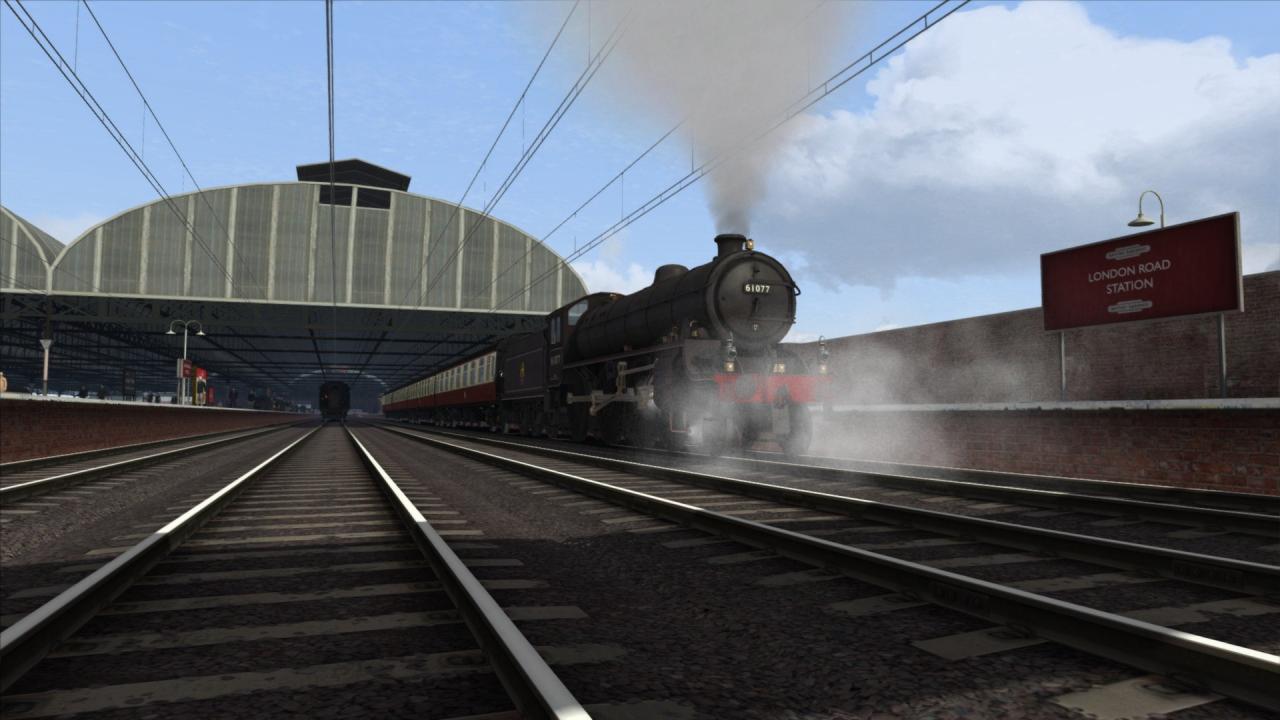
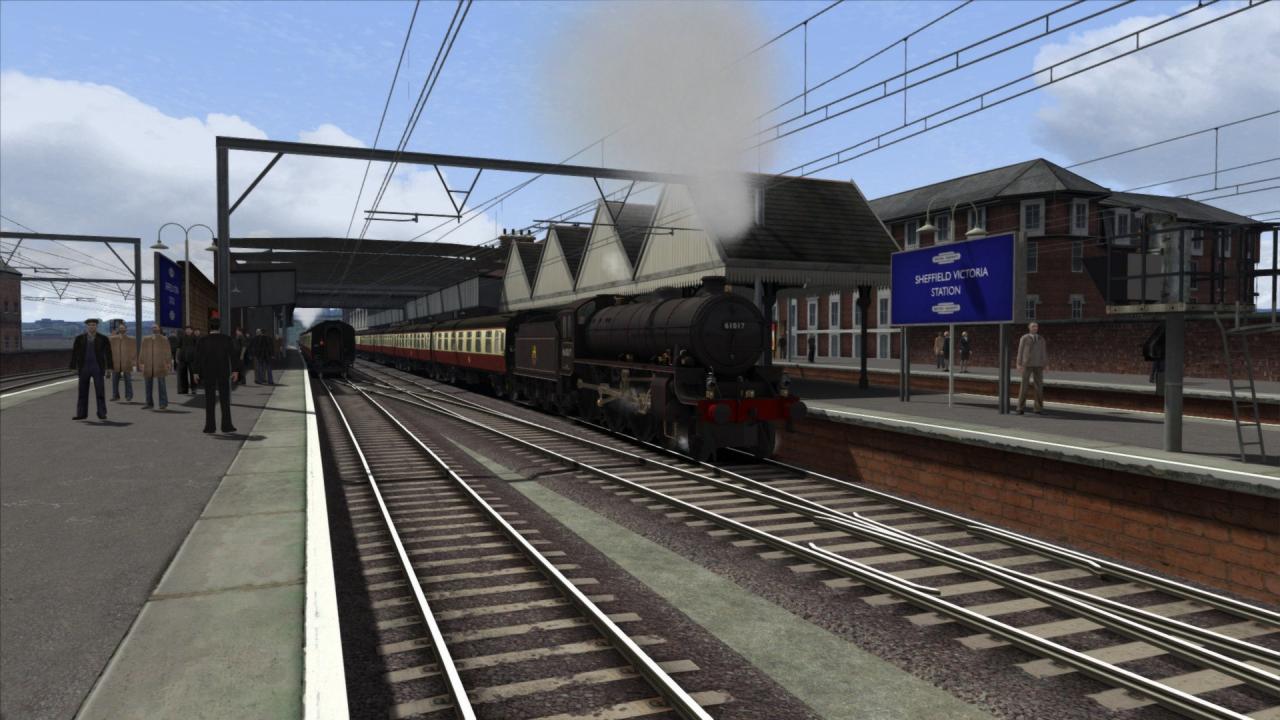
The London and North Eastern Railway’s mixed traffic Thompson B1 Class locomotive is now available for Train Simulator, and includes scenarios specially created for the popular Woodhead Line.Designed by Edward Thompson, chief mechanical engineer for the LNER, the prototype for the new 4-6-0 ‘B Class’ (later classified as ‘B1 Class’) was the first two-cylinder main line locomotive built by the LNER. The B1 was designed for medium mixed traffic use but also had the requirement of being cheap to produce due to wartime and post-war economies. The B1s operated across the LNER network and more than 400 were built between 1942 and 1952. However, with the change in British Railways policies the Class was withdrawn in the 1960s, long before the end of its expected economic working life.The Thompson B1 for Train Simulator is available in British Railway black livery with lion-and-wheel emblem. In game features include fully detailed and operational locomotive cab interior, spectacular Pennines scenery and the famous Woodhead Tunnel system.The Woodhead Line Expansion Pack (available separately) is required to play the scenarios included with this add-on. Scenarios Five scenarios for the Woodhead Line (also available on Steam). An Introduction to the Thompson B1 Christmas Relief Special Hello Campers Marylebone Express Steam Freight Revival Key Features Thompson B1 steam locomotive in British Railways black livery with lion-and-wheel emblem Realistic cab interior with working gauges and firebox doors BR (Crimson) Mk1 coaches Quick Drive compatible

Train Simulator - Thompson Class B1 Loco Add-On DLC screenshotTrain Simulator - Thompson Class B1 Loco Add-On DLC screenshotTrain Simulator - Thompson Class B1 Loco Add-On DLC screenshotTrain Simulator - Thompson Class B1 Loco Add-On DLC screenshotTrain Simulator - Thompson Class B1 Loco Add-On DLC screenshotTrain Simulator - Thompson Class B1 Loco Add-On DLC screenshot

How to redeem

  1. 1Check the required base game, platform and edition before purchasing.
  2. 2Find the code or supplier activation instructions in your confirmed order.
  3. 3Redeem on Steam using the supplied instructions, then install the add-on with the compatible base game.

Supplier instructions

Go to: http://store.steampowered.com/ and download STEAM client Click "Install Steam" (from the upper right corner) Install and start application, login with your Account name and Password (create one if you don't have). Please follow these instructions to activate a new retail purchase on Steam: Launch Steam and log into your Steam account. Click the Games Menu. Choose Activate a Product on Steam... Follow the onscreen instructions to complete the process. After successful code verification go to the "MY GAMES" tab and start downloading.

You might also like