Get 10% back in Relic Coins on every order
Train Simulator - Norfolk Southern SD40-2 High Nose Loco Add-On DLC cover

SteamGlobal· DLC

Train Simulator - Norfolk Southern SD40-2 High Nose Loco Add-On DLC

€2.09

+€0.21 cashback eligibility in Relic Coins

Check before you play

Platform
Steam
Region
Global
Product type
DLC

Check the required base game and edition before purchasing this add-on.

Developer
Dovetail Games
Publisher
Dovetail Games
Supplier release date
2012-08-04
Genres
Simulation

About this product

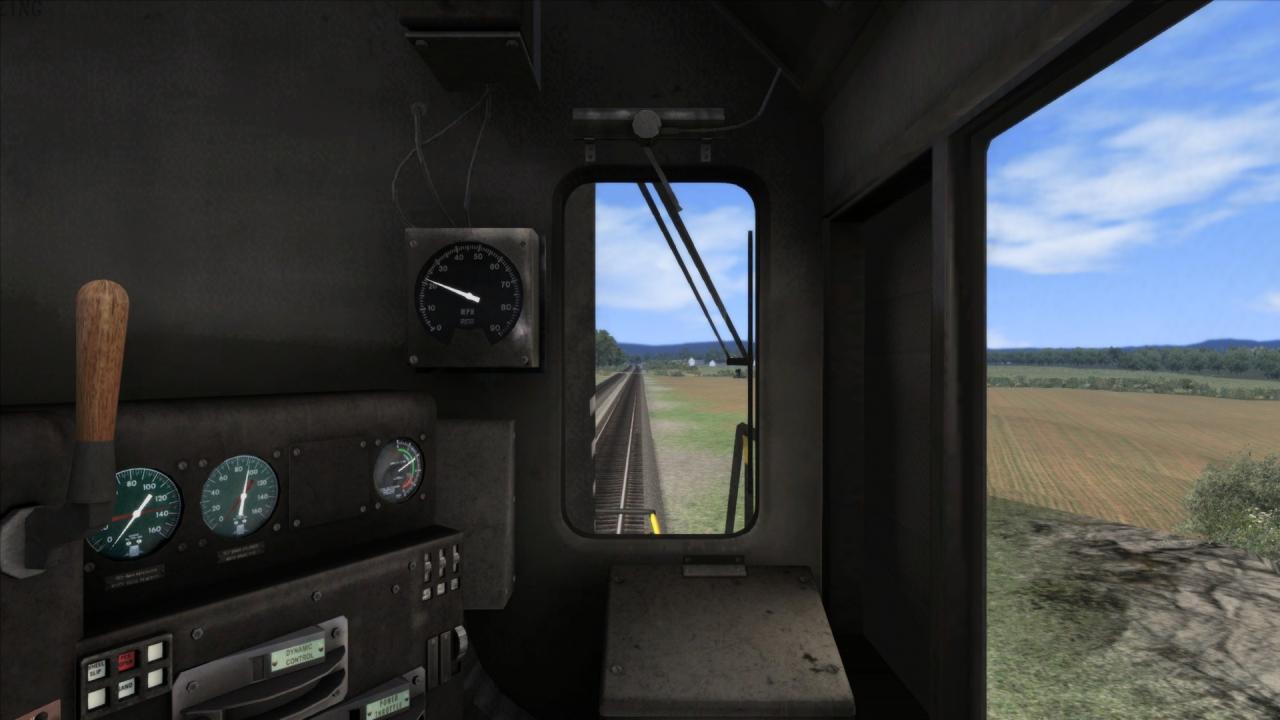
The SD40-2 High Nose is a classic US diesel locomotive for Train Simulator, and a great add-on for fans of the Norfolk Southern Railroad.The SD40-2 first rolled on the rails in 1972 and its 3, 000 horsepower engine and hauling ability soon made it a popular choice for railroads across the US. The High Nose is one of many variations based on the original design which were created to suit the requirements of different operators, such as Norfolk Southern. The Norfolk Southern Railroad is a major Class 1 railroad in the United States, with 21, 500 route miles in 22 eastern states, the District of Columbia and the province of Ontario, Canada. The most common commodity hauled on the railroad is coal from mines across several states. The railroad also offers an extensive intermodal network in eastern North America.The "high nosed" variant of the SD40-2 is so called due to the full-height hood in front of the cab area, whereas other SD40-2s usually have a low hood with windshields above. Includes SD40-2 High Nose in Norfolk Southern livery 2 Bay Ballast Hopper Auto Parts Box Car Low Sided Gondola

Train Simulator - Norfolk Southern SD40-2 High Nose Loco Add-On DLC screenshotTrain Simulator - Norfolk Southern SD40-2 High Nose Loco Add-On DLC screenshotTrain Simulator - Norfolk Southern SD40-2 High Nose Loco Add-On DLC screenshotTrain Simulator - Norfolk Southern SD40-2 High Nose Loco Add-On DLC screenshot

How to redeem

  1. 1Check the required base game, platform and edition before purchasing.
  2. 2Find the code or supplier activation instructions in your confirmed order.
  3. 3Redeem on Steam using the supplied instructions, then install the add-on with the compatible base game.

Supplier instructions

Go to: http://store.steampowered.com/ and download STEAM client Click "Install Steam" (from the upper right corner) Install and start application, login with your Account name and Password (create one if you don't have). Please follow these instructions to activate a new retail purchase on Steam: Launch Steam and log into your Steam account. Click the Games Menu. Choose Activate a Product on Steam... Follow the onscreen instructions to complete the process. After successful code verification go to the "MY GAMES" tab and start downloading.

You might also like