Get 10% back in Relic Coins on every order
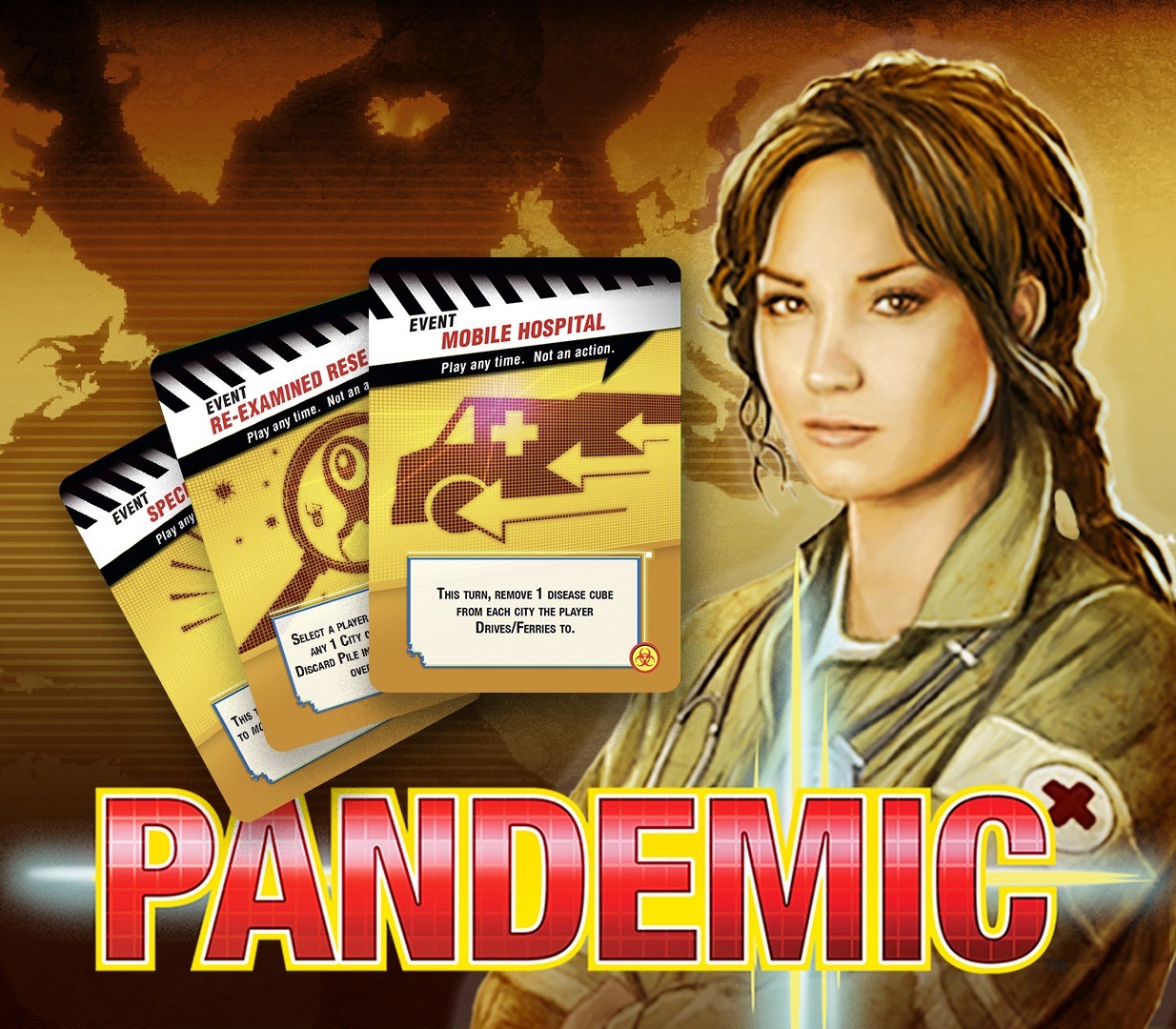
Pandemic: On the Brink - Roles & Events DLC cover

SteamGlobal· DLC

Pandemic: On the Brink - Roles & Events DLC

€0.19

+€0.02 cashback eligibility in Relic Coins

Check before you play

Platform
Steam
Region
Global
Product type
DLC

Check the required base game and edition before purchasing this add-on.

Developer
Asmodee Digital
Publisher
Asmodee Digital
Supplier release date
2013-09-23
Genres
Strategy, Casual, Co-op

About this product

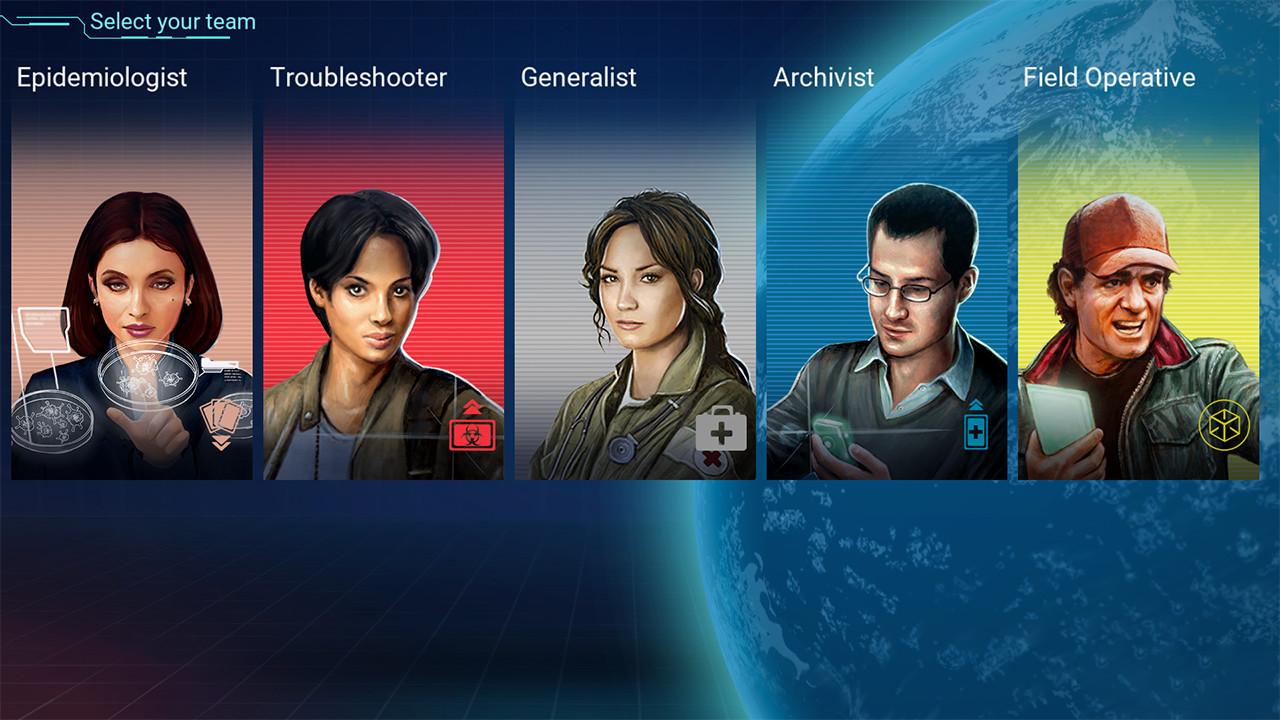
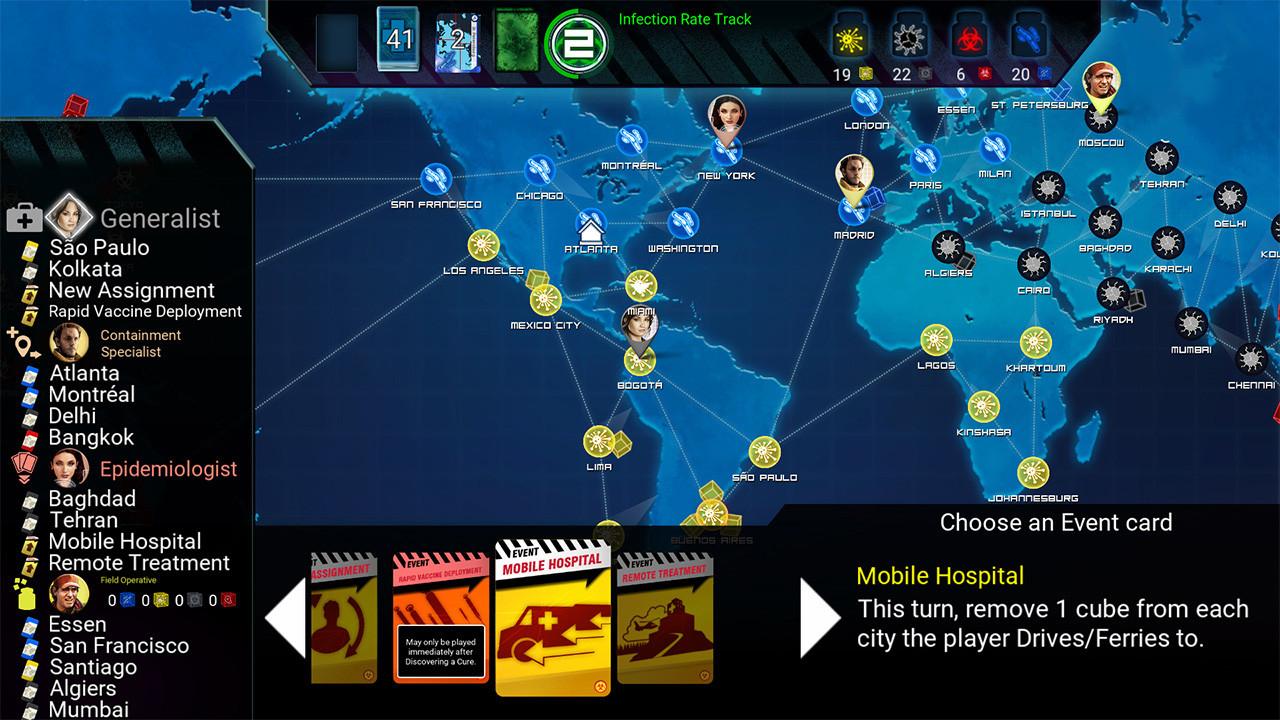
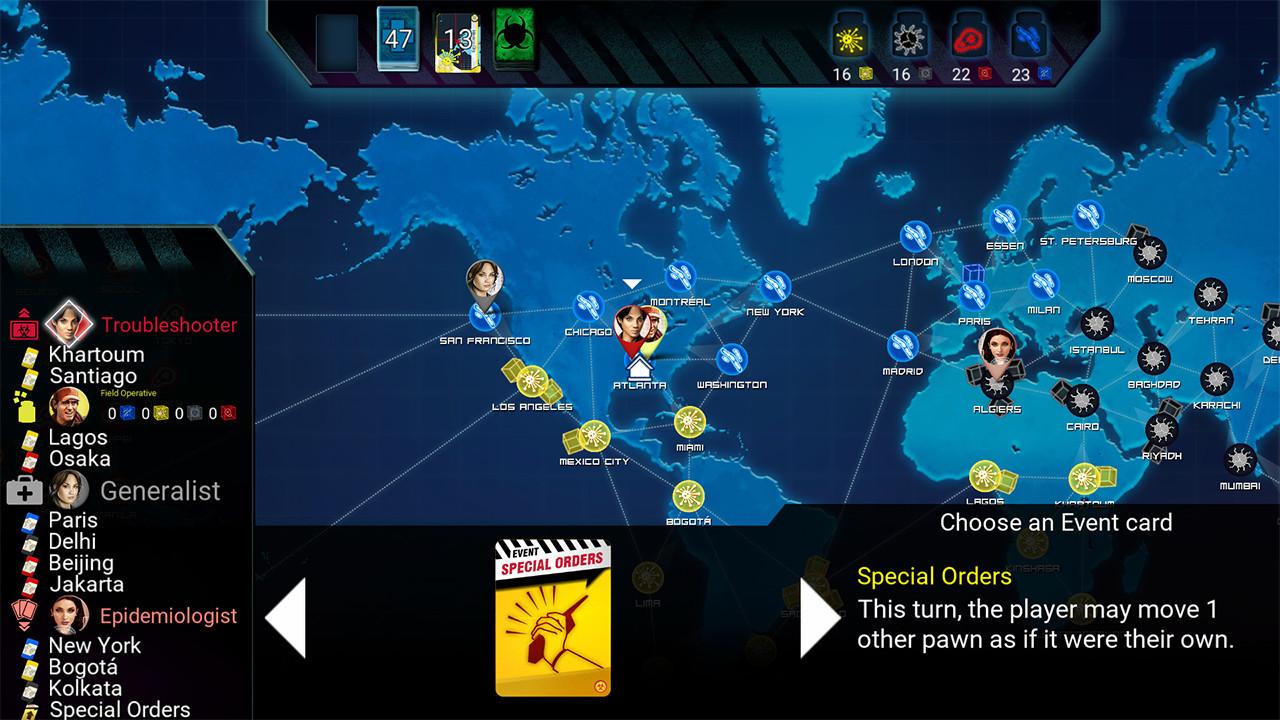
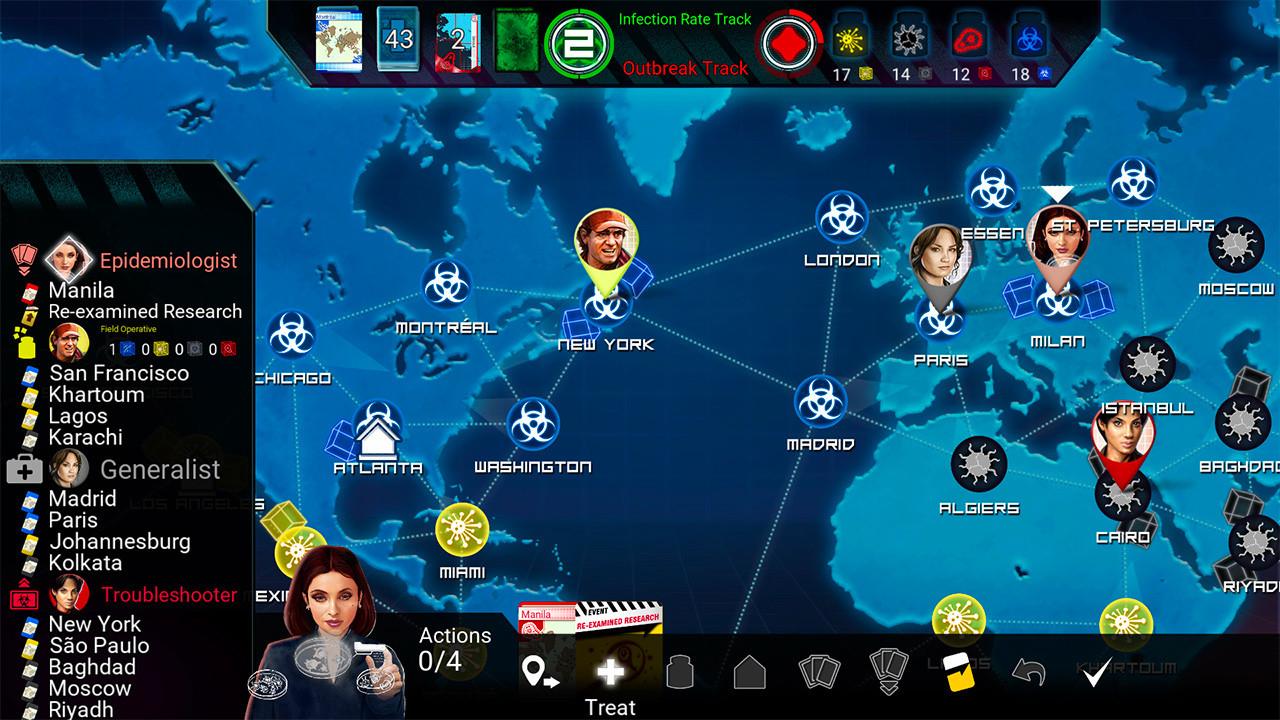
With humanity on the brink of extinction, you’ll have to recruit an elite team of specialists to eradicate the diseases spreading across the globe. Pick from 6 brand new roles to assemble the best team. Increase your actions with the Generalist, keep a disease crisis under control with the Containment Specialist, or gather extra knowledge with the Archivist. The Field Operative and Troubleshooter will help you stay one step ahead, while the Epidemiologist’s special skill will help with your research for the cures. In addition to the 6 new roles, there are also 8 new event cards for even more variety. If finding cures is becoming routine on the Heroic difficulty, tackle a new challenge at the Legendary level!

Pandemic: On the Brink - Roles & Events DLC screenshotPandemic: On the Brink - Roles & Events DLC screenshotPandemic: On the Brink - Roles & Events DLC screenshotPandemic: On the Brink - Roles & Events DLC screenshot

How to redeem

  1. 1Check the required base game, platform and edition before purchasing.
  2. 2Find the code or supplier activation instructions in your confirmed order.
  3. 3Redeem on Steam using the supplied instructions, then install the add-on with the compatible base game.

Supplier instructions

Go to: http://store.steampowered.com/ and download STEAM client Click "Install Steam" (from the upper right corner) Install and start application, login with your Account name and Password (create one if you don't have). Please follow these instructions to activate a new retail purchase on Steam: Launch Steam and log into your Steam account. Click the Games Menu. Choose Activate a Product on Steam... Follow the onscreen instructions to complete the process. After successful code verification go to the "MY GAMES" tab and start downloading.

You might also like