Get 10% back in Relic Coins on every order
LEGO Pirates of the Caribbean: The Video Game cover

Steam Europe - All Countries· Key

LEGO Pirates of the Caribbean: The Video Game

€16.74

+€1.67 cashback eligibility in Relic Coins

Check before you play

Platform
Steam
Region
Europe - All Countries
Product type
Key
Developer
Traveller's Tales
Publisher
Disney Interactive
Supplier release date
2011-05-24
Genres
Action, Adventure

About this product

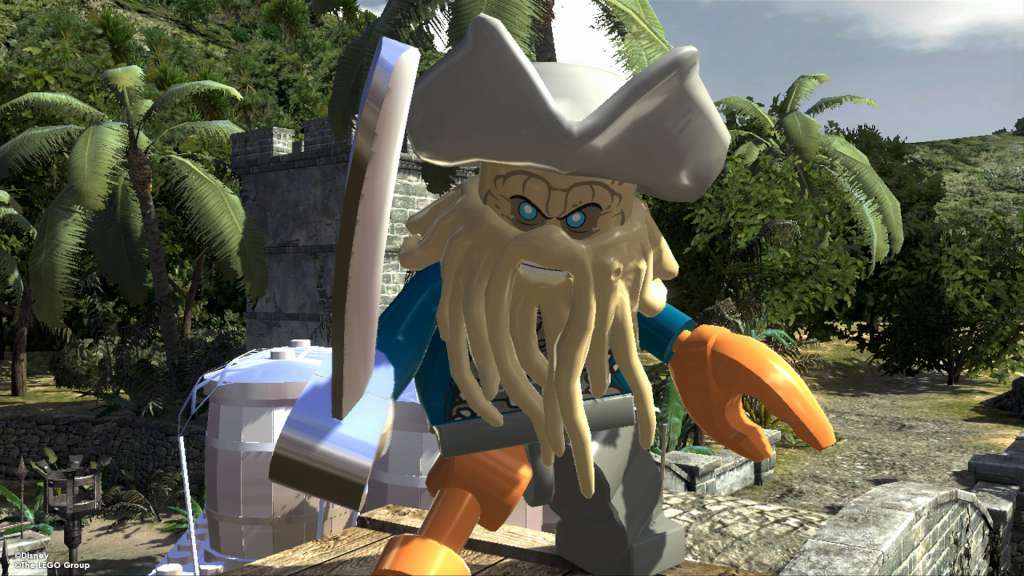
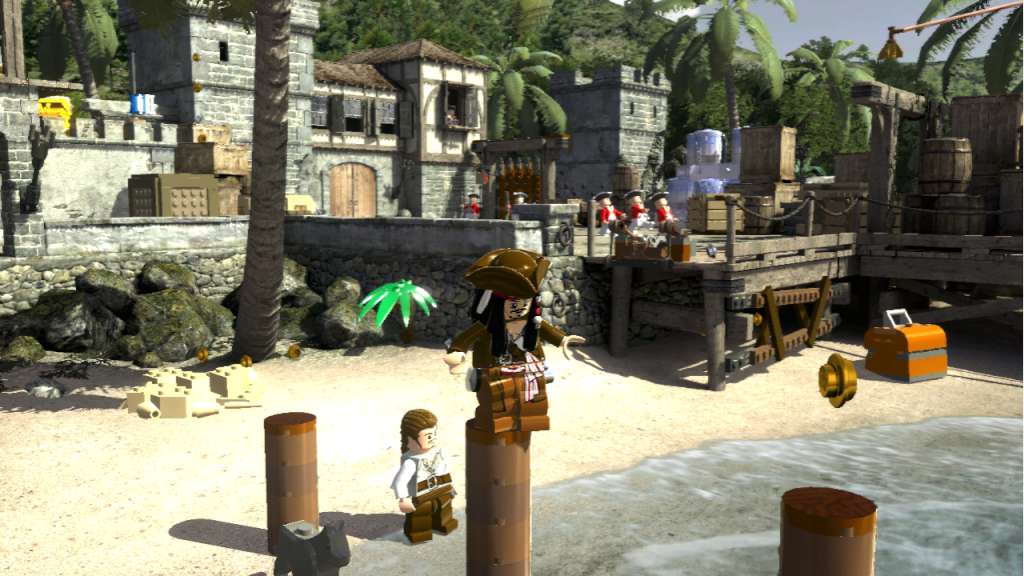
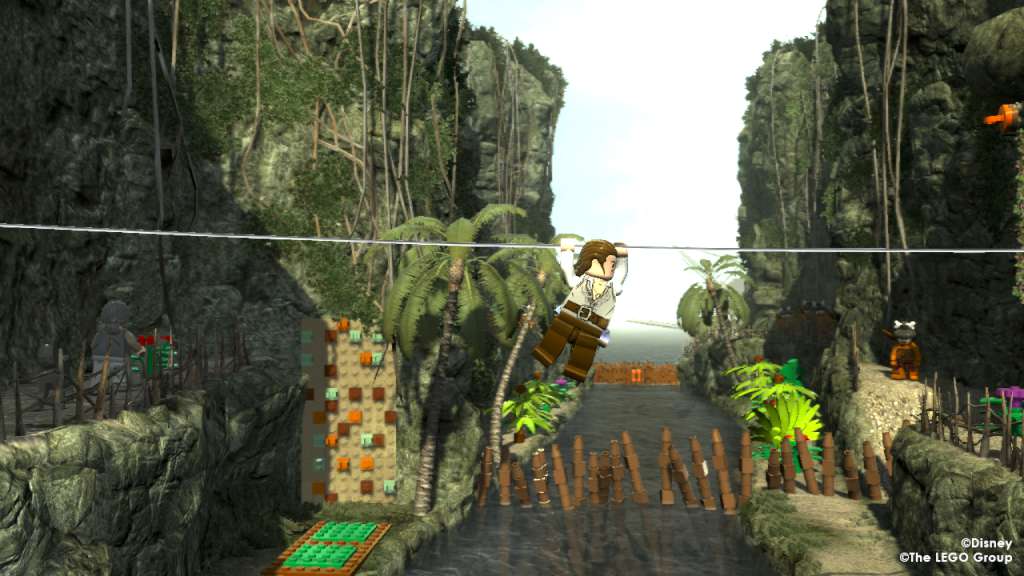
LEGO® Pirates of the Caribbean: The Video Game is an action adventure game that brings the Pirates of the Caribbean world and all its colorful characters to life in LEGO Brick form. Players will experience all the memorable scenesall four films in the humorous and quirky LEGO Video Games style. Product Features: Experience the swashbuckling adventure, irreverent humor, memorable characters and amazing creatures of the Pirates of the Caribbean universe (content from all 4 films), through action-adventure gameplay, engaging puzzles and hilariously quirky LEGO cutscenes. Features Play as Jack Sparrow, Captain Barbossa, Davy Jones and all of your other favorite Pirates of the Caribbean characters, each with their own personalities! Experience your favorite sequences from all four PotC films in an all-new way with the ""LEGO twist"" that takes players from the port of San Juan to the pirate haven of Tortuga and everywhere in-between! Local Co-op play, one of the most beloved features of the LEGO video game series, returns to allow you to team up and enjoy the adventure with others!

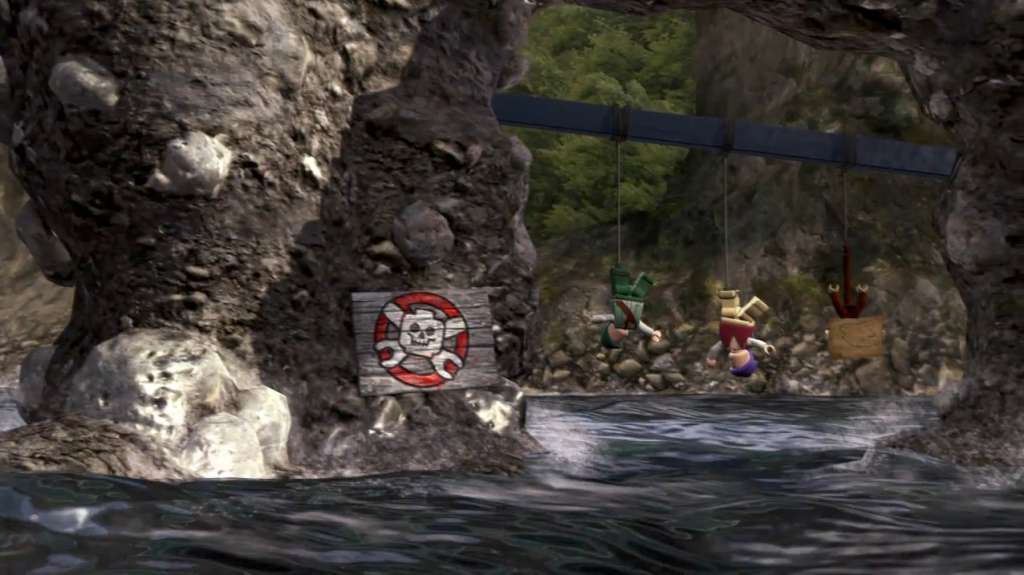
LEGO Pirates of the Caribbean: The Video Game screenshotLEGO Pirates of the Caribbean: The Video Game screenshotLEGO Pirates of the Caribbean: The Video Game screenshotLEGO Pirates of the Caribbean: The Video Game screenshotLEGO Pirates of the Caribbean: The Video Game screenshot

How to redeem

  1. 1Check your Steam account and the listed region before purchasing.
  2. 2Find your code and supplier activation instructions in your confirmed order.
  3. 3Open the redeem-code section on Steam, enter the code and follow the platform’s prompts.

Supplier instructions

Go to: http://store.steampowered.com/ and download STEAM client Click "Install Steam" (from the upper right corner) Install and start application, login with your Account name and Password (create one if you don't have). Please follow these instructions to activate a new retail purchase on Steam: Launch Steam and log into your Steam account. Click the Games Menu. Choose Activate a Product on Steam... Follow the onscreen instructions to complete the process. After successful code verification go to the "MY GAMES" tab and start downloading.

You might also like