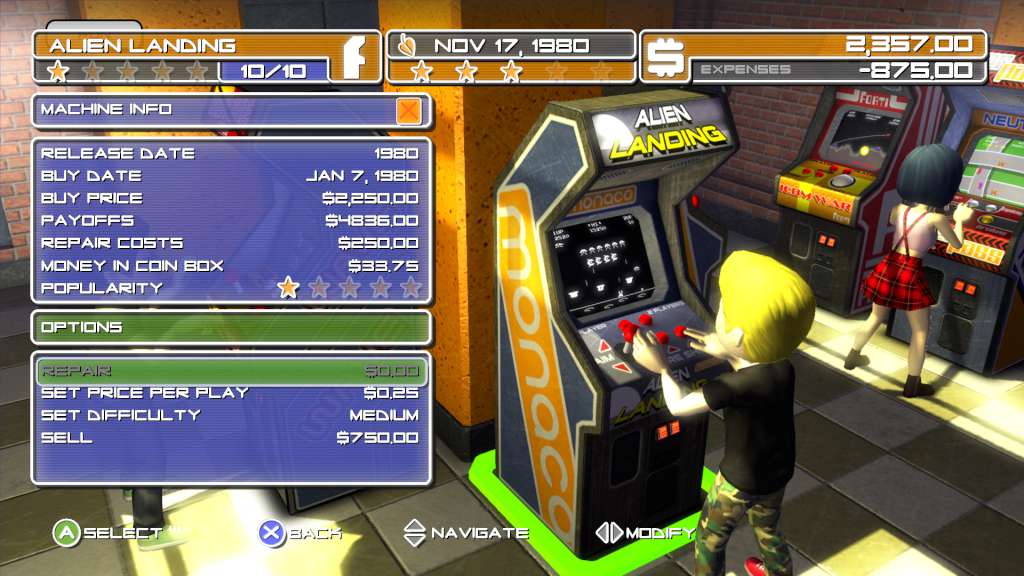
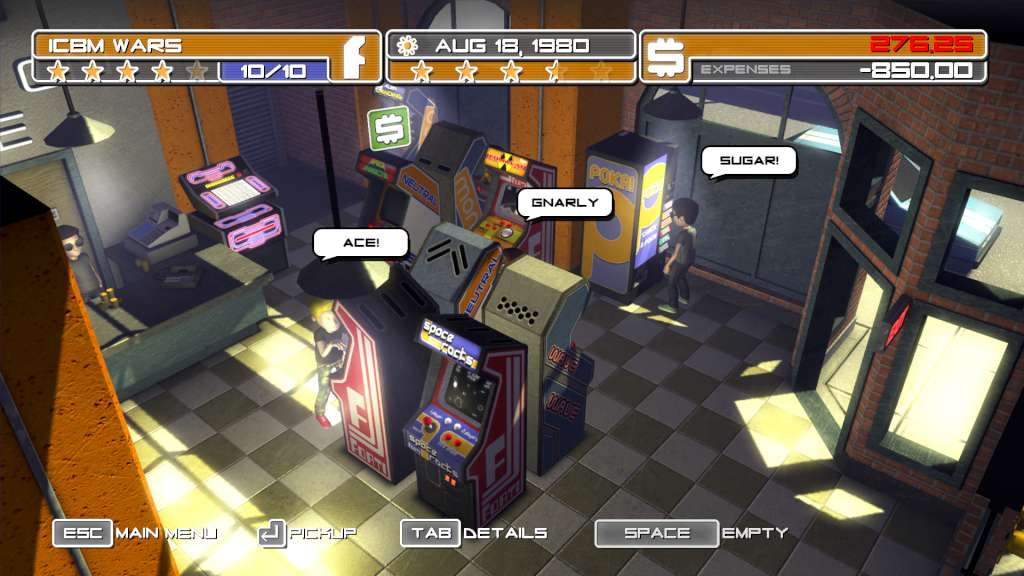
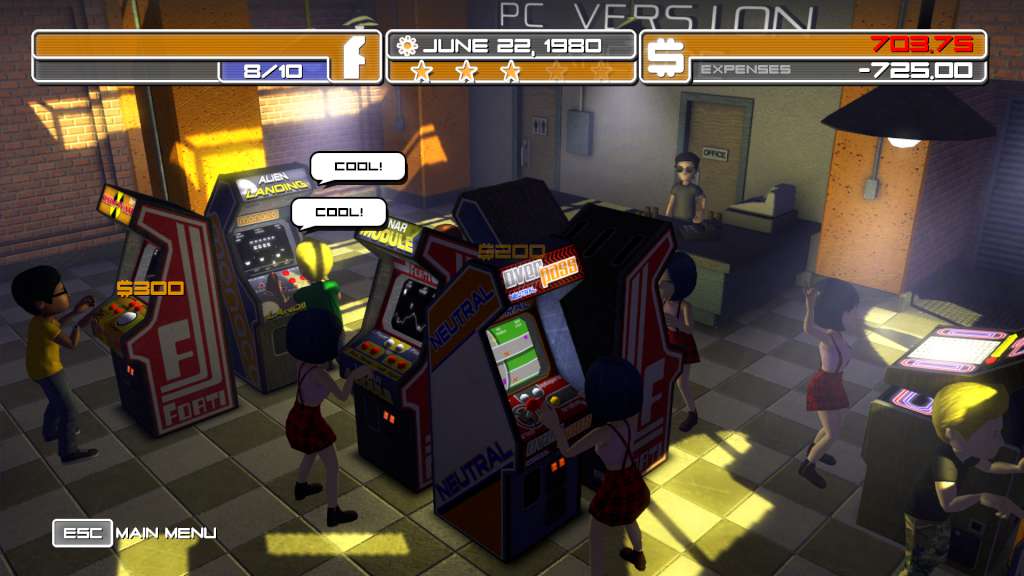
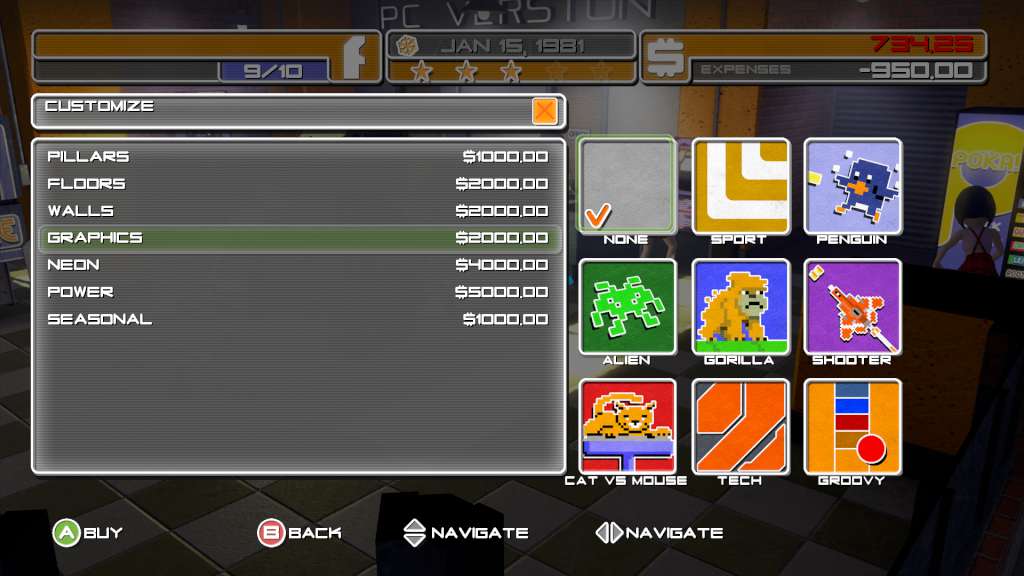
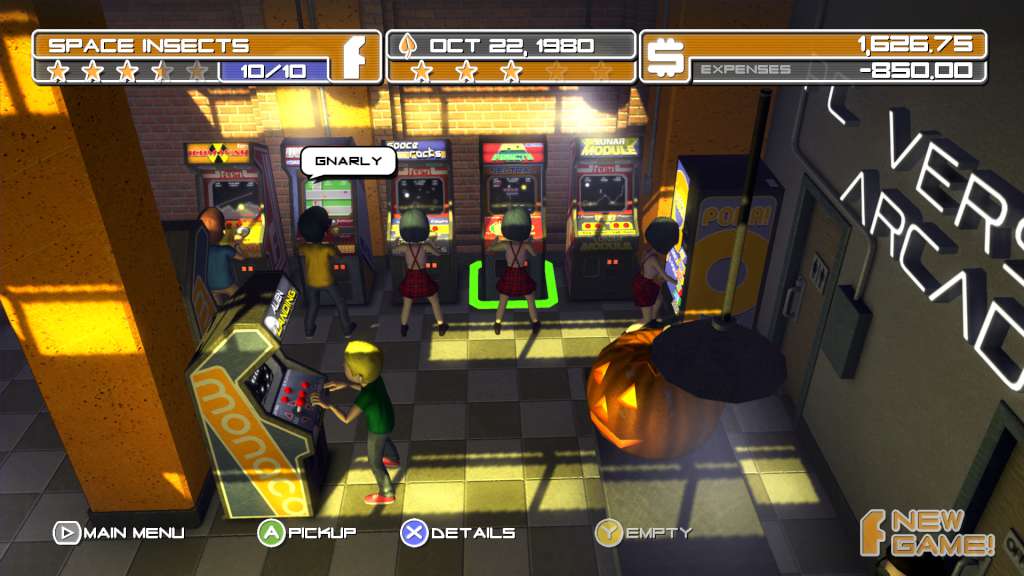
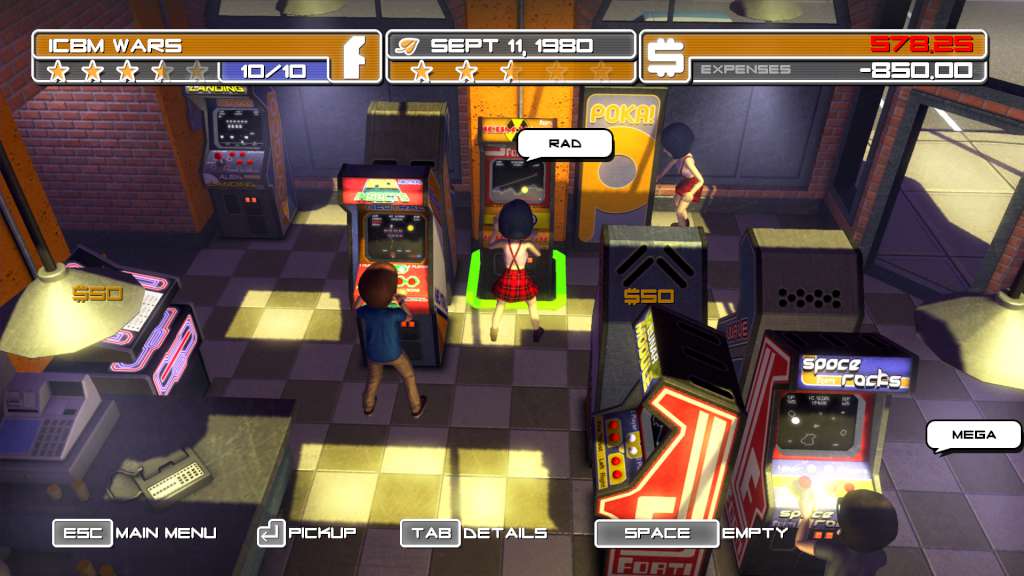
Arcadecraft Steam Key Platform: Steam Release Date: 22 May 2014 Product Description Enter the exciting world of Arcade ownership! Play through the start of the 1980's arcade revolution by buying and placing video games for your customers to play! Customize your arcade to increase its popularity! Modify machine parameters, manage your finances, capitalize on newly released games, but beware of the events and pitfalls that could bankrupt you! Features Over 100 unique arcade machines to buy and place in your arcade. Machines come in Standup, Cocktail, Sitdown, Import, and Pinball configurations. Multiple game genres include Shooter, Platformer, Action, Sports, Racing, Maze, Fighting, Pinball, and Puzzle. Customize the colors of the Walls, Pillars, Floor, and neon of your arcade. Buy seasonal decorations for short term popularity boosts. Hire an employee to help empty cash from machines. Twelve playable characters to choose from. Variety of events from broken machines, jammed coin slots, and blackouts. Visitors such as the Game Collector, Import Salesman, and Super Gamer. 6 Hours of gameplay simulating the rise, fall, and rebirth of the arcade between 1980-1986. System Requirements OS: Windows 7 Processor: 1.7 GHz Dual Core Memory: 4 GB RAM Graphics: NVIDIA 250 GTS / ATI Radeon 4800 Series DirectX: Version 10 Hard Drive: 300 MB available space Sound Card: Direct X Compatible Sound Card Additional Notes: Direct X10, or higher video card.