Get 10% back in Relic Coins on every order
Fluffy Horde cover

Steam Europe - All Countries· Key

Fluffy Horde

€0.37

+€0.04 cashback eligibility in Relic Coins

Check before you play

Platform
Steam
Region
Europe - All Countries
Product type
Key
Developer
Turtle Juice
Publisher
Turtle Juice
Supplier release date
2018-11-07
Genres
Action, Strategy, Indie

About this product

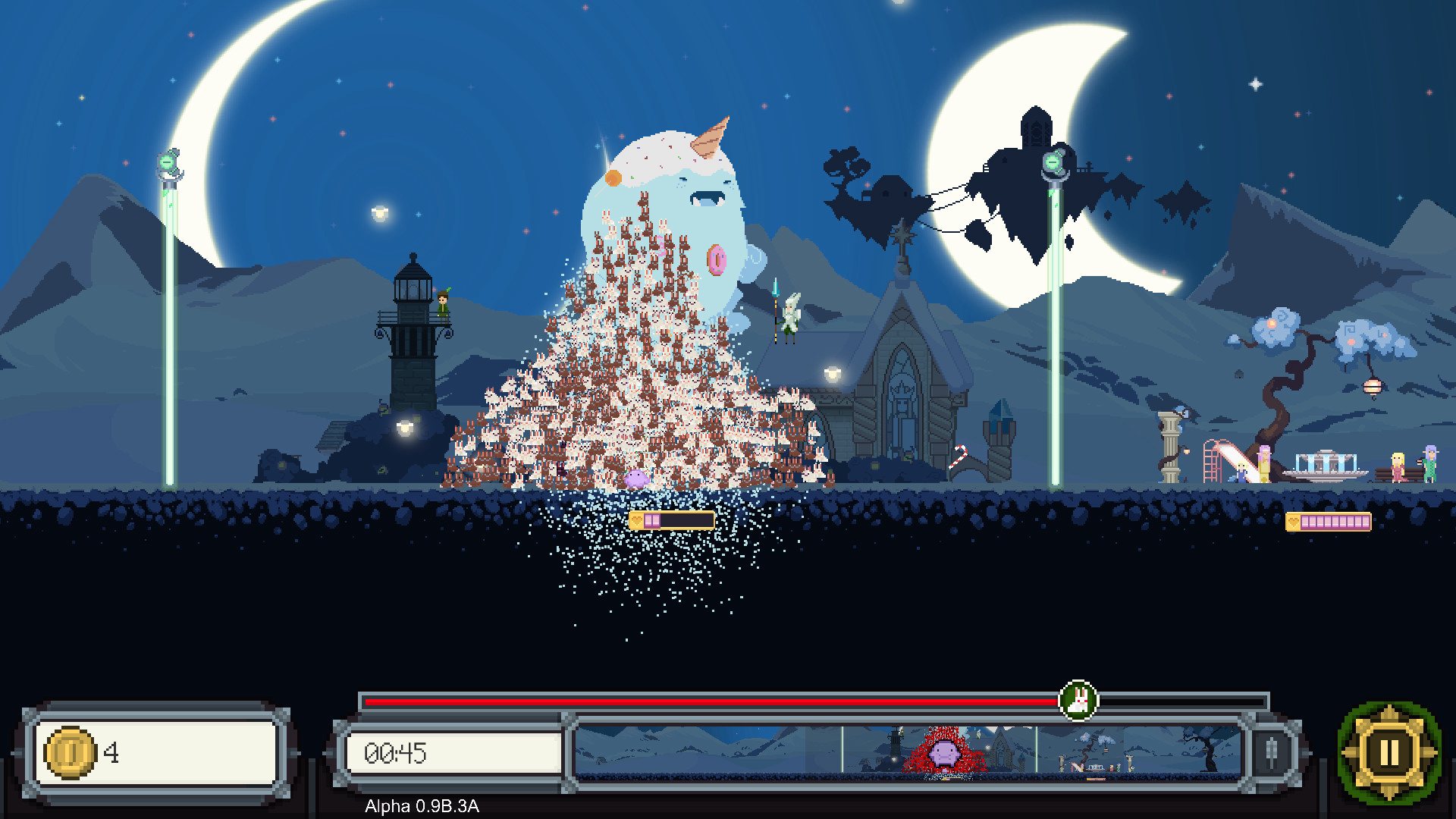
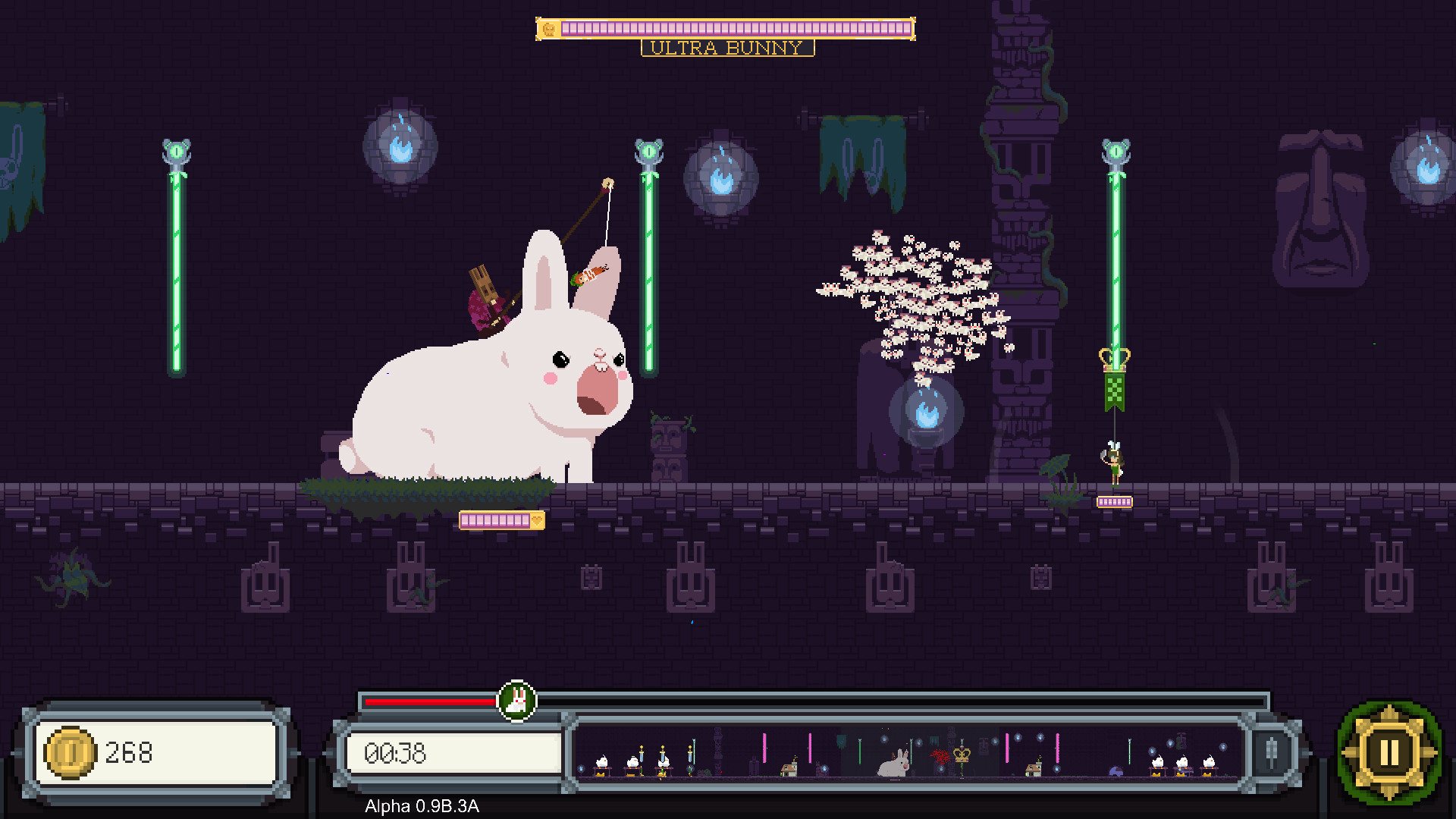
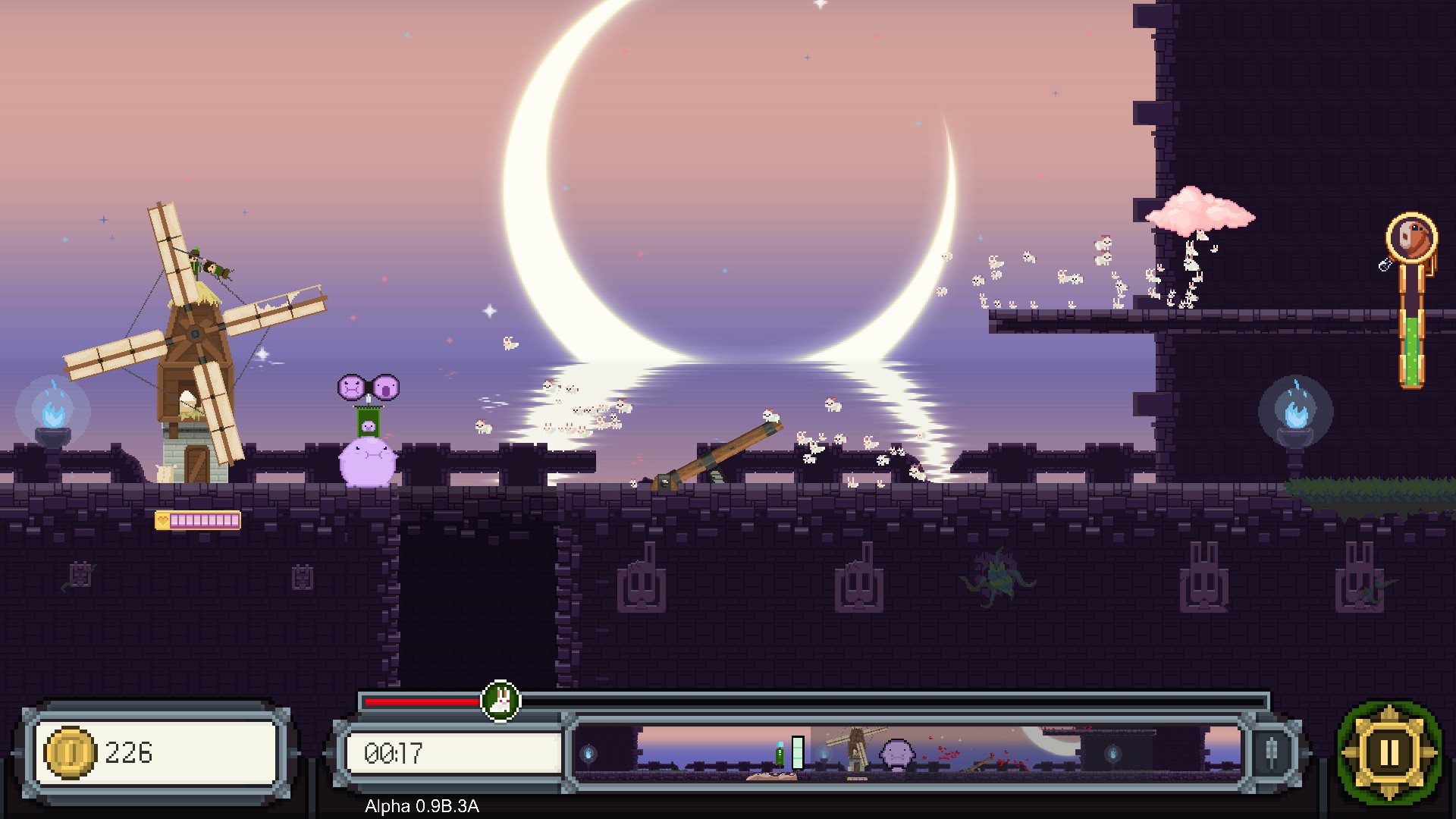
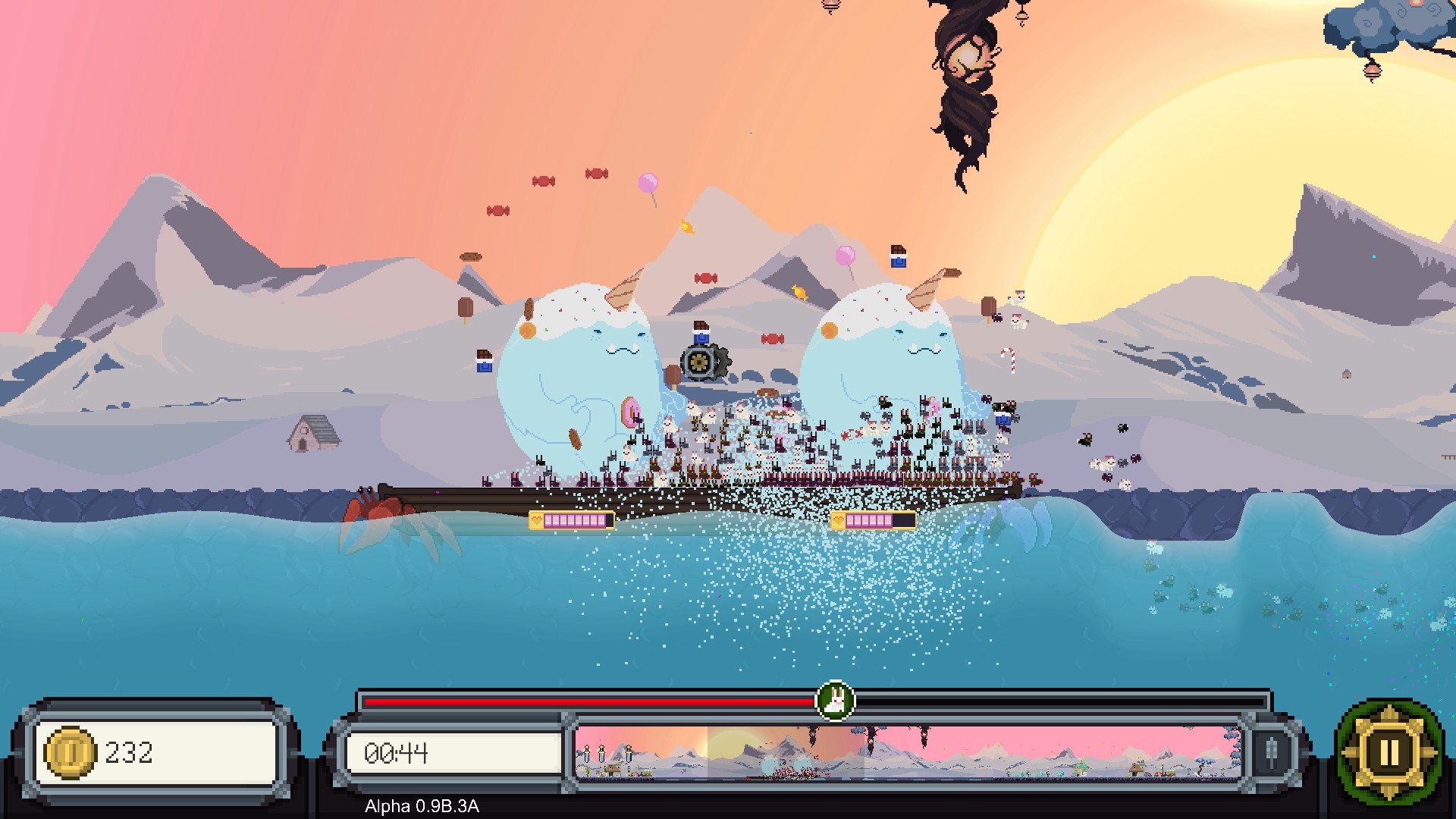
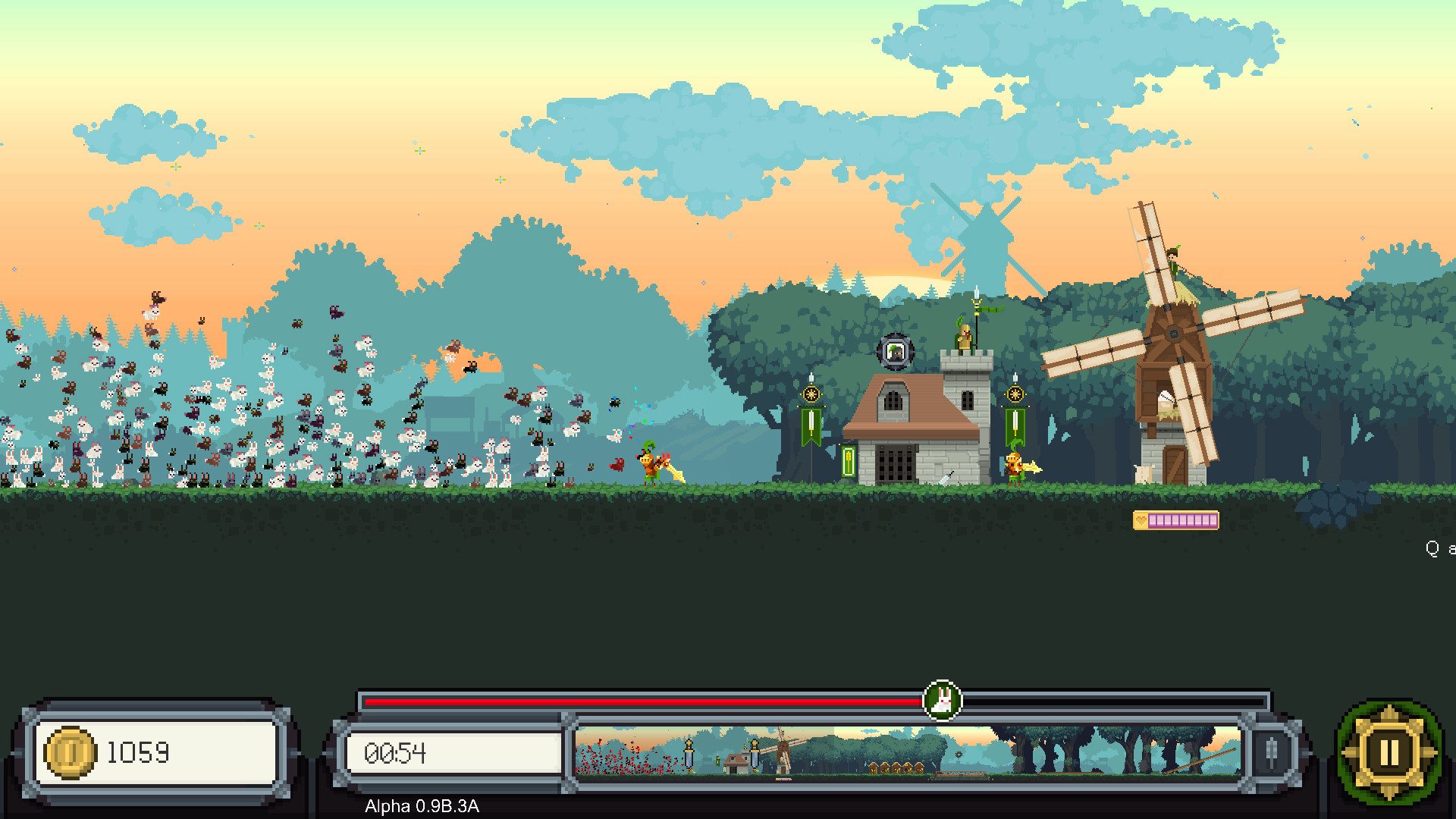
Fluffy Horde is a 2D side-scrolling hybrid between real-time strategy and tower defense. The game revolves around a magical hyper-breeding bunny horde created by a misunderstood Shaman wanderer. After having a dwelling denied in all three kingdoms, the Shaman is willing to take over all of them by force. Can you stop the Fluffy Horde? Features A unique strategy experience. Age of Empires and Warcraft got nothing on us. Starcraft 2 is slightly better... Mesmerizing Pixel art that will cure your eyes of myopia. Over 100 cities to free and 400 badges to conquer. Multiplayer mode so you can outsmart your friends and strangers over the internet. Or be outsmarted by them, maybe you are not that bright. 4 bosses to fight and hours of addicting gameplay. Arrogant elves that “are much better than humans”, according to them. Underground people are cool, though. Awesome voice-over that will make you pee on your pants. Wear double underwear for a better experience. Bunnies. We got 2, 0309, 894, 859.483, 495.8Y9, 348, 530, 834 of them and counting... Music made by God. We’ve got God on our team, that’s right! Who have you got?

Fluffy Horde screenshotFluffy Horde screenshotFluffy Horde screenshotFluffy Horde screenshotFluffy Horde screenshotFluffy Horde screenshot

How to redeem

  1. 1Check your Steam account and the listed region before purchasing.
  2. 2Find your code and supplier activation instructions in your confirmed order.
  3. 3Open the redeem-code section on Steam, enter the code and follow the platform’s prompts.

Supplier instructions

Go to: http://store.steampowered.com/ and download STEAM client Click "Install Steam" (from the upper right corner) Install and start application, login with your Account name and Password (create one if you don't have). Please follow these instructions to activate a new retail purchase on Steam: Launch Steam and log into your Steam account. Click the Games Menu. Choose Activate a Product on Steam... Follow the onscreen instructions to complete the process. After successful code verification go to the "MY GAMES" tab and start downloading.

You might also like