Get 10% back in Relic Coins on every order
Battle Isle Platinum (includes Incubation) cover

GOG.comGlobal· Key

Battle Isle Platinum (includes Incubation)

€4.14

+€0.41 cashback eligibility in Relic Coins

Check before you play

Platform
GOG.com
Region
Global
Product type
Key
Developer
Blue Byte Studio
Publisher
Ubisoft
Supplier release date
2000-01-02
Genres
Strategy

About this product

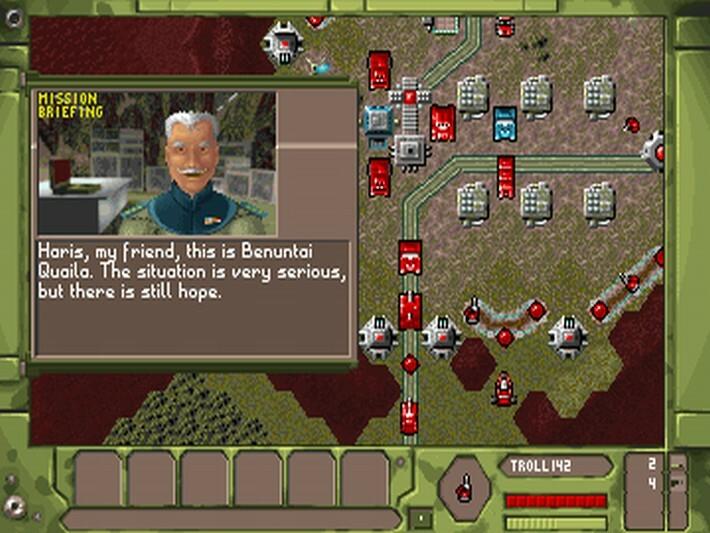
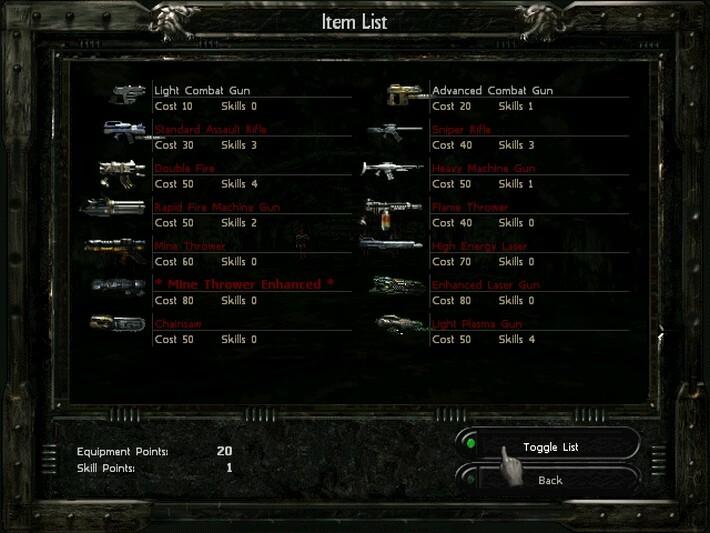
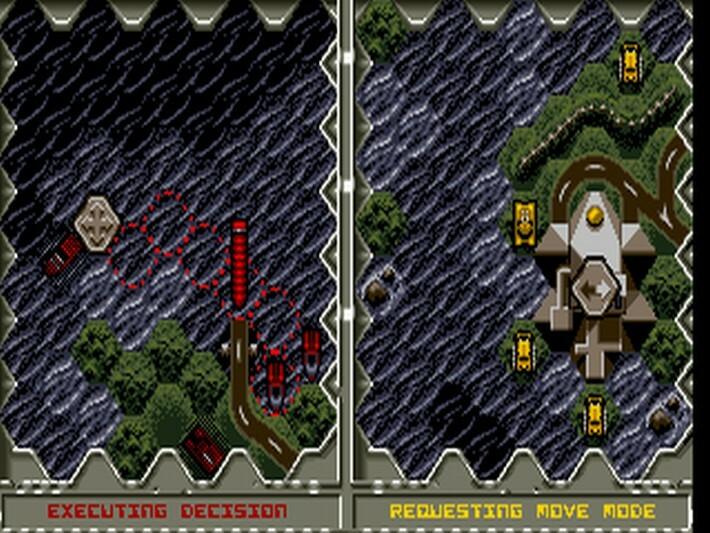
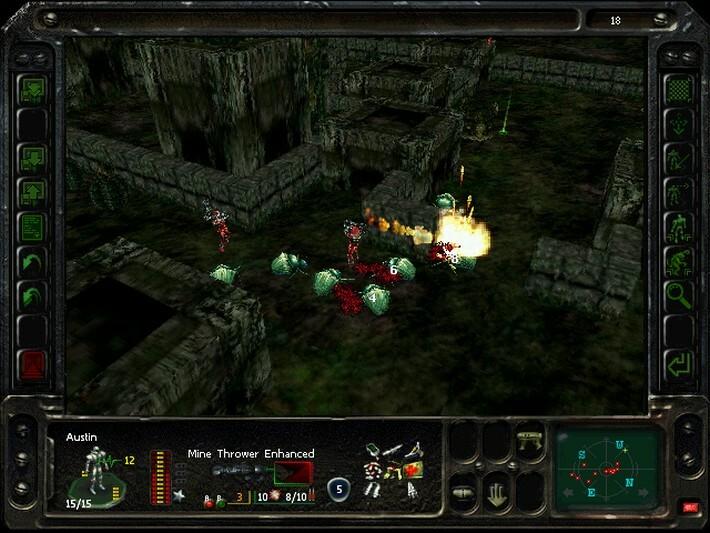
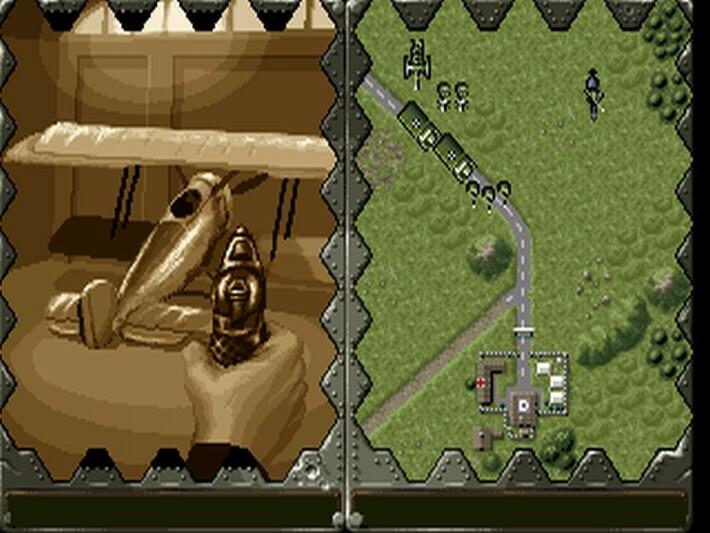
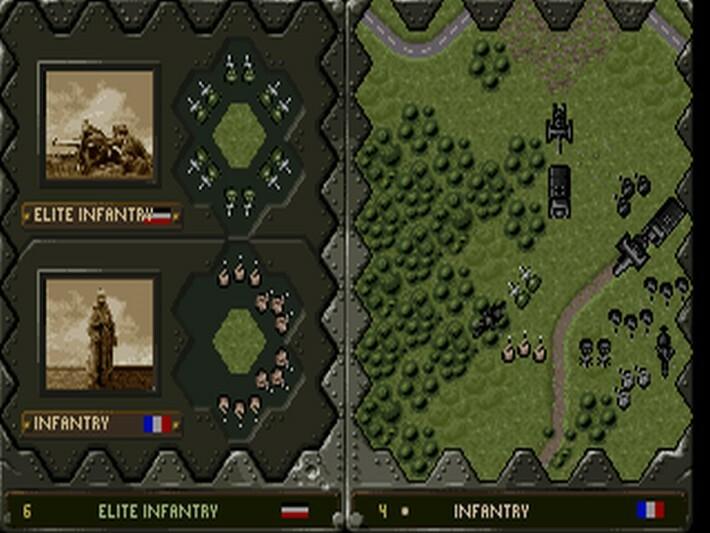
Includes: Battle Isle 1 including Data Disk 1 & Battle Isle ‘93 & Historyline: 1914-1918 Battle Isle 2 including Scenery CD “Titan’s Legacy” Battle Isle 3 along with extensive video sequences Incubation and The Wilderness Mission Battle Isle Platinium is pure strategy combined with a compelling backstory. Consisting of the first four installments of the series, it offers the opportunity to play and experience a huge chunk of Battle Isle history, from the very beginnings on up to the events on Scayra, the colonial planet of Chromos – a planet so distant and yet so similar to Earth. The history of the Kais and the Drulls is one comprised of only a few Chromian centuries, but centuries with one war following the other, with destruction and upheaval determining the development of Chromian society. Features Six great turn-based games in the same sci-fi universe, offering weeks of challenging gameplay! Units gain experience as you progress through the game, adding a new layer of strategic decisions. This pack includes Incubation, which takes the war from strategic to tactical level, adding more variety to the game experience.

Battle Isle Platinum (includes Incubation) screenshotBattle Isle Platinum (includes Incubation) screenshotBattle Isle Platinum (includes Incubation) screenshotBattle Isle Platinum (includes Incubation) screenshotBattle Isle Platinum (includes Incubation) screenshotBattle Isle Platinum (includes Incubation) screenshot

How to redeem

  1. 1Check your GOG.com account and the listed region before purchasing.
  2. 2Find your code and supplier activation instructions in your confirmed order.
  3. 3Open the redeem-code section on GOG.com, enter the code and follow the platform’s prompts.

Supplier instructions

Please create an account or login on https://www.gog.com Go to https://www.gog.com/redeem Enter the code and then press "CONTINUE" After a short amount of time you will see the details about the product, please press "CONTINUE" again. Download and install the GOG.com downloader Login to the software and get back to the product page Go to https://www.gog.com/account and look for the "Games" tab. Press the box of the product you want to download. Activate the GOG.com Download Mode on the right side of product menu. Choose the installation package from the list and save it with the GOG Downloader.

You might also like