Get 10% back in Relic Coins on every order
Prison Architect - Going Green DLC cover

SteamGlobal· DLC

Prison Architect - Going Green DLC

€4.83

+€0.48 cashback eligibility in Relic Coins

Check before you play

Platform
Steam
Region
Global
Product type
DLC

Check the required base game and edition before purchasing this add-on.

Developer
Double Eleven, Introversion Software
Publisher
Paradox Interactive
Supplier release date
2021-01-28
Genres
Strategy, Simulation, Indie

About this product

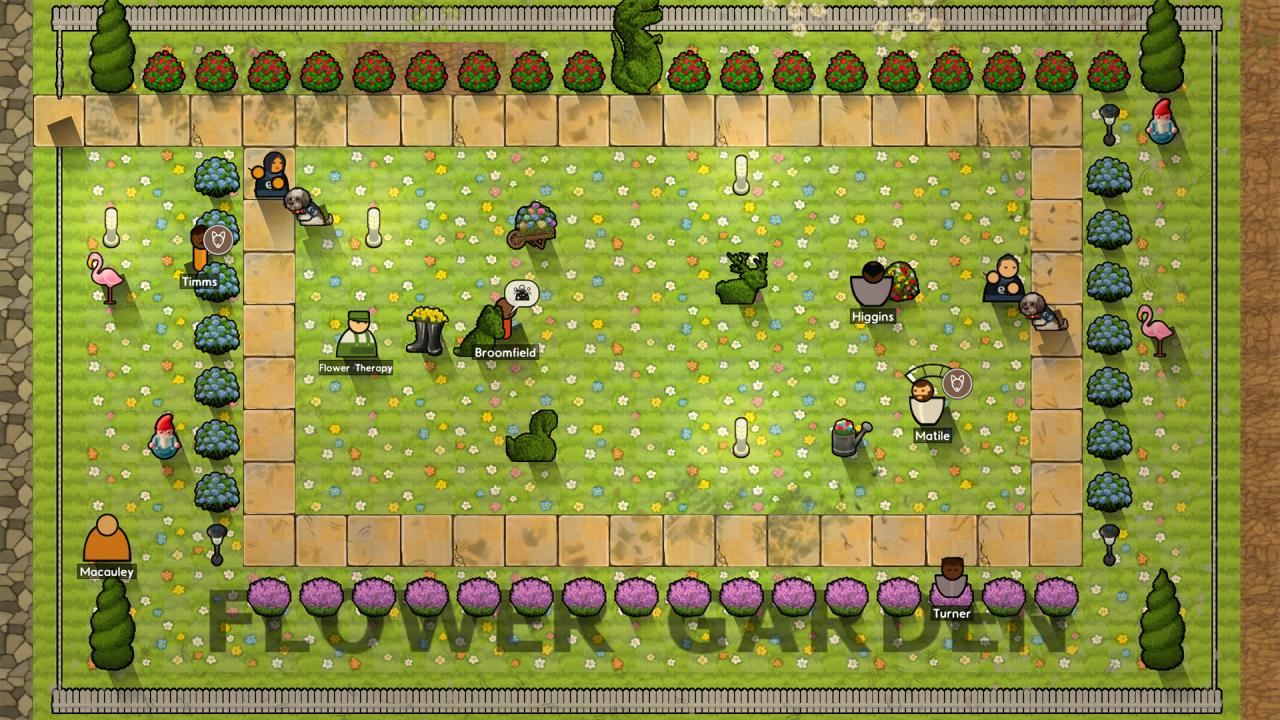
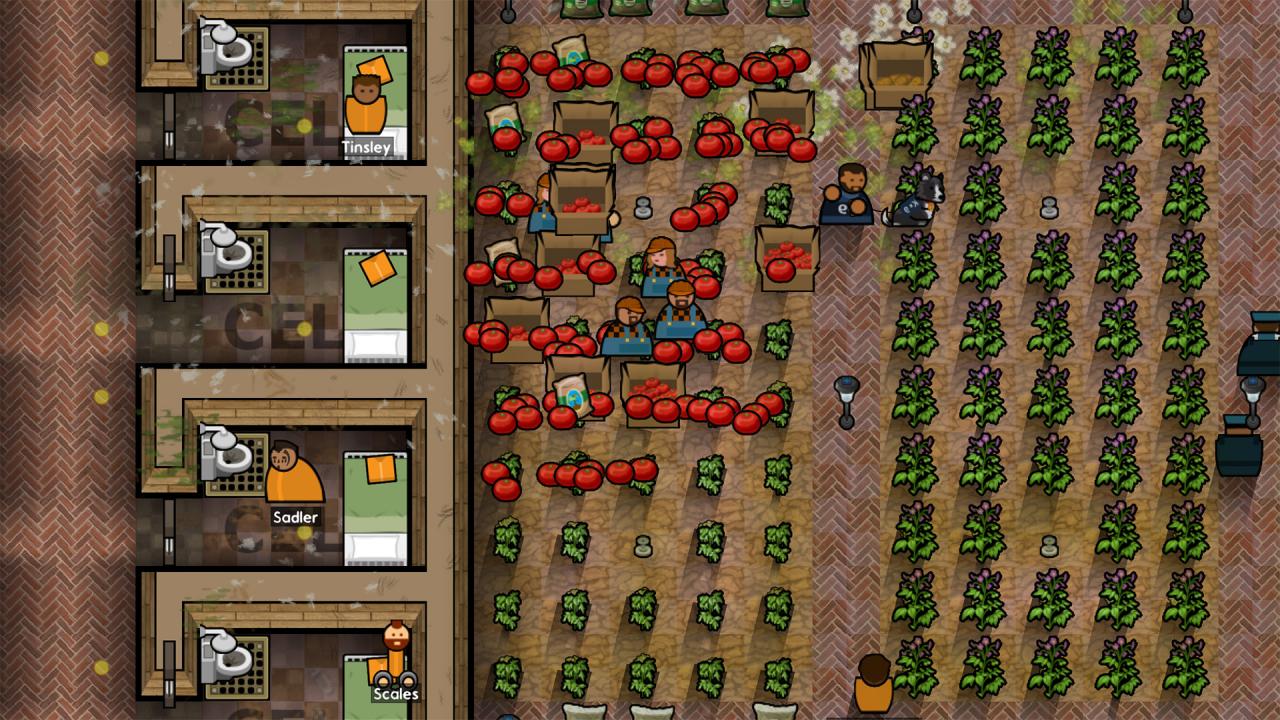
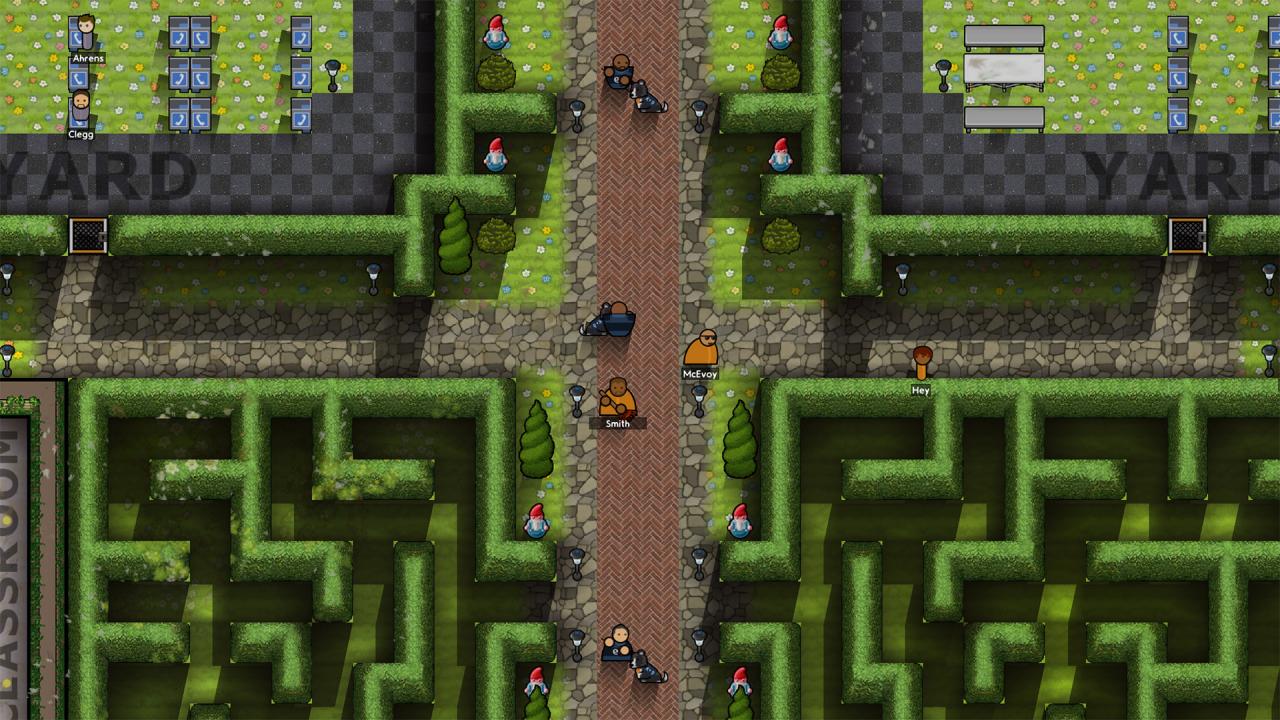
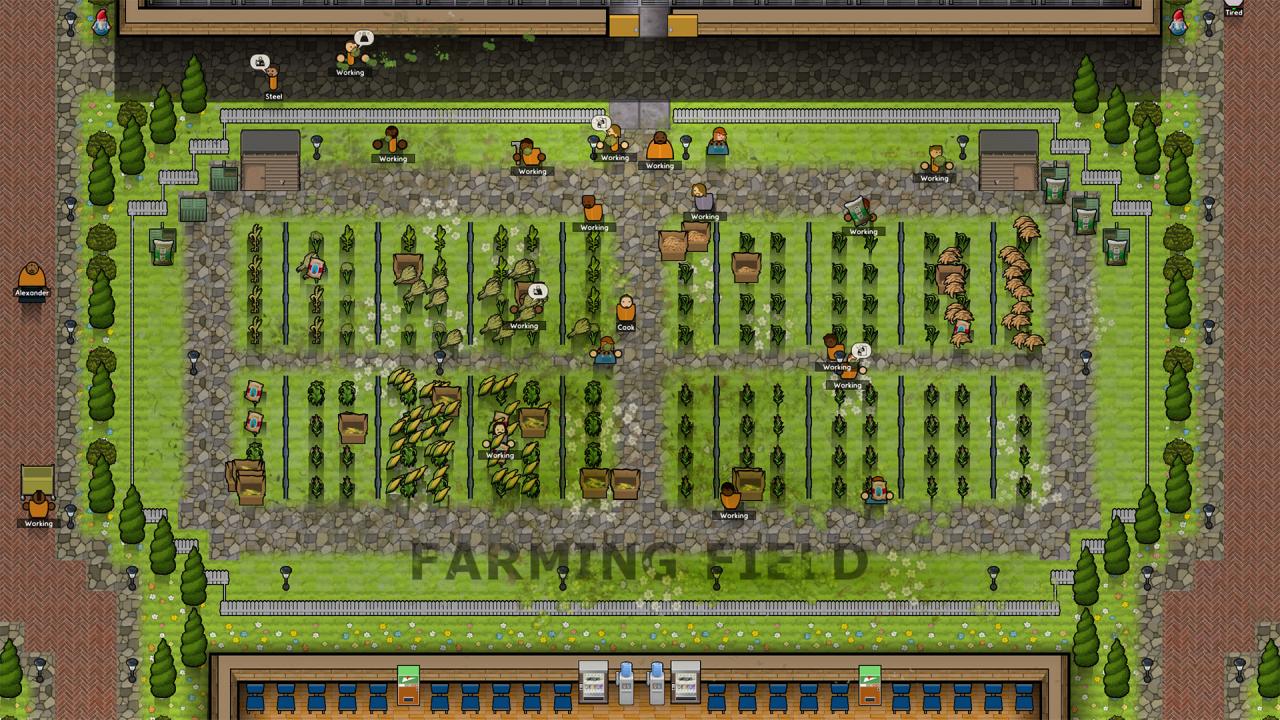
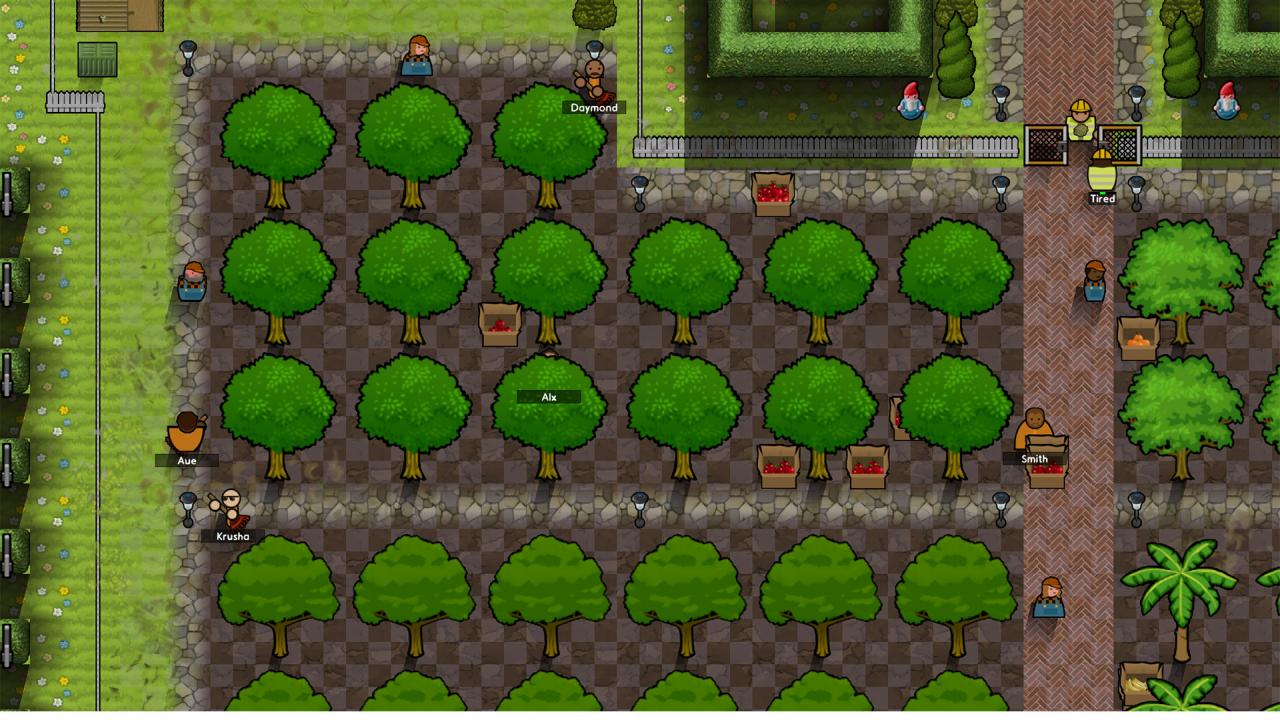
Prepare to get your hands dirty Wardens! Prison Architect: Going Green brings agriculture to your compound, introducing farming, produce exports, and a whole bunch of contraband. Features Fruits of Labor:Farming introduces a new type of Prison Labor, allowing prisons to grow potatoes, wheat, apples, and more. Produce can be exported or used as ingredients for inmate meals. Room to Grow:Three outdoor rooms facilitate farming: Fruit Orchard, Farm Field and Vegetable Allotment. But that’s not all, players can recruit staff Farm Workers, build a Pantry to store produce, and construct a Shed to house farming-related items. Best Buds:Inmates who enjoy nature’s beauty can grow flowers and other plants recreationally. Gardening affects inmates and gives them a positive recreation activity. Trouble is Brewing:With new crops comes new contraband. Prisoners can now secretly grow herbs in the fields and swipe kitchen ingredients to brew Booze. Fields can also become Gang Turf, so keep your guards on alert! A Greener New Deal:Prisons get an eco-friendly makeover with Solar, Wind, and Solar/Wind Hybrid power sources. Excess power created by these sustainable methods can be sold back to the grid using the Power Export Meter.

Prison Architect - Going Green DLC screenshotPrison Architect - Going Green DLC screenshotPrison Architect - Going Green DLC screenshotPrison Architect - Going Green DLC screenshotPrison Architect - Going Green DLC screenshotPrison Architect - Going Green DLC screenshot

How to redeem

  1. 1Check the required base game, platform and edition before purchasing.
  2. 2Find the code or supplier activation instructions in your confirmed order.
  3. 3Redeem on Steam using the supplied instructions, then install the add-on with the compatible base game.

Supplier instructions

Go to: http://store.steampowered.com/ and download STEAM client Click "Install Steam" (from the upper right corner) Install and start application, login with your Account name and Password (create one if you don't have). Please follow these instructions to activate a new retail purchase on Steam: Launch Steam and log into your Steam account. Click the Games Menu. Choose Activate a Product on Steam... Follow the onscreen instructions to complete the process. After successful code verification go to the "MY GAMES" tab and start downloading.

You might also like