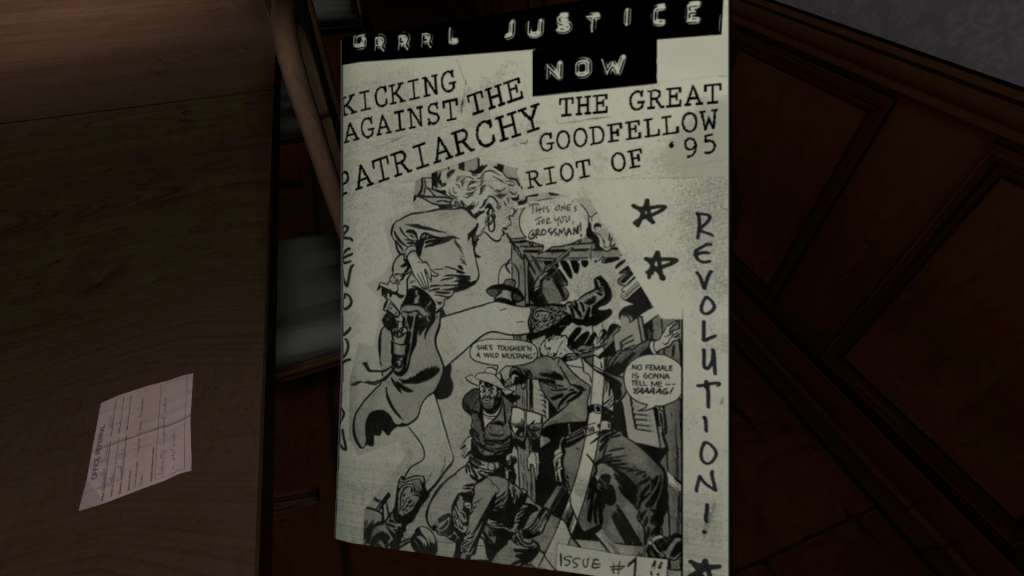
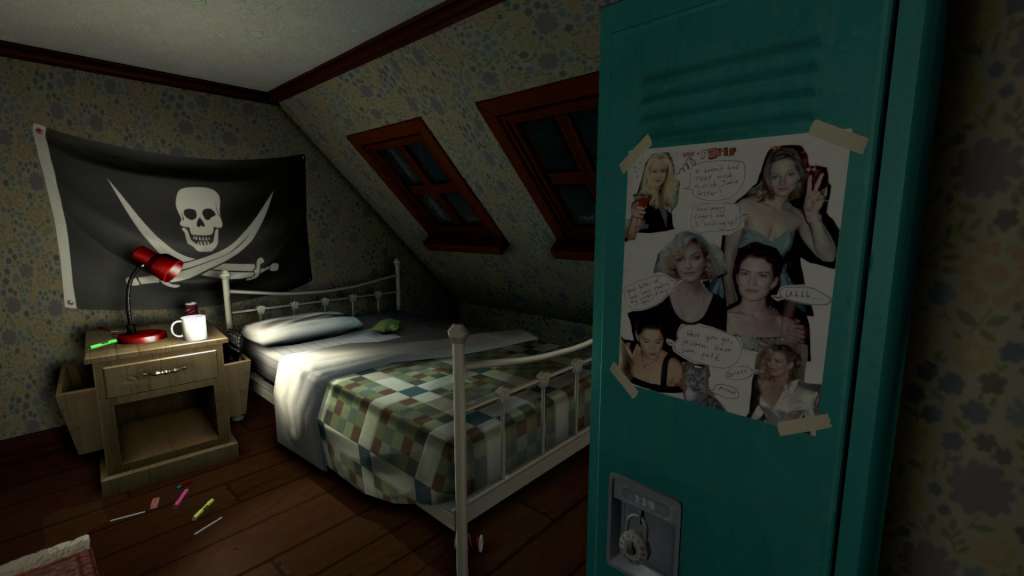
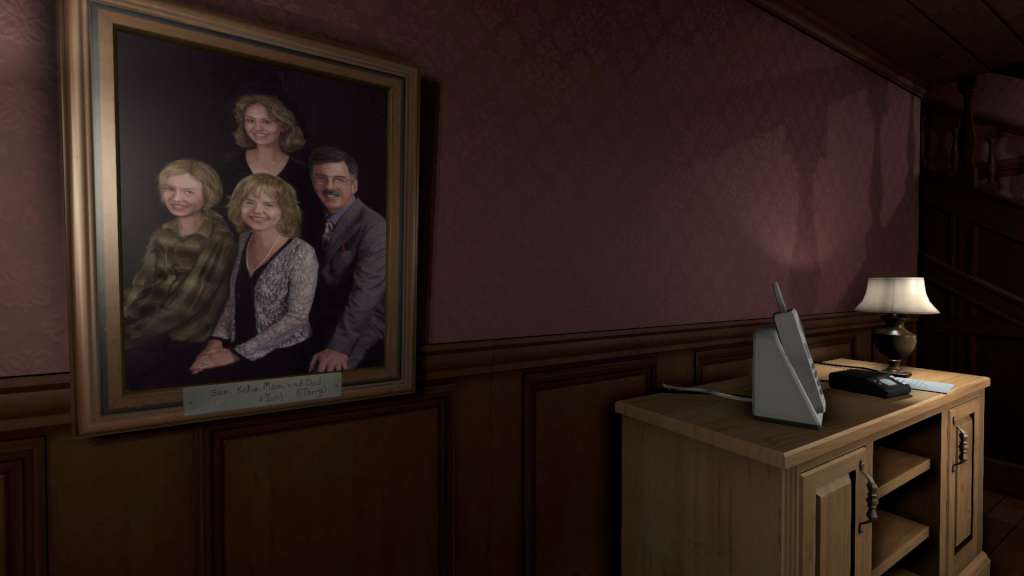
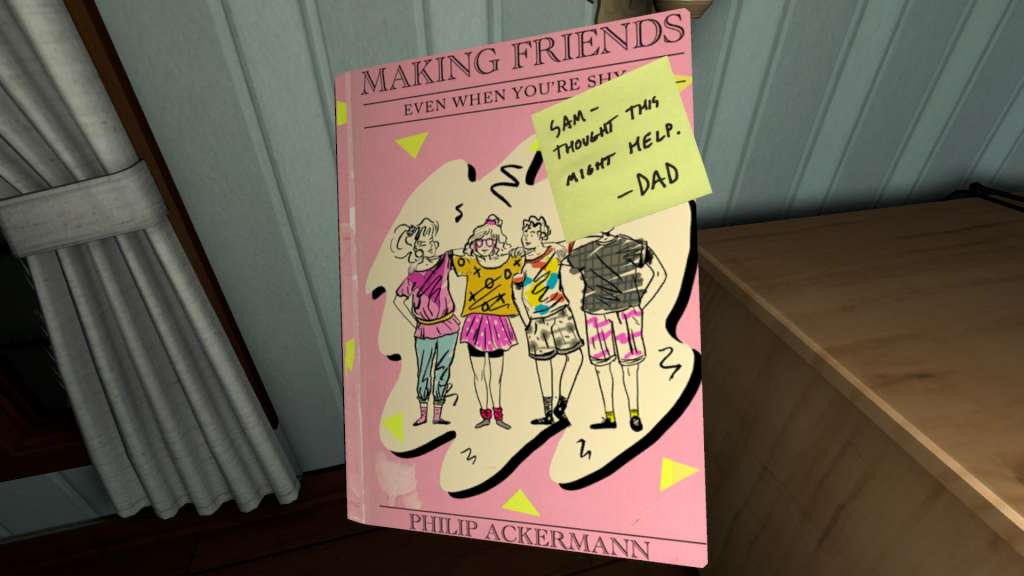
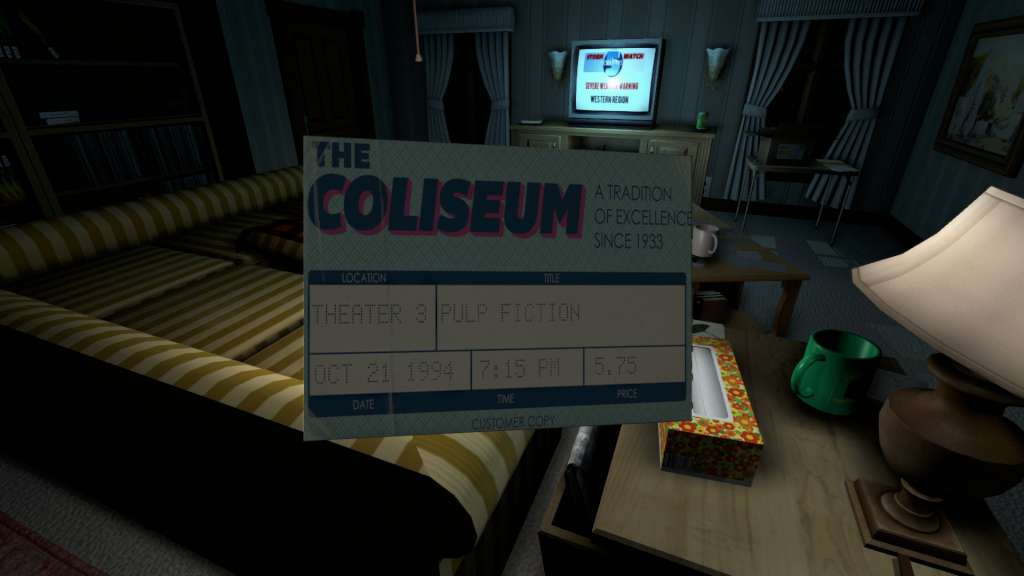
June 7th, 1995. 1:15 AM You arrive home after a year abroad. You expect your family to greet you, but the house is empty. Something's not right. Where is everyone? And what's happened here? Unravel the mystery for yourself in Gone Home, a story exploration game from The Fullbright Company. Gone Home is an interactive exploration simulator. Interrogate every detail of a seemingly normal house to discover the story of the people who live there. Open any drawer and door. Pick up objects and examine them to discover clues. Uncover the events of one family's lives by investigating what they've left behind. Go Home Again. Features A Personal Story: created by veterans of the BioShock series and the writer behind Minerva's Den, Gone Home offers the rich, nuanced details of one family's struggles to deal with uncertainty, heartache, and change. An Immersive Place: return to the 1990s by visiting a home where every detail has been carefully recreated, and the sounds of a rainstorm outside wrap you in the experience. No Combat, No Puzzles: Gone Home is a nonviolent and puzzle-free experience, inviting you to play at your own pace without getting attacked, stuck, or frustrated. This house wants you to explore it. Fully Interactive Investigation: discover what's happened to the Greenbriars by examining a house full of the family's personal possessions, and the notes and letters they've left behind. Use your powers of observation to piece together a story that unfolds as you explore.