Get 10% back in Relic Coins on every order
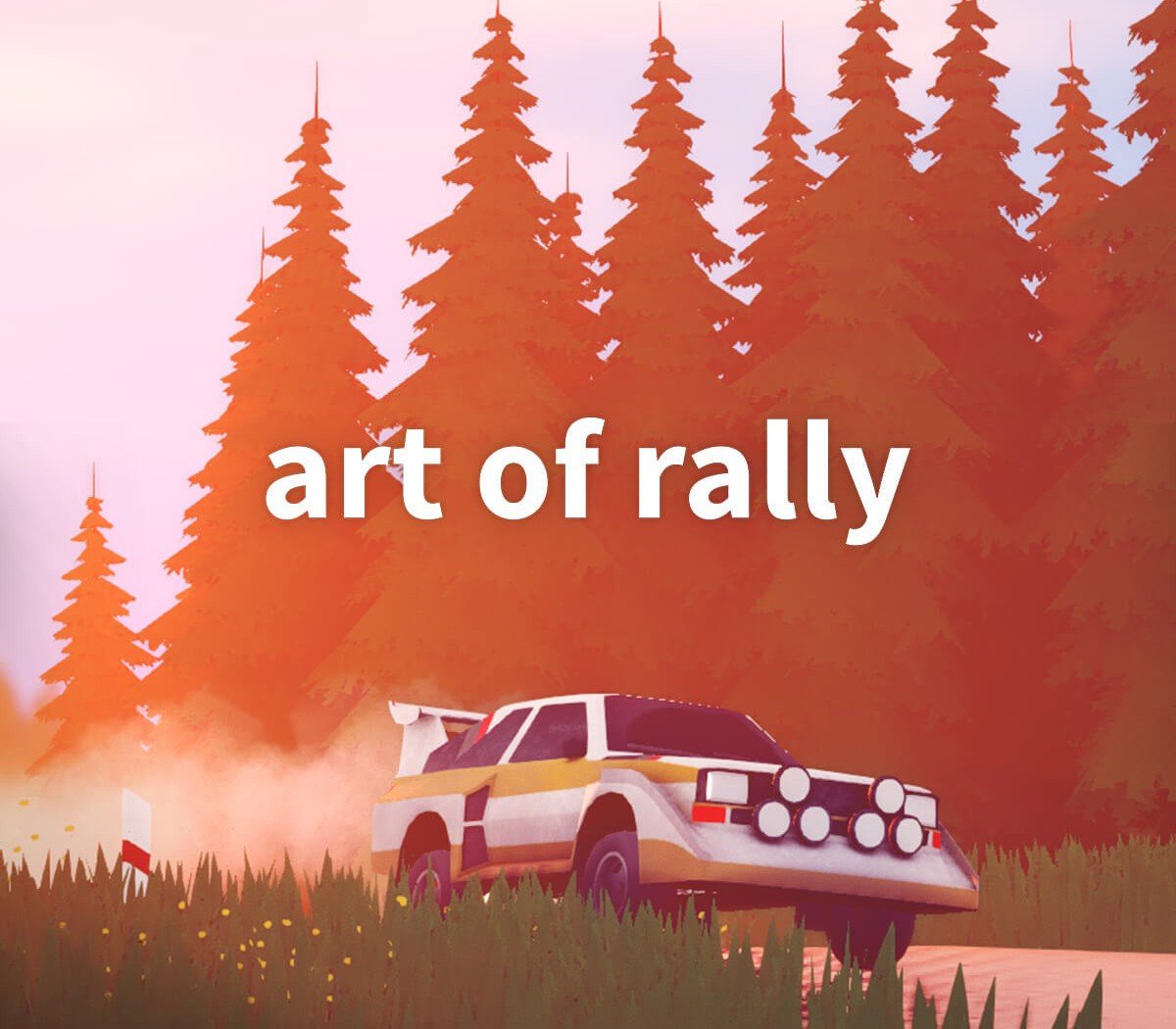
Art of Rally cover

Steam Rest Of The World (Row) - Custom· Key

Art of Rally

€3.52

+€0.35 cashback eligibility in Relic Coins

Check before you play

Platform
Steam
Region
Rest Of The World (Row) - Custom
Product type
Key
Developer
Funselektor Labs
Publisher
Funselektor Labs
Supplier release date
2020-09-23
Genres
Action, Racing, Sport, Simulation, Indie

About this product

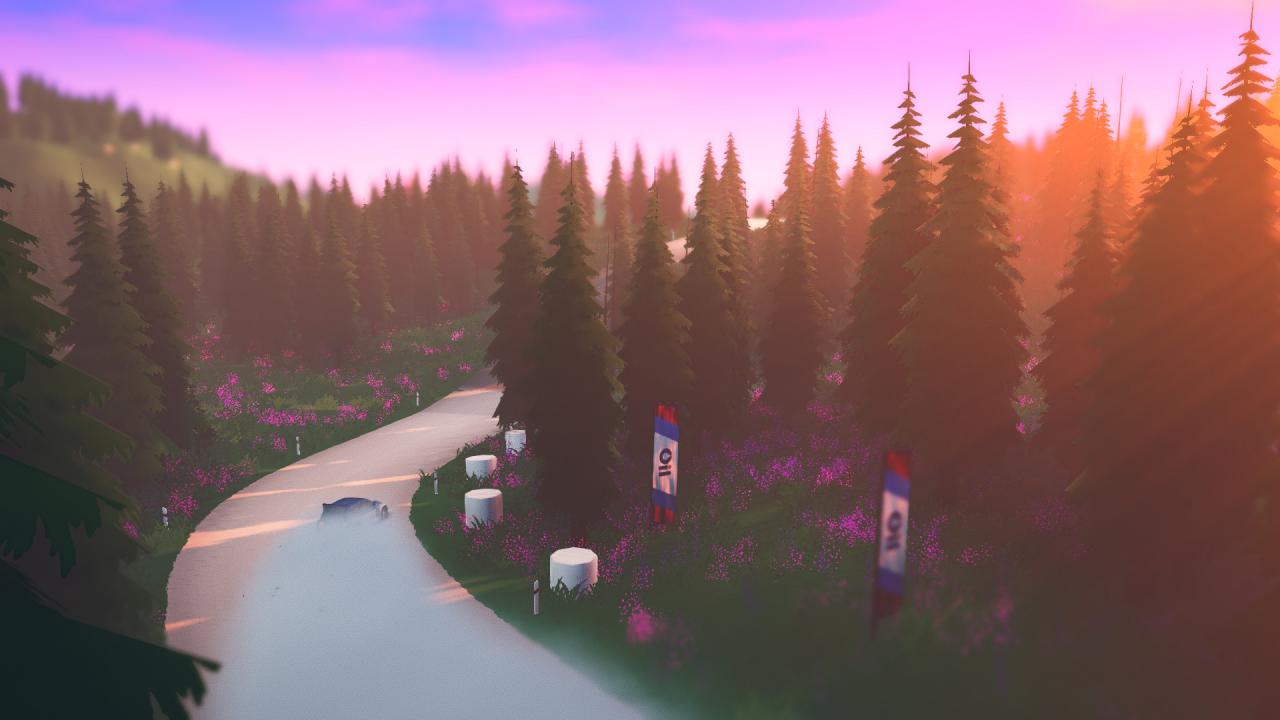
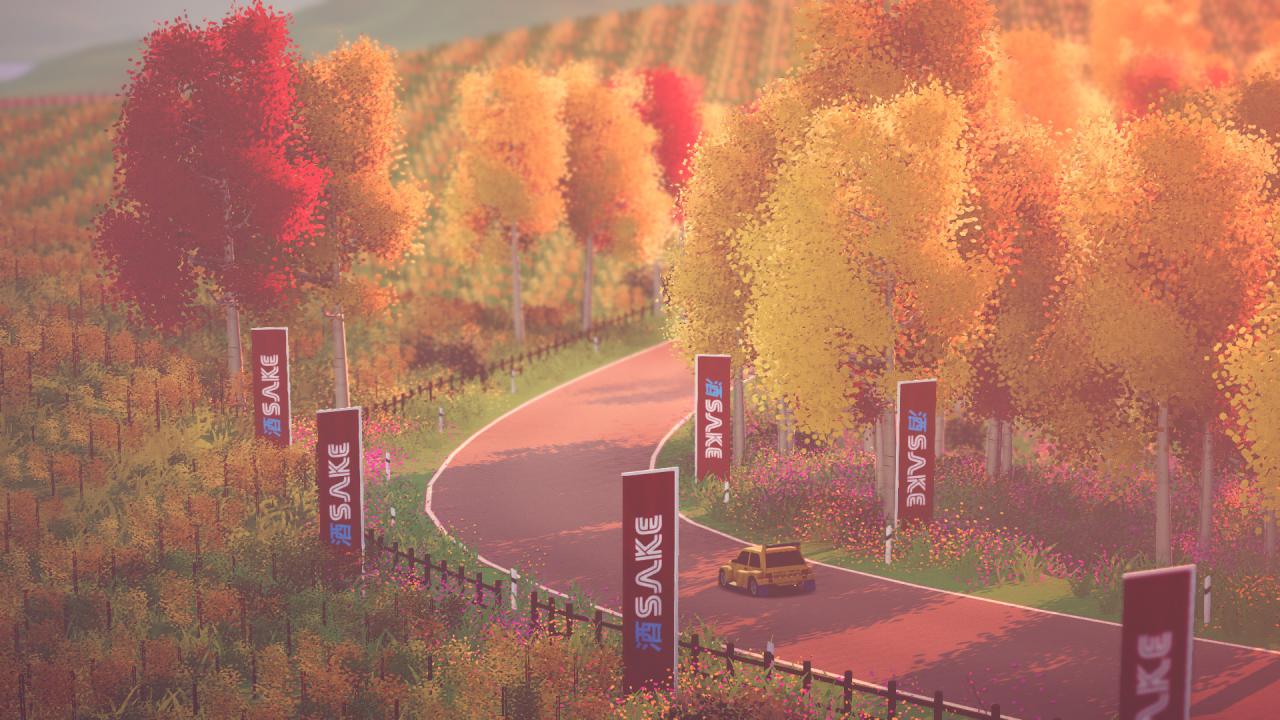
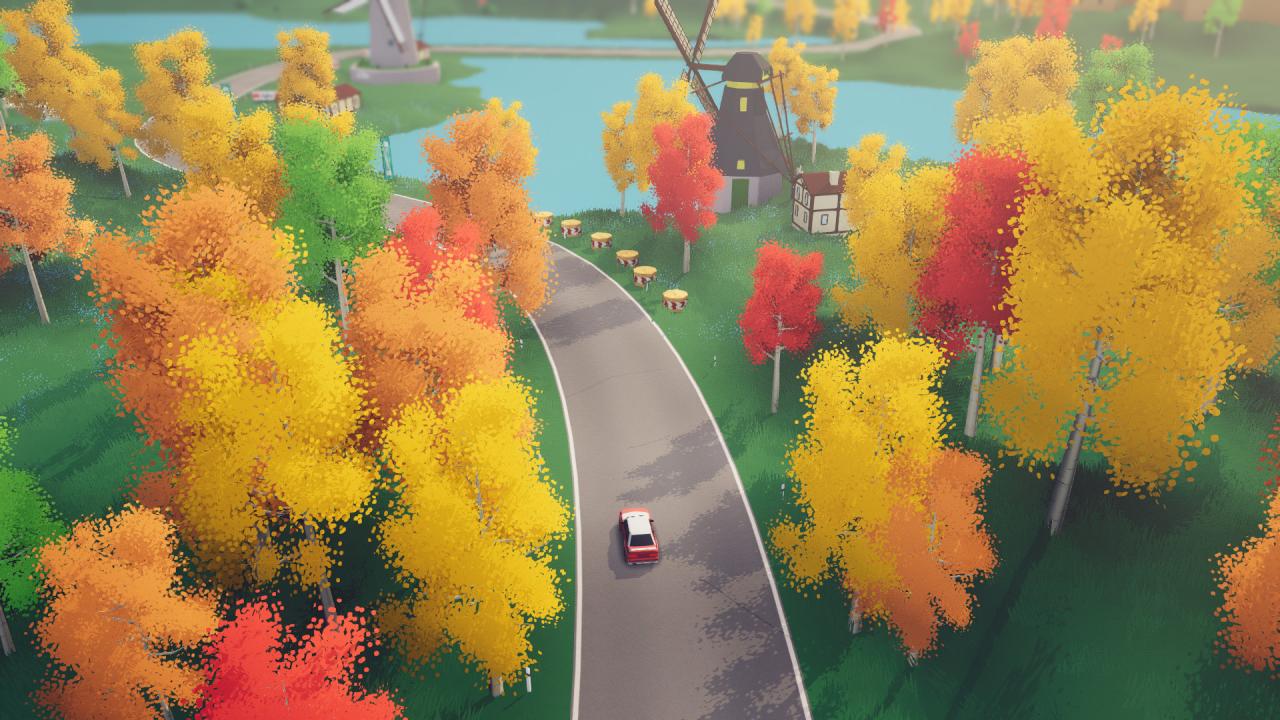
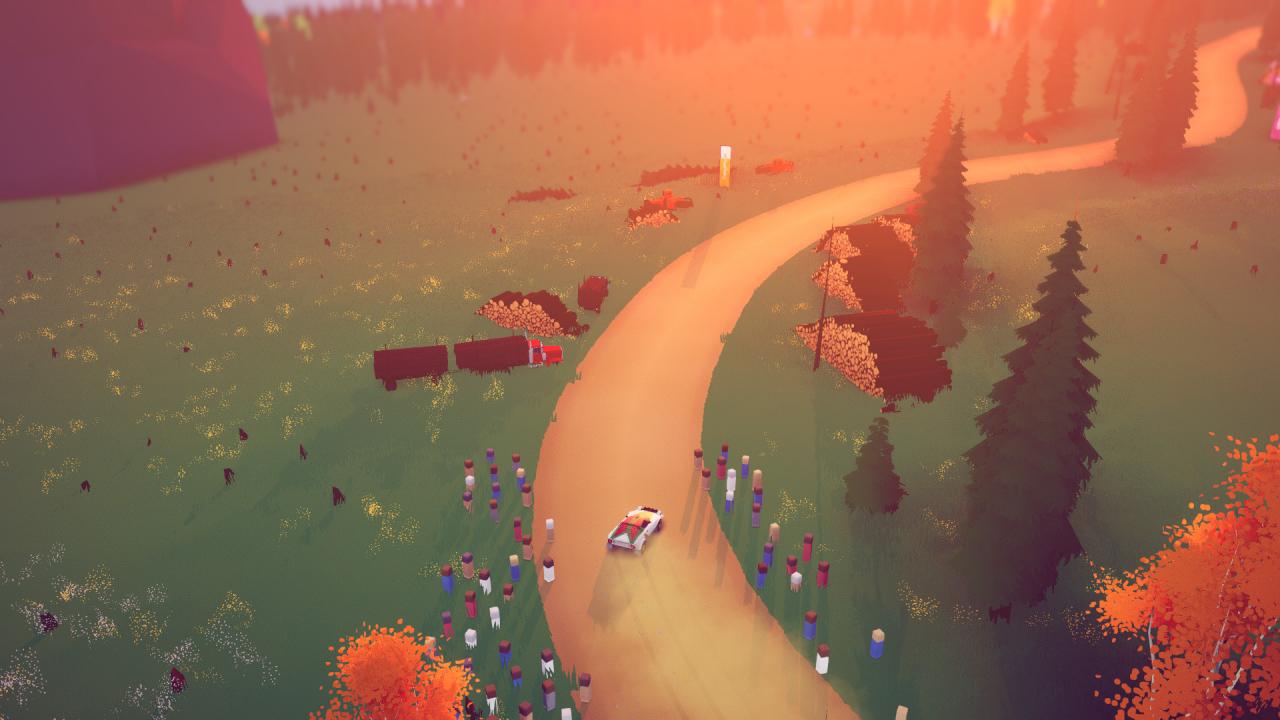
"To do something dangerous with style is art..." art of rally is a stylized experience inspired by the golden era of rally from the creator of Absolute DriftRace across the world through colorful and stylized environments in top-down view.Compete for first place in the leaderboards with daily and weekly challenges.Will you master the art of rally? Features The golden years of rallyExperience the golden era of rally in Career mode, travelling across 60 stages from Finland to Sardinia, Norway, Japan and Germany. 50+ iconic rally carsGet behind the wheel of your favorite vintage cars, ranging from the 60’s to the 80’s, Group B, Group S and Group A. Authentic handlingFrom beginner-friendly options to driving modes that’ll challenge the most expert drivers, all players can tackle the races using their favorite rally driving tricks: Scandinavian flick, counter steering, left foot braking, handbrake turns. Race to the topGet your name out at the top of the Leaderboard in our daily and weekly challenges. Photo modeShow off your driving skills, or simply your favourite landscapes, with the integrated Photo and Replay mode.

Art of Rally screenshotArt of Rally screenshotArt of Rally screenshotArt of Rally screenshotArt of Rally screenshotArt of Rally screenshot

How to redeem

  1. 1Check your Steam account and the listed region before purchasing.
  2. 2Find your code and supplier activation instructions in your confirmed order.
  3. 3Open the redeem-code section on Steam, enter the code and follow the platform’s prompts.

Supplier instructions

Go to: http://store.steampowered.com/ and download STEAM client Click "Install Steam" (from the upper right corner) Install and start application, login with your Account name and Password (create one if you don't have). Please follow these instructions to activate a new retail purchase on Steam: Launch Steam and log into your Steam account. Click the Games Menu. Choose Activate a Product on Steam... Follow the onscreen instructions to complete the process. After successful code verification go to the "MY GAMES" tab and start downloading.

You might also like