Get 10% back in Relic Coins on every order
Battlefield V - Definitive Edition Upgrade DLC EN/FR/ES/PT Languages Only cover

EA AppGlobal· DLC

Battlefield V - Definitive Edition Upgrade DLC EN/FR/ES/PT Languages Only

€8.30

+€0.83 cashback eligibility in Relic Coins

Check before you play

Platform
EA App
Region
Global
Product type
DLC

Check the required base game and edition before purchasing this add-on.

Developer
DICE
Publisher
Electronic Arts
Supplier release date
2019-10-31
Genres
Action, FPS

About this product

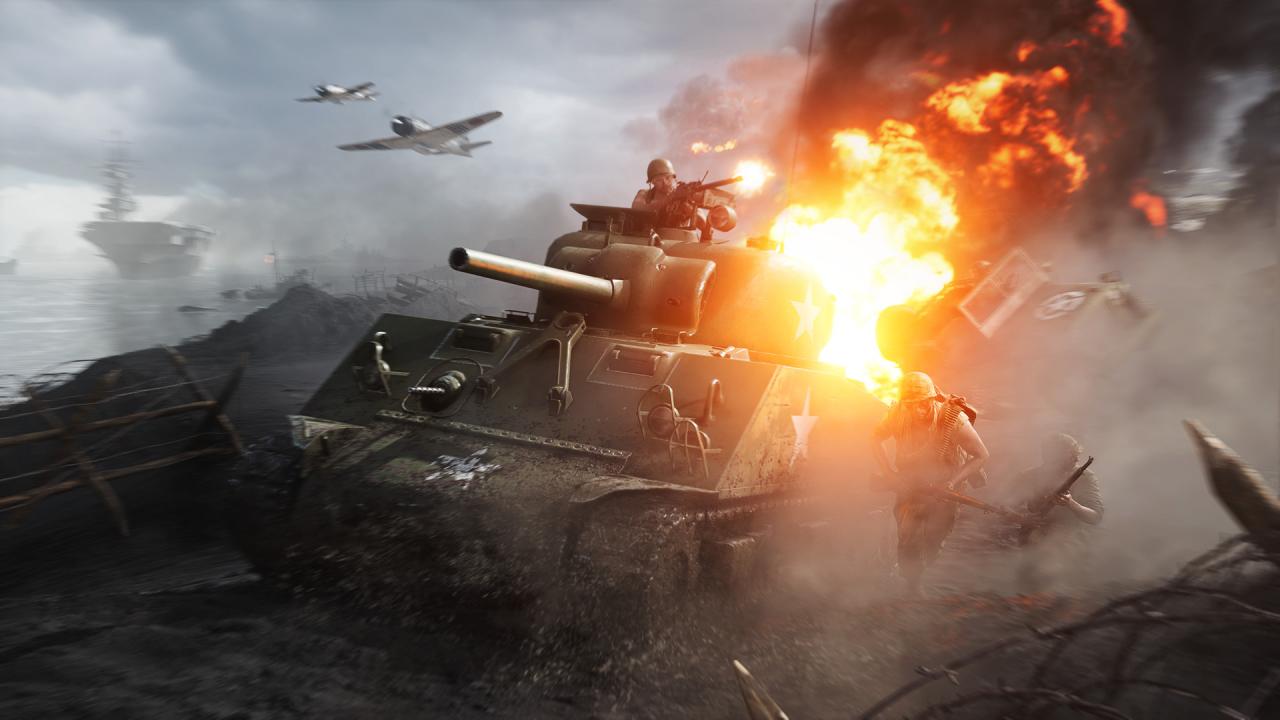
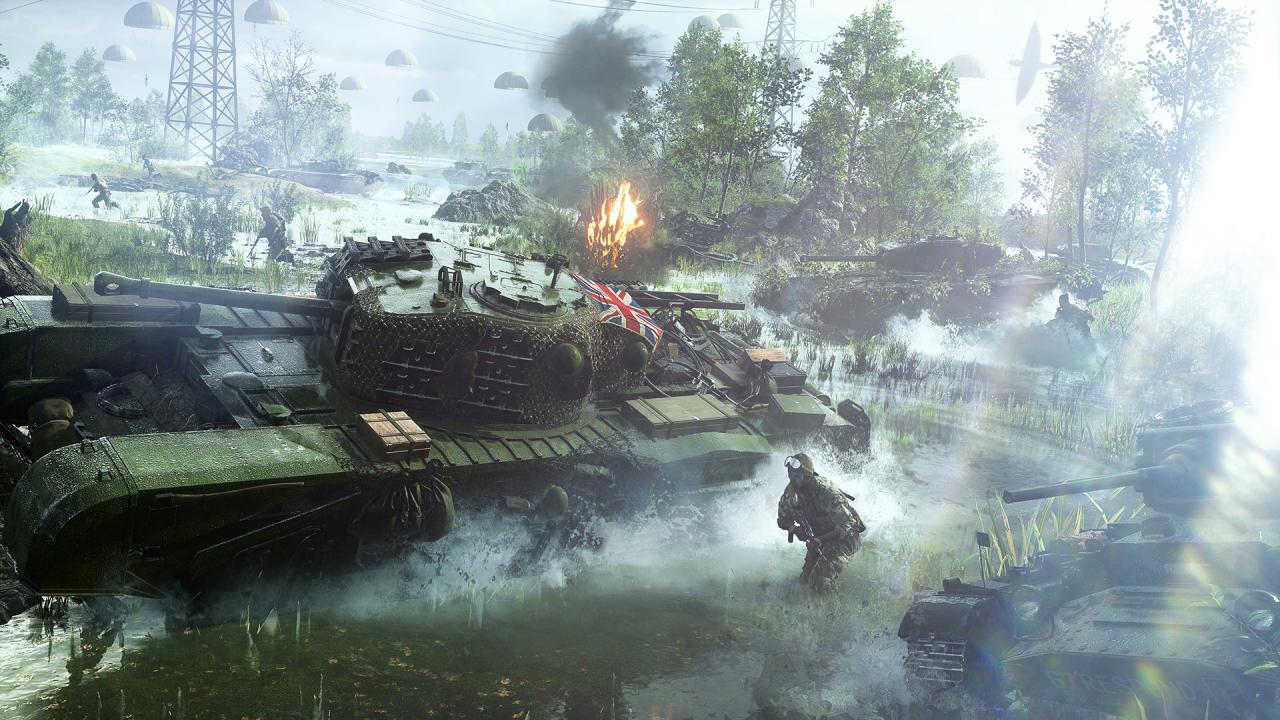
Battlefield V Definitive Edition Upgrade contains the definitive collection of content: All gameplay content (weapons, vehicles, and gadgets) from launch, Year 1, and Year 2 All Elites 84 immersive outfit variations for the British and German armies to enhance the WWII sandbox 8 soldier outfits from Year 2 2 weapon skins from Year 2, applicable to 10 and 4 weapons respectively 3 vehicle dressings 33 Chapter Reward items from Year 1 This is the ultimate Battlefield V experience. Enter mankind’s greatest conflict across land, air, and sea with all gameplay content unlocked from the get-go. Choose from the complete arsenal of weapons, vehicles, and gadgets, and immerse yourself in the hard-fought battles of World War II. Stand out on the battlefield with the complete roster of Elites and the best customization content of Year 1 and Year 2.

Battlefield V - Definitive Edition Upgrade DLC EN/FR/ES/PT Languages Only screenshotBattlefield V - Definitive Edition Upgrade DLC EN/FR/ES/PT Languages Only screenshotBattlefield V - Definitive Edition Upgrade DLC EN/FR/ES/PT Languages Only screenshotBattlefield V - Definitive Edition Upgrade DLC EN/FR/ES/PT Languages Only screenshotBattlefield V - Definitive Edition Upgrade DLC EN/FR/ES/PT Languages Only screenshotBattlefield V - Definitive Edition Upgrade DLC EN/FR/ES/PT Languages Only screenshot

How to redeem

  1. 1Check the required base game, platform and edition before purchasing.
  2. 2Find the code or supplier activation instructions in your confirmed order.
  3. 3Redeem on EA App using the supplied instructions, then install the add-on with the compatible base game.

Supplier instructions

Go to: http://www.origin.com/us/about Click "Download Origin" (from the upper left corner) Login into downloaded application Install and start application, login with your Account name and Password (create one here: http://store.origin.com/ if you don't have). Redeem Product Code From the "Origin" drop-down menu (upper right corner) choose "Redeem Product Code...", enter your code and click "Next". Download your Game After successful code verification go to the "MY GAMES" tab and start downloading.

You might also like