Get 10% back in Relic Coins on every order
Iratus: Lord of the Dead - Supporter Pack DLC cover

Steam Europe - All Countries· DLC

Iratus: Lord of the Dead - Supporter Pack DLC

€5.24

+€0.52 cashback eligibility in Relic Coins

Check before you play

Platform
Steam
Region
Europe - All Countries
Product type
DLC

Check the required base game and edition before purchasing this add-on.

Developer
Unfrozen
Publisher
Daedalic Entertainment
Supplier release date
2019-07-24
Genres
Strategy, RPG, Indie

About this product

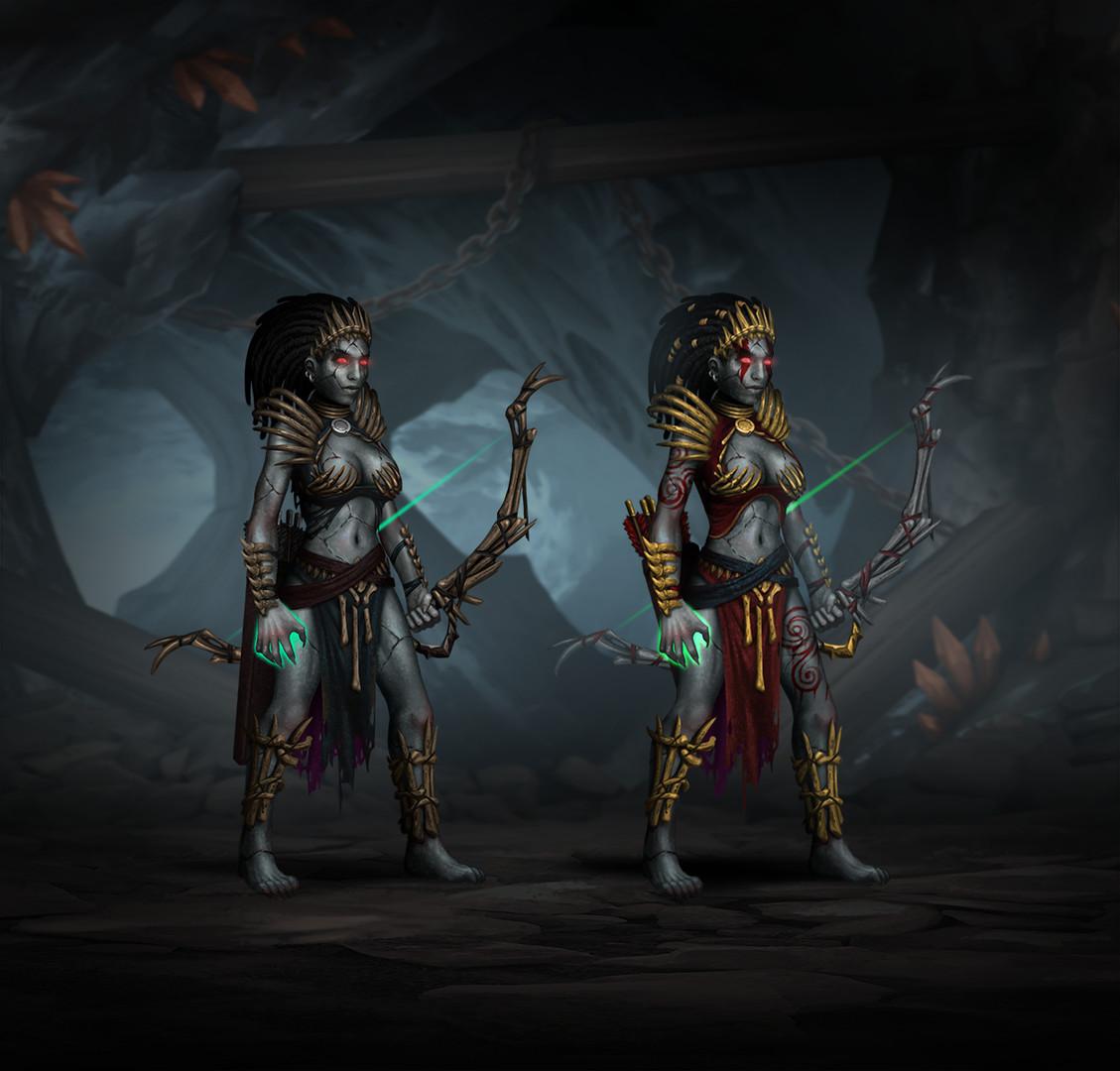
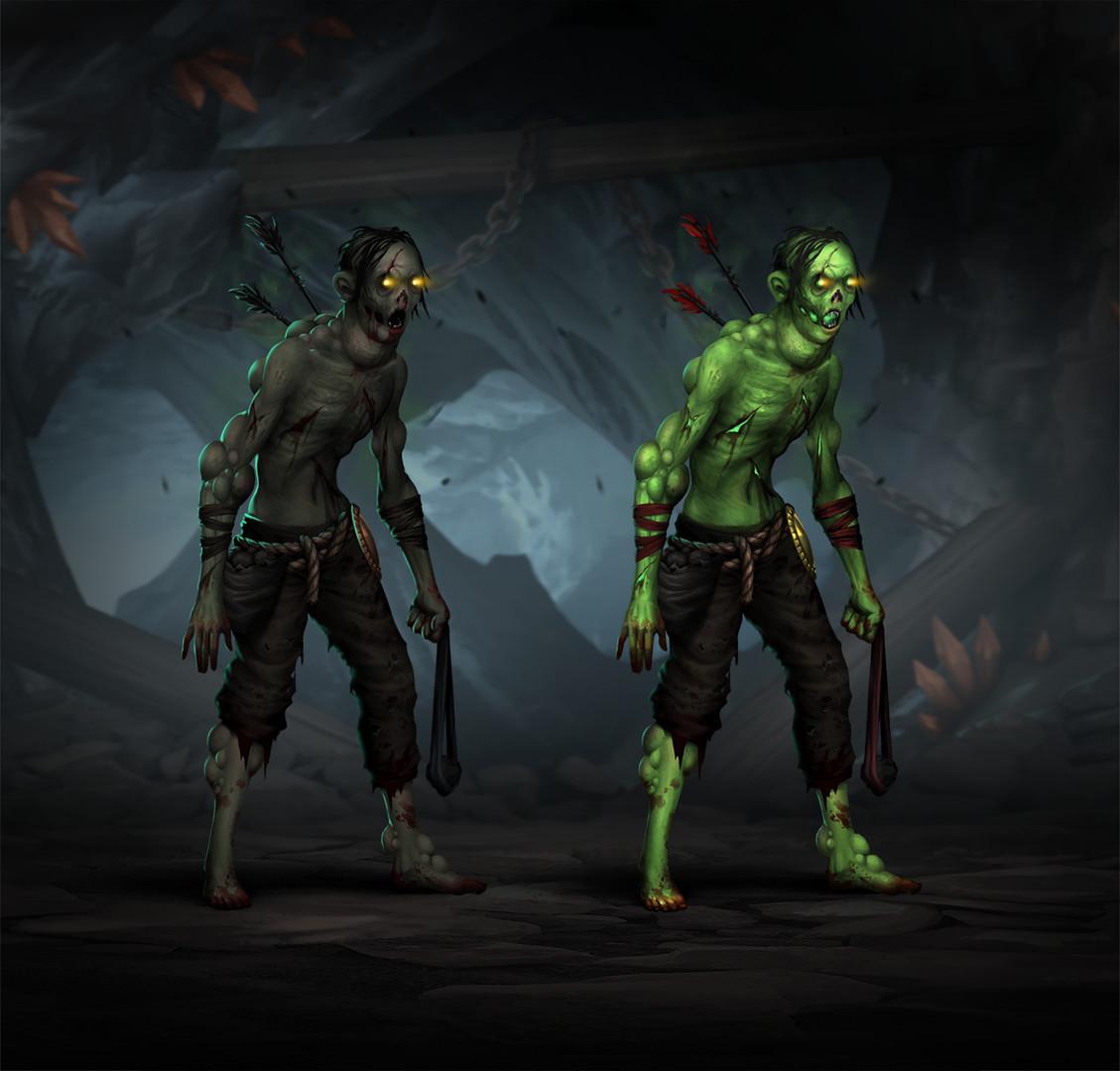
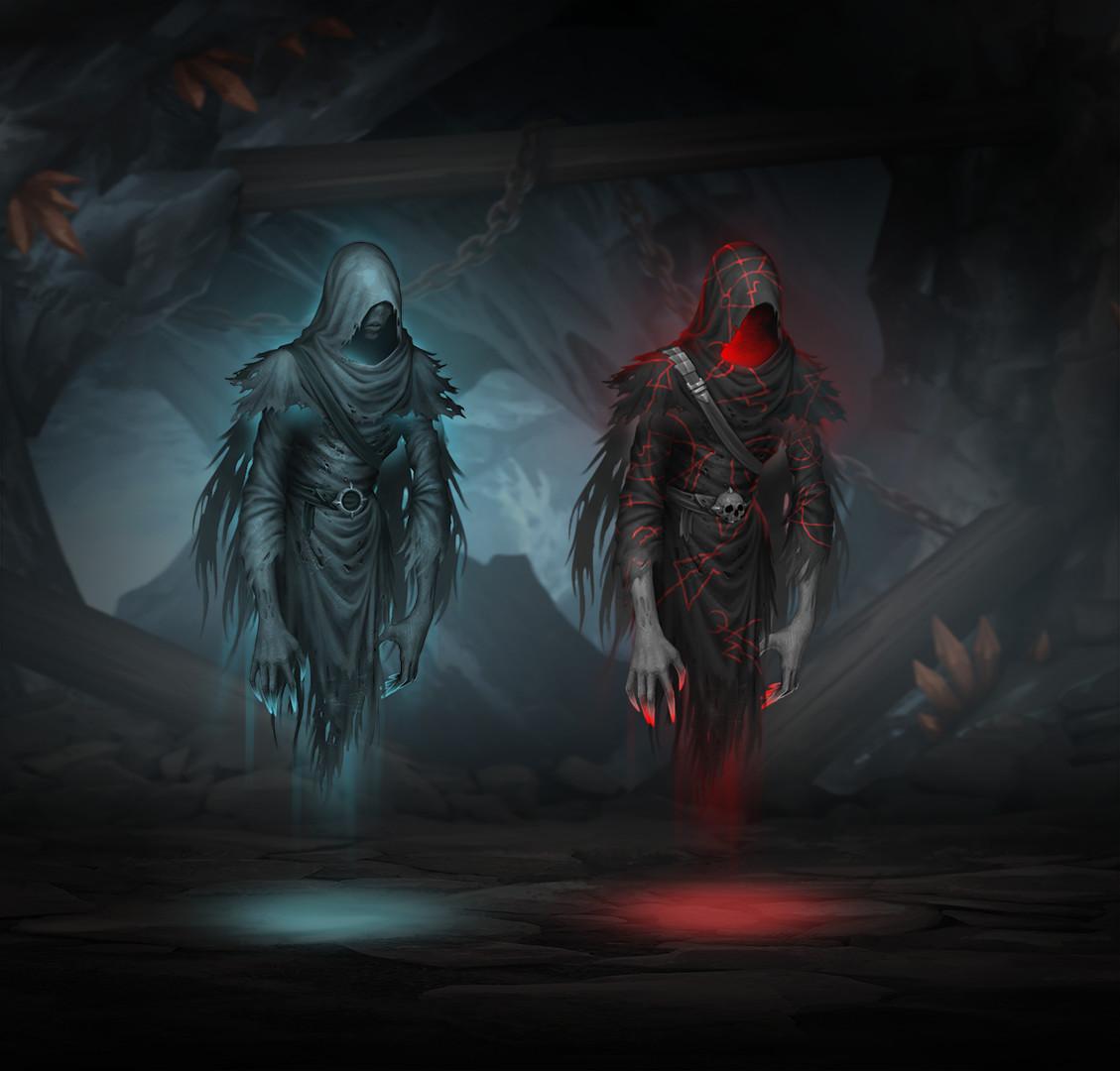
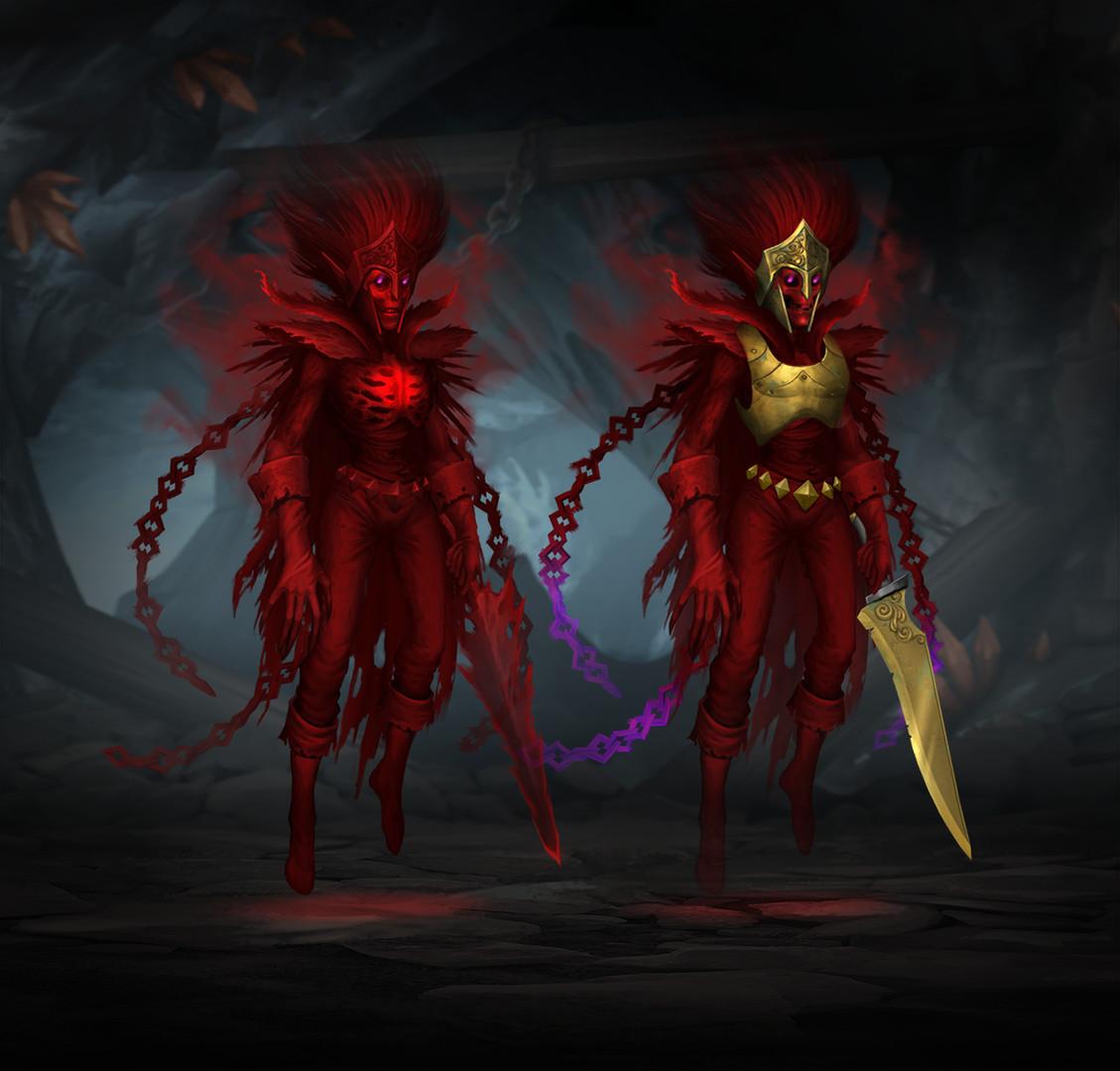
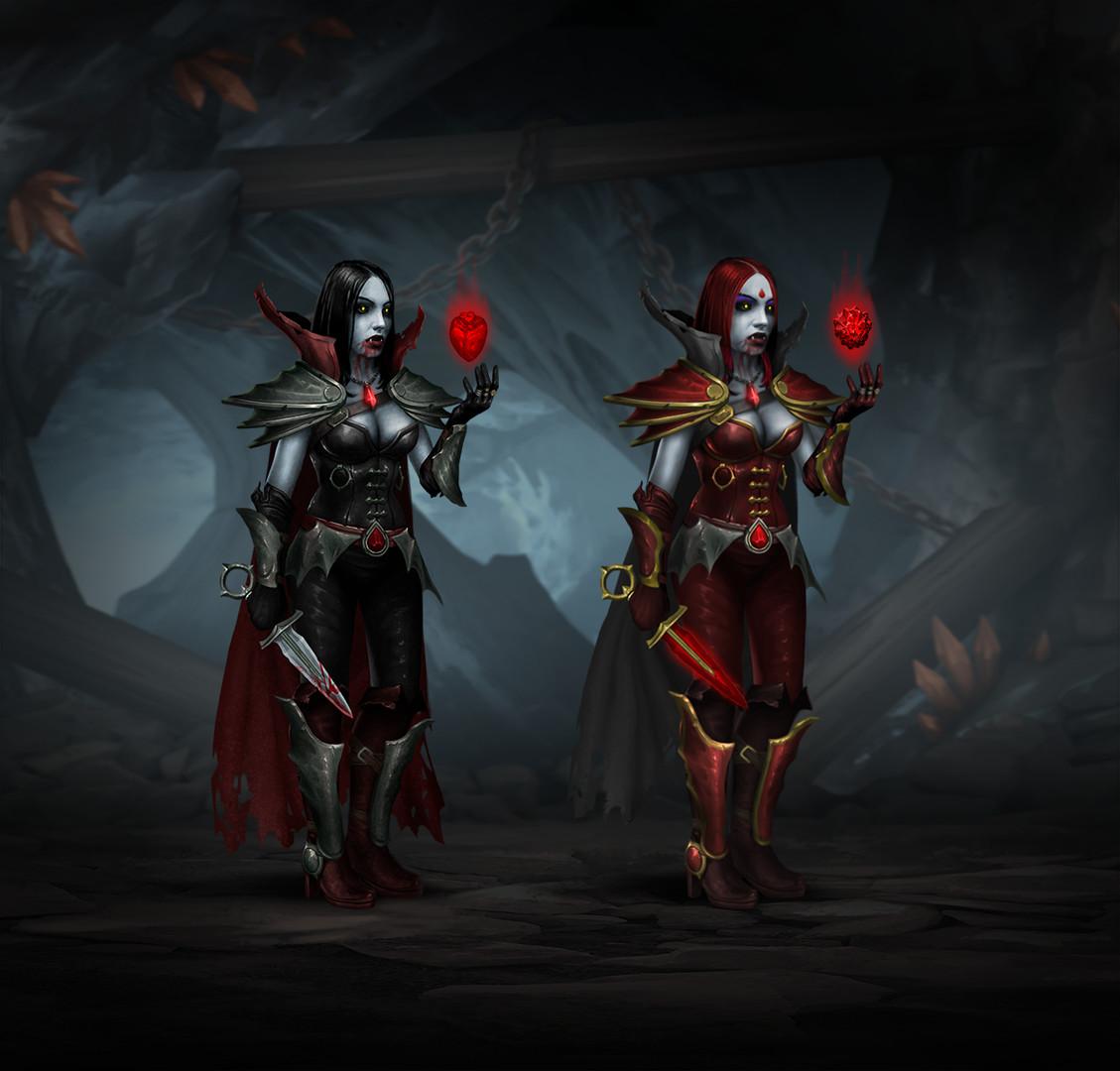
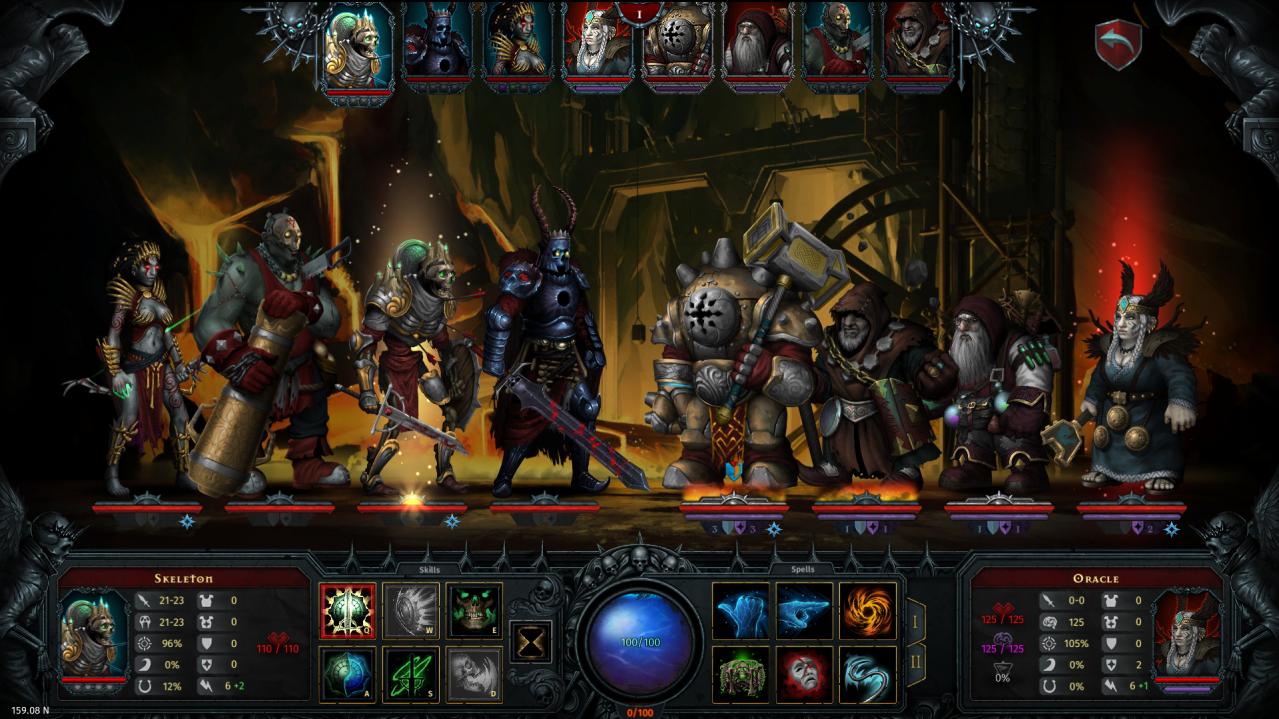
This is a collection of bonus content for those who wish to go the extra mile to support the developers of Iratus: Lord of the Dead. As the game evolves, more items will be added to the Supporter Pack during the Early Access period. What do I get as a supporter today? The entire „Iratus: Lord of the Dead“ soundtrack. Gloomy, foreboding and evocative: Feel like the vexed necromancer Iratus himself while listening to the game’s epic soundtrack! Exclusive skins for all the minions. Would you like your undead servants shiny, more putrid or extra repulsive? These skins give you more options to assemble the undead freak show of your dreams. Exclusive minion —“The Infested”. What will I get in the future? The official „Iratus: Lord of the Dead“ artbook and strategy guide. Tweak your tactics to beat even the most difficult challenges the game has to offer!

Iratus: Lord of the Dead - Supporter Pack DLC screenshotIratus: Lord of the Dead - Supporter Pack DLC screenshotIratus: Lord of the Dead - Supporter Pack DLC screenshotIratus: Lord of the Dead - Supporter Pack DLC screenshotIratus: Lord of the Dead - Supporter Pack DLC screenshotIratus: Lord of the Dead - Supporter Pack DLC screenshot

How to redeem

  1. 1Check the required base game, platform and edition before purchasing.
  2. 2Find the code or supplier activation instructions in your confirmed order.
  3. 3Redeem on Steam using the supplied instructions, then install the add-on with the compatible base game.

Supplier instructions

Go to: http://store.steampowered.com/ and download STEAM client Click "Install Steam" (from the upper right corner) Install and start application, login with your Account name and Password (create one if you don't have). Please follow these instructions to activate a new retail purchase on Steam: Launch Steam and log into your Steam account. Click the Games Menu. Choose Activate a Product on Steam... Follow the onscreen instructions to complete the process. After successful code verification go to the "MY GAMES" tab and start downloading.

You might also like